 小影邮箱
小影邮箱邮件插画怎么画?Illustrations That Fit
Key Takeaways
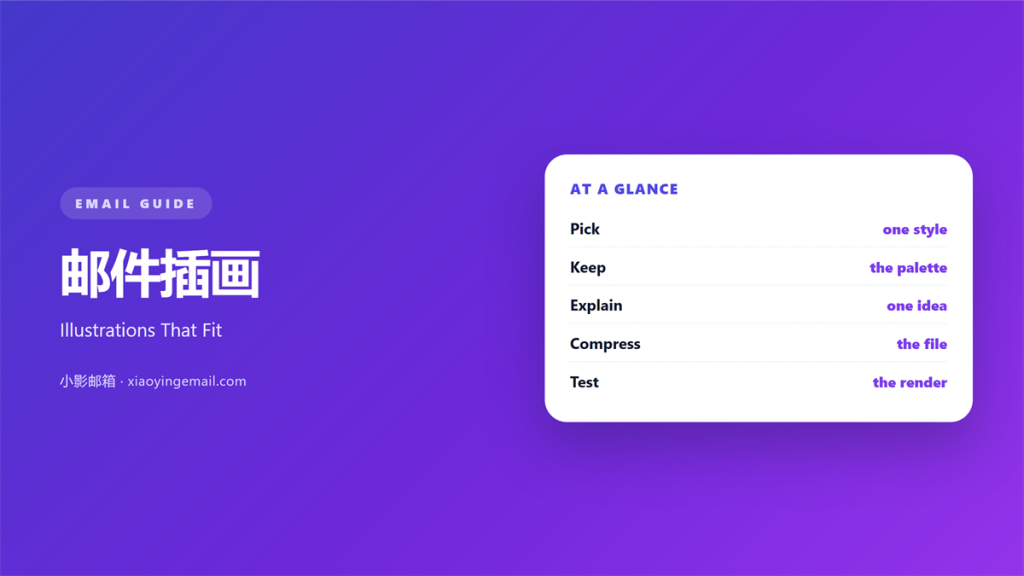
- 邮件插画 is a small drawing that explains one idea.
- One style and one palette should run through every drawing.
- A drawing earns its place only when it adds meaning.
- Keep each file small enough to load on a slow phone.
- Test the drawing at the width it will appear.
What 邮件插画 means
邮件插画 is a drawn image that supports the words.
It is not a photo and not a chart.
It is a simple picture with a clear job.
Most drawings use flat shapes, thin lines, and few colours.
The style is deliberate and easy to repeat.
A drawing can show a step, a mood, or a link.
It can replace a long sentence with one glance.
What it shows must match what the text says.
A drawing that repeats the sentence wastes space.
A drawing that argues with the sentence confuses the reader.
Most drawings sit beside the text, not behind it.
So write the sentence first, then draw the picture.
Why 邮件插画 matters
Words alone can feel like a wall on a phone.
A drawing gives the eye a place to rest.
It also sets a tone faster than a paragraph can.
A friendly line drawing says the brand is approachable.
A precise diagram says the brand is careful.
That signal arrives before the first line is read.
A single picture can carry a whole paragraph of setup.
Good 邮件插画 also survives forwarding.
A forwarded mail keeps the picture but loses the context.
A drawing with a clear subject still makes sense alone.
A style you can repeat
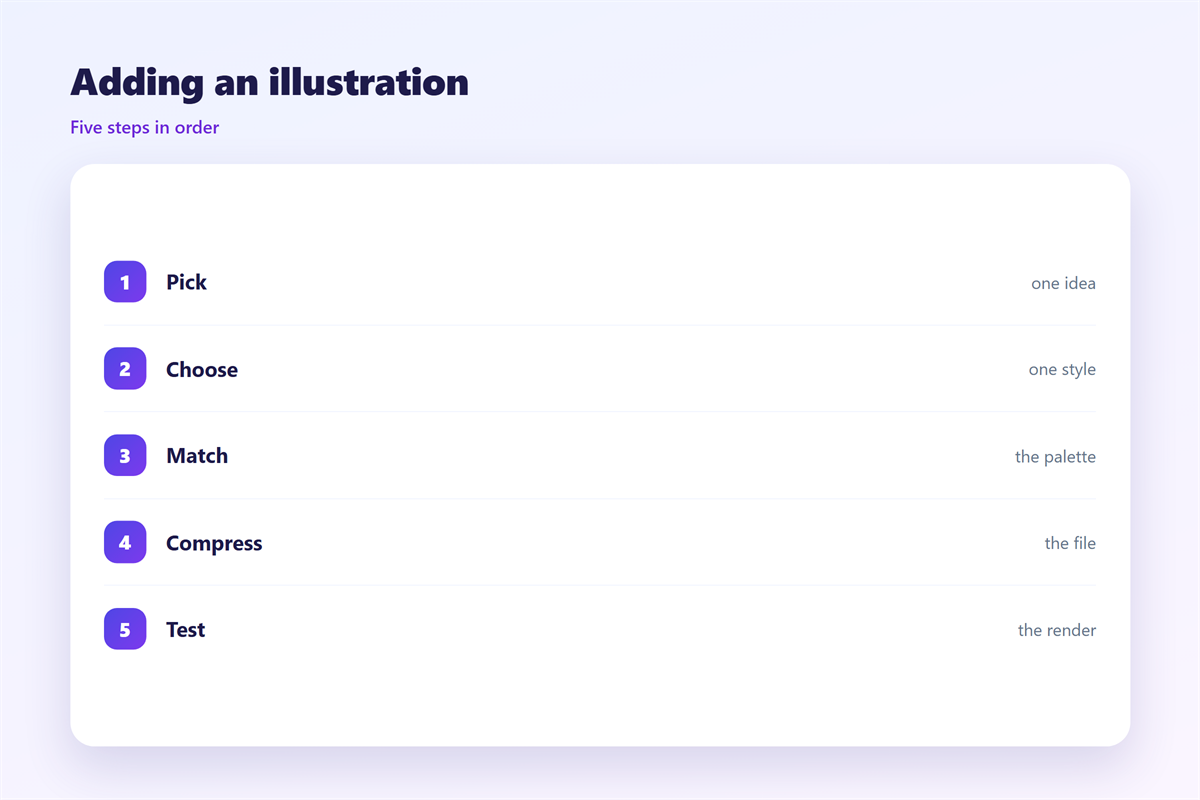
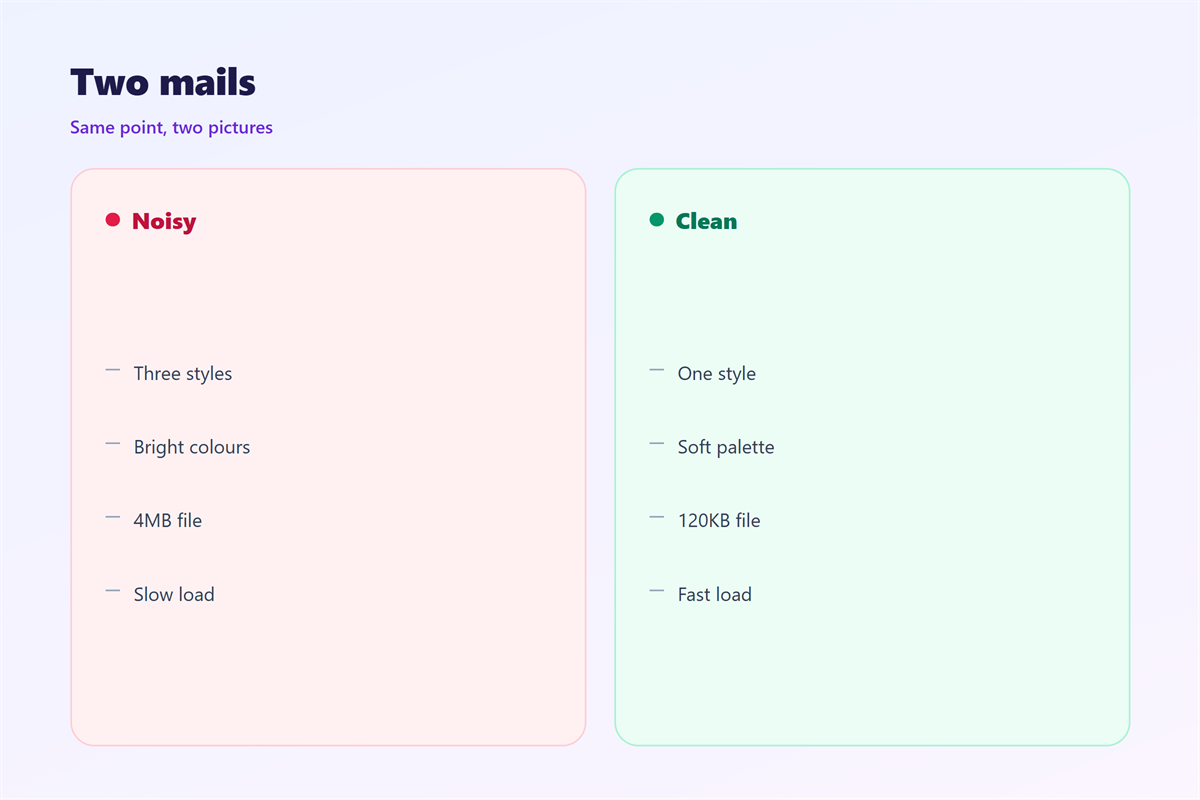
Pick a style before you pick a subject.
Line weight, corner shape, and colour should stay fixed.
Then any new drawing looks like it belongs.
A mixed set looks like a stock collage.
Write the rules down before the second drawing.
When 邮件插画 helps
邮件插画 helps when a process has three steps.
A small diagram shows the order without a list.
It helps when the mail introduces something new.
A drawing can carry the idea before the explanation.
It helps again when the topic feels dry.
A tax notice becomes warmer with one small drawing.
It also helps in a welcome mail.
The picture gives a new reader something to remember.
Use a drawing when a list would run too long.
Use none when the words are already clear.
The small file rule
Keep every drawing under one hundred kilobytes if you can.
Flat shapes compress well, so this is easy.
Export at twice the display width, then stop.
More pixels rarely help a simple line drawing.
Check the file size before the pretty details.
When 邮件插画 hurts
邮件插画 hurts when the drawing is only decoration.
A random flower above a payment reminder adds nothing.
It hurts when the style changes from mail to mail.
The reader starts to see a template, not a brand.
It hurts again when the drawing is too detailed.
Fine shading turns to mud on a phone screen.
Detail also raises the file size and the load time.
And it hurts when the picture holds the only copy of a fact.
If images are blocked, that fact disappears.
Too many drawings on one page cancel each other out.
Always repeat the key point in plain text.
邮件插画 and brand memory
A repeated drawing style works like a signature.
The reader learns to expect the same shapes.
After a few mails, the picture alone signals the sender.
That recognition is worth more than a clever one-off.
A reader who sees the same figure twice starts to trust it.
So keep the cast of characters small.
Two or three recurring figures are enough.
One line, one colour
Limit the drawing to one line colour and one accent.
Use the brand colour on the most important shape.
Everything else should stay neutral.
A drawing with five colours fights the text beside it.
How to use 邮件插画 well
Start with the sentence the drawing must support.
Cut that sentence to its subject and its action.
Keep the drawing to one subject and one action.
Then sketch three rough versions on paper.
Pick the one that reads at a glance.
Redraw it at the final size, not larger.
Use a grid so the shapes line up.
Keep the background plain white or transparent.
Name the file so the next person can find it.
Draw for the smallest screen
Phone width is the real test for any drawing.
If the idea survives at three hundred pixels, it works.
If it needs a caption to make sense, redraw it.
Then check the contrast against the mail background.
A pale line on white disappears in bright light.
邮件插画 on a phone
Most readers open mail on a phone, often outdoors.
That setting changes what a drawing must do.
Shapes need to be larger and lines darker.
Fine detail that looked good on desktop will vanish.
Set the image width to the full column, then cap it.
Leave a margin so the drawing does not touch the edge.
Check that the height stays modest.
A tall drawing pushes the first link below the fold.
Keep the picture close to the sentence it explains.
Never place the drawing after the call to action.
A good 邮件插画 loads fast and reads at arm’s length.
That single test catches most problems.
Keeping 邮件插画 consistent
Consistency turns a set of drawings into a system.
Save the palette, the line weight, and the grid in one file.
邮件插画 works best when the subject stays simple.
The wider image rules sit in 邮件图片.
The opening picture is covered in 邮件封面.
Motion follows its own rules in 邮件动图.
The space behind the drawing appears in 邮件背景图.
Then write those choices into a short style note.
A team that shares one style ships faster.
FAQ
How many 邮件插画 should one mail hold?
One or two is enough. More turns the mail into a gallery.
Can I use a photo instead?
Yes, if the photo carries information. A drawing is cheaper to repeat.
Do drawings need alt text?
Yes. Describe the idea, not the shapes. Keep it under one line.
What file format works best?
PNG for flat art, SVG when the client supports it. Test both.
评论
还没有评论,来说两句吧。
评论功能已关闭。