 小影邮箱
小影邮箱邮件卡片怎么用?Cards That Hold Content
Key Takeaways
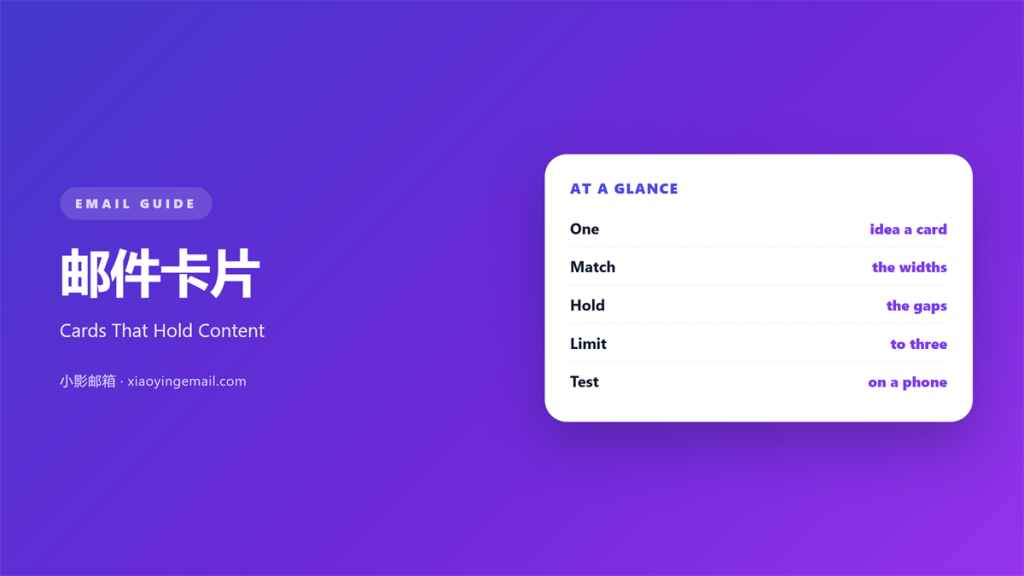
- 邮件卡片 is a box that groups related content.
- One card should carry one idea.
- Cards need equal widths and equal gaps.
- Too many cards turn a page into a grid of noise.
- Test every card at phone width before sending.
What 邮件卡片 means
邮件卡片 is a bounded block that holds one piece of content.
It usually has a light background, a border, and some padding.
The box sets the content apart from the text around it.
A card can hold a product, a quote, a date, or a single link.
What it holds is less important than what it excludes.
A good card has one subject and no leftovers.
When a card tries to hold two ideas, it stops working.
The reader cannot tell where to look first.
So the rule is simple. One card, one job.
Why 邮件卡片 matters
Cards give a long message a visible rhythm.
They break a wall of text into readable pieces.
That rhythm helps a reader decide where to stop.
Cards also make scanning easier on a small screen.
The eye catches the shape before it reads the words.
A row of three cards says “here are three things”.
That message arrives before any text does.
Good 邮件卡片 uses that shortcut on purpose.
It also gives the sender a place to repeat a promise.
A small note inside each card can answer a common doubt.
That answer arrives without an extra click.
Shape carries meaning
A single card reads as a highlight.
A pair reads as a comparison.
A row of three reads as a set of options.
Pick the shape that matches the content.
When 邮件卡片 helps
邮件卡片 helps when the content is naturally separate.
Product blocks, plan comparisons, and event details all fit.
It also helps when you need to repeat a unit.
Three case studies become three matching cards.
Each one looks like the others, so the reader can compare.
Cards help again when a section must stand alone.
A card can survive being forwarded on its own.
The three-card limit
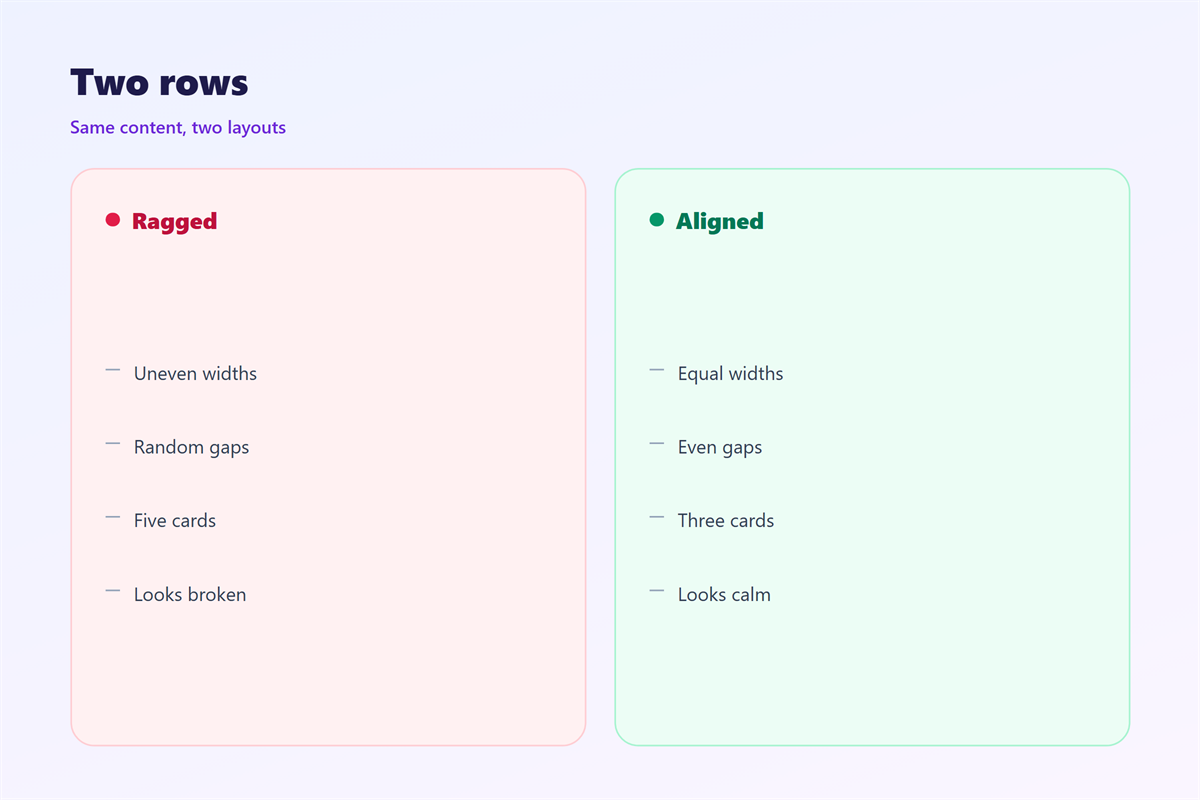
Three cards in a row is the safe maximum.
Four becomes crowded on a narrow screen.
If you need more, use two rows of two or three.
Then check the gap between the rows.
Equal gaps matter as much as equal widths.
When 邮件卡片 hurts
邮件卡片 hurts when every block becomes a card.
The page turns into a stack of boxes.
Nothing stands out because everything is framed.
It also hurts when the cards have different widths.
A ragged row looks like a mistake, not a design.
Cards hurt again when the border is too heavy.
A thick outline fights the text inside it.
Keep the line thin and let the space do the work.
A card with no breathing room feels like a warning box.
Give the text at least twenty pixels of padding.
邮件卡片 and hierarchy
The first card should be the one that matters most.
Readers read left to right, top to bottom.
Put the strongest offer in that first position.
Then keep the remaining cards equal in weight.
Do not make one card larger without a reason.
One accent per row
Use a single accent colour across the row.
Reserve it for the label or the button.
Two accents split the eye and slow the scan.
If everything is highlighted, nothing is.
Restraint is what makes a highlight work.
How to use 邮件卡片 well
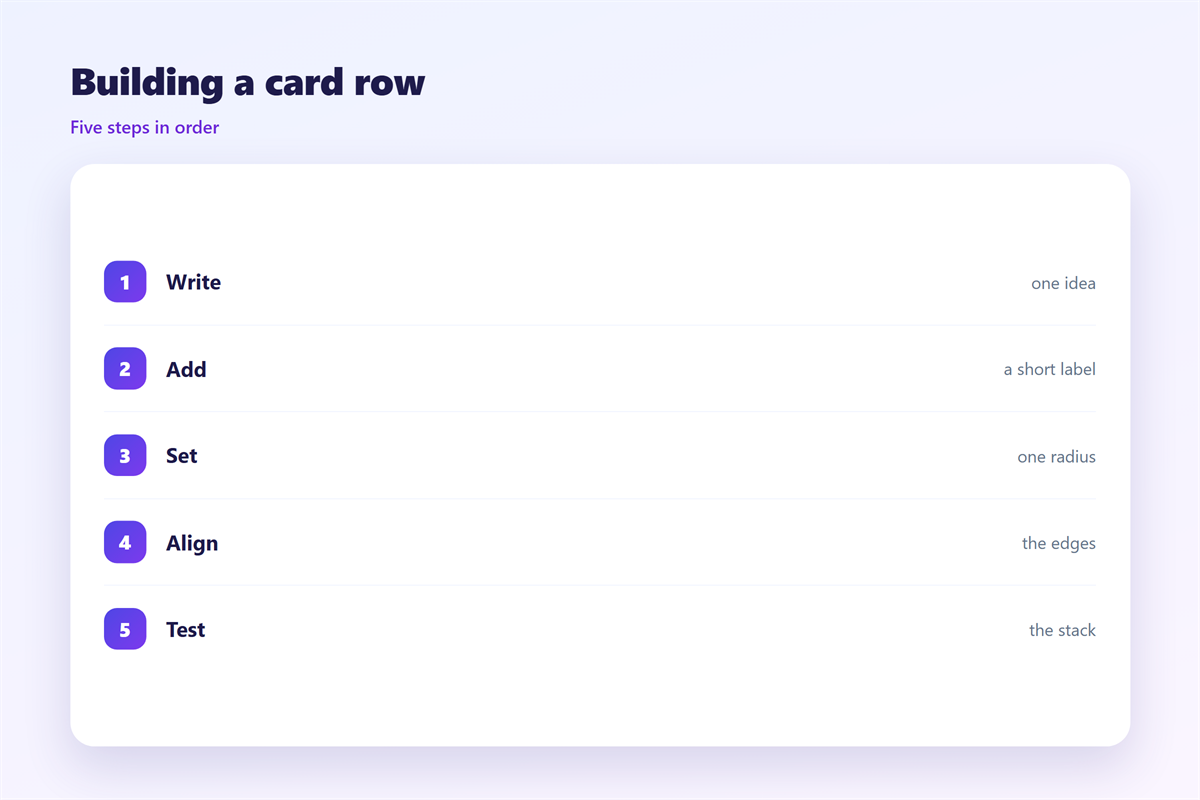
Start with the content, not the box.
Write the card as a short paragraph first.
Then cut it until only the essentials remain.
Add a short label at the top.
Keep the label to two or three words.
Use one image or none at all.
Then give the card a single action.
Align the cards to a common top and bottom edge.
Finally, remove any card that repeats its neighbour.
Write the card as a sentence
Every card should survive being read aloud.
If it takes more than two breaths, it is too long.
Cut the adjectives before you cut the facts.
Then read the row as one continuous thought.
If that thought breaks, the row is wrong.
邮件卡片 on a phone
On a phone, cards usually stack into one column.
That changes how the row should be written.
The first card becomes the whole screen.
So put the most important card first.
Keep the label short enough for one line.
Make the button wide enough to tap.
Then check the gap between stacked cards.
Too much space makes the page feel broken.
Too little space merges two cards into one.
A good 邮件卡片 keeps the same gap on every screen.
That single rule prevents most layout bugs.
Keeping 邮件卡片 consistent
Consistency makes a row look designed rather than assembled.
Set one radius, one border, and one padding value.
The wider layout behind the row sits in 邮件排版.
The action inside each card is covered in 邮件按钮.
The corner radius itself appears in 邮件圆角.
The space around the row is explained in 邮件留白.
Then write those values into a shared template.
A team that reuses one card style ships faster.
FAQ
How many 邮件卡片 should one mail hold?
Three is a good ceiling. More than that turns the page into a catalogue.
Should cards have images?
Only when the image adds information. A decorative photo can push the text below the fold.
Do cards work in plain text mail?
No. Plain text has no boxes. Write the content so it still reads as a list.
What makes a card row look broken?
Uneven widths and uneven gaps. Fix the grid before you change the colours.
评论
还没有评论,来说两句吧。
评论功能已关闭。