 小影邮箱
小影邮箱邮件摘要怎么用?A Daily Digest Instead of Noise
Key Takeaways
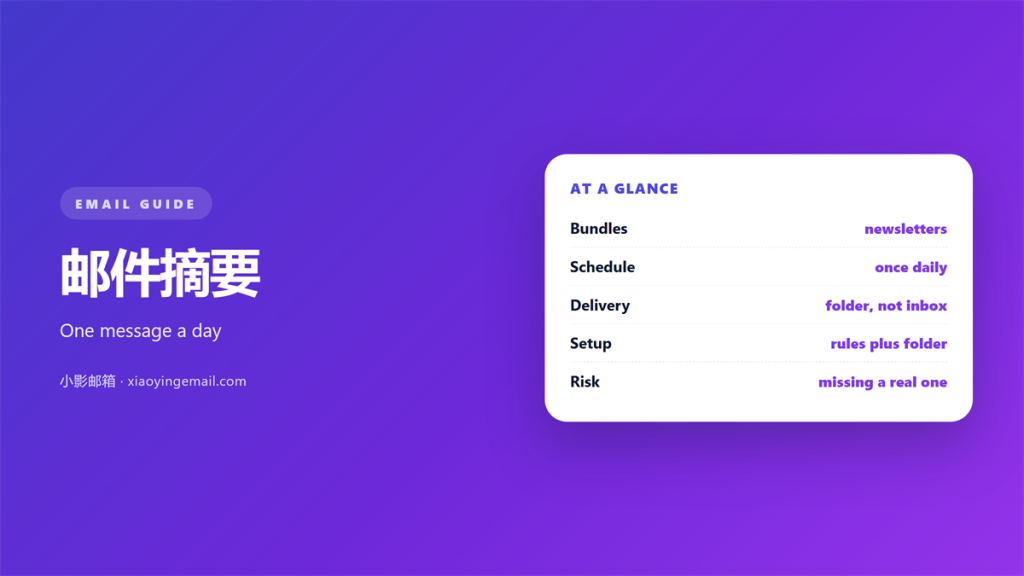
- 邮件摘要 turns a stream of notifications into one scheduled message that you actually read.
- It suits senders you want to keep but never need to see the moment they arrive.
- A 邮件摘要 needs a folder to collect into, or it becomes just another crowded inbox.
- The schedule matters more than the format: morning and late afternoon suit most readers.
- Anything that needs a reply stays out of the digest and in the main inbox.
What 邮件摘要 really means
邮件摘要 is a single message that collects the day’s low-priority mail and delivers it on a schedule you choose. Instead of ninety interruptions you get two or three summaries, each one showing what arrived without asking you to react to it.
The idea is not new. Mailing lists have offered daily digests for decades, and forum software has done the same thing for almost as long. What has changed is that the same pattern now fits a personal inbox, where the bulk of the mail is automated and almost none of it is genuinely urgent.
It helps to separate a digest from archiving. Archiving removes a message from the main view, while a 邮件摘要 changes when and how you notice it. The two work well together but they solve different problems, and confusing them is why many attempted digests quietly fall apart.
Why a 邮件摘要 stops the noise
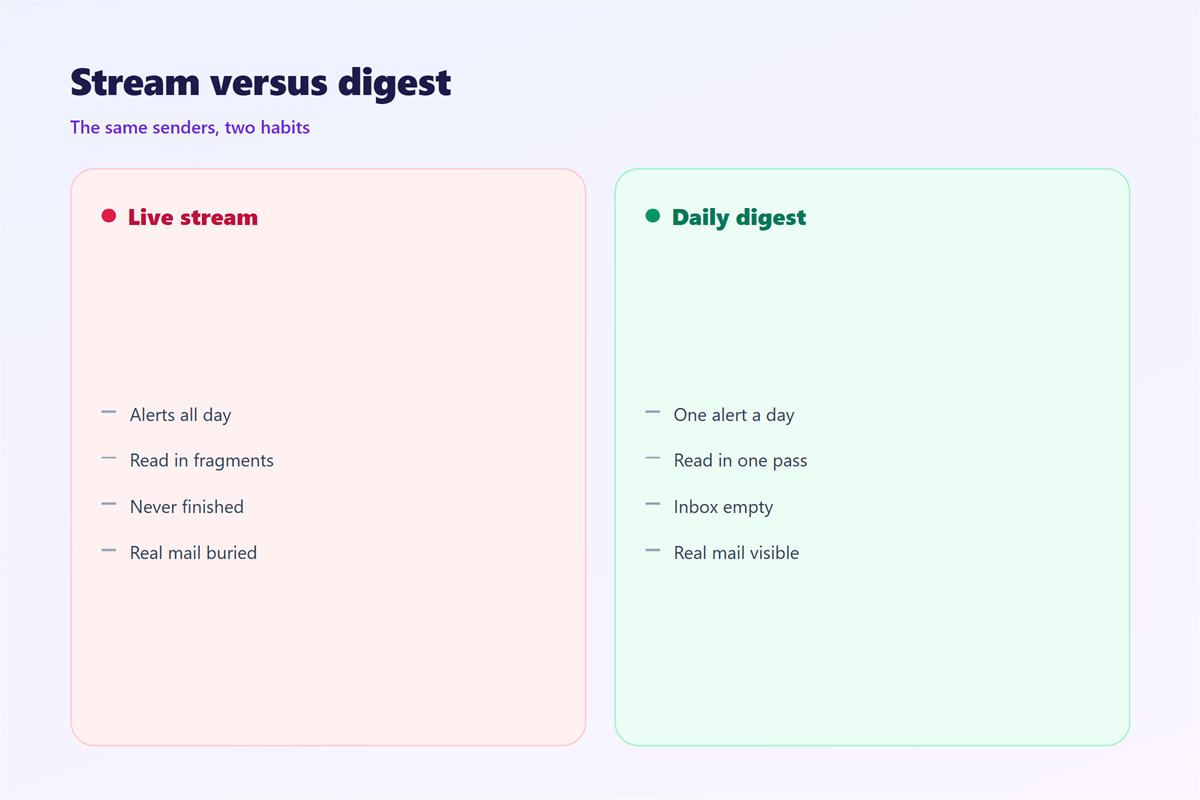
The problem with a busy inbox is not volume. It is that urgent and routine mail arrive through the same channel, so the reader learns to distrust the alert itself. A digest restores meaning by putting the routine mail somewhere it cannot interrupt anything.
Once routine mail has its own channel, the main inbox shrinks to the messages that genuinely need a person. That is the whole benefit of a 邮件摘要: not fewer messages, but a smaller set of interruptions that actually deserve attention.
There is a second, quieter gain. Reading ten notifications at once costs one context switch rather than ten, so the same information takes less of the day and is easier to remember afterwards. A well built 邮件摘要 protects that attention without hiding anything, because the mail is still there whenever you decide to look.
How to build a 邮件摘要
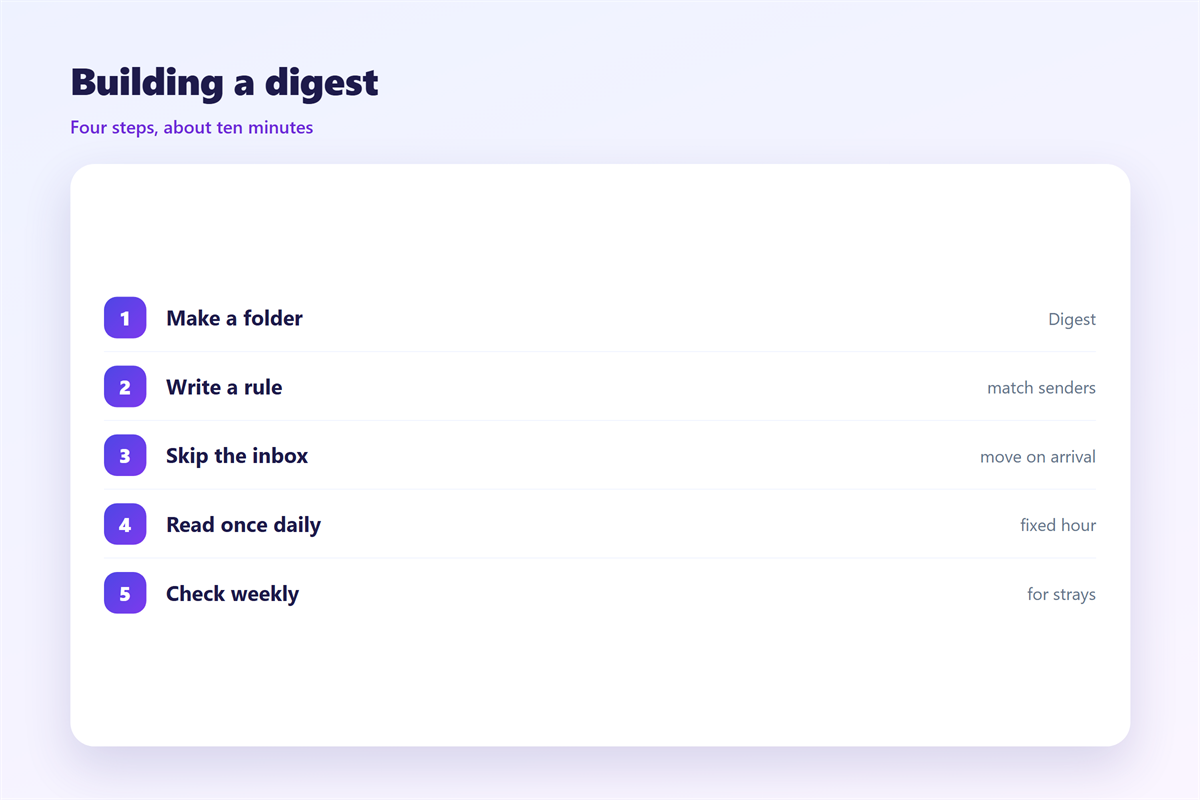
A digest is assembled from three parts: a rule that decides what belongs, a folder to collect it, and a schedule that decides when it is delivered. Get the rule right first, because a digest of the wrong mail is worse than no digest at all.
- Rule: send newsletters, receipts and service notices to one dedicated folder.
- Folder: a single destination, reviewed on a schedule rather than on arrival.
- Schedule: once or twice a day, at a time you are likely to read it properly.
Most providers will not generate a true digest on their own, but a saved search or a filtered folder reaches much the same result. The trick is to read the folder in one sitting and treat the 邮件摘要 as finished once you have, rather than letting it pull you back again and again. Once the folder is a habit, the 邮件摘要 does the sorting for you and the main inbox stays genuinely small.
Scheduling the 邮件摘要
Timing does more for a digest than any formatting decision. A summary that arrives while you are already reading mail is absorbed in seconds; the same summary at an arbitrary hour becomes one more interruption to dismiss.
Morning versus evening
A morning digest suits people who plan the day before they start it, while an evening one suits people who would rather clear the backlog in one pass and forget about it. Pick one and keep it fixed, because a moving schedule is hard to trust.
Where the digest lands
Keep the digest in a folder the notifications never touch. If the summary itself raises a badge, it has simply replaced the noise it was meant to remove and the whole exercise is wasted. A digest that announces itself has the same cost as the messages it replaced, so silence is part of the design rather than an afterthought.
The supporting pieces are worth settling at the same time. Unsubscribing from the senders you never read is the first step, which 邮件订阅 walks through, and the periodic sweep that keeps the folders honest belongs with 邮箱整理. The rule that fills the folder is covered in 邮件规则, and the switches that keep the digest silent are the ones described in 邮件提醒.
Write the schedule down
A line in your notes is enough. The value is that the next time you are tempted to check the folder early, you can see the decision you already made and leave it alone.
FAQ
How many senders should a 邮件摘要 cover?
As many as you want to keep receiving but never need in real time. Newsletters, receipts and status notices are the usual candidates, because none of them expects an answer from you.
Can I build a 邮件摘要 without a rule?
You can, but it rarely lasts. Without a rule the sorting is done by hand, and a hand-sorted digest collapses the first busy week you have.
Does a 邮件摘要 lose mail?
No. A digest changes the timing of delivery, not the delivery itself. Every message still arrives and stays in its folder until you choose to clear it.
When should a sender stay out of the 邮件摘要?
Whenever a reply is expected. A named colleague, a client or a system alert belongs in the main inbox, where the interruption is the entire point.
References
- Wikipedia: Email filtering
- Google: Create rules to filter your emails
- Wikipedia: Information overload
评论
还没有评论,来说两句吧。
评论功能已关闭。