 小影邮箱
小影邮箱邮件智能回复怎么用?Smart Replies, Human Tone
Key Takeaways
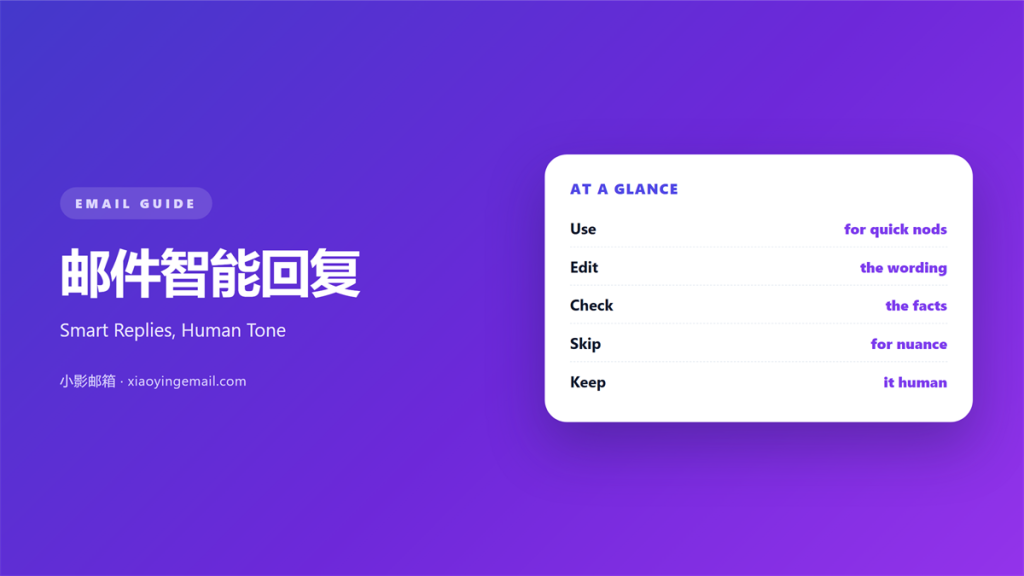
- 邮件智能回复 offers ready-made answers inside the inbox.
- Use them for short confirmations, not for real decisions.
- Always read the draft before you hit send.
- Edit the wording so it sounds like you.
- Reserve them for simple, low-risk messages.
What 邮件智能回复 means
邮件智能回复 is a short, ready-made answer shown above the keyboard.
The mail app reads the incoming message and suggests a reply.
One tap sends the whole thing as it stands.
It is built for speed, not for depth.
So it suits quick, predictable moments best.
A “yes”, a “thanks”, or a “received” fits perfectly.
A sensitive or detailed reply does not.
The tool saves seconds but can cost trust.
That trade-off is worth understanding fully.
Used well, it feels like a helpful shortcut.
Used badly, it feels careless and cold.
So a little judgement turns a shortcut into a skill.
The tool is a servant, never the boss.
Keep your own voice in charge at all times.
Why 邮件智能回复 matters
Modern inboxes are full of small, quick exchanges.
Answering each one by hand takes real time.
A smart reply clears those moments fast.
That speed keeps small tasks from piling up.
A good 邮件智能回复 also helps on a phone.
Typing on a small screen is slow and error-prone.
One tap removes most of that friction.
So the feature earns its place in daily work.
It also lowers the effort of staying responsive.
People answer more when replying is easy.
That small habit keeps relationships alive.
Speed without sounding cold
Speed matters only when the tone still fits.
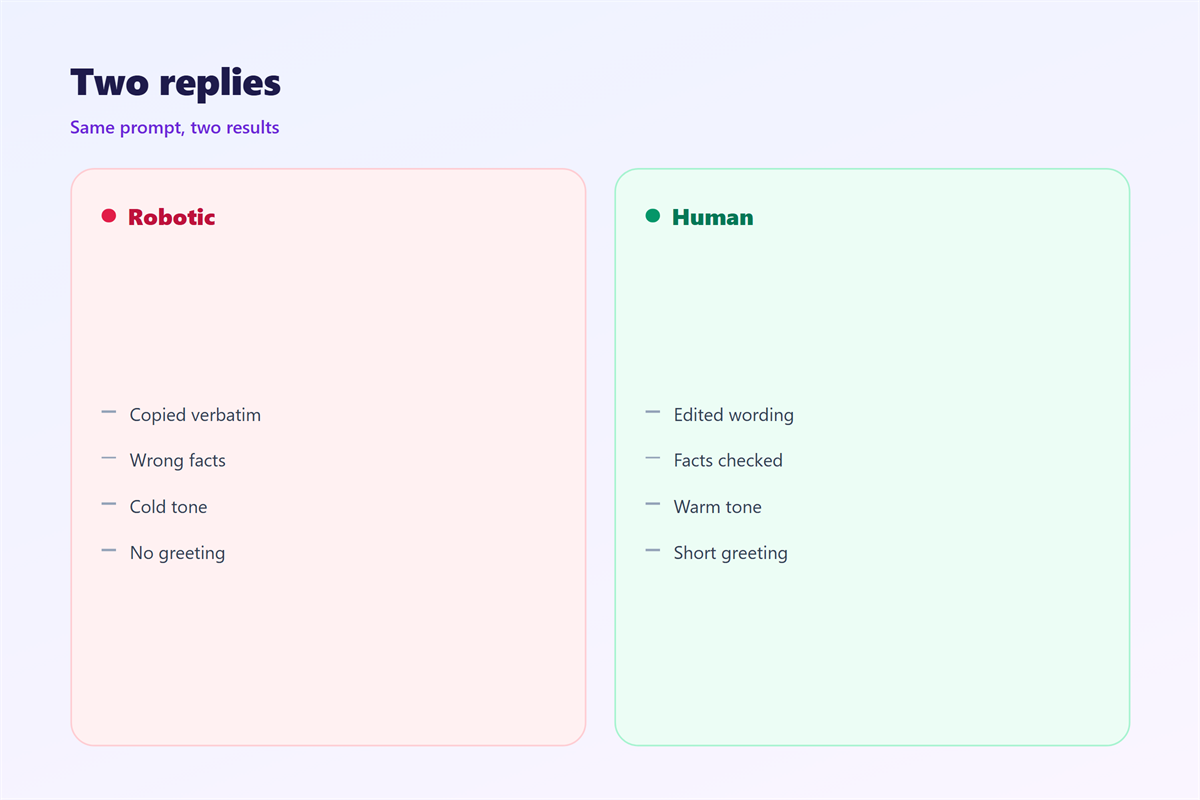
A blunt auto-answer can read as rude.
So soften the wording before you send it.
Add a name or a short personal line.
That small touch keeps the message warm.
When 邮件智能回复 helps
Use it to confirm a meeting time.
Use it to acknowledge a file that arrived.
Use it for a quick yes or no.
These replies need no extra thought.
Each one closes a loop in a second.
That keeps your inbox moving all day.
It also frees time for the hard messages.
Use it to accept a simple invitation.
Use it to thank someone for a quick update.
These small notes keep the thread moving.
Simple confirmations only
Keep the tool for plain, predictable answers.
If the question needs thought, type it yourself.
A rushed reply can cost more than it saves.
When 邮件智能回复 goes wrong
A blind tap can send the wrong answer.
Read every suggestion before you accept it.
The machine often misses context and nuance.
Sarcasm and emotion confuse it badly.
It can also answer a question you were not asked.
That mistake looks careless to the reader.
When a person must answer
Handle bad news with your own words.
Apologies, prices, and promises need a human voice.
So does anything involving money or health.
If the message hurts, write it by hand.
A wrong auto-answer can damage a deal.
So pause before you tap in a hurry.
邮件智能回复 in plain text
Some readers see your mail without formatting.
A smart reply is plain by nature, so that helps.
It carries no images and no hidden code.
That simplicity travels well across clients.
But a terse reply can look abrupt in plain text.
So add a greeting and a closing line.
Read the reply as the reader will see it.
Then decide if it still sounds friendly.
Read it aloud to catch a harsh tone.
A short pause fixes most blunt replies.
How to use 邮件智能回复 well
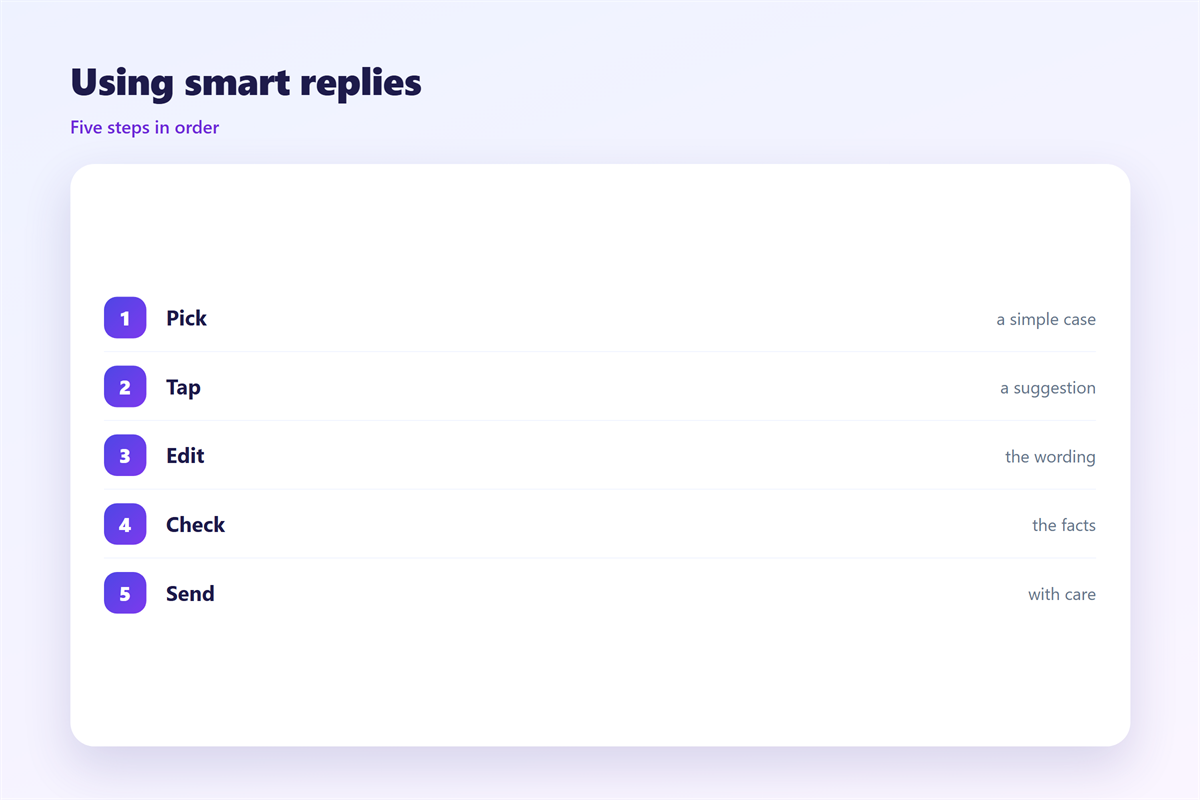
Treat each suggestion as a first draft.
Then edit it until it sounds like you.
Add the reader’s name when you can.
Match the length of the message you received.
Add one clear next step if needed.
Never send two smart replies in a row.
The pattern starts to feel robotic quickly.
For anything important, write from scratch.
Then review the whole thread before sending.
A well-edited 邮件智能回复 saves time and stays kind.
So speed and warmth can live together.
It just takes one extra glance.
Add a greeting if the thread is new.
Add a closing line if the reader is senior.
Then send with purpose, not on autopilot.
邮件智能回复 and readability
Short replies are easy to read on a phone.
But very short ones can feel blunt.
One friendly sentence fixes that fast.
Keep the reply to a few clear lines.
Put the main point in the first sentence.
A tidy reply respects the reader’s time.
Test how it looks on a small screen.
A cramped reply is hard to scan.
Give the text a little breathing room.
That small gap improves the whole feel.
A clear opening line guides the whole reply.
It tells the reader you actually read their note.
Keeping 邮件智能回复 consistent
Consistency keeps your voice steady across tools.
The wider library of stock wording sits in 邮件快捷回复.
Reusable reply structures appear in 邮件回复模板.
Sorting incoming mail by hand is covered in 邮件规则.
Automating the whole flow is explained in 邮件自动化.
Agree on when a smart reply is allowed.
A team that agrees on 邮件智能回复 stays fast and human.
FAQ
Should I send a 邮件智能回复 without reading it?
No. Read every suggestion first, because context is often missing.
Is a 邮件智能回复 rude?
Not by itself. A dry reply is rude, so add a friendly line.
Which messages suit a smart reply best?
Short confirmations and simple yes-or-no answers suit it best.
Can it replace my own writing?
No. Keep it for small moments and write important mail yourself.
评论
还没有评论,来说两句吧。
评论功能已关闭。