 小影邮箱
小影邮箱邮件模板库怎么建?Reuse a Good Reply
Key Takeaways
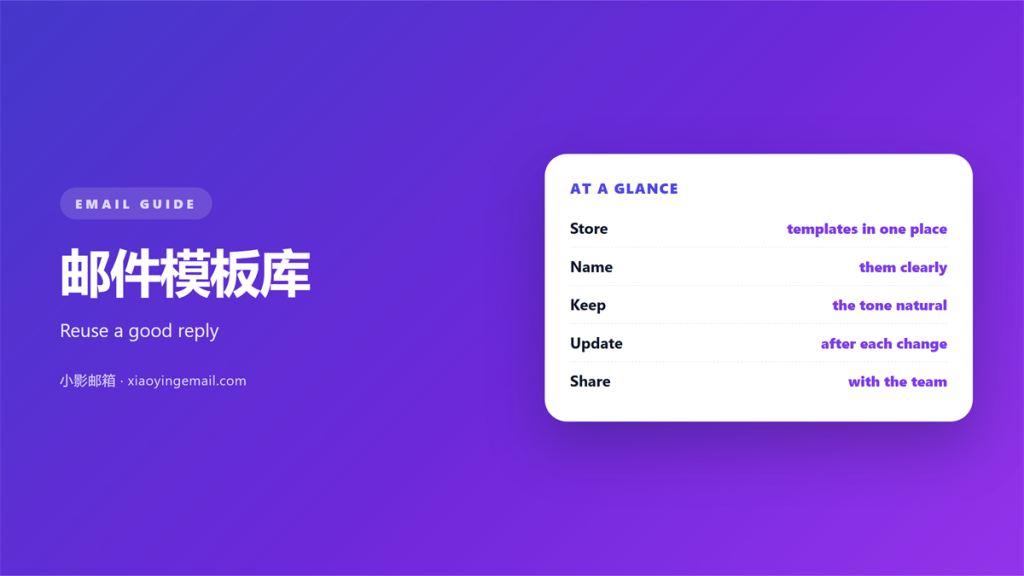
- 邮件模板库 stores your best replies in one place.
- Name each template with the task it serves.
- Keep the placeholder text obvious and short.
- Review the whole library every quarter.
- Personalize every message before you send it.
What 邮件模板库 means
A 邮件模板库 is a shared set of ready replies and formats.
It holds the answers your team sends again and again.
It is not a folder of stale drafts. It is a small, living collection.
Each entry covers one job. A welcome note, a refund reply or a short update.
Most teams already rewrite the same email each week. A 邮件模板库 stops that waste.
The aim is not to sound like a robot. The aim is to start from a good first draft.
A useful library is small. Ten sharp entries beat a hundred vague ones.
That difference comes down to curation, not volume. Someone has to keep it tidy.
A tidy library saves time on the dullest part of the job.
The best entries are short enough to read at a glance. Length is the enemy of reuse.
Why 邮件模板库 matters
Writing the same reply twice is wasted effort. A library removes that repeat work.
It also keeps your tone steady across the whole team.
How 邮件模板库 save time
A good draft is ready in seconds. You only adjust the details.
That speed matters most on a busy Monday morning.
New staff start faster
A new hire can copy a proven reply. The library shows how the team writes.
That shortens training a lot in a support role.
The tone stays even
Every reply carries the same calm voice. Customers notice a steady style.
Consistency builds trust far better than clever wording.
Speedy replies also help customers. A fast, calm answer often ends the whole thread.
How to build 邮件模板库
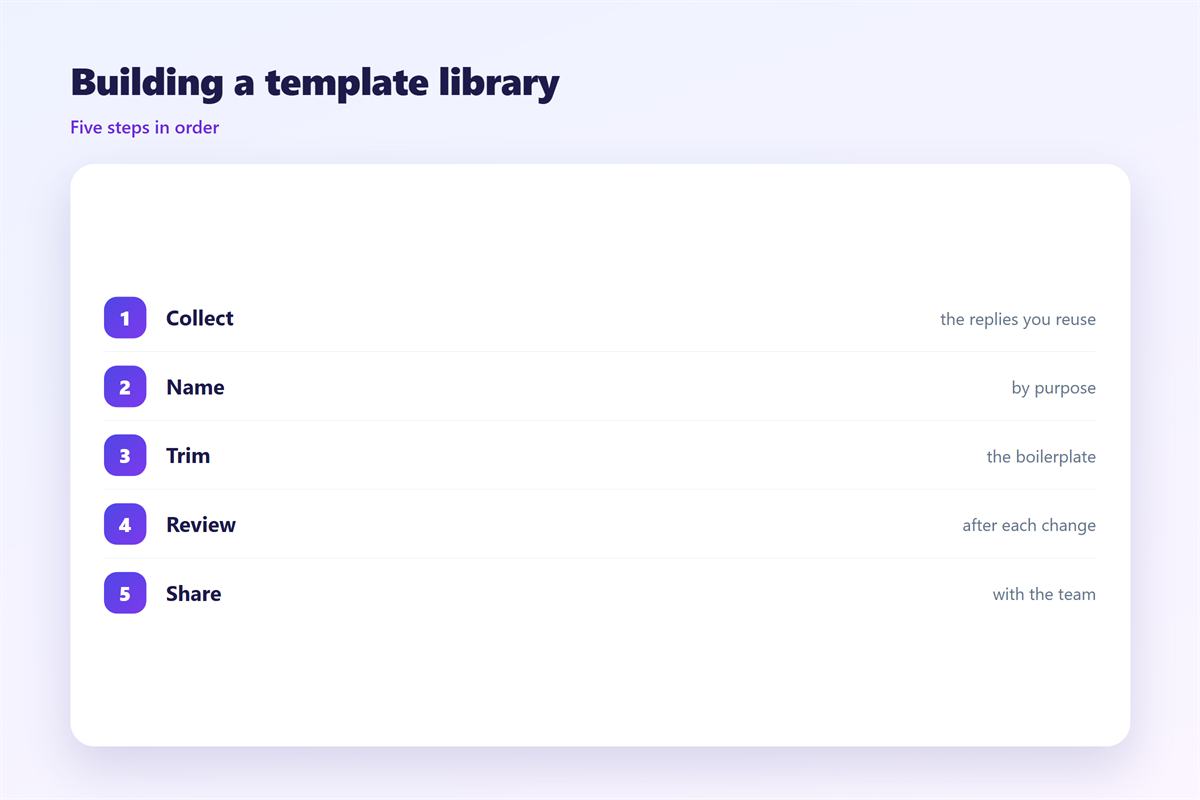
Start from mail you already send. Real messages beat invented examples.
List the questions that repeat each week. Those are your first entries.
Strip out names, dates and order numbers. Replace them with clear placeholders.
Write 邮件模板库 entries in plain words. Short sentences are easier to reuse.
Give each entry one job only. A mixed template helps nobody.
Add a short note on when to use it. Future readers will thank you.
Test each draft before you save it. Send one to yourself first.
Keep the file near your inbox. A library you cannot reach is a library you ignore.
Update the library as your product changes. A stale entry misleads the next writer.
Where to keep 邮件模板库
邮件模板库 only help if people can find them fast. Buried files waste the effort.
Save entries to one shared folder or tool. Keep the email as the announcement, not the store.
Name files by task, not by date. A clear title beats a clever one.
Group entries by job type. One glance should show what is inside.
Keep a short index at the top. It turns loose files into a small catalogue.
A shared folder also fixes ownership. Everyone sees the same version at once.
Set a simple rule for old entries. Remove anything unused for a year.
Let the whole team add entries. A shared set grows faster than one person’s notes.
Common mistakes
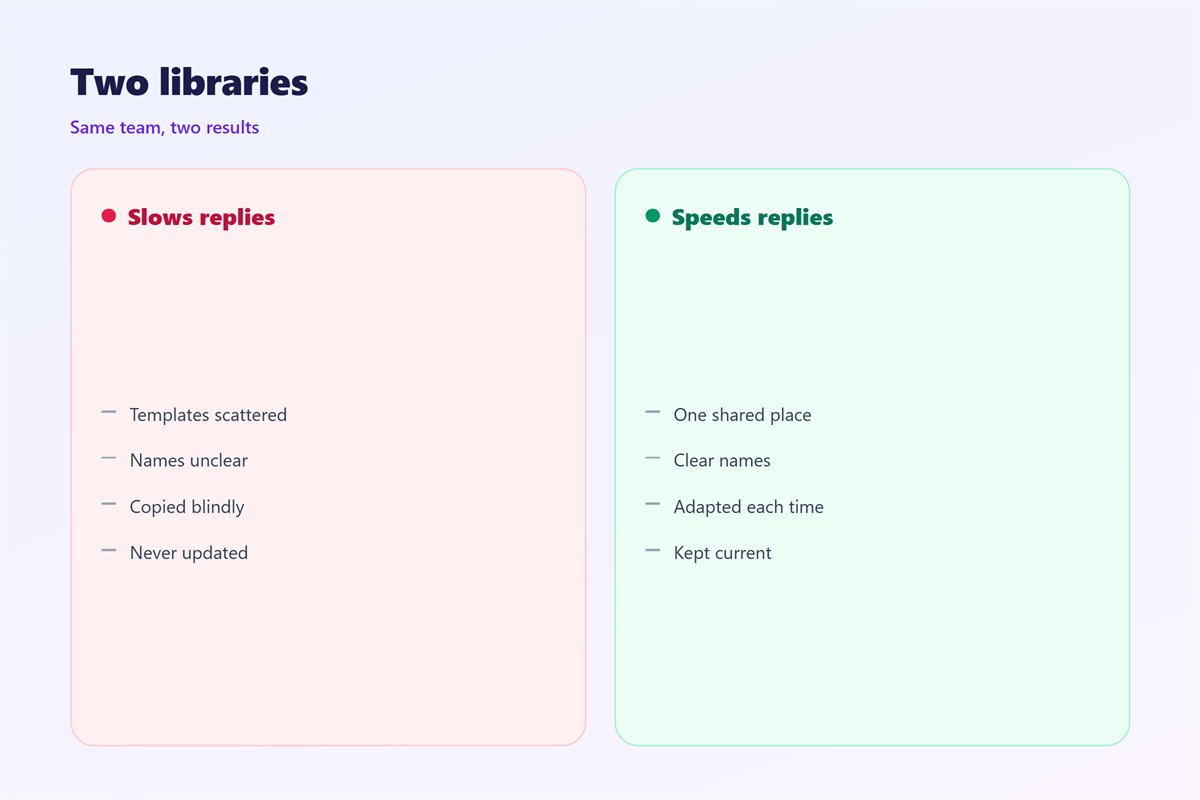
The first 邮件模板库 mistake is size. A bloated library is slow to search.
The second is a vague name. Nobody finds a file called “reply 2 final”.
The third is a robotic tone. Copied text reads as cold when it is not edited.
Another mistake is never updating the set. Old wording slowly goes stale.
Avoid mixing several jobs in one entry. That forces heavy editing every time.
Do not hide the library from new staff. Sharing it speeds up the whole team.
Skip the urge to write long templates. Short drafts are easier to personalize.
Do not save a draft you have not tested. A broken line causes real errors.
Finally, keep one naming rule across the team. Mixed labels slow every search down.
Watch the tone as well as the facts. A warm draft invites a warm reply.
Keep the number of entries in check. A long list hides the few useful drafts.
Reusing and personalizing
Reusing 邮件模板库 is easy when the draft stays short. Long blocks are hard to trim.
Always change the name and the context. A missing name reads as a mass mailing.
Match the length to the question. A one line query needs a short answer.
A shared 邮件模板库 also keeps the tone even across the team.
Read the entry before you send it. One slow pass catches most of the awkward lines.
For related reading, see our guides on 邮件模板, 邮件快捷回复, 邮件排版 and 邮件正文.
A steady library beats a perfect one. Keep it small, current and easy to reach.
Save your own good replies as you go. The next busy day will thank you.
A simple search beats deep folders. Two clear words in a title do most of the work.
FAQ
Who should own 邮件模板库?
One person usually keeps it tidy. On small teams the whole group can share the task.
How many entries do we need?
Start with the five most common questions. Add more only when you repeat yourself.
Can we copy templates from the web?
Use them as a starting point only. Rewrite each one in your team’s own voice.
What if a template goes out of date?
Review the 邮件模板库 every quarter. Fix or remove anything that no longer fits.
References
- Atlassian: Reusable writing habits
- Google Workspace: Sender guidelines
- IETF RFC 5322: Message format
评论
还没有评论,来说两句吧。
评论功能已关闭。