 小影邮箱
小影邮箱邮件渐变怎么用?Gradients That Stay Calm
Key Takeaways
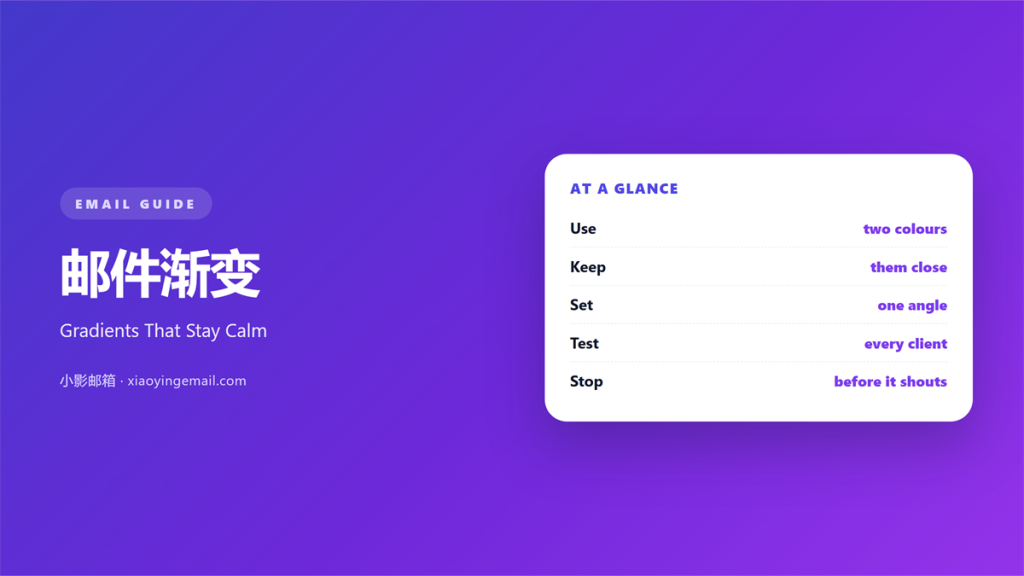
- 邮件渐变 moves colour slowly across a block.
- Two close colours beat a rainbow.
- Keep the effect away from small text.
- Always provide a solid fallback colour.
- Test the result in light and dark mode.
What 邮件渐变 means
邮件渐变 is a smooth shift between two colours.
The change happens across a block, not in a line.
It can run top to bottom or side to side.
The shift is usually gentle.
A hard change would be a colour block, not a gradient.
You can build it with CSS or with an image.
CSS is lighter, but support varies by client.
An image works everywhere but adds weight.
Most teams use both.
The image is the fallback for strict clients.
The CSS version stays sharp on any screen.
You do not need a design tool for a simple shift.
A few lines of CSS can do the work.
A good 邮件渐变 is barely noticed.
Why 邮件渐变 matters
A flat block can look plain but safe.
A gradient adds a little depth.
It can suggest light falling on a surface.
That small cue makes a header feel finished.
It also guides the eye.
A soft shift can point toward a button.
Used well, it supports the message.
Used badly, it competes with it.
Most inboxes are busy and bright.
A calm gradient still stands out.
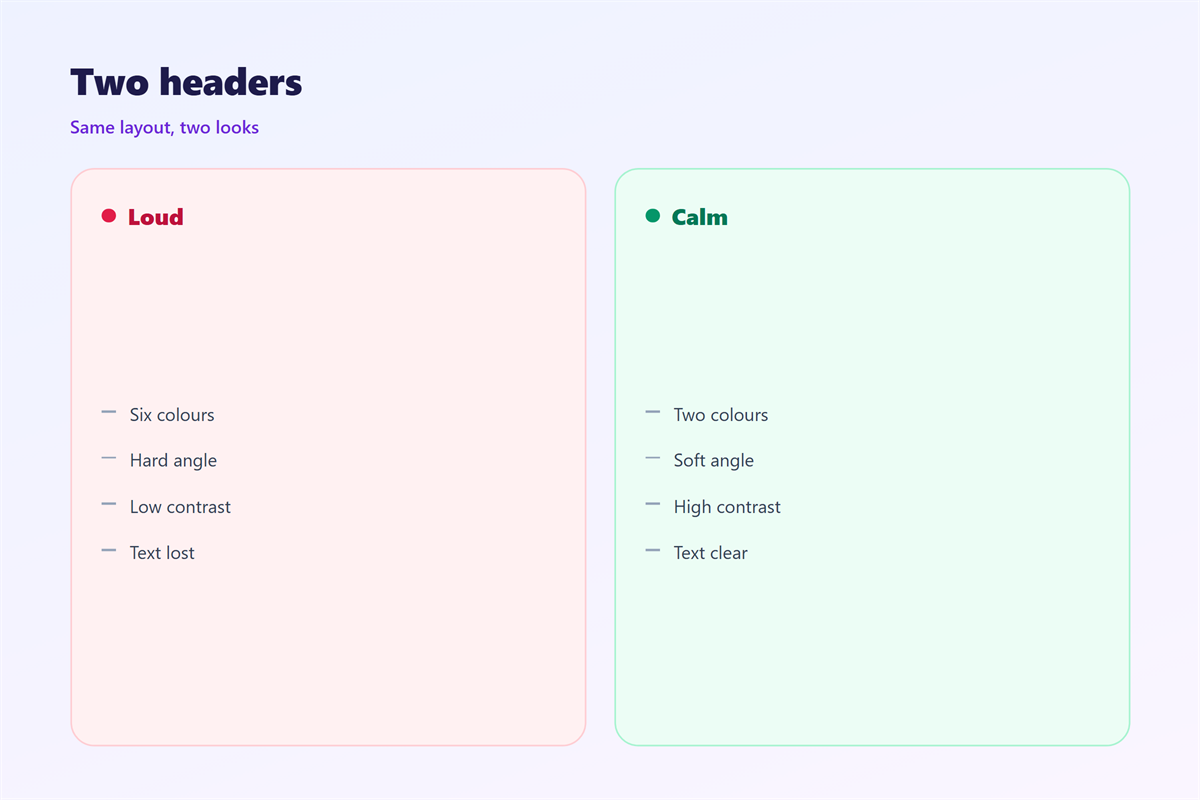
A loud one looks like an advert.
The difference is usually contrast, not colour.
The eye reads the lightest area first.
Place your headline there.
Depth without noise
Depth comes from a small change, not a big one.
Two colours from the same family are enough.
Keep the shift under thirty percent.
When 邮件渐变 helps
邮件渐变 helps in a header or a footer.
It also helps behind a single call to action.
A soft panel can hold a quote or a price.
It helps when a flat colour feels too heavy.
A full dark block can overwhelm a short note.
A gradient lightens the same space.
It helps seasonal mail most of all.
A warm shift suits a spring sale.
A cool one suits a winter note.
Keep the change subtle across seasons.
A welcome note can carry a soft band at the top.
One gradient per email
Pick one place for the effect.
Two gradients split the page into rivals.
Then neither one leads.
When 邮件渐变 hurts
邮件渐变 hurts when it carries text.
Small type over a shift is hard to read.
Contrast changes across the block.
One end may fail while the other passes.
It also hurts when the file is heavy.
A large image slows the load on a phone.
Some clients strip CSS gradients entirely.
Then the block may vanish or turn grey.
A blocked image leaves an empty space.
That gap looks like a mistake.
Finally, a strong gradient dates quickly.
The trend of last year can look tired now.
Keep the effect quiet and it lasts longer.
邮件渐变 and colour
Start with the brand palette, not a trend.
Pick two colours already in use.
Move one step lighter or darker.
That keeps the gradient in family.
Check the midpoint, not just the ends.
The middle is where banding shows.
Add a little noise if the shift looks stepped.
Then check the same block on a dark screen.
Two colours, one direction
Choose one direction and keep it.
A top-to-bottom shift reads as light.
A left-to-right shift reads as motion.
Mixing both looks restless.
Save the file and compare it with the plain version.
Write the hex values in the template notes.
How to use 邮件渐变 well
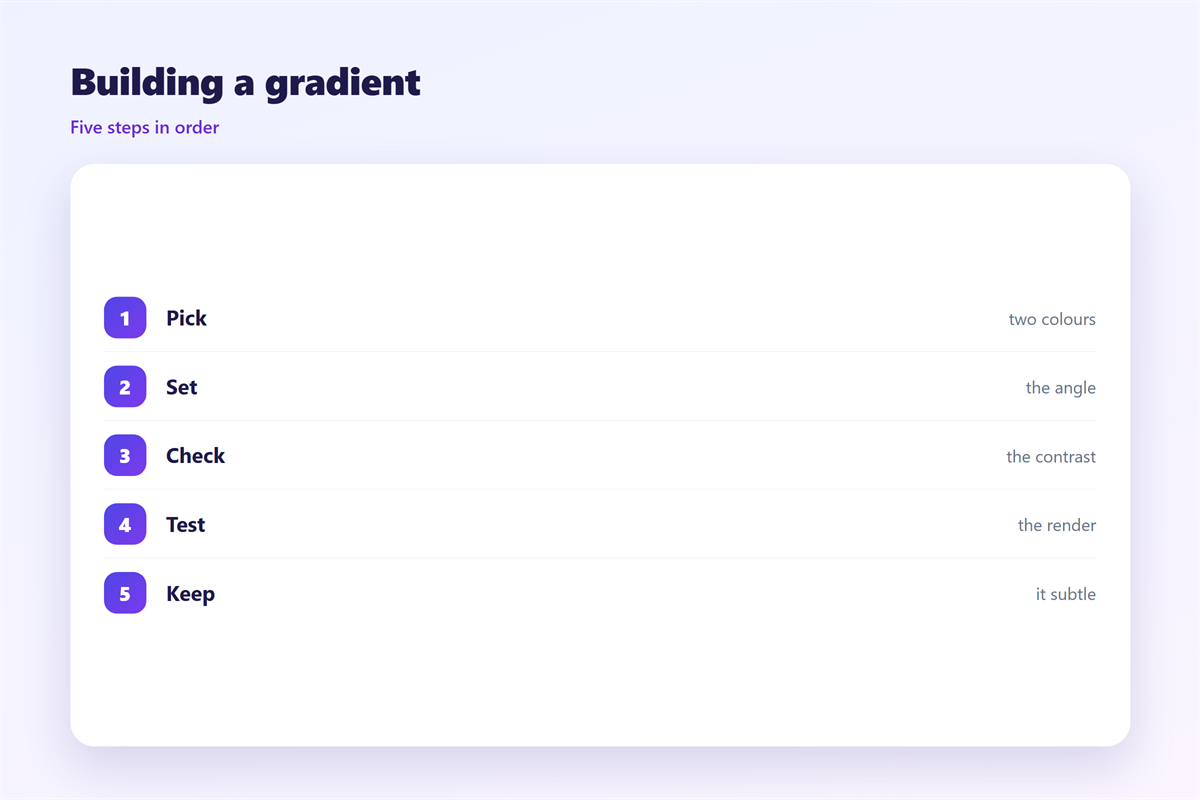
Build the plain version first.
If it reads well without the gradient, add the effect.
Set the two colours close in value.
Keep the angle simple: top to bottom.
Put text on the calm end.
Test the contrast with a checker.
Then export a background image as a fallback.
Set a solid colour behind the image.
That way a stripped style still looks fine.
Keep the image under fifty kilobytes.
Compare the file size before and after export.
A flat colour is always the smallest option.
Then send a test to three clients.
邮件渐变 in dark mode
Dark mode flips the problem.
A pale gradient can glow too brightly.
Text that worked in light mode may vanish.
Test the block with a dark background around it.
Keep a dark fallback colour ready.
A thin border can hold the shape.
Then check the button against the new shade.
Small shifts survive the change better.
Strong ones often need a second version.
Build that version before launch, not after.
Ask a colleague to check it on their own phone.
Keeping 邮件渐变 honest
A gradient should serve the content.
If readers notice the effect first, soften it.
The wider palette lives in 邮件配色.
Wide headers are covered in 邮件横幅.
Image choices sit in 邮件封面.
Background art appears in 邮件背景图.
Then write one rule for the team.
Name the two colours and the angle.
Put the rule in the template notes.
Review it when the brand changes.
A calm effect is easier to keep than a bold one.
A team that agrees on 邮件渐变 sends calmer mail.
FAQ
Does 邮件渐变 work in Outlook?
Sometimes. Outlook may ignore CSS gradients. Use a background image with a solid fallback.
How many colours should I use?
Two. A third colour usually turns a calm panel into a banner.
Can I put body text on a gradient?
Keep it off. Place text on a solid area beside or below the shift.
Is a gradient better than a photo?
For a quiet header, yes. A photo carries more detail and more weight.
评论
还没有评论,来说两句吧。
评论功能已关闭。