 小影邮箱
小影邮箱邮件圆角怎么设?Corners That Feel Right
Key Takeaways
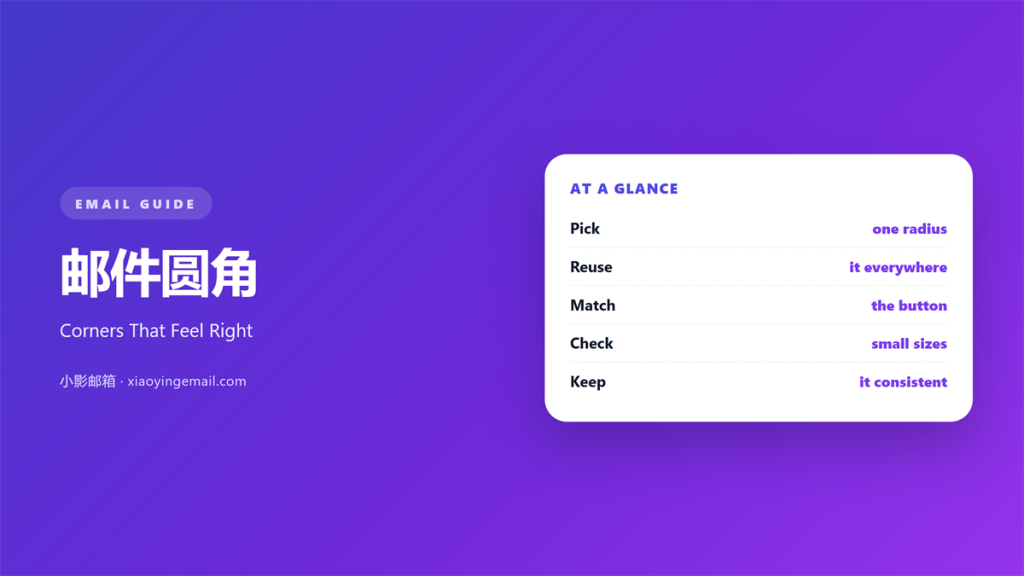
- 邮件圆角 softens the edge of a block.
- Pick one radius and reuse it.
- Keep the value small for serious brands.
- Check the shape at the smallest size.
- Provide a square fallback for strict clients.
What 邮件圆角 means
邮件圆角 is the curve on the corner of a block.
It turns a hard square into a softer shape.
The value is set in pixels or percent.
A small value gives a gentle curve.
A large one turns a button into a pill.
Most email clients support the property today.
A few older ones still draw a square.
That is why the fallback matters.
A square corner is not a disaster.
It only looks different from the plan.
The curve should match the brand, not the trend.
A calm brand rarely needs a full pill shape.
Why 邮件圆角 matters
Corners carry more weight than people expect.
A sharp block reads as formal and direct.
A soft block reads as friendly and modern.
Neither is better on its own.
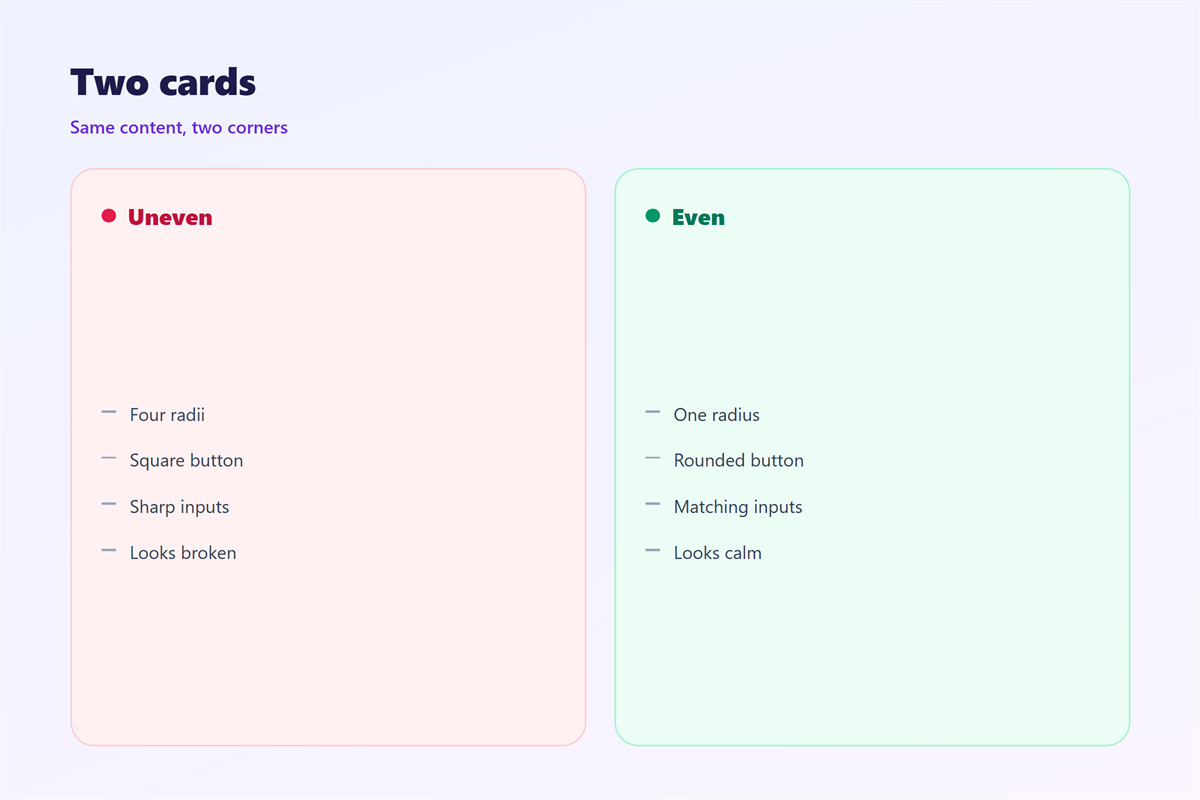
The problem starts when both appear together.
One card with a sharp edge next to a round button looks unfinished.
A shared 邮件圆角 makes the page feel built.
It also helps the eye group elements.
Blocks with the same curve belong together.
That grouping works without a border.
Consistency beats the exact value
Six pixels or eight pixels rarely matters.
Using six in one place and twenty in another does.
Choose one number and write it down.
When 邮件圆角 helps
邮件圆角 helps most on a call to action.
A button with a small curve feels easy to press.
It helps cards that hold a quote or an offer.
A soft card separates the quote from the body.
It helps on a phone, where edges look sharper.
The smaller screen makes hard corners feel harsh.
It also helps a table look less rigid.
A light curve on the outer frame is enough.
Do not round every cell inside the table.
That turns a grid into a set of loose tiles.
Soft does not mean playful
A bank can use a four-pixel curve.
A toy shop can use twelve.
Match the curve to the voice of the brand.
When 邮件圆角 hurts
邮件圆角 hurts when the value is too large.
A full pill on every block looks like a template.
It also hurts when shapes conflict.
A round card inside a square frame feels loose.
A sharp image inside a round card feels cut.
The mismatch draws the eye away from the words.
It hurts when the radius hides content.
A large curve can clip the first letter of a label.
It can also clip a logo placed near the edge.
Finally, it hurts when the fallback is forgotten.
Half the list sees a curve and half sees a square.
That split looks like a bug.
邮件圆角 and buttons
The button is where the value shows most.
A small curve keeps the label readable.
A pill shape suits a short label with wide padding.
Long labels in a pill look crowded.
Check the curve against the button height.
A radius above half the height does nothing new.
It simply becomes a pill.
Then check the pressed state.
The nested radius rule
When a card holds an image, the inner radius should be smaller.
Subtract the padding from the outer value.
That keeps the two curves parallel.
Equal values make the inner corner look wrong.
How to use 邮件圆角 well
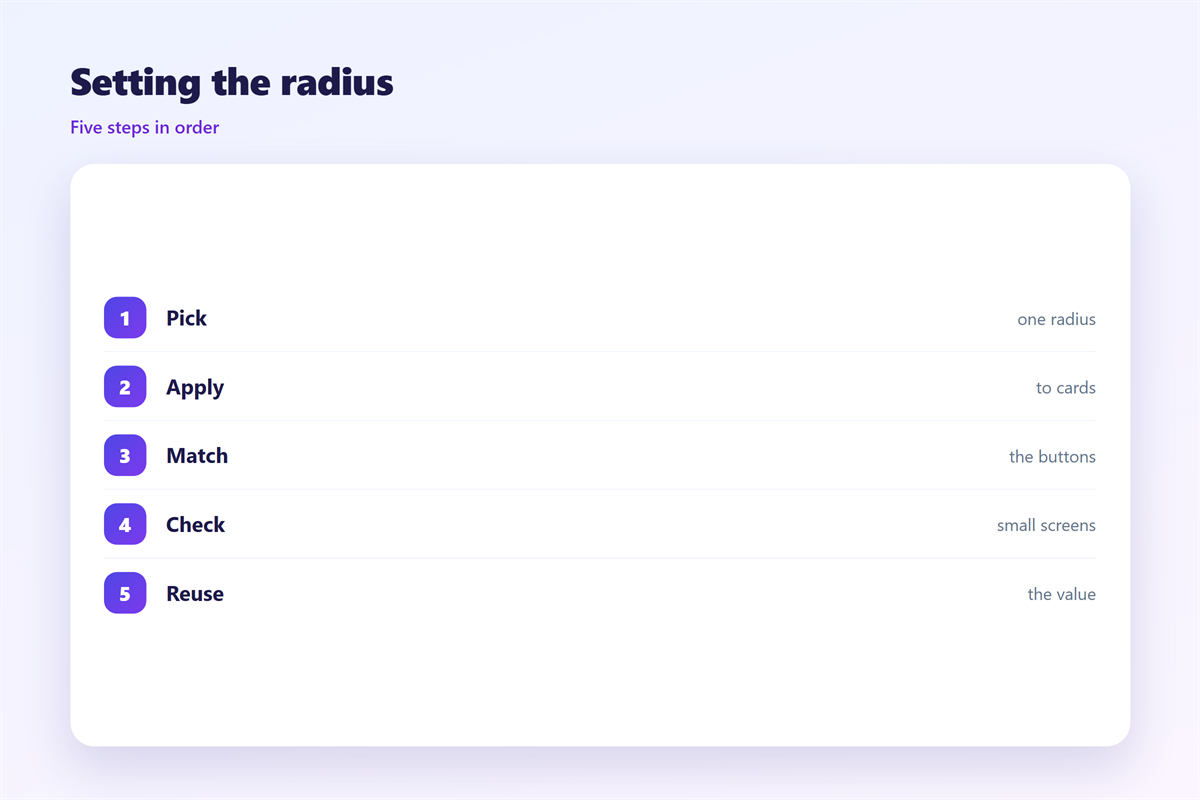
Start with the button, then work outward.
Choose a value between four and eight pixels.
Apply 邮件圆角 to buttons, cards, and images.
Keep the value in a shared style note.
Then build a square version for old clients.
Use a table cell with a solid colour behind it.
That keeps the shape stable when CSS is stripped.
Test the corner on a white and a dark background.
A curve can look larger on a dark field.
Then compare the whole email at full width.
The corners should feel like one family.
邮件圆角 at small sizes
A curve that looks calm on desktop can vanish on a phone.
At small sizes, four pixels still show.
Two pixels often look like a rendering error.
Then there is the logo problem.
A rounded logo shrinks into a fuzzy dot.
Keep logos square and curve the frame around them.
Small icons need a simpler shape.
Test the block at half width before sending.
If the curve disappears, raise it by two pixels.
If it looks like a pill, lower it.
Keeping 邮件圆角 honest
A curve is a design choice, not a promise.
Do not let it suggest a soft product you do not sell.
The action side lives in 邮件按钮.
The outline side sits in 邮件边框.
Row structure is covered in 邮件表格.
The light behind a block appears in 邮件阴影.
Then add the value to the template notes.
Write one line that explains why the number was chosen.
Ask a colleague to build one block without help.
If they choose a different number, the rule is unclear.
Fix the note before the next campaign.
A team that shares one 邮件圆角 sends cleaner mail.
FAQ
Does 邮件圆角 work in every client?
No. Most modern clients support it. Some older ones still draw square corners.
What value should I start with?
Six pixels. It reads as soft without looking playful.
Should images have rounded corners too?
Only when they sit inside a card. A plain photo can stay square.
Can I use a percentage?
Yes, but the shape changes with the block size. Pixels are easier to control.
评论
还没有评论,来说两句吧。
评论功能已关闭。