 小影邮箱
小影邮箱邮件纹理怎么用?Quiet Patterns
Key Takeaways
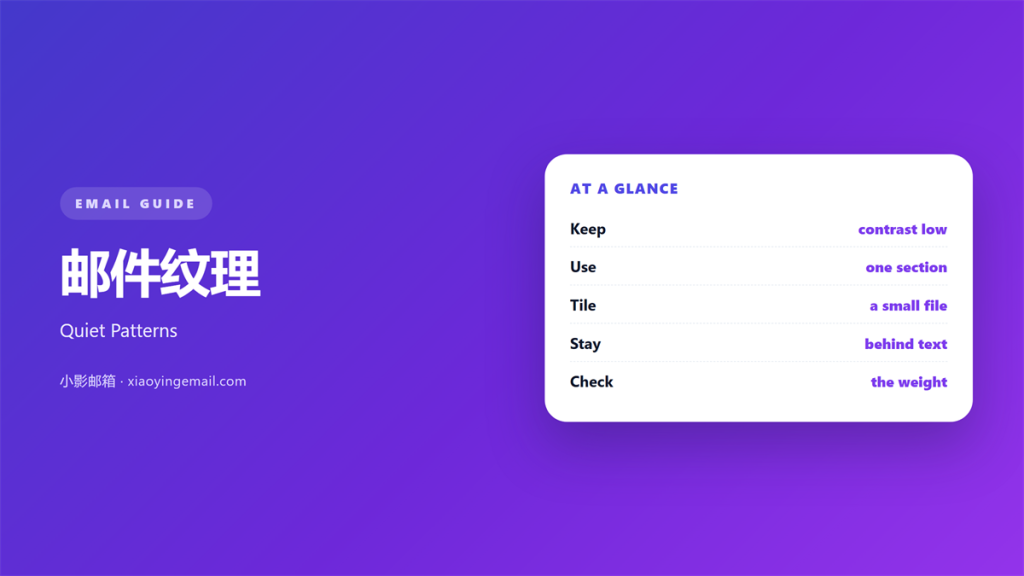
- 邮件纹理 is a faint pattern behind a block.
- Low contrast keeps the text in front.
- Use it on a colour band or in the footer.
- Keep the tile small and the file light.
- Never put a pattern behind body text.
What 邮件纹理 means
邮件纹理 is a repeating pattern used as a background.
It can be paper grain, small dots or thin diagonals.
The pattern repeats to fill a block of any size.
It sits behind the content, never over it.
A good texture is noticed only on the second look.
It adds depth without adding another photo.
The colour stays close to the base colour.
Two shades are usually enough.
The pattern is built as a small square tile.
That tile repeats across the whole block.
File size stays small because the tile is small.
The effect is quiet by design.
Why 邮件纹理 matters
A flat block of colour looks like a form field.
A light pattern makes the same block feel finished.
A 邮件纹理 also separates one section from the next.
That separation costs no extra vertical space.
It works well under a short heading and a link.
It also carries brand mood without a photo.
Paper grain suits a letter.
Dots suit a receipt or a summary.
Diagonals suit a small notice band.
The choice should follow the message.
Then the block and the words agree.
Depth is not decoration
The aim is a surface, not an ornament.
A texture that draws the eye has gone too far.
If readers mention the pattern, soften it.
Then the text keeps the attention.
When 邮件纹理 helps
It helps in a footer that needs a boundary.
It helps behind a short quote block.
It helps in a confirmation mail with little content.
A quiet pattern fills the space without extra words.
It helps when the brand uses paper in print.
The same grain carries that feel into the inbox.
A 邮件纹理 also helps a plain receipt look finished.
Use it where the text is short and large.
Keep the pattern away from dense paragraphs.
Small areas only
Keep the pattern to a band or a footer.
A full-page texture adds weight for little gain.
One textured block per mail is enough.
Two competing patterns look like a mistake.
When 邮件纹理 hurts
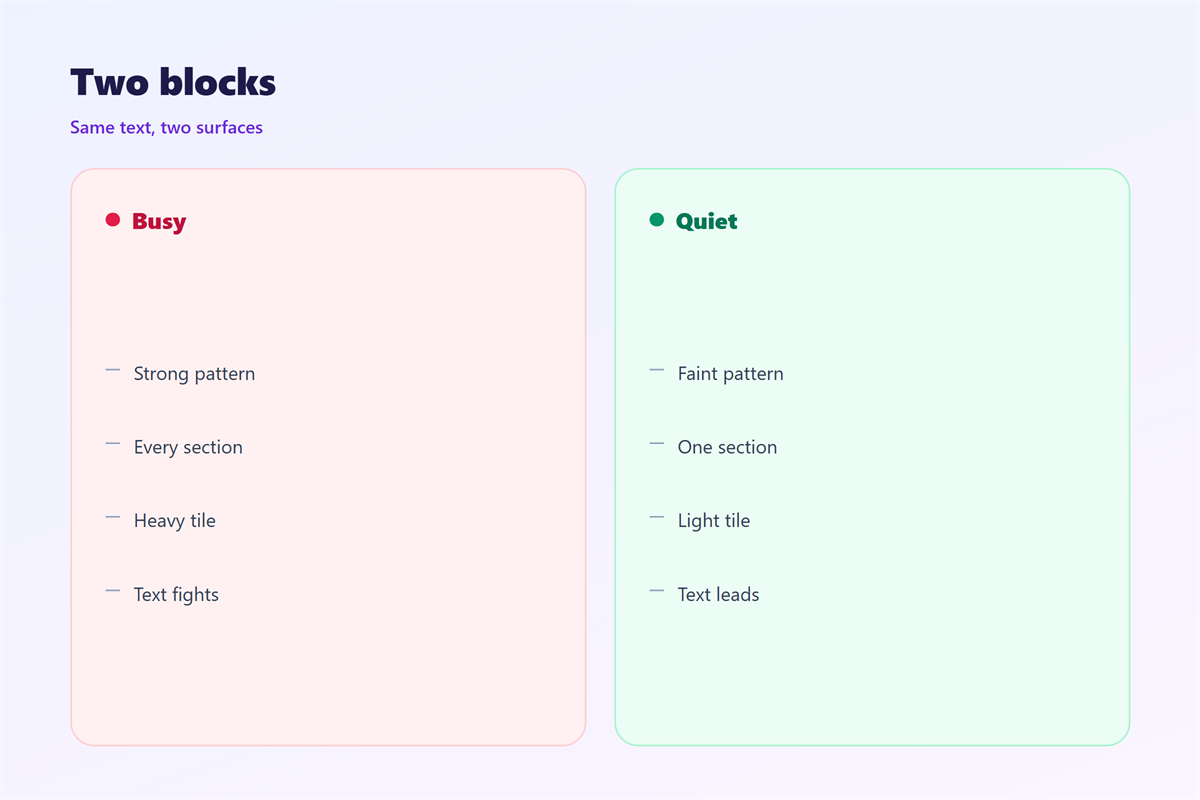
A 邮件纹理 hurts when it sits behind body text.
Grain under small type blurs the letter edges.
It hurts when the contrast is too high.
A bold dot grid pulls the eye away from the offer.
It hurts when the tile is large.
A big tile can add half a megabyte to the send.
It hurts when the pattern repeats with a visible seam.
The seam draws attention to the join, not the message.
It also hurts in dark mode.
A light grain turns into a grey haze at night.
Finally, it hurts when images are blocked.
The block then shows the fallback colour only.
邮件纹理 and file weight
A texture is an image, so it has a cost.
Repeat the tile instead of stretching one picture.
Keep the tile under ten kilobytes.
Export it as a compressed format with no metadata.
A 邮件纹理 at that size loads with the first paint.
Check the total weight of the whole mail.
Aim to stay under one hundred kilobytes.
Strip the colour profile before export.
Then compare the mail with and without the pattern.
Keep the lighter version if the difference is small.
Fallback first
Set a base colour that matches the tile.
If the image fails, the block still looks calm.
Never rely on the pattern to carry meaning.
A reader with images off should miss nothing.
Then the texture is a bonus, not a load-bearing wall.
How to add 邮件纹理
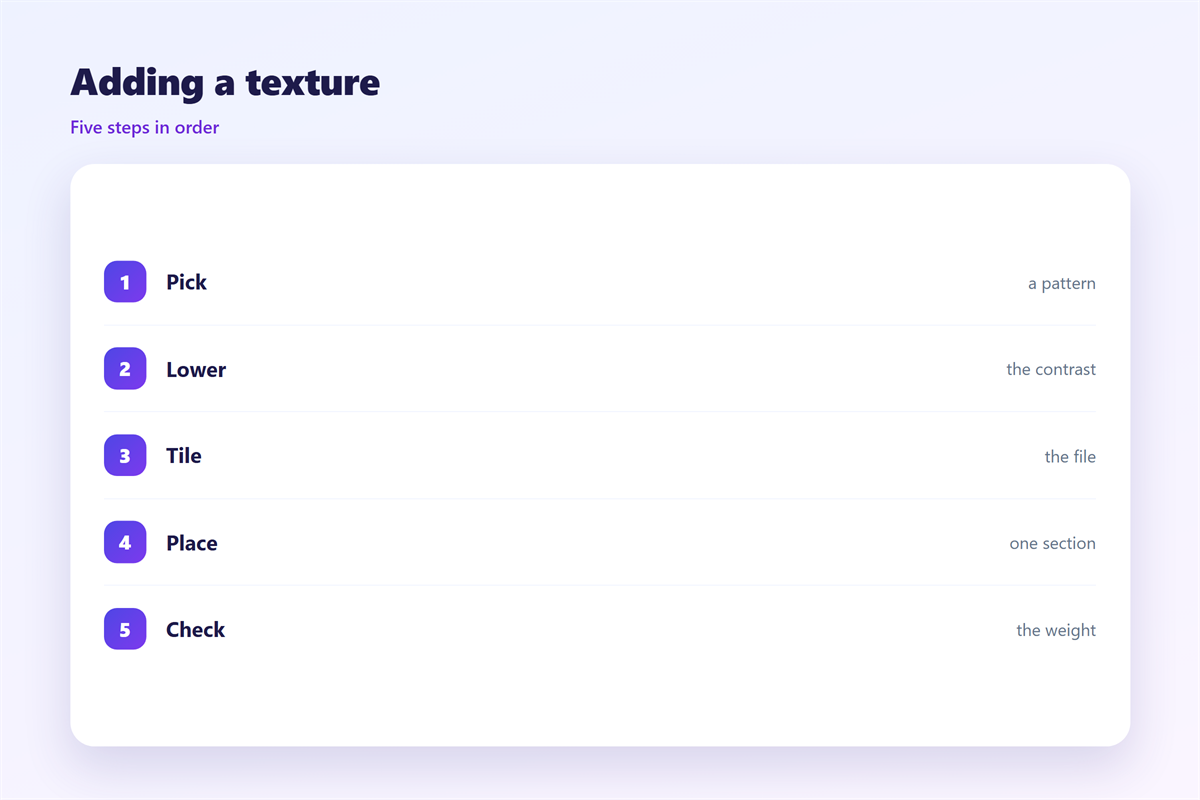
Start with the base colour of the block.
Pick one pattern that suits the message.
Set the pattern at ten to fifteen percent opacity.
Make the tile a square of sixty-four pixels.
Check that the edges join without a seam.
Apply the texture only to the band or footer.
Keep the text on a solid layer above it.
Then compare the block at full size and at phone width.
Test on three screens
Look at the block on a bright phone screen.
Then look again with the brightness turned down.
Finally look on a desktop monitor at arm’s length.
If the pattern is visible in all three, soften it.
If it is invisible in all three, remove it.
A texture should sit between those two states.
邮件纹理 on a phone
Small screens make patterns denser.
A tile that looks calm on desktop can look noisy.
Check the pattern at phone width before sending.
Reduce the opacity a little for narrow screens.
Keep the texture away from small type.
A 邮件纹理 behind twelve-pixel text turns to mud.
Use plain colour behind every paragraph.
Then the pattern earns its place in the footer.
Watch the dark mode version once more.
A pattern that fails there is not worth keeping.
Finally, open the mail on a cheap handset.
Cheap screens show banding sooner than you expect.
Keeping 邮件纹理 honest
A texture should never pretend to be content.
So never bake words into the pattern.
The image basics are covered in 邮件背景图.
Colour choices appear in 邮件配色.
The restraint rule lives in 邮件装饰.
The reading order is set in 邮件视觉层级.
Read those four before adding a new texture.
Then write down the opacity that worked.
A team that keeps one number stays consistent.
Finally, remove any pattern that hides the price.
A quiet surface should never compete with the offer.
FAQ
How strong should a 邮件纹理 be?
Barely visible. If you notice it first, it is too strong.
Can a texture sit behind body text?
No. Small type loses its edges over a pattern.
Which pattern suits a receipt?
Small dots or a fine grid at low opacity.
Does a texture work in dark mode?
Often no. Test it, then use a solid colour instead.
评论
还没有评论,来说两句吧。
评论功能已关闭。