 小影邮箱
小影邮箱邮件通讯录怎么整理?An Address Book That Lasts
Key Takeaways
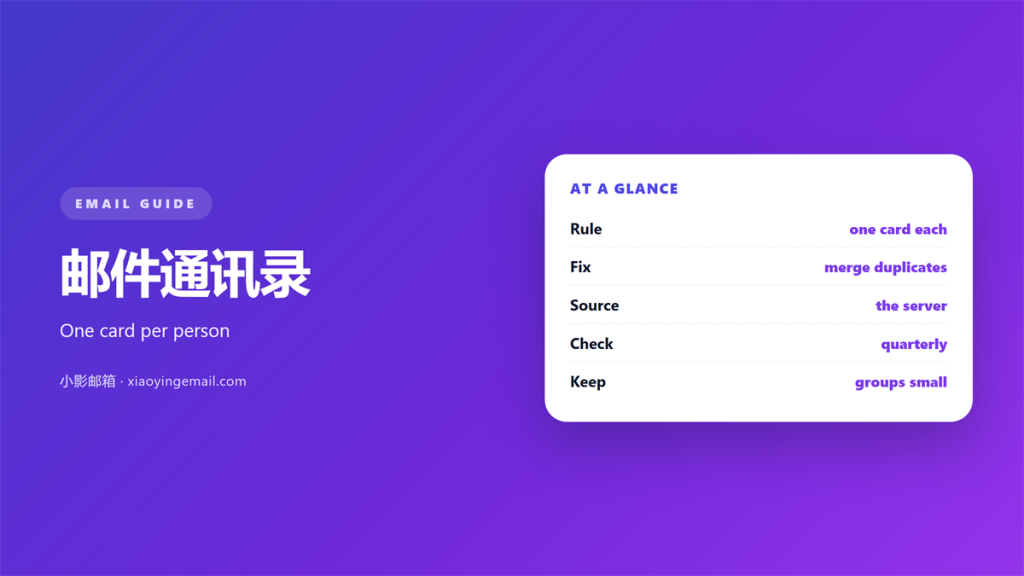
- A 邮件通讯录 is only as good as its most recent edit.
- Duplicates appear whenever two systems merge their lists.
- One master account should own the cards. Others just follow.
- Groups need names that outlive the project they serve.
- Clean in rounds, and export a copy before each one.
What a 邮件通讯录 should hold
A 邮件通讯录 is only useful when every card is accurate.
Accuracy decays over time. People change jobs, domains and names.
A stale card is worse than no card. It sends mail into silence.
So a 邮件通讯录 needs a habit, not just a database.
Start with the fields you actually use.
Name, address and a note about where you met is often enough.
Extra fields look tidy but rarely get filled in.
A card with a broken address is a promise you cannot keep.
Review the fields you ignore. Remove the ones nobody fills.
A short record that is correct beats a long one that is not.
Decide what a good card looks like before you clean anything.
Add the source of every new contact as you go.
One good field beats five empty ones.
A field you never use is a field you will not maintain.
The work then becomes a simple comparison.
Why a 邮件通讯录 collects duplicates
Duplicates appear the moment two systems merge their lists.
A 邮件通讯录 collects one card from your phone and another from the web.
Small differences split one person into two records.
A middle initial or a new domain is enough to do it.
Import tools make it worse by adding rather than matching.
Names written in other scripts break the match as well.
Merge tools show a side-by-side view. Read both sides carefully.
Merging also stops the same person getting two newsletters.
Merging is safer than deleting. It keeps the older history.
Keep the older creation date when you merge two cards.
Always review a merge before you confirm it.
A short note field often reveals the better record.
A backup first turns a risky cleanup into a safe one.
Syncing a 邮件通讯录 across devices
Sync should make every device agree. It often does the opposite.
A 邮件通讯录 can live in one cloud account or in several.
Two sources of truth will fight forever.
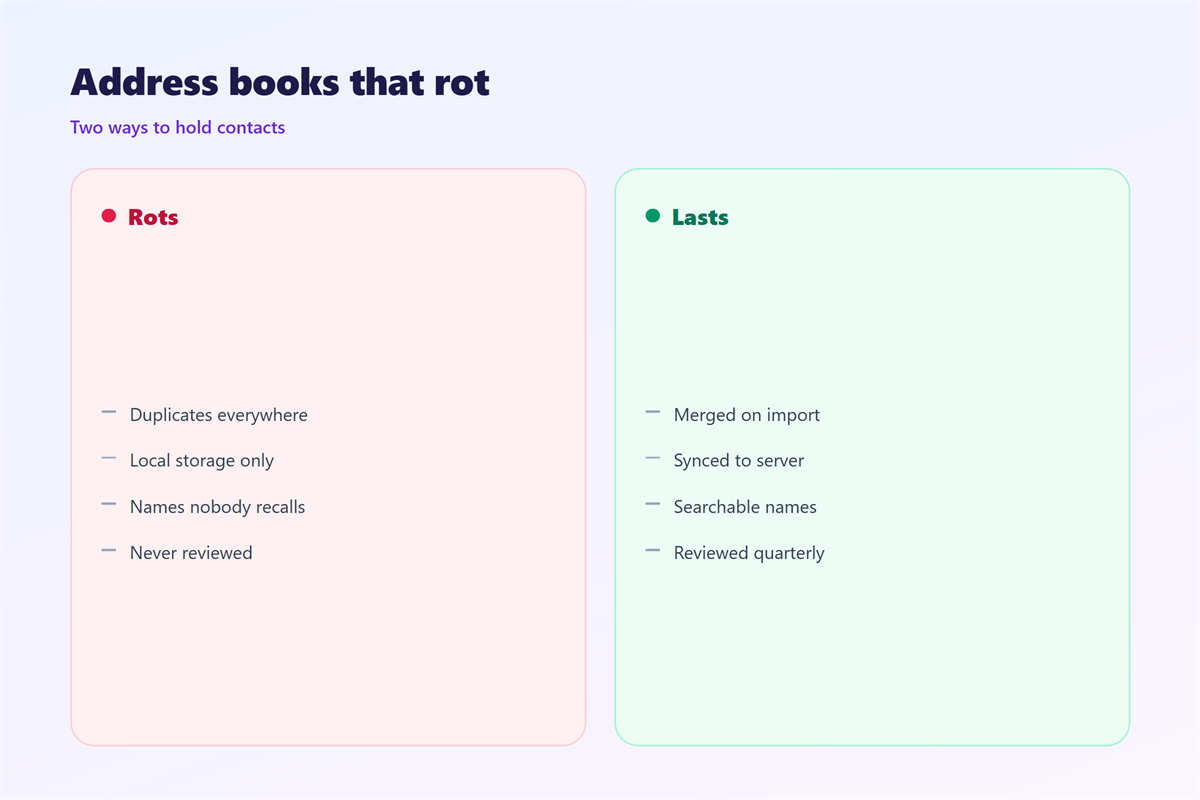
Pick one master and let the others follow it.
Otherwise deletions return and edits vanish without warning.
Editing a card on the wrong device creates a ghost.
A ghost returns after every sync, which confuses everyone.
Some phones only read the list. They never send changes back.
Check which account owns the card before you edit it.
Conflicts are easiest to spot in a desktop client.
Fix the master, then let the devices refresh in their own time.
Write down which account is the master and share that note.
Give sync a minute before you assume it failed.
A duplicate usually means two accounts, not one mistake.
A calm sync follows a single owner of the 邮件通讯录.
Groups, rules and the 邮件通讯录
Groups save time when they stay small and current.
A 邮件通讯录 and its groups need the same upkeep.
A group named for a project dies when the project ends.
A group named for a role outlives the person in it.
Review the membership twice a year.
Remove people who left before they get one more message.
Small groups send faster than one giant list.
Remove a group when it stops matching anything real.
A group you never use can be archived, not deleted.
Names that reveal nothing are easy to send to by mistake.
A clear name is a safety feature, not a luxury.
Keep the big lists separate from your daily contacts.
Keep personal lists out of shared directories.
A good group name tells you when to stop using it.
Mixing them makes both harder to trust.
Cleaning a 邮件通讯录 for good
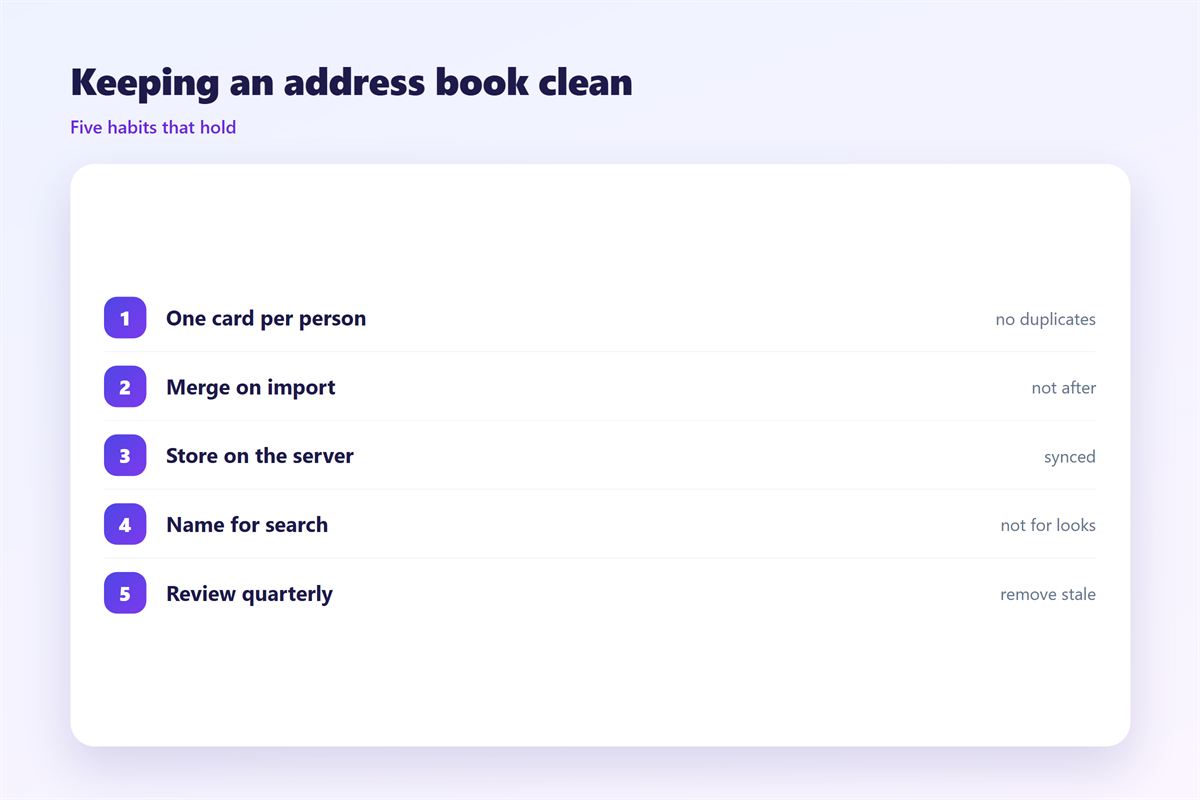
Cleaning works best in rounds, not in one long sitting.
Start with the cards you email most often.
Fix those first and the rest matters far less.
Then scan for duplicates and merge them slowly.
Then delete addresses that have bounced twice.
A bounced address will not heal with another try.
Do the cleanup on a desktop, not a phone.
Merging is easier to see and undo on a bigger screen.
Finish one round before you start the next.
Export a copy before and after each round.
A 邮件通讯录 you can restore is one you can edit freely.
Mark cards you are unsure about instead of deleting them.
Ask three people to check the list for errors.
Set a reminder to repeat the review each year.
A patient approach keeps the list honest over time.
Small fixes add up faster than one big purge.
Managing the people behind the cards is covered in 邮箱联系人. Shared sets sit in 邮件群组. Bulk sending follows the rules in 邮件列表, and visibility is explained in 邮件抄送.
A smaller list is easier to trust and faster to search.
A tidy 邮件通讯录 is measured by trust, not by size.
FAQ
How often should I clean my 邮件通讯录?
Twice a year is enough for most people. Fix the frequent contacts first.
Is merging better than deleting?
Usually yes. Merging keeps notes and history that a delete would throw away.
Why do contacts come back after I delete them?
A second device or account is re-adding them. Remove the card at the source.
Can two accounts share one address book?
Yes, but pick one master. Two writers will overwrite each other’s edits.
评论
还没有评论,来说两句吧。
评论功能已关闭。