 小影邮箱
小影邮箱邮件导入怎么做?Moving a List Safely
Key Takeaways
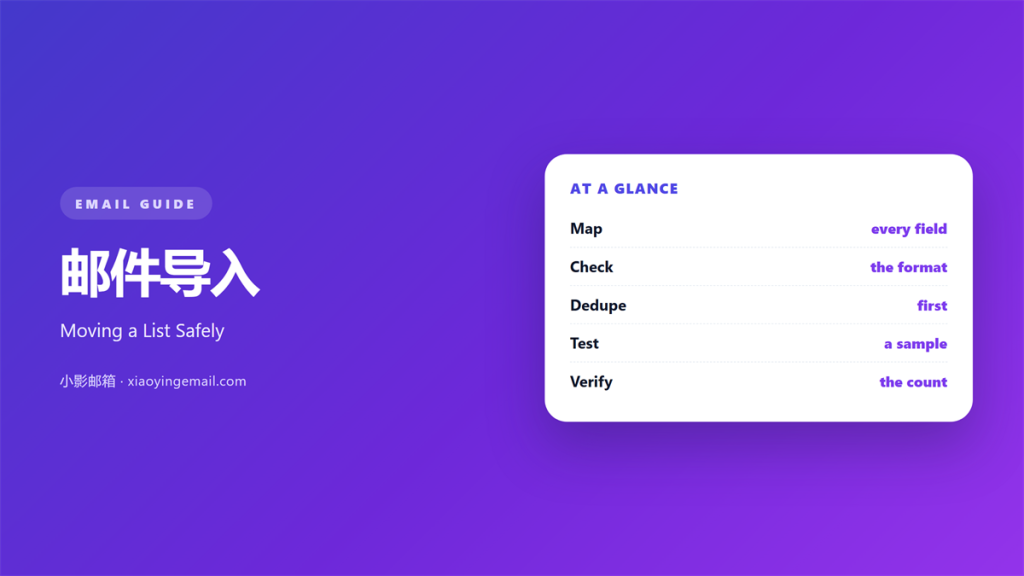
- 邮件导入 moves contacts from one tool into another.
- Map every column before you load the file.
- Test with ten rows and check the count.
- Clean duplicates before they reach the send.
- A written process keeps the move repeatable.
What 邮件导入 means
邮件导入 is the act of moving contacts into a new tool.
You take a file and load it into the system.
The file may come from a spreadsheet or an old app.
Each row becomes one contact record.
Each column becomes one field.
The job sounds simple at first.
In practice, small mismatches cause big losses.
So plan the whole move before you click import.
A good import starts long before the upload.
It starts with a clean source file.
Treat every row as a person, not a number.
Each row should have a real reason to be there.
A clean file is half the work done.
Why 邮件导入 matters
Your list is the asset behind every campaign.
Lose part of it and you lose reach.
A clumsy 邮件导入 annoys real people.
Wrong names damage trust fast.
Duplicate rows waste money and time.
A clean import protects your sender reputation.
It also keeps your reports honest.
Every open and click depends on a real address.
So the import step decides later results.
Small care here saves many problems.
It keeps the send list close to the truth.
Warm and cold data
Warm data comes from people who opted in.
Cold data was never asked.
Import both and you risk complaints.
Keep the two apart from the start.
When 邮件导入 goes well
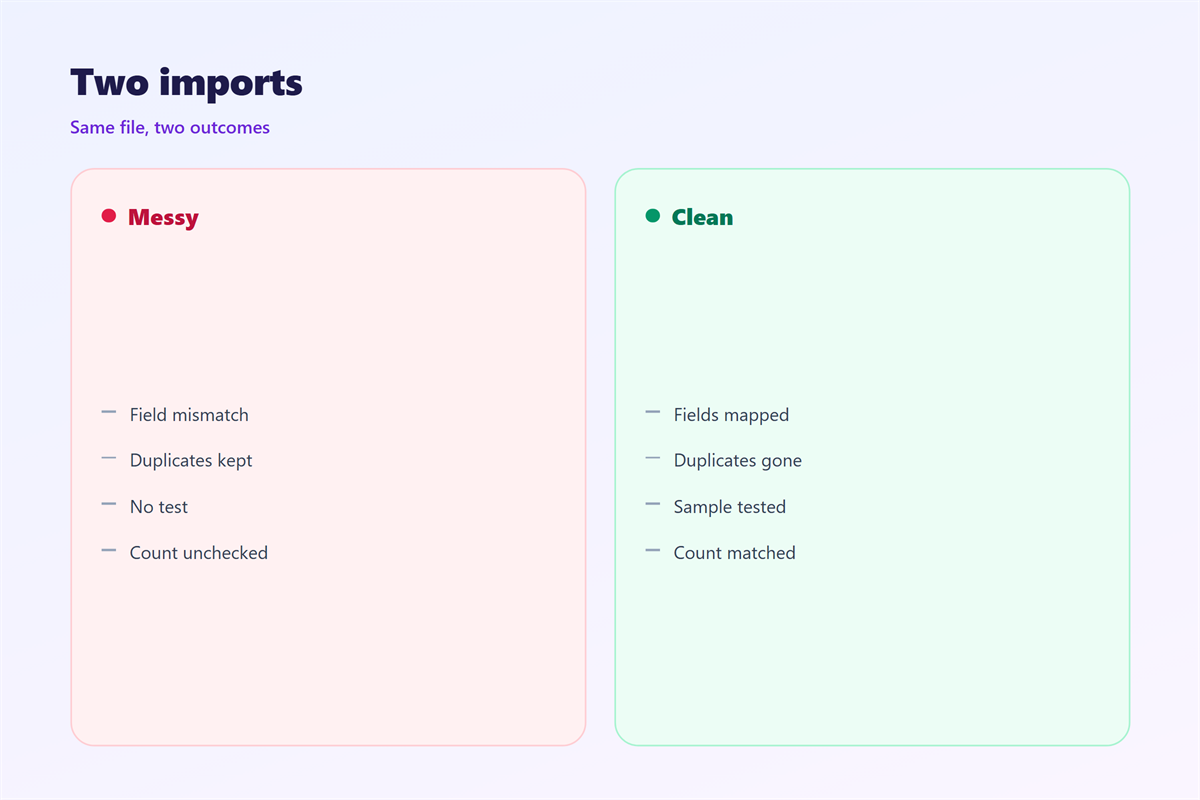
A good import begins with a backup.
Save the original file before any change.
Then map every column to the right field.
Check the field types before you load.
Dates should stay dates, not text.
Phone numbers should keep their leading digits.
Test with ten rows first.
Fix what breaks, then load the rest.
Confirm the final count against the source.
If the numbers match, the import worked.
If they differ, find the missing rows.
Then spot check a few records by hand.
A small check now saves a big fix later.
When 邮件导入 goes wrong
Most failures start with a hidden column.
A stray comma can split one row into two.
An odd space can break an email match.
A blank field can greet a reader by nothing.
A wrong encoding turns names into symbols.
Duplicates creep in when the key is weak.
Each error looks small on its own.
Together they can ruin a whole send.
So check the file before the tool.
The source is where most problems live.
A slow check now beats a bad send later.
The tool often works well; the input does not.
So blame the file before the software.
Where the data comes from
Data comes from many places.
A signup form, a shop, or a help desk.
Each source uses its own column names.
You must line them up with yours.
Agree on one format for the whole team.
Use a single key like the email address.
That key keeps records from repeating.
Note the consent status of each row.
The 邮件导入 source decides the quality.
Keep a note of where each record came from.
Label the source inside every file.
A dated label avoids confusion later.
How to prepare a 邮件导入
Start with a copy of the source file.
Remove the columns you do not need.
Trim the spaces around every value.
Standardize the date format.
Split full names into two fields if needed.
Mark the required fields first.
Then let the tool match the rest.
Preview the mapping before you load.
Read the first few rows by eye.
Keep the mapping notes beside the file.
They help the next person run the import.
Name the file with the date and source.
A quick read catches most surprises.
A repeatable 邮件导入 checklist
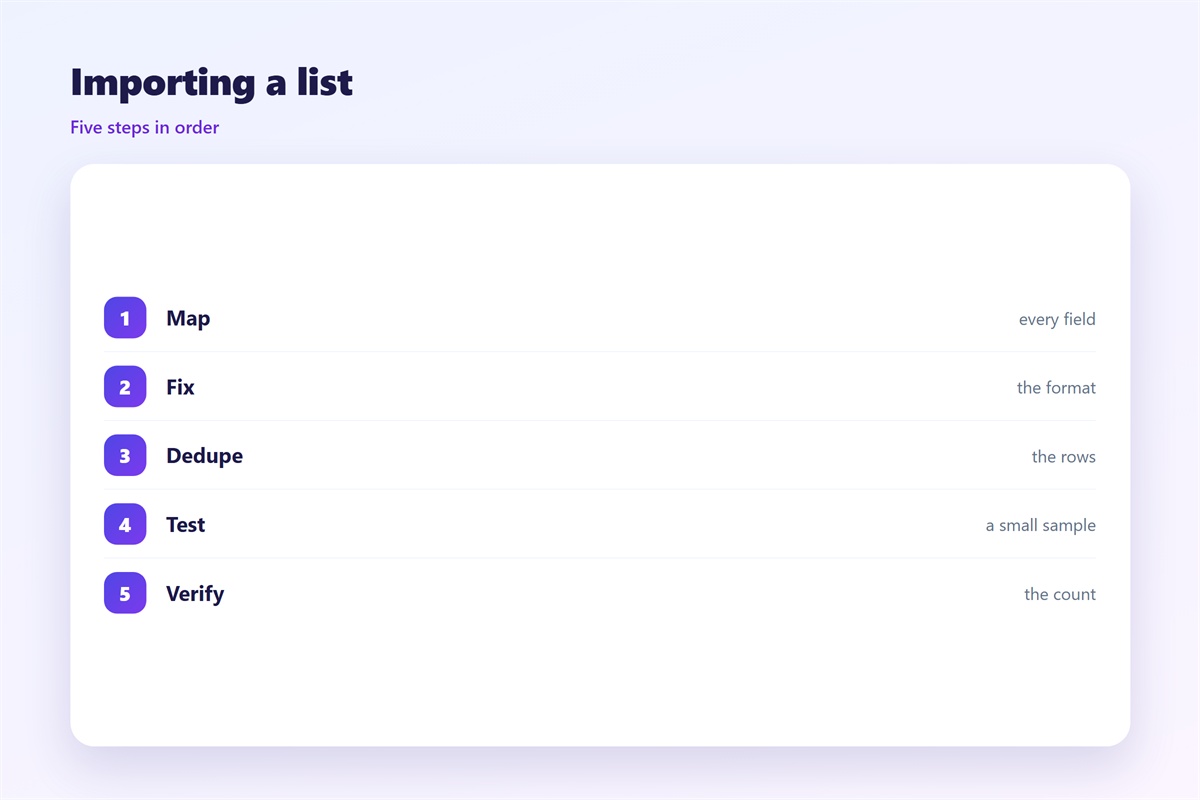
Back up, map, test, then load.
Check the count after every run.
邮件导入 and duplicates
Duplicates hide inside almost every list.
Two rows may hold the same person.
Small changes in spelling hide the match.
So clean duplicates before the import.
Use the email address as the main key.
Merge the records and keep the richer one.
Then re-check the total count.
A shorter, cleaner list often performs better.
Fewer sends also protect your reputation.
A tidy list is easier to trust.
Set a rule for what counts as a duplicate.
Then apply the same rule every time.
Finding duplicates early
Sort by the key and scan the neighbours.
Merge the pairs before you upload.
Keeping 邮件导入 repeatable
A written process beats a clever trick.
Break the job into small steps.
Write the steps down once.
Then anyone on the team can repeat them.
Keep a log of each import run.
Note the date, the source, and the count.
A short log answers most questions later.
It also shows a slow drift over time.
An address book stays useful when it is tidy, as shown in 邮件通讯录.
Moving every mailbox to a new host is covered in 邮箱迁移.
Reusing the same layout for each message appears in 邮件模板.
Combining a template with many rows sits in 邮件合并.
A repeated 邮件导入 turns a hard task into a habit.
FAQ
How long does a 邮件导入 take?
A small file takes minutes, a large one takes longer.
Does every 邮件导入 need consent?
Yes. Only import people who agreed to hear from you.
What if some rows fail?
Fix the source file and run the import again.
Should I merge duplicates first?
Yes. Merge them first so the list stays clean.
评论
还没有评论,来说两句吧。
评论功能已关闭。