 小影邮箱
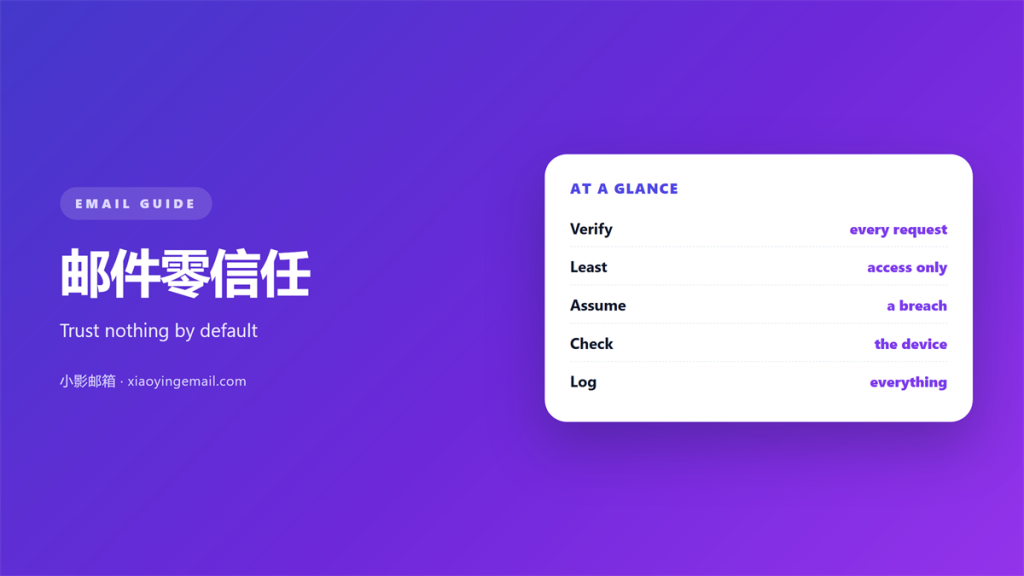
小影邮箱邮件零信任怎么做?Trust Nothing by Default
Key Takeaways
- 邮件零信任 treats every message as unproven.
- A familiar name is not enough proof.
- Check a link before you click it.
- Verify money requests out loud.
- Small checks block most attacks.
What 邮件零信任 really means
邮件零信任 starts from the idea that mail is unverified.
Nothing is trusted just because it arrived.
Every request is checked against another source.
This sounds cold, but it is simply careful.
A 邮件零信任 mindset is not distrust of people. It is a habit of checking facts.
The rule is easy to state. It is harder to keep on a busy day.
Trust is not removed. It is earned in small steps instead of assumed.
That shift changes how you read every message.
It also changes what you do before you reply.
Nothing here needs special software.
A little care does most of the work.
A careful habit protects the whole team, not just one person.
It also lowers the odds of a costly mistake at work.
The first week feels slow, then it becomes routine.
Anyone who touches mail should learn these steps.
They are easy to teach and easy to carry.
That is why the idea spreads so quickly.
Why 邮件零信任 matters
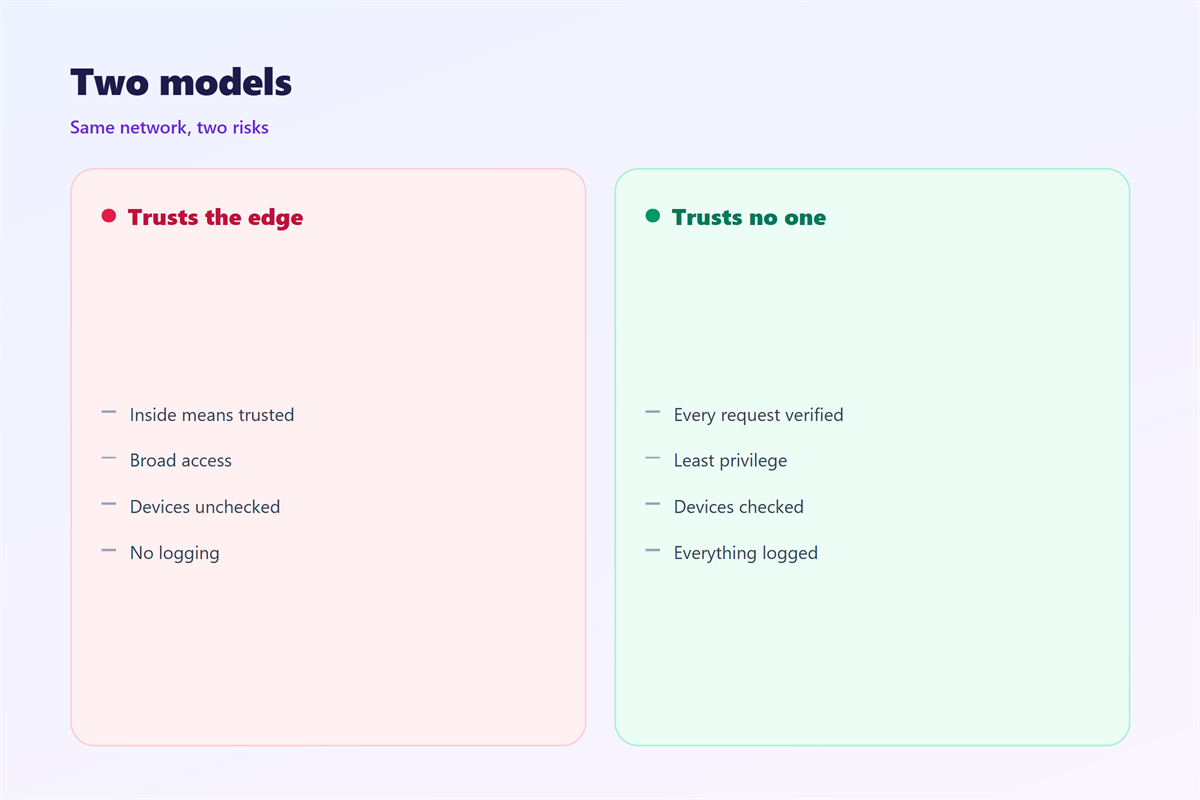
Old walls around one network no longer hold.
People now read mail on many devices, in many places.
A stolen login can reach everything at once.
A 邮件零信任 habit limits that damage early.
It also makes an attack harder to hide.
A quiet check catches a spoofed address in seconds.
One report can warn the whole company in time.
So the habit pays off long before an incident.
Most big breaches begin with one small, quiet mistake.
A single reused password can unlock many accounts.
A calm check costs almost nothing to run.
Trust as a default
Most people trust a message by default.
Attackers rely on that quiet assumption.
Reversing it is the core of the whole idea.
A short pause beats a long cleanup.
Attackers prefer a familiar name to a strange one.
That is why the check must happen before you reply.
How 邮件零信任 works in practice
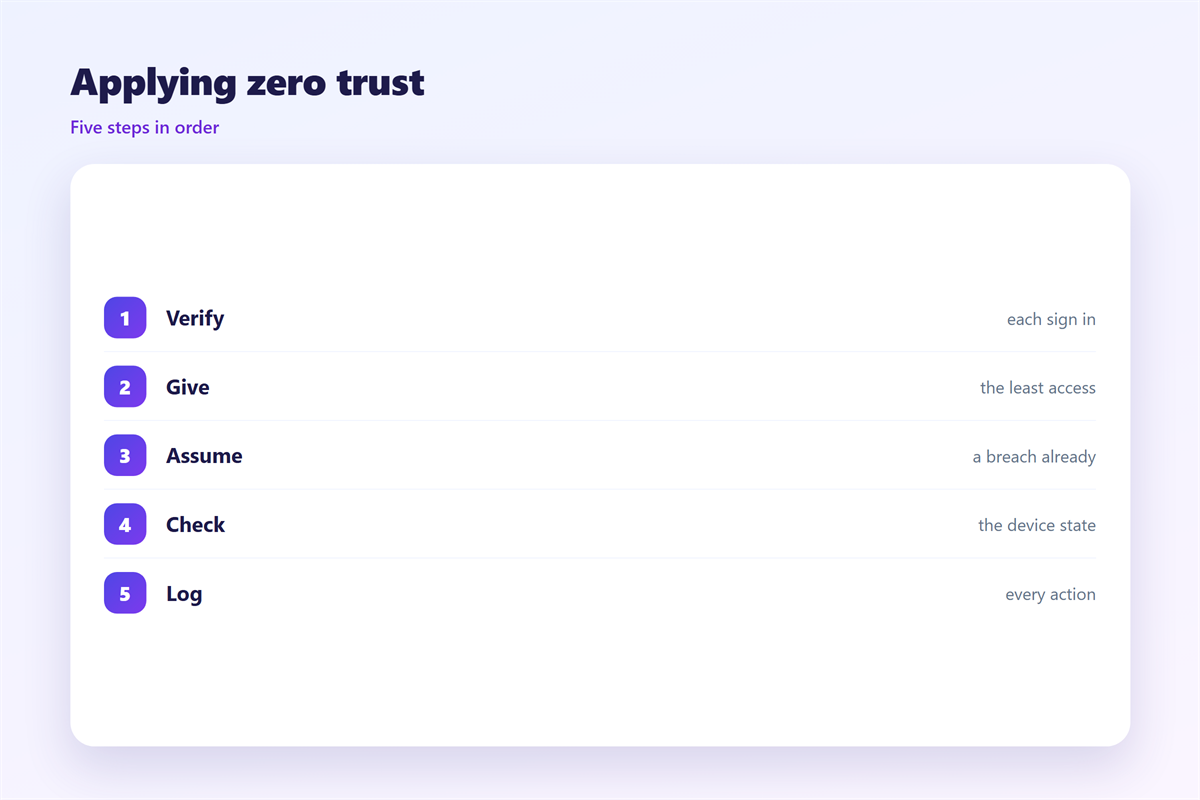
Check the sender against the address it claims.
Hover over a link before you click.
Confirm money requests on a known number.
Treat attachments from strangers with care.
A 邮件零信任 check takes only a moment.
Ask a simple question first. Would this sender really ask this?
If the answer is unclear, pause and verify.
Then answer once you are sure.
A short list of trusted contacts saves time and worry.
Keep the list current as people join or leave.
Ask the sender a question only they would know.
Signals you can check
A mismatch between name and address is a warning.
Odd urgency is another clear signal.
A 邮件零信任 habit turns these checks into a reflex.
Strange grammar is a common clue as well.
A request that avoids the phone is another.
A reply address that differs from the sender is a clue.
Unexpected files are another reason to pause.
Common mistakes with 邮件零信任
Some people apply it only to strangers.
Real attacks often come from a familiar account.
Others skip checks when they feel busy.
A rushed click defeats any 邮件零信任 plan.
Rules that live on a poster never help. Practice does.
Fear is a poor teacher. A short routine works far better.
So keep the steps few and easy to repeat.
A habit used only sometimes is not a habit yet.
So practice the check until it feels normal.
Never mock a colleague who asks for proof.
Habits that keep mail safe
Slow down for anything involving money.
Use a second channel to confirm.
Keep a short list of trusted contacts.
A light 邮件零信任 routine is easy to keep.
Report odd messages to the team.
Review the rules as tools change.
Teach one new person each month.
Celebrate good reports openly.
Set a rule for any request about money or data.
Make the rule simple enough to remember under stress.
Share what you learn with the whole team.
Keeping 邮件零信任 steady day to day
Harden the account that holds your mail. The checklist lives in 邮箱安全.
Add a second lock at sign in. The setup is described in 两步验证.
Protect the message as it travels. The options are compared in 邮件加密.
Review the devices that stay signed in. That process is covered in 邮箱设备管理.
Then keep the rules small enough to last. Quiet 邮件零信任 protects the most careful teams.
Write the steps down so the team agrees. Shared rules beat private judgement.
Check in on the routine each season. Small drift is easy to fix.
Keep a short note about who owns each mailbox.
Review access when someone changes roles.
Update the rules when your tools change.
A shared habit protects more than any single tool.
So teach the checks and keep them short.
A calm team spots odd mail much sooner.
That early warning is worth more than speed.
Over time the habit becomes second nature.
FAQ
Does 邮件零信任 mean trusting no one?
No. It means verifying a request before you act.
Trust still exists. It just needs a little proof.
Is 邮件零信任 only for large firms?
No. A small team benefits just as much.
One careful person can protect many others.
What is the first step?
Turn on a second factor for every mailbox.
Then teach the team one simple check.
How does this affect daily work?
It adds a few seconds. It rarely slows real work.
Most checks take less time than reading this note.
评论
还没有评论,来说两句吧。
评论功能已关闭。