 小影邮箱
小影邮箱邮箱空间清理怎么做?Free Up Space
Key Takeaways
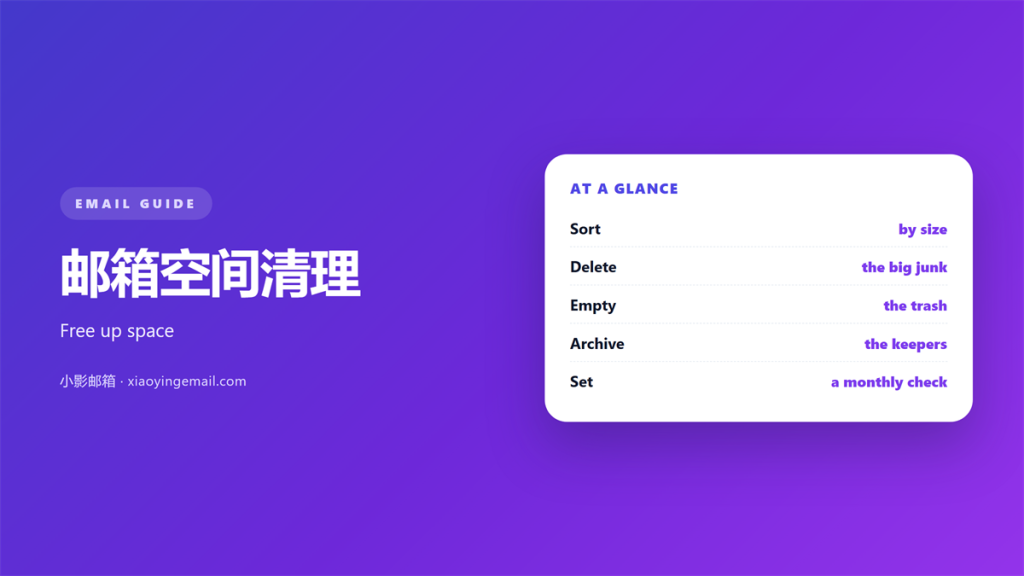
- 邮箱空间清理 is about size, not tidiness.
- A full box stops new mail from arriving.
- Sort by size and start at the top.
- Delete the file, keep the message.
- Empty the trash and check the archive.
What 邮箱空间清理 means
邮箱空间清理 is the work of finding heavy mail and clearing it safely.
It is not the same as tidying your inbox.
You may have a thousand unread notes and still have free space.
You may have a tidy inbox and a full mailbox too.
The real limit is storage, not order.
Big files eat the space that new mail needs.
Once the box fills, new messages stop arriving.
So the job is about size, not neatness.
The goal of 邮箱空间清理 is not a spotless inbox.
It is a mailbox that can still receive mail.
That is a much smaller and safer target.
Small mail adds up over many years.
One big file can equal thousands of short notes.
So you look for weight, not count.
Why 邮箱空间清理 matters
A full mailbox blocks new messages.
Some servers bounce them back to the sender.
Others hold them until you free some room.
Either way, you miss something important.
Clearing space also makes search faster.
A lighter mailbox opens and syncs more quickly.
It is easier to back up as well.
A full box also slows down every search.
Set the size limit you want to stay under.
That gives the routine a clear goal.
Regular 邮箱空间清理 prevents a sudden emergency.
A blocked message is one you never see.
The sender may not even know it failed.
You may miss a bill or a signed contract.
A light box also uses less power on your phone.
What fills a mailbox
Attachments are the biggest culprit.
A few large videos can dwarf years of text.
Newsletters with images add up quietly.
Sent mail with documents counts too.
Old backups and exports sit in the background.
Spam and trash hold space until they are purged.
How to start 邮箱空间清理
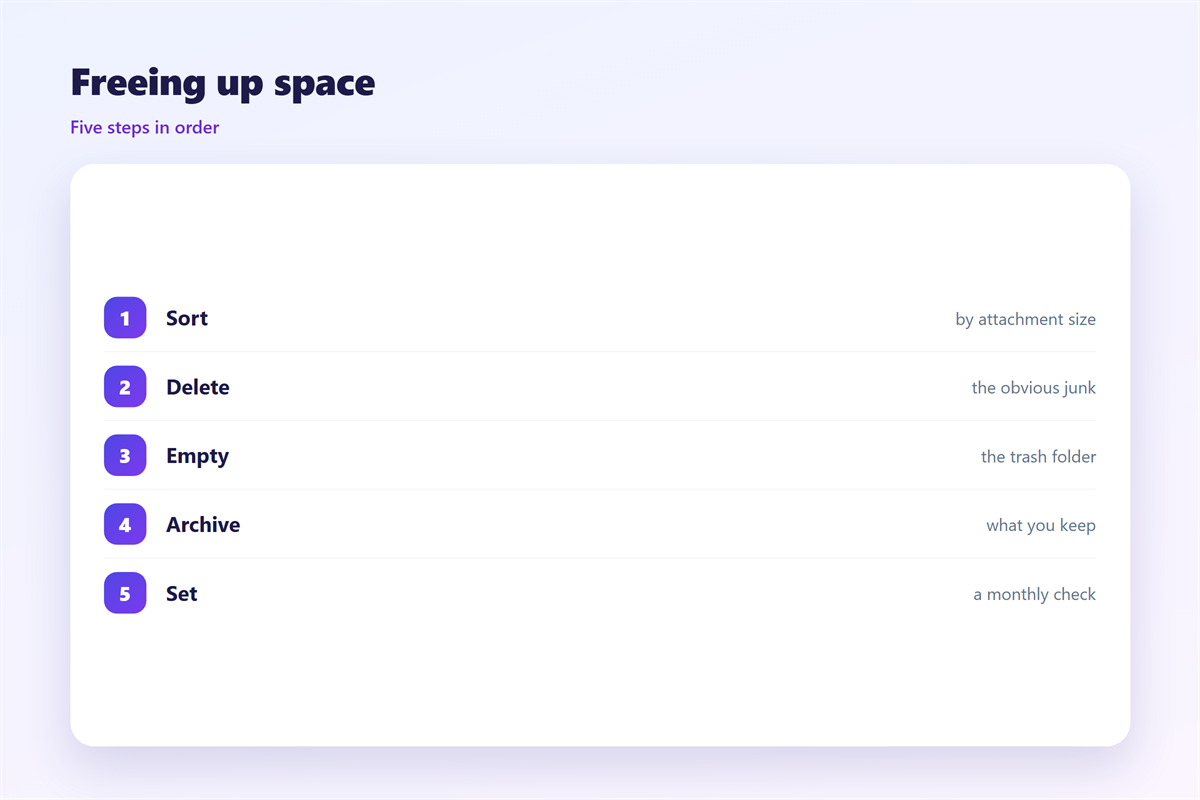
Start by sorting mail by size.
Most mail apps offer this view.
Look at the top of the list first.
A good 邮箱空间清理 starts with the biggest files.
Open the heaviest message and check it.
Decide if you still need it.
If yes, save it somewhere else.
If no, delete it at once.
Work in small passes, not one long session.
Clear ten messages and then stop for a while.
Your eyes get tired and start making errors.
Find the heavy mail
Search for messages with attachments.
Filter by size where you can.
Check the sent folder as well.
Many people forget the mail they sent.
Big drafts can hide for years.
Do 邮箱空间清理 safely
Empty the trash once you are sure.
Deleted mail often sits in a hidden bin.
That bin can hold more than you think.
Attachments and photos drive most 邮箱空间清理 needs.
Move key files to a folder on your computer.
Check each file before you remove it.
A wrong click can cost a document.
Keep the mail and drop the heavy file.
Sorting after you delete
Deleting is only half the task.
Make a rule so the box stays light.
Move newsletters to a folder you empty monthly.
Turn off automatic download of attachments.
A calm 邮箱空间清理 removes junk before memories.
Keep personal mail that you may want later.
Let the routine handle the noise.
Not every large file must go.
Some mail matters for years.
Keep contracts, receipts and personal notes.
Move them to a folder outside the mailbox.
Then the box holds only the light mail.
Where 邮箱空间清理 goes wrong
Some people delete mail they still need.
Others empty the trash in a hurry.
Neither mistake is easy to reverse.
Another trap is ignoring the archive.
Old archives can be full of large files.
Skip 邮箱空间清理 during a busy week.
Do it when you can focus for an hour.
A careful 邮箱空间清理 keeps a copy of anything important.
Some people free space and then fill it again.
A simple rule stops that cycle before it starts.
Some clean the inbox and ignore the rest.
The rest is often where the weight sits.
A simple routine
Pick one day each month.
Spend thirty minutes on the box.
Sort by size and clear the top ten.
Set a small goal for each pass.
Ten messages are enough to start.
Empty the trash and check the archive.
That habit keeps the box light.
Keep the same steps each time.
A steady habit beats one huge clean up.
Set a tidy order you can repeat.
A clear order saves thinking time.
Write the steps down once.
Sending and improving
Note how much space you freed.
Write down what you deleted.
If you regret a deletion, learn from it.
Adjust the rule you set last month.
Check your mailbox size every few weeks.
Export an old archive before you delete it.
Store the export on a drive you own.
See 邮箱容量 for how to read the limits, and follow 邮箱整理 for a calmer routine. Recover mistakes through the 邮箱回收站, and manage big files with good 邮件附件 habits.
FAQ
How often does 邮箱空间清理 help?
Once a month is enough for most people.
Will 邮箱空间清理 delete my mail?
No. You choose what to remove. Nothing disappears on its own.
What fills space again after 邮箱空间清理?
New attachments and images. Empty the junk folder often.
Can 邮箱空间清理 be undone?
Only within the trash period. After that, the mail is gone.
References
- Litmus: Email marketing metrics and benchmarks
- Mailchimp: Email marketing benchmarks
- IETF RFC 5322: Internet Message Format
评论
还没有评论,来说两句吧。
评论功能已关闭。