 小影邮箱
小影邮箱邮件扫描是怎么回事?What Happens to Attachments
Key Takeaways
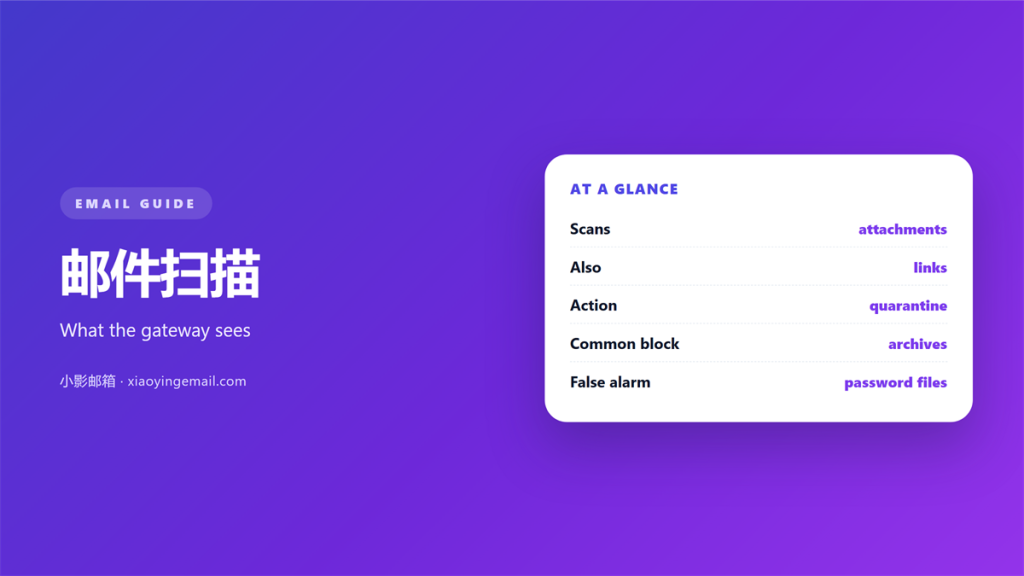
- 邮件扫描 happens before you ever see a message, usually at the gateway rather than on your device.
- Most of it is signature based, which means brand new files are the ones that slip through.
- A suspicious attachment is often stripped and replaced with a notice rather than delivered.
- Password protected archives are held or blocked, because scanners cannot look inside them.
- 邮件扫描 is a filter, not a guarantee, so the last decision is still yours to make.
What 邮件扫描 actually inspects
邮件扫描 is the inspection that a message passes through between the sender and your inbox. It looks at the headers, the links, the body and every attachment, and it does so at a machine speed that no person could match.
The first pass is usually structural. The receiving server checks that the message is well formed, that the sender is who it claims to be, and that the content types match what the message says they are. A file that lies about its type is the classic trigger here, and 邮件扫描 is designed to notice exactly that.
The second pass is the one most people picture: an antivirus engine opening the attachment and comparing it against a library of known threats. It is fast and accurate against yesterday’s malware, and considerably weaker against anything written this morning.
Where 邮件扫描 runs
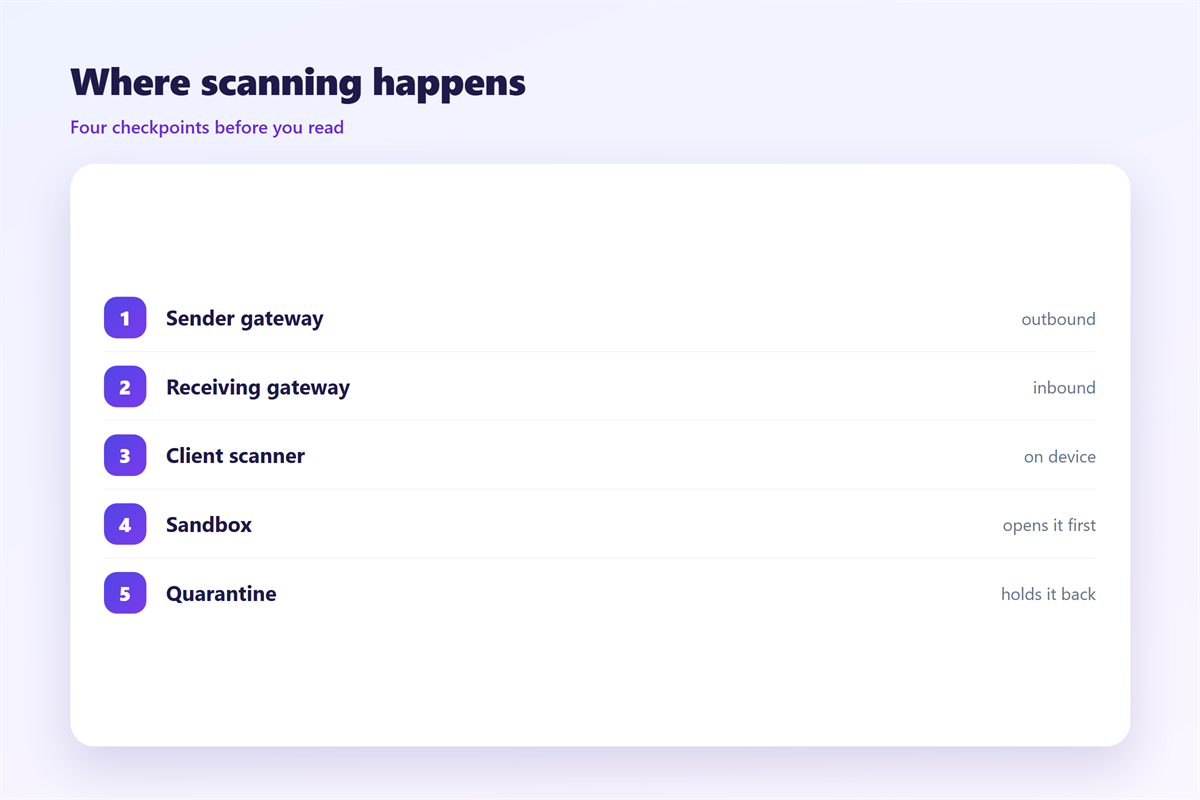
Scanning does not happen in one place. A message may be checked by the sending provider, again by the recipient’s gateway, and once more by the desktop client or phone before it is displayed to you.
Corporate mail usually adds a dedicated security appliance between the internet and the mailbox. That appliance is where the strictest rules live, and it is the layer most likely to hold a message for review instead of delivering it.
Consumer services do something similar but with more tolerance, because a filter that blocks too much generates support requests. The result is that the same 邮件扫描 behaves very differently depending on who runs the mailbox, which is why one recipient receives a file that another never sees. The behaviour is not arbitrary; it reflects a different balance between blocking too much on one side and missing a threat on the other, and no two operators draw that line in the same place.
What 邮件扫描 does to an attachment
When a scanner decides that a file is risky, it rarely deletes the whole message. Instead it takes one of a small number of actions, and knowing which one you are looking at explains the strange mail that sometimes arrives.
- Stripped: the attachment is removed and replaced with a short warning in the body.
- Quarantined: the whole message is held, and an administrator must release it.
- Rewritten: links are replaced with safe redirects that are checked when clicked.
The most aggressive technique rebuilds the file from scratch, keeping the visible content and discarding anything executable. A 邮件扫描 of this kind can turn a macro document into a harmless image of the same page, which is why an attachment sometimes arrives looking subtly different. It is also the only approach that reliably delivers something usable from a file that would otherwise be held.
When 邮件扫描 blocks the wrong thing
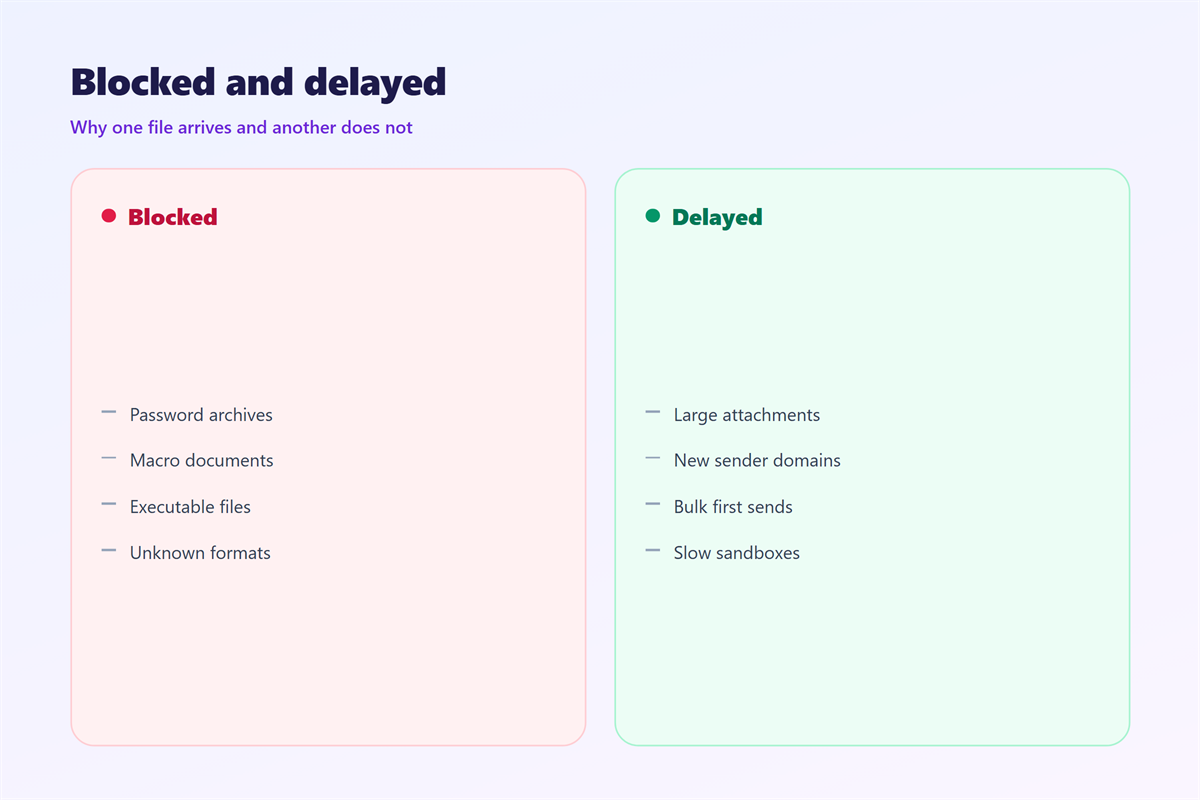
Every filter has a false positive rate, and a blocked invoice can cost more than the threat it prevented. Understanding the usual causes makes it easier to have the file released quickly. A well tuned 邮件扫描 should catch the threats that matter and let the ordinary traffic through untouched.
Password protected archives
A scanner cannot read inside an encrypted archive, so it treats the file as unknown. Many gateways simply refuse it, which is why a legitimate protected archive is one of the most commonly blocked attachments.
Macro enabled documents
A spreadsheet with macros looks identical to a genuine one and to a malicious one. When 邮件扫描 cannot tell them apart, it defaults to caution and holds the message instead of guessing.
Newly written files
A file created today has no signature yet, so the scanner falls back on behaviour rather than identity. That fallback is slower and less certain, which is exactly the gap an attacker aims for.
If an attachment goes missing, the order of investigation matters. Start with the handling habits in 邮件附件, then rule out a spoofed sender using the method in 钓鱼邮件. The server side rules are described in 邮件网关, and the client side settings that decide what is rendered belong with 邮件客户端.
Write down what was blocked
Keep a short note of any message that vanishes. A pattern of blocked files is the fastest way to show an administrator that a rule is tuned too tightly for the work being done.
FAQ
Does 邮件扫描 read the content of my messages?
Automated systems inspect content for threats, and the process is not a person reading your mail. Policies differ by provider, so it is worth knowing which one you use.
Can a virus pass 邮件扫描 and still get through?
Yes. New malware with no signature can slip past a scanner, especially if the file is merely a link to a download rather than the payload itself.
Why was my attachment replaced by a text notice?
That is a strip, the gentlest action a scanner takes. The file was judged risky, so it was removed and the message was allowed to continue without it.
Is 邮件扫描 the same on every provider?
No. Engines, rules and thresholds all differ, so the same attachment can be delivered by one service and held by another on the very same day.
评论
还没有评论,来说两句吧。
评论功能已关闭。