 小影邮箱
小影邮箱邮件附件加密怎么做?Lock Files Before You Send
Key Takeaways
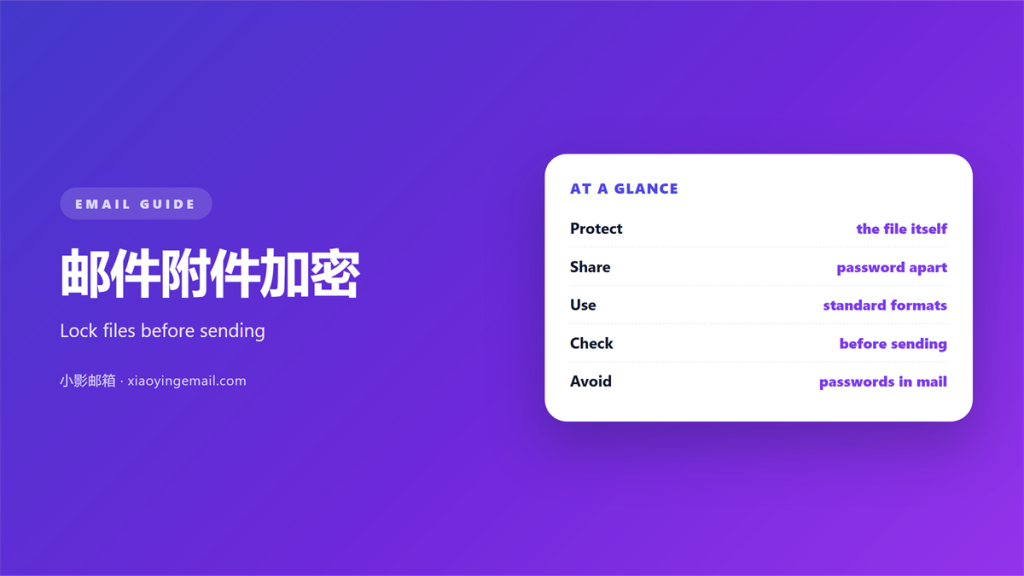
- The 邮件附件加密 step happens before you attach the file.
- Transport security protects the trip, not the stored file.
- A zip password is a weak but useful first lock.
- Share the secret over a second channel, never the same mail.
- Check the recipient list once before you press send.
What 邮件附件加密 actually protects
邮件附件加密 protects the file itself, not just the connection.
TLS guards the road between servers. It does not guard the mailbox.
Once a file lands, it sits in plain form. Anyone with access can open it.
That gap is where most leaks happen. The trip was safe and the storage was not.
So the real question is simple. Who can read this file after delivery?
Encryption gives an answer you control. Only the holder of the key can open it.
This is why 邮件附件加密 deserves its own step. It is not the same as a secure link.
Do it once and the file stays safe. A later inbox breach then exposes nothing.
A stolen laptop also leaks nothing. The lock travels with the file itself.
Good 邮件附件加密 treats the file as the asset. The mailbox is just the road.
A secure link helps on the way. It still ends at a mailbox. The file then sits unprotected again.
Think of the journey in two parts. The road is only the first part.
A short pause before sending protects more than a password. It stops the careless file.
The 邮件附件加密 workflow
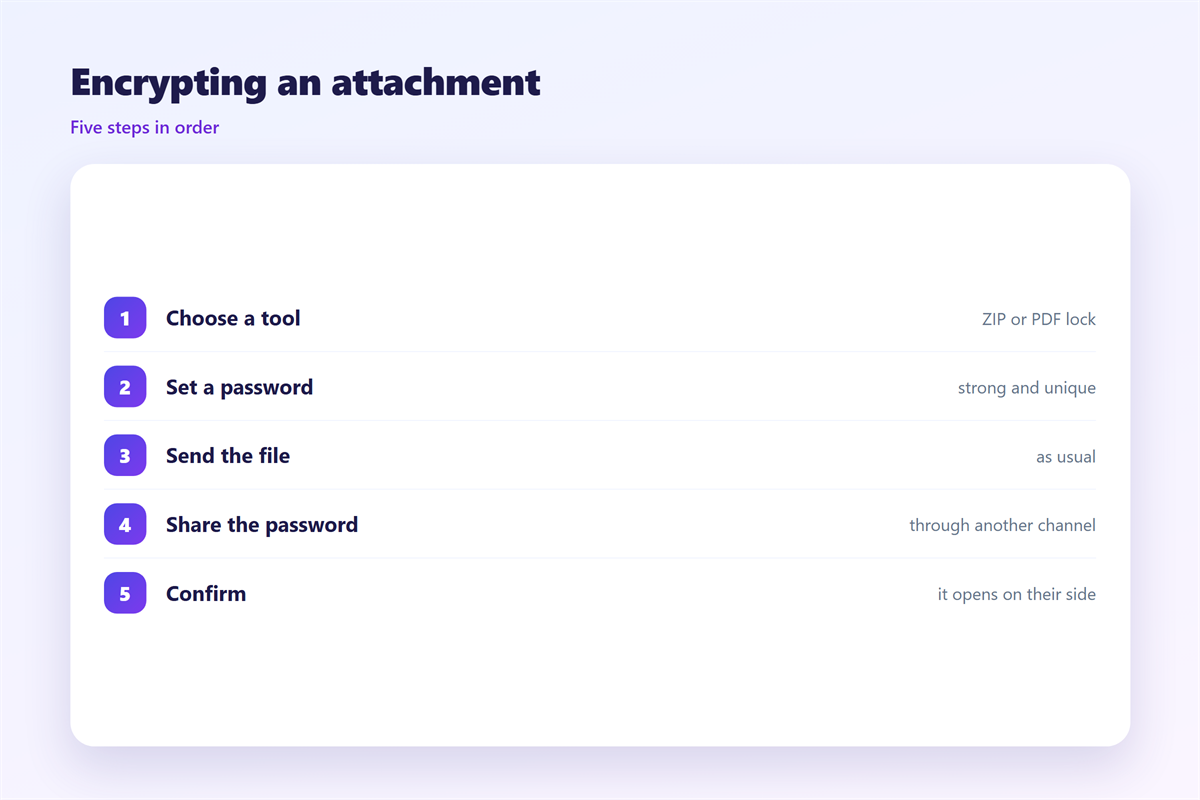
Start with the file you plan to send. Decide how sensitive it really is.
A public draft needs no lock. A signed contract needs a strong one.
Zip the file first. A folder of many files is harder to protect.
Use a tool you trust. Most systems offer encryption inside the archive menu.
Pick a long passphrase. Twelve random characters beat a short word.
Then run the 邮件附件加密 check again. Confirm the archive opens with the key.
Send the file and the secret apart. Use a chat, a call, or a form.
This second step matters most. A password in the same thread is no password.
- Zip: one file, one lock.
- Passphrase: long, random and unique.
- Channel: keep the key out of the mail.
For very sensitive files, a cloud link with an expiry date often works better.
This is the heart of good 邮件附件加密 practice. Small steps, done every time.
Name the archive clearly. A vague name invites a wrong open.
Write the password somewhere safe. A lost key wastes the whole effort.
Set the file to delete after a time. Short lives reduce the risk.
Where 邮件附件加密 goes wrong
Four errors cause most of the trouble.
The first is a password sent in the same message. That defeats the whole lock.
The second is a weak passphrase. Short words fall to a fast guess.
The third is forgetting to encrypt at all. The habit slips under deadline.
The fourth is a shared drive with open access. The lock only covers the mail.
None of these are rare. Each one has a cheap fix.
Send the key apart. Lengthen the phrase. Keep a short checklist.
A calm check beats a hurried apology. Thirty seconds of care saves a week of damage.
Readers notice a careful 邮件附件加密 habit. It signals that you value their privacy.
A rushed send is the real enemy. Slow down at the last click.
Weak tools also betray you. Check for modern standards before you rely on them.
Keep the tool updated. Old software carries old holes.
Testing your 邮件附件加密
Send a test before a file that matters.
Mail it to yourself first. Open the archive on a second device.
Check the password path. Does it still work a day later?
Then ask one question. If this file reached the wrong person, what would they learn?
If the answer worries you, add another layer.
For a shared company drive, agree on one rule. Files stay locked until they are needed.
Write the rule down. A rule that lives in one head disappears when they leave.
Keep a short log of what you locked. It helps if a question comes back later.
Check the 邮件附件加密 step as the last thing before you send.
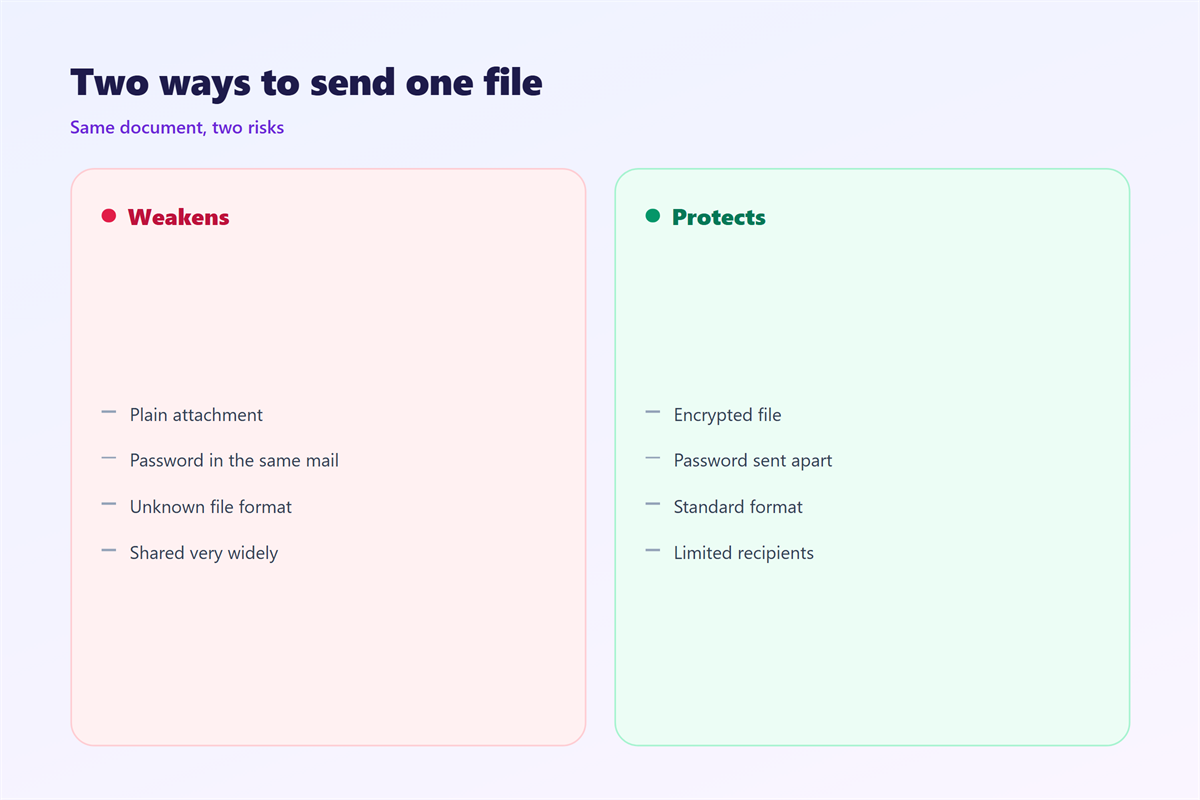
A short 邮件附件加密 check prevents most leaks and most awkward calls.
Working with shared files
Shared storage makes 邮件附件加密 harder.
A link can open for anyone who holds it. Check the sharing setting every time.
Prefer an expiry date. A link that dies in seven days is safer.
For a large file, a cloud link often beats an attachment. Many mailboxes reject big files anyway.
Our notes on 邮件加密 cover transport in detail. The delivery risks are explained under 邮件附件. Large files are handled in 邮件云附件, and signed files sit under 邮件证书.
A tidy 邮件附件加密 habit is easy to keep. It becomes automatic within a week.
Delete shared links once the need ends. An old link is a quiet door.
Review access rights twice a year. People change teams and roles.
FAQ
Is a zip password enough?
It helps but it is not strong. Old zip passwords crack fast. Use a modern tool and a long phrase.
Can mail providers read my file?
Often yes, if the file is not locked. Protect the file itself to cut that risk.
Does 邮件附件加密 slow down sending?
Barely. The archive step takes a few seconds. The lock is worth that time. A small tool makes it painless.
Should I encrypt every attachment?
No. Encrypt files with private data. A public flyer needs no lock. Decide by the content, not by habit.
References
- IETF RFC 4880: OpenPGP Message Format
- IETF RFC 5751: S/MIME Version 3 Message Specification
- Microsoft: Add or remove people from an email message
评论
还没有评论,来说两句吧。
评论功能已关闭。