 小影邮箱
小影邮箱邮件看板怎么用?Turn Mail Into Stages
Key Takeaways
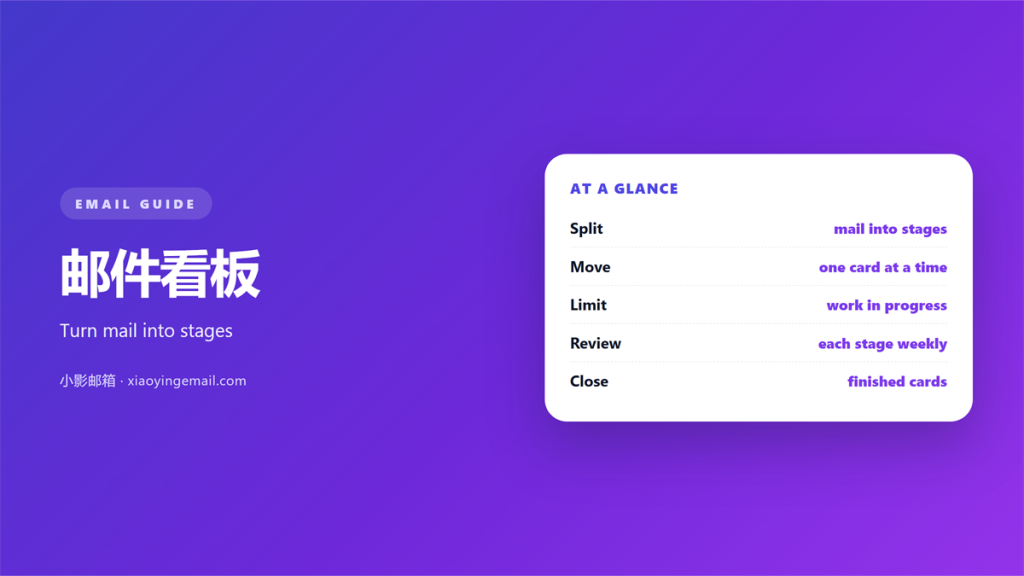
- 邮件看板 turns an inbox into visible stages.
- Every card moves left to right, never back.
- Name the columns after real steps, not feelings.
- One card should hold one clear action.
- Review the board at the same time each day.
What 邮件看板 means
邮件看板 is a board that shows your mail as cards in columns.
Each column is a stage. New, in progress, waiting and done cover most work.
Instead of hiding in folders, messages sit where you can see them.
The idea comes from factory floors and later from software teams.
A simple version needs no special tool at all.
Three columns on one screen are enough to start.
The board answers one question fast. What needs attention now?
Folders store mail. A 邮件看板 shows flow.
That small difference changes how a busy morning feels.
A board is not a to do list, though the two look similar.
A list is quiet. A board shows motion and distance to done.
That visual pull is why people keep using it.
Try one board for a week before you judge it.
Why 邮件看板 helps
An inbox is a flat list with no shape.
A 邮件看板 adds shape and a sense of progress.
You can see what is stuck and what is moving.
A daily 邮件看板 keeps small tasks from piling up.
Fewer lost messages
A card cannot vanish into a deep folder.
If it is open, it sits in a column you can see.
Nothing hides behind a second page of results.
A card carries its own short history.
You can see where it started and who touched it.
A shared view of work
Two people can share one board for a shared mailbox.
Everyone sees the same status without a status meeting.
That saves a daily round of short questions.
New hires learn the flow by watching the columns.
The board becomes a quiet training tool.
Pressure stays gentle
A full column shows overload without blame.
That honesty helps you limit work in progress.
You fix the flow, not the person.
When one column swells, you slow the intake.
That single habit protects your focus.
Setting up 邮件看板
Start with four columns and no more.
Name them for actions. For example: new, doing, waiting, done.
Give each column a clear rule for entry and exit.
A card leaves “new” only when you start it.
It reaches “done” only when the reply is sent.
Keep the first column small. A huge list of new mail feels like a wall.
Limit how many cards sit in “doing”.
Three or four active cards is plenty for most people.
Build your 邮件看板 around the way work really arrives.
Write the rules on a sticky note at first.
Change them once you see a real problem.
Do not design the perfect board before you use it.
A board that grows forever stops helping anyone.
Moving cards through stages
Move a card the moment its state changes.
Do not batch the moves until Friday.
When you wait on someone, move it to “waiting” at once.
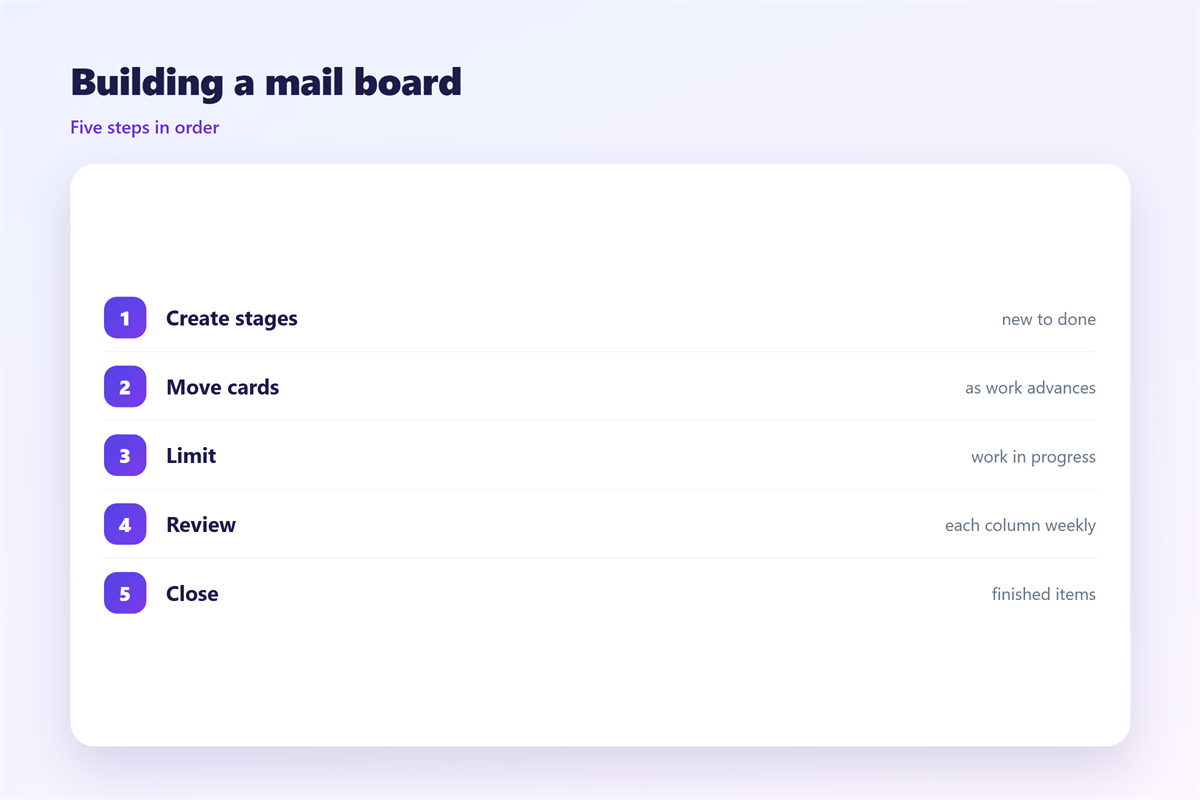
Add a short note when you move a card.
The note saves you reading the whole thread again.
Archive a finished card after a week.
Small moves beat one giant cleanup.
Each move takes a second and saves a memory.
A 邮件看板 works best when you move one card at a time.
A board that never clears its done column gets heavy.
邮件看板 for a shared mailbox
A shared mailbox suits a board very well.
Two or three people can see the same cards.
Assign a card when you start it, not before.
That shows who holds the message today.
Move it to “waiting” the moment you reply.
Then anyone can pick up the next step.
Say who owns the board each week.
A rotating owner keeps the columns clean.
Keep private notes out of shared cards.
A shared 邮件看板 should stay fit for every reader.
Common mistakes
The first mistake is copying a board from someone else.
Your stages should match your own work.
The second is making too many columns.
Ten columns slow every move you make.
The third is letting the board drift out of date.
Another 邮件看板 mistake is treating it as a second inbox.
Do not add a card for every newsletter.
Keep noise out. The board is for work that moves.
Another slip is moving a card twice for one event.
One change should mean one move.
Do not leave old cards in “doing” for months.
Keeping 邮件看板 honest
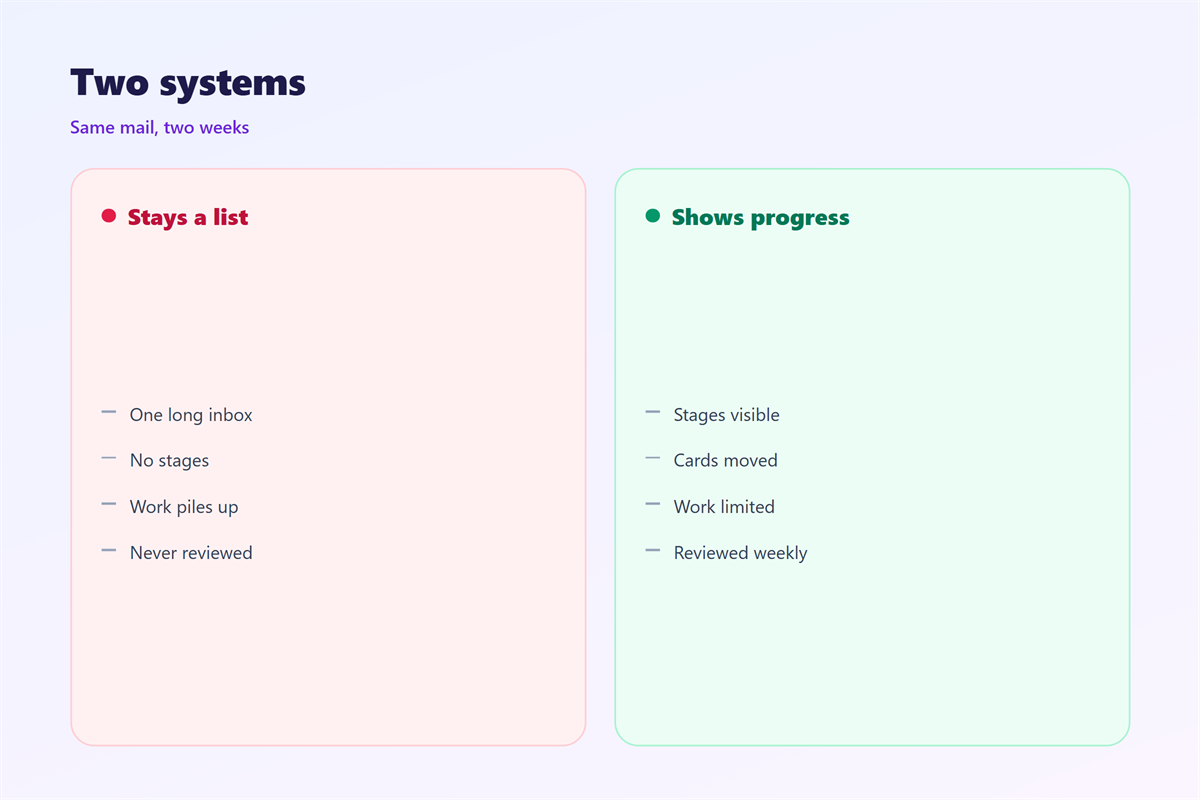
A board only helps if you trust it.
Set a daily five minute review. Our notes on 邮件待办 cover the routine. Order matters too, so read 邮件优先级 for a simple ranking. Groups of mail can live in 邮件标签页 instead of columns. Small visual cues help, as 邮件标记 explains.
Ask one teammate to check the board each week.
Set the review time and keep it short.
A fixed slot beats a vague intention.
Fix drift early. A stale board is worse than none.
FAQ
Should 邮件看板 replace folders?
Not always. Keep folders for long term storage. Use the board for work still in motion. Folders keep old mail, while the board keeps live work.
How many columns should a 邮件看板 have?
Most people do well with three or four. Add a column only when a real stage is missing.
Do I need special software?
No. A simple tool or even a paper sheet can work. A spreadsheet can also work if it is shared.
Can 邮件看板 work for a shared mailbox?
Yes, and it shines there. Clear columns show who holds each message now.
评论
还没有评论,来说两句吧。
评论功能已关闭。