 小影邮箱
小影邮箱邮件动图怎么用?Motion That Loads
Key Takeaways
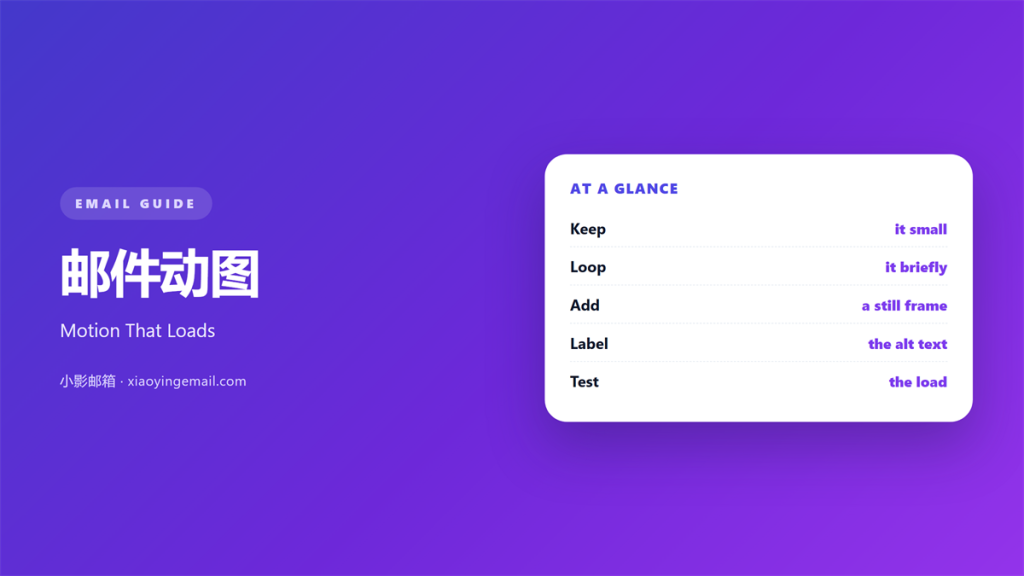
- 邮件动图 adds motion that a still image cannot.
- One small loop explains more than three paragraphs.
- A heavy file slows the inbox and hurts the reader.
- Always give a plain image or text as a fallback.
- Keep the loop short, simple and on brand.
What 邮件动图 means
邮件动图 is a short animation placed inside a message.
Most often it is a small GIF or a light video clip.
It moves through a few frames on a loop.
The effect is simple. It draws the eye at once.
A good 邮件动图 shows an action, not a mood.
It runs without a click and without sound.
That makes it easy to share in a plain inbox.
It also makes it easy to overuse.
It loads as a picture that happens to move.
The format is old but still well supported.
It needs no player and no plugin.
That is why it survives in so many inboxes.
Simplicity is its quiet strength.
It can also feel dated if it is overdone.
The loop restarts without a single click.
That quiet repeat keeps it alive.
Why 邮件动图 matters
Motion grabs attention in a busy inbox.
A still image may be skipped in a second.
A moving one holds the eye a moment longer.
That moment can carry a small idea.
So 邮件动图 works best when it explains something.
It can show a step, a change or a result.
Words would need a whole paragraph for the same job.
Used well, motion saves the reader time.
People scan faster than they read.
A moving shape stops the scan for a second.
That pause is where a message lands.
A single pause is worth far more than many.
Motion explains in a glance
A short loop can show a before and after.
The reader grasps it without reading a word.
That speed is the real value of motion.
When 邮件动图 helps most
Some jobs suit motion better than others.
A product in use is a natural fit.
A quick change of state also works well.
A tiny celebration can lift a friendly note.
In each case the motion shows, it does not tell.
Keep the purpose clear before you design it.
Ask what the loop must show.
If you cannot say it, the idea is not ready.
Match the motion to the point.
One clear action beats three busy effects.
Keep the story to a single beat.
A short loop can teach faster than a photo.
Showing a quick step
A button that lights up is easy to follow.
A slider that moves shows one clear action.
Steps like these need no long caption.
Adding a little life
A small wave or sparkle can warm a message.
Keep it subtle and on brand.
Too much motion just reads as noise.
When to skip 邮件动图
Some messages should stay still.
A formal notice rarely needs 邮件动图.
A message about money or safety should be plain.
Motion can distract from a serious point.
So ask if the movement serves the message.
If it does not, leave it out.
Read the note as a careful reader.
Would movement help or distract?
A still image often does the job.
Trust that calm choice.
Plain often wins on a second look.
Keeping 邮件动图 light
A heavy file is the main risk.
Large 邮件动图 slow the load on a phone.
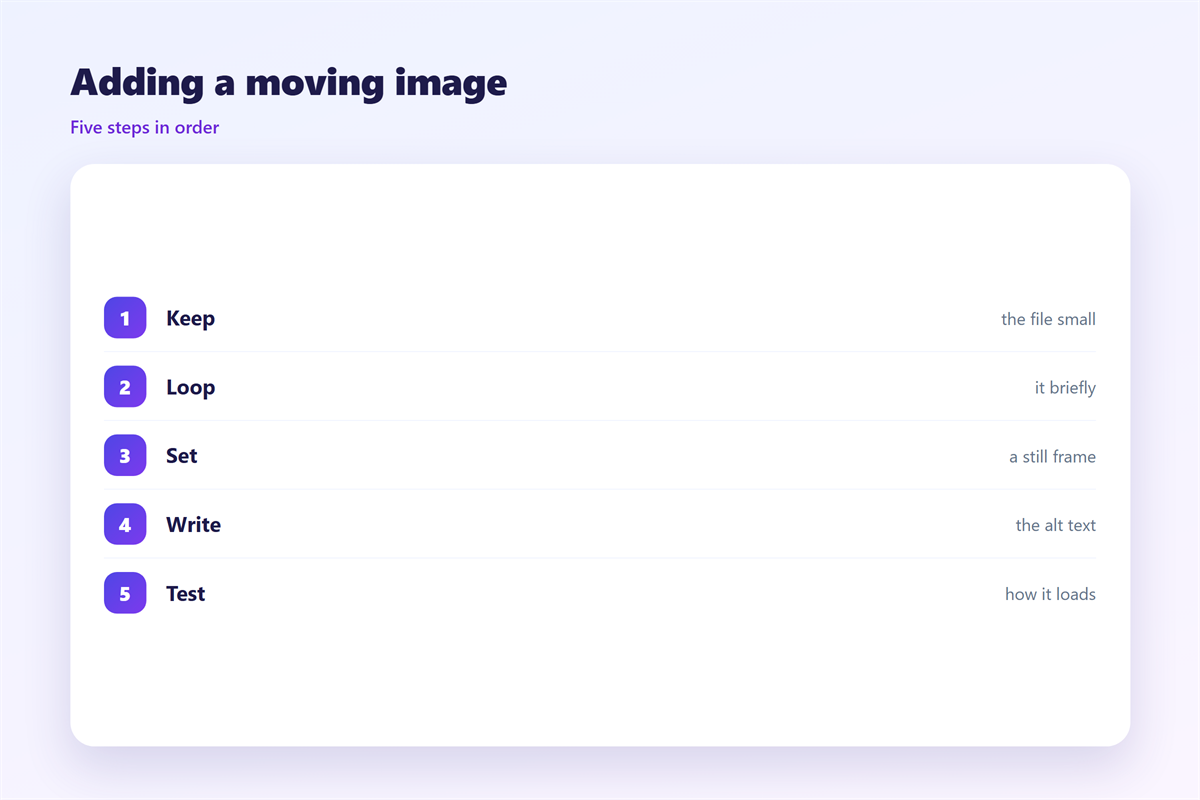
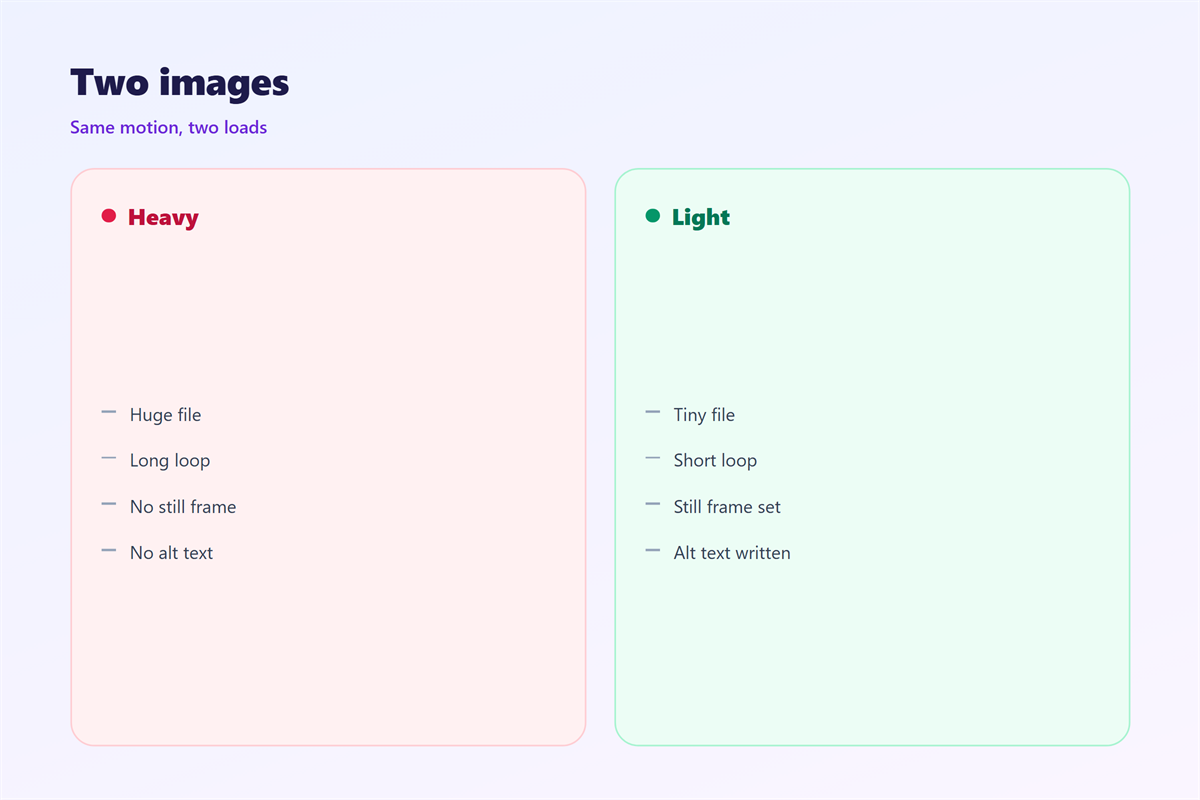
Keep the file small and the loop short.
Trim the frames you do not need.
Lower the size until it still looks sharp.
Test it on a slow connection first.
Light motion keeps the reader with you.
Check the file size before you send.
A few hundred kilobytes is a good target.
Small files load before the reader blinks.
Keep every frame working for its place.
Compression tools make this easy to reach.
A simple loop often compresses well.
Making 邮件动图 accessible
Not everyone can see motion.
Some people turn images off by choice.
So every 邮件动图 needs a fallback.
Add alt text that explains the moving part.
Offer a still image or a short line of text.
Then the message works for everyone.
Good practice here helps every reader, not just a few.
Write alt text in plain, short words.
Describe the action, not the design.
Then a reader who sees nothing still understands.
Test the note with images turned off.
See if the message still makes sense.
Plain words help more people follow.
Keeping 邮件动图 consistent
Consistency makes motion feel like part of the brand.
Use the same 邮件动图 style across campaigns.
How still images load is covered in 邮件图片.
Sending files safely is explained in 邮件附件.
Reading well for all users is described in 邮件可访问性.
Small-screen layouts are covered in 邮件移动端.
Keep one short guide for the whole team.
A shared style saves time and avoids clutter.
Share the guide with designers and writers.
A small style file keeps the look steady.
Review it whenever the brand changes.
New teammates copy what they see.
A quiet standard beats a loud rule book.
A steady look earns a faster glance.
FAQ
Does 邮件动图 slow my email?
It can. A large file loads slowly, so keep it small.
Do all clients show the animation?
Most do. A few show only the first frame.
Is animation good for accessibility?
Only with a fallback. Always add alt text and a still image.
When should I avoid 邮件动图?
In serious notes. Motion can distract from a plain message.
References
- W3C Web Accessibility Initiative
- WebAIM: Accessibility for animated content
- Litmus: Rendering animated images in email
评论
还没有评论,来说两句吧。
评论功能已关闭。