 小影邮箱
小影邮箱邮件分类标签怎么设?Labels That Keep Order
Key Takeaways
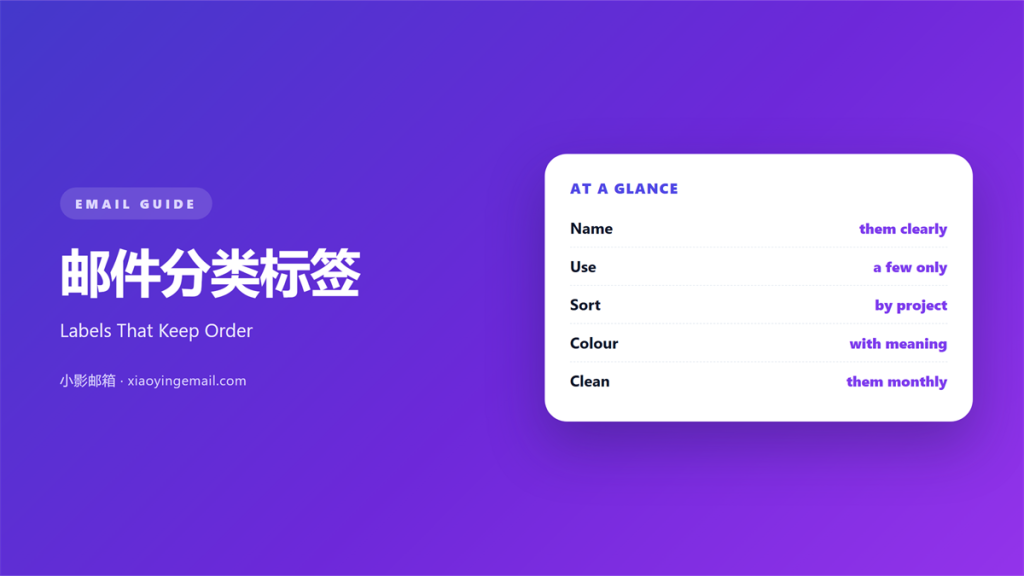
- 邮件分类标签 groups mail by topic, project, or person.
- Keep the label names short and the total number low.
- One message should carry one label, not five.
- Let filters apply labels so you do not sort by hand.
- Review the label list every few months and prune it.
What 邮件分类标签 means
邮件分类标签 is a short name you attach to a message.
The name marks the topic, the project, or the person behind it.
Unlike a folder, a label can sit on more than one item.
That difference matters once a message fits two projects.
So think of a label as a tag, not a locked box.
A good label answers one simple question.
That question is usually what this message is about.
If the answer needs a whole sentence, the label is too vague.
Short and wide beats long and narrow every time.
Why 邮件分类标签 matters
An inbox grows faster than anyone can sort it.
Without a system, old mail hides the new mail.
A clear 邮件分类标签 gives every message a home.
Then you can find a thread months later in seconds.
That speed lowers the stress of a busy day.
It also helps a team share the same view of the work.
Two people who use the same labels can hand tasks over.
Nothing gets lost in a private folder only one person opens.
A shared name turns a private habit into a team tool.
Labels versus folders
A folder holds one copy of a message in one place.
A label can point to the same message from several views.
So labels suit work that crosses projects and people.
Folders suit a clean, single path of storage.
When 邮件分类标签 helps
Labels earn their place in a few clear cases.
Use them for a long client project with many threads.
Use them for mail that needs action this week.
Use them for invoices, receipts, and records you must keep.
Use them for a shared queue that several people watch.
And stop there. Four labels cover most of daily work.
Fewer labels are easier to remember and easier to keep.
A simple starting set
Start with four labels and use them for a month.
Try Action, Waiting, Reading, and Archive.
Add a project label only when a real project begins.
Delete that label the day the project ends.
When 邮件分类标签 hurts
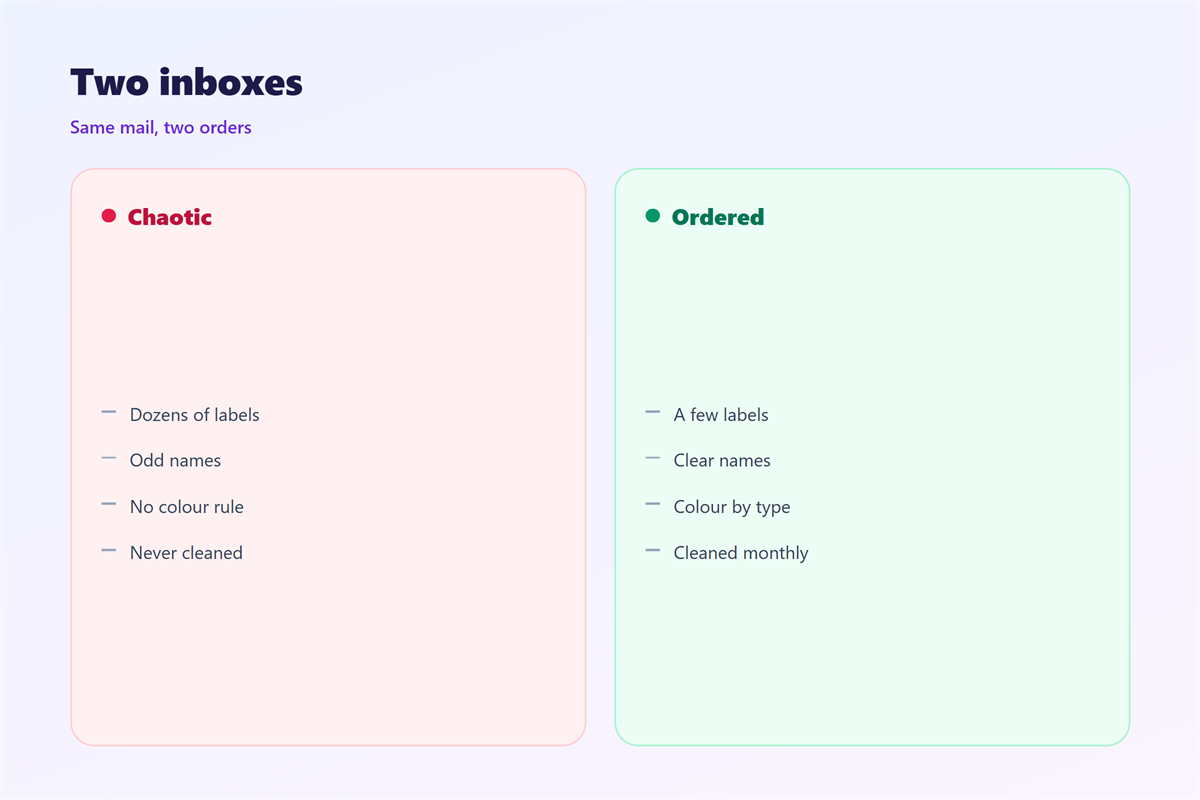
A list of forty labels is a list you will never use.
Too many labels copy the chaos of a full inbox.
A vague label, such as Misc, hides work instead of showing it.
Two labels for the same thing also split your search in two.
Stale labels pile up and slow every decision.
So fewer labels, chosen well, beat a long crowded list.
The one-label rule
Give a message the smallest label that fits.
Add a second label only when it truly helps.
A message with five labels is a message with none.
邮件分类标签 or other sorting
A label is only one way to sort mail.
You can also use a search query, a rule, or a flag.
Each tool fits a different job.
A rule works best for mail you can predict.
A label works best for mail you must judge.
A search works best for a one-time lookup.
Pick the lightest tool that solves the problem.
Often that tool is a quiet search, not 邮件分类标签.
How to use 邮件分类标签 well
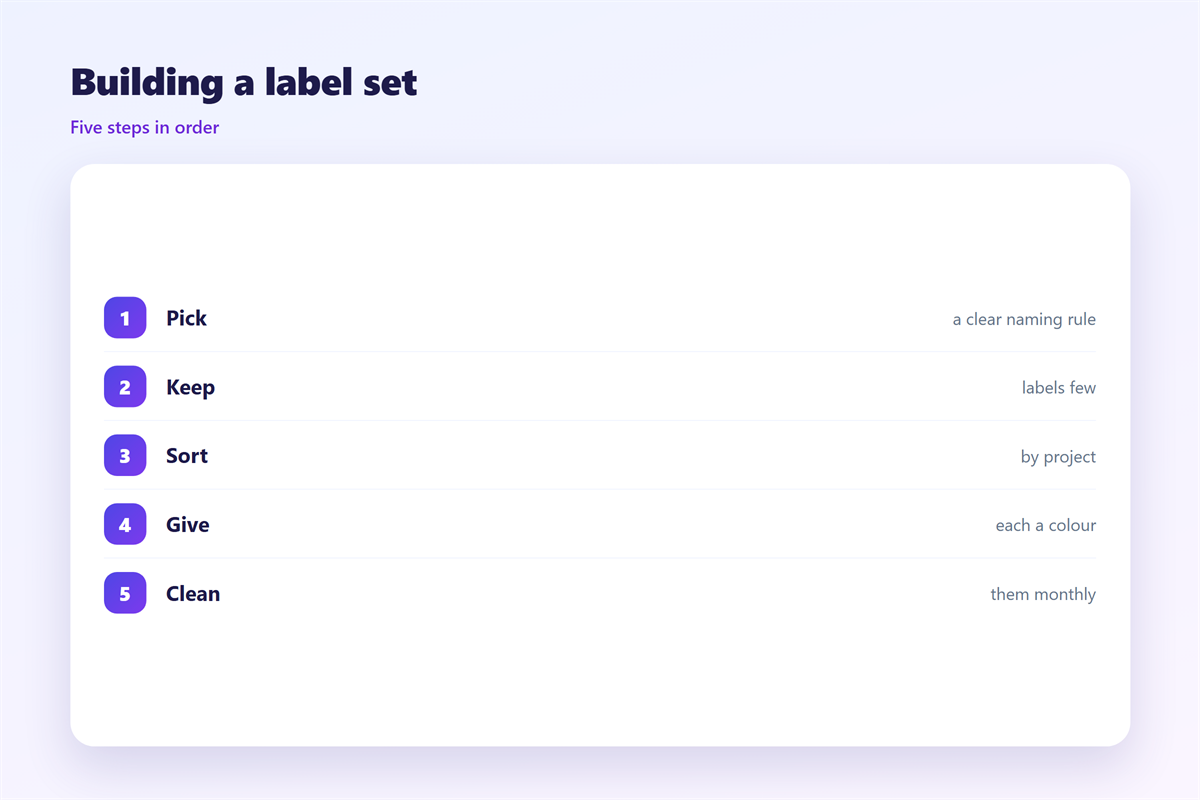
Name a label with one or two clear words.
Use the same shape for every name in the set.
Keep nouns at the front, like Client or Tax.
Skip dates in names, because dates age fast.
Pick one accent colour for each group of labels.
Apply the label the moment you open the message.
Do not wait for a quiet afternoon that never comes.
Good 邮件分类标签 is nearly invisible in daily use.
A tidy label list speeds every search you run.
The reader just finds each thread fast.
Read the list again each month and remove what you never touch.
That small clean-up keeps the whole system light.
邮件分类标签 and accessibility
A label that shows only as a colour is hard for some readers.
Always pair a colour with a short text name.
A screen reader can read a name but not a shade.
So never let colour carry meaning on its own.
Keep the contrast strong between the label text and its background.
A clear 邮件分类标签 name helps every reader, not just a few.
Test the view with the colours turned off if you can.
That small habit keeps the system clear for everyone.
Keeping 邮件分类标签 consistent
Consistency turns a small habit into a shared system.
Pick one house style and hold it across the team.
The wider layout behind good sorting is covered in 邮件自动分类.
The tabs that group mail at the top appear in 邮件标签页.
The rules that move mail without you are explained in 邮件筛选.
The structure that stores old mail sits in 邮件文件夹.
Agree on how many labels a message may carry.
Then keep the same names for every message you send.
A team that agrees on 邮件分类标签 finds mail faster.
FAQ
How many 邮件分类标签 should I keep?
Start with four or five and add one only when a real project starts.
Should I use labels or folders?
Use labels for work that overlaps and folders for one clean path.
Can one message carry two labels?
Yes, but keep it to two at most.
Do labels slow my inbox down?
No. A short list of labels keeps the inbox fast.
评论
还没有评论,来说两句吧。
评论功能已关闭。