 小影邮箱
小影邮箱邮件对比度怎么调?Contrast That Reads
Key Takeaways
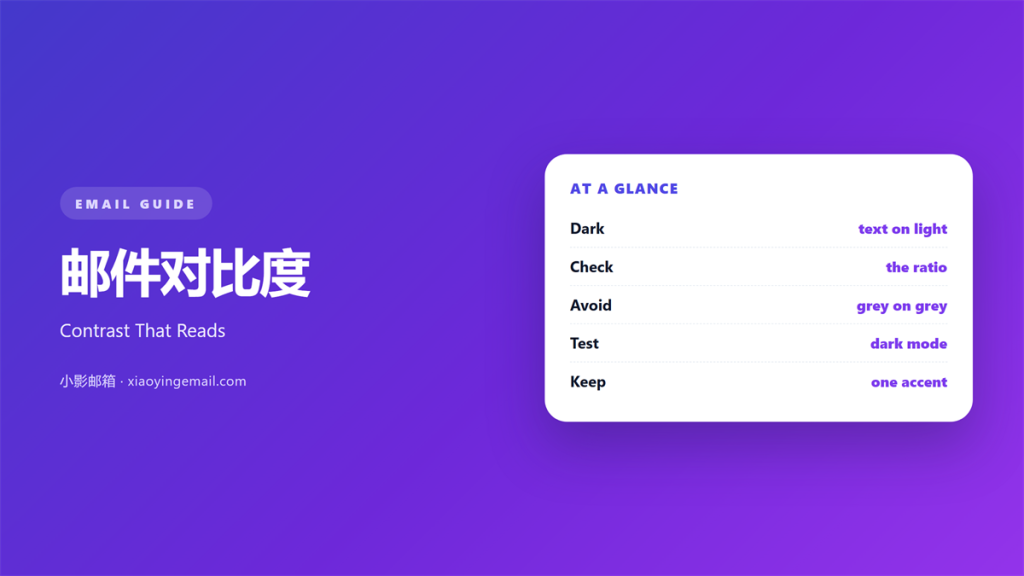
- 邮件对比度 is the difference between text and its background.
- Aim for a ratio near 4.5 to 1 for body text.
- Dark text on a light card is the safest base.
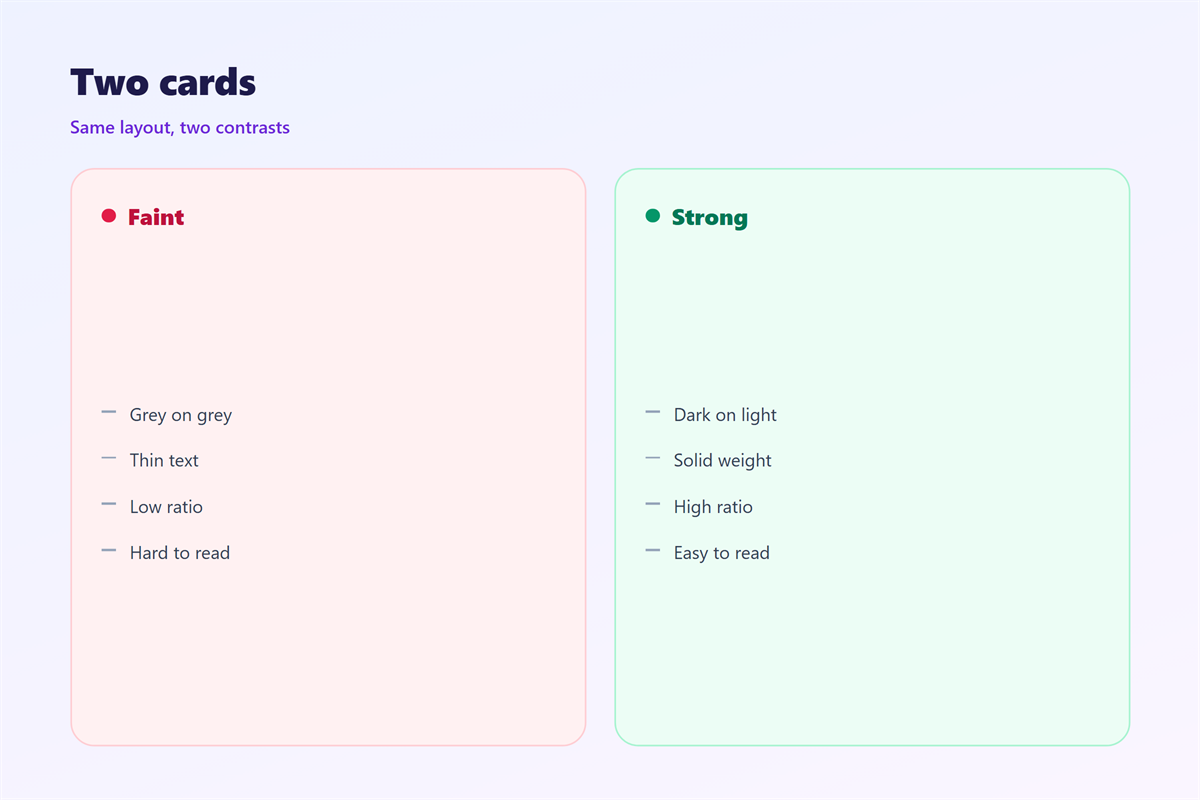
- Grey on grey looks soft and reads badly.
- Test every template in dark mode before sending.
What 邮件对比度 means
邮件对比度 measures how sharply text stands apart from its background.
It is a number, not a feeling.
Designers compare the brightness of two colours.
The result is a ratio such as 7 to 1.
Higher numbers mean sharper edges for the eye.
Lower numbers mean softer edges and slower reading.
The ratio applies to text, icons, and buttons.
It also applies to thin lines and borders.
Two colours can look fine apart and fail together.
That is why the number matters more than taste.
A pleasant palette can still be unreadable.
Two measures matter more than the rest.
The first is the gap between text and its surface.
The second is the gap between text and any pattern behind it.
A busy photo breaks the second gap.
Why 邮件对比度 matters
Most readers skim before they read.
Weak contrast slows that first pass.
Slow skimming often ends in a delete.
Good 邮件对比度 keeps the scan smooth.
It also widens the audience you can reach.
Some readers have low vision or tired eyes.
Others open mail outdoors in bright sun.
Strong contrast serves both groups at once.
Contrast also affects the speed of reading.
A clear pair lets the eye move without effort.
An unclear pair forces a second look at every line.
That effort adds up across a long message.
The cost of pale grey text
Pale grey body text is a common mistake.
It looks elegant on a large monitor.
On a phone it fades into the background.
The reader stops, then leaves.
When 邮件对比度 helps
邮件对比度 helps in every message with words.
It matters most in long announcements and receipts.
It helps when the background is an image.
Text over a photo needs a solid panel behind it.
It helps when a button must be found fast.
A clear button colour lifts the click rate.
It helps when the same template runs for years.
Old templates drift toward low contrast over time.
It helps in a welcome mail with one offer.
It helps in an invoice where numbers must be clear.
When 邮件对比度 hurts
邮件对比度 hurts when it becomes a contest.
Pure black on pure white can feel harsh.
Some readers find it tiring at night.
Very high contrast also flattens the design.
Everything shouts and nothing leads.
It hurts when colour is the only signal.
Colour alone fails for colour-blind readers.
Borders and thin type
Thin fonts at small sizes need more contrast.
Hairline borders often vanish on mobile.
Give them weight or drop them.
邮件对比度 and colour choice
Start with one dark text colour and one light surface.
Add a single accent for links and buttons.
The accent must pass against the surface too.
White text on a mid-tone accent often fails.
Test that pair before you build the template.
Then keep the pair fixed across campaigns.
Consistency makes the brand easier to recognise.
Links must look like links
An underlined link survives almost any client.
Colour alone may be stripped by dark mode.
Keep the underline and the accent colour together.
That pairing stays visible in both themes.
How to use 邮件对比度 well
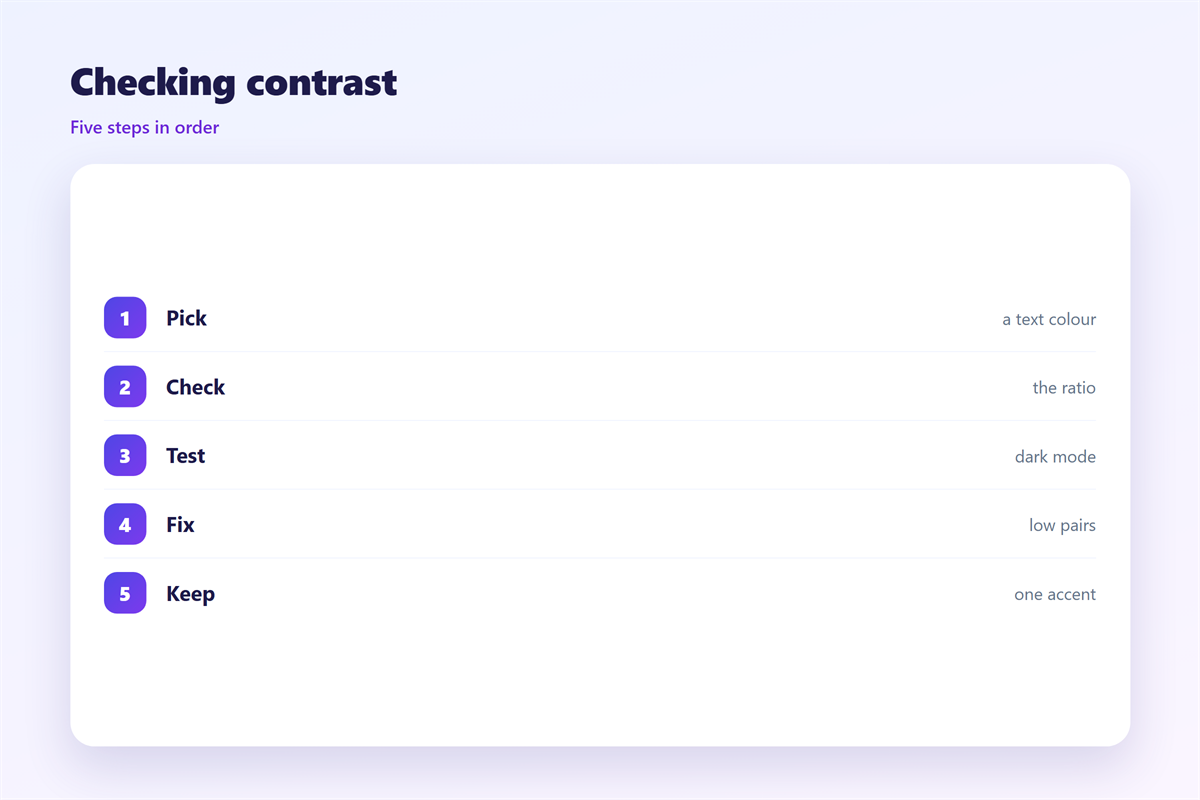
Pick body text and background first.
Check the ratio with a free contrast tool.
Aim for 4.5 to 1 or better.
Large headings may sit near 3 to 1.
Then check buttons, borders, and footer text.
Footer text is the usual weak spot.
Small grey legal lines often fail the test.
Darken them until the ratio passes.
Check the smallest text first.
Small type is where low contrast hurts most.
Good 邮件对比度 is a habit, not a one-time fix.
A five-minute test
Open the draft on a phone at full brightness.
Step back and squint at the screen.
If the text blurs, the contrast is weak.
Then repeat the test in dark mode.
邮件对比度 on a phone
Small screens shrink every element at once.
Text gets thinner and borders get lighter.
Daylight adds glare that hides soft greys.
Raise contrast a little above the desktop value.
Keep body text at sixteen pixels or more.
Then check the preheader and the footer.
Both are easy to forget and easy to read.
A single pass on a real device catches most faults.
Good 邮件对比度 survives glare and small type.
Keeping 邮件对比度 consistent
Write the approved pairs into a short style note.
Name each colour with its ratio beside it.
Then give the note to everyone who builds mail.
Review templates twice a year for drift.
Dark mode changes add a second test each time.
The wider palette sits in 邮件配色. Access rules are set out in 邮件可访问性. Dark mode behaviour is covered in 邮件暗黑模式. Type choices appear in 邮件字体.
Keep one passing and one failing draft as examples.
That pair teaches faster than any rule.
A steady standard makes 邮件对比度 easy to hold.
FAQ
What ratio should body text meet?
4.5 to 1 is the common floor. Large text can pass near 3 to 1. Buttons and links should meet the same test.
Is black on white always best?
It is safe but not always comfortable. Near-black on near-white reads well and feels softer. Keep the ratio high either way.
Why does my mail look fine on desktop?
Large monitors hide weak contrast. Phones shrink type and add glare. Test the same draft on a small screen.
Can I fix contrast without changing the design?
Yes, in most cases. Darken the text or lighten the surface. Keep the accent colour and adjust only its shade.
References
- WebAIM: Contrast checker and guidance
- W3C: Web Content Accessibility Guidelines
- Litmus: Email design and rendering tests
评论
还没有评论,来说两句吧。
评论功能已关闭。