 小影邮箱
小影邮箱邮件暗黑模式怎么适配?Dark Mode That Still Reads
Key Takeaways
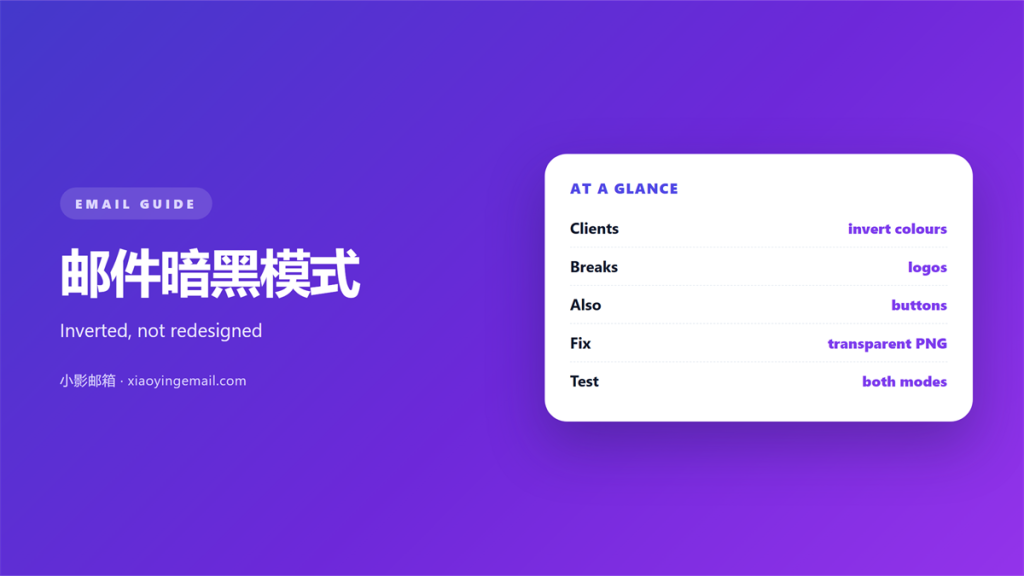
- 邮件暗黑模式 inverts your palette rather than replacing it, so light-on-light art simply disappears.
- Clients handle inversion in at least three different ways, and none of them are disclosed to the sender.
- Logos with baked-in white backgrounds are the most common casualty of 邮件暗黑模式.
- A handful of explicit colour rules keeps a template legible without fighting the client.
- Testing 邮件暗黑模式 is mostly about finding what vanished, not what changed.
What 邮件暗黑模式 actually changes
邮件暗黑模式 is not a theme you apply to an email before sending it. It is a transformation a mail client performs on your message after it leaves you, which means the file you saved and the pixels the reader sees are not the same thing. That gap is the entire problem.
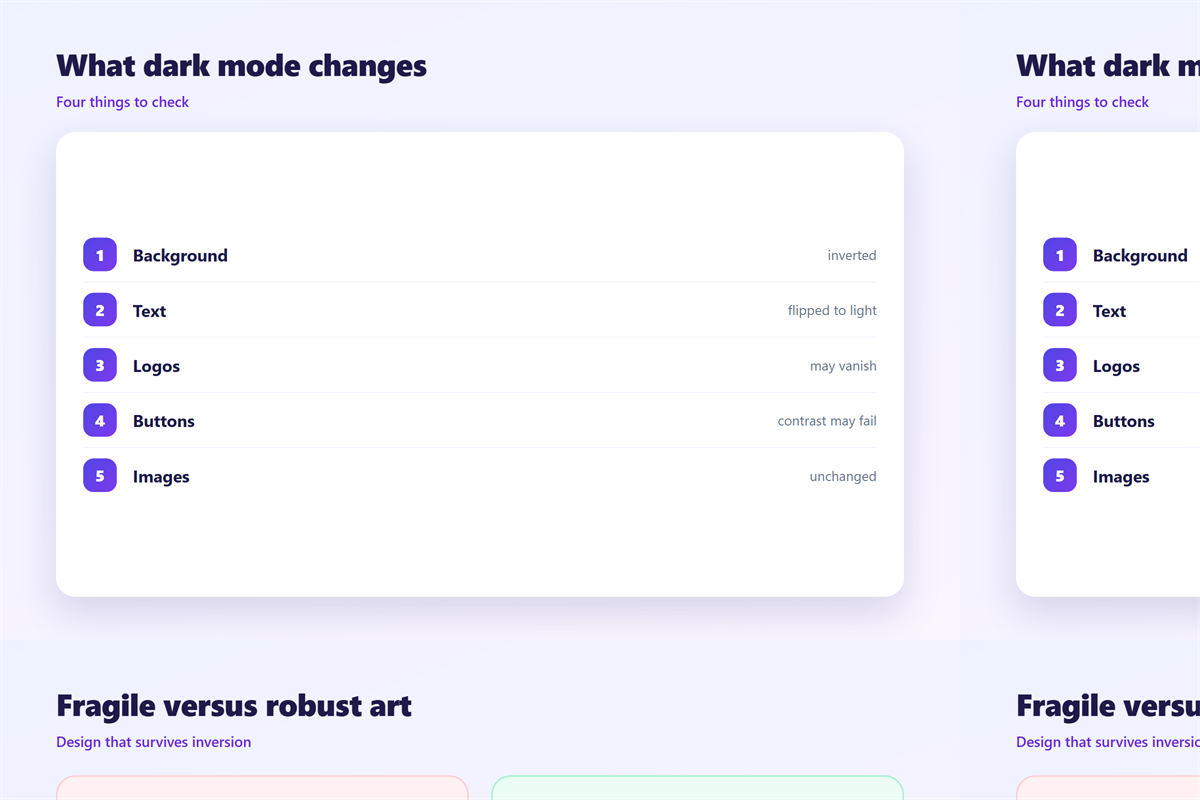
The most common transformation is a full inversion: white becomes near-black, black becomes near-white, and everything in between is flipped around the midpoint. A second family of clients leaves colours alone and only darkens the surrounding chrome. A third rewrites a few declared colours and ignores the rest. Because your template cannot know which family it will meet, the safest designs are the ones that survive all three.
The reason this matters more than it used to is simply that dark themes are now the default on several platforms at night. A message that looked immaculate in a light review can read as a grey smear on a phone at nine in the evening, and the sender never finds out. A template that survives 邮件暗黑模式 is therefore not a luxury; it is the version most people will actually see.
Why 邮件暗黑模式 breaks some templates
Anything that depends on an absolute colour is a candidate for failure. A white logo on a white card is fine until the card inverts and the logo does not, at which point the mark becomes invisible.
Inversion, not replacement
When a client inverts, it is not searching for your brand colour and substituting a darker one. It is flipping luminance. A pale blue button turns into a muddy brown, and a soft grey divider can vanish into the background entirely. Designs built on subtle contrast suffer far more than designs built on strong contrast.
Images with baked-in backgrounds
Photographs handle inversion well enough, because they do not pretend to be part of the interface. Flat graphics do not. A PNG with a white rectangle behind the text will keep that rectangle while the surrounding card turns dark, and the result looks like a misplaced sticker.
How clients handle 邮件暗黑模式
The names differ, but the behaviour falls into a few recognisable patterns you can plan around.
Apple Mail
Apple Mail leans towards a genuine inversion of the whole message, which is the most aggressive treatment in common use. It also honours declared colour schemes to some degree, so a template that states its intent fares better than one that stays silent.
Gmail
Gmail is the most conservative of the group. It tends to darken the interface around the message and to rewrite only some colours, which means many messages keep their original appearance inside a dark frame.
Outlook
Outlook offers the most granular behaviour and the most variation between versions. A template that survives Outlook in one desktop build can look different in the next, which is why a single screenshot is never enough evidence.
Designing for 邮件暗黑模式 from the start
The designing decisions that make 邮件暗黑模式 uneventful are made long before the test, and they are all about removing assumptions.
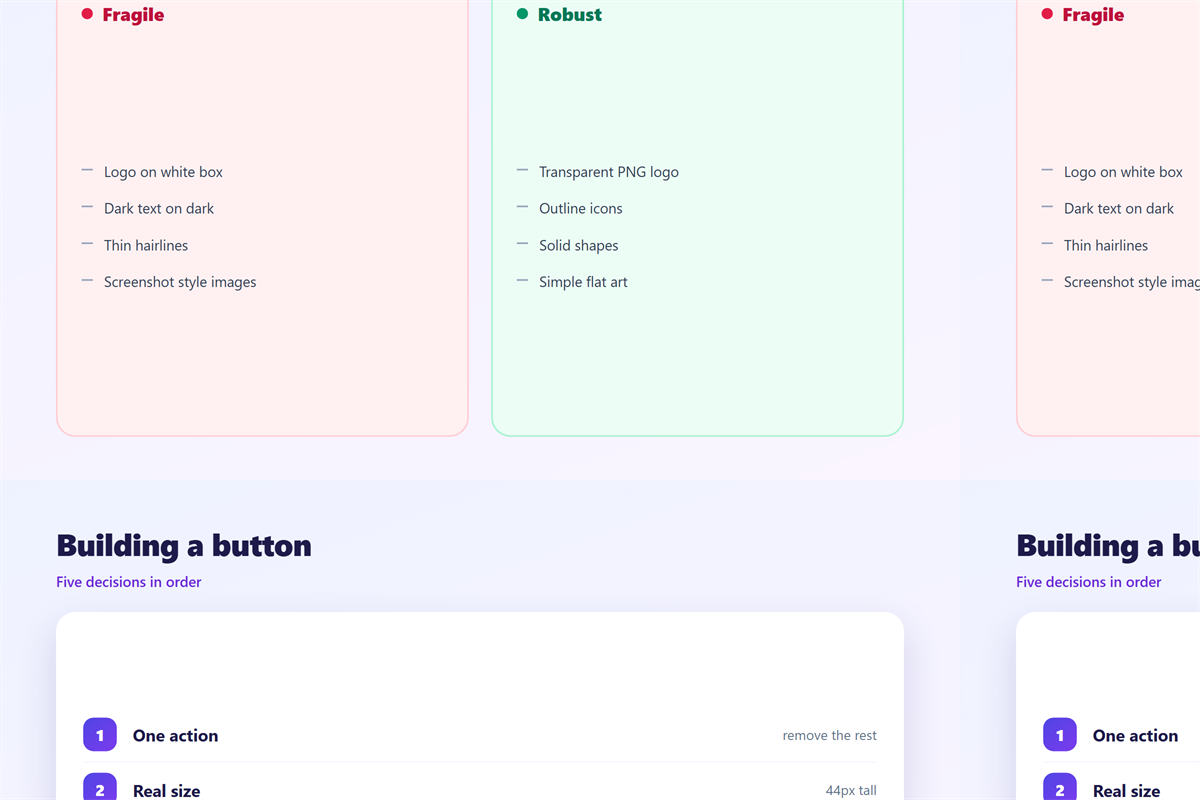
- State your colours: declare a background and a text colour rather than relying on the default.
- Keep contrast high: aim for strong separation so an inversion cannot collapse it.
- Never bake a background into a graphic: use transparent PNGs for logos and icons.
- Add a light border: a thin outline survives both light and dark surroundings.
A template built this way rarely needs a dark-specific stylesheet, because it never depended on one particular background in the first place. That restraint is the whole strategy.
Testing 邮件暗黑模式 in practice
Test with a real device rather than a preview pane. Open the same message on an iPhone, an Android phone and a desktop client, then switch each one between light and dark while the message is on screen. What you are looking for is not a preference, it is a disappearance.
Write down every element that loses contrast, then fix the template and run the same route again. Two passes is normally enough to catch the logo, the button and the divider that 邮件暗黑模式 breaks first.
The underlying question of which format you send belongs with 邮件格式, and the settings that decide how a message is rendered live under 邮件客户端. When a template pulls in an image from a server, the rules described in 邮件远程内容 also apply, and the line the reader sees first is covered in 邮件预览文本.
FAQ
Does 邮件暗黑模式 affect plain text?
Barely. A plain message carries no colours of its own, so the client is free to render it however it likes and almost always gets the contrast right.
Why did my logo disappear in 邮件暗黑模式?
Almost always because the logo sits on a baked-in white background. A transparent version of the same file usually solves it in one step.
Can I force a light appearance in 邮件暗黑模式?
Partly, and it is not worth the effort. A few clients honour a declared colour scheme, but the ones that ignore it will override you anyway.
Does 邮件暗黑模式 change tracking?
No. Inversion happens on the rendered pixels, not on the links or the tracking pixel, so open and click counts are unaffected.
评论
还没有评论,来说两句吧。
评论功能已关闭。