 小影邮箱
小影邮箱邮件色块怎么用?Blocks of Colour
Key Takeaways
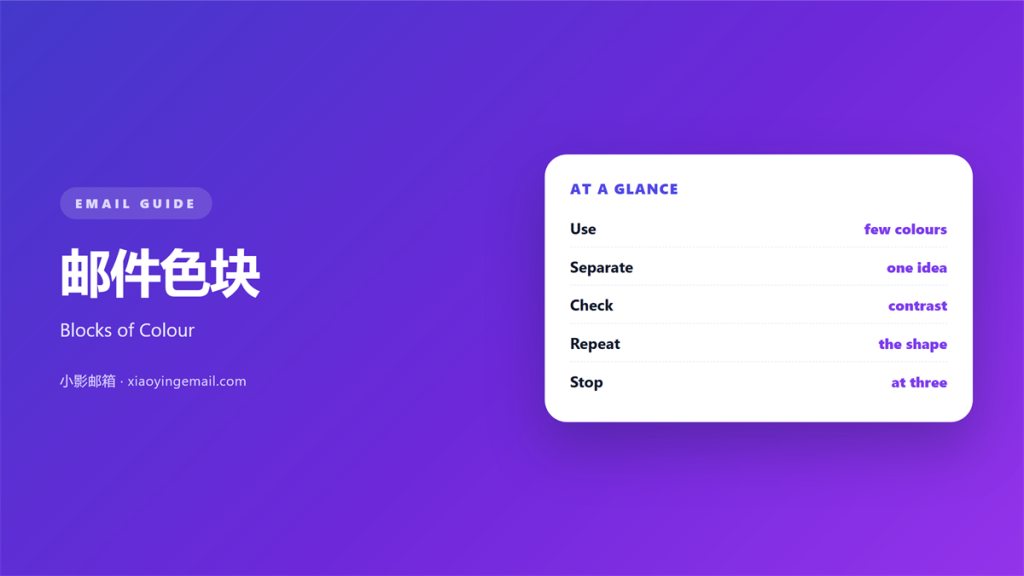
- 邮件色块 is a solid panel that separates one idea from the next.
- Keep the palette to three colours.
- Check the contrast of every label.
- Use a block for meaning, not decoration.
- Test the same block in dark mode.
What 邮件色块 means
邮件色块 is a filled area behind a short piece of content.
It can hold a quote, a price, or a single tip.
The fill runs edge to edge inside its column.
It is not a button and not a banner.
A block groups. A banner announces.
That difference matters.
Most blocks are one colour with no gradient.
A flat fill is easy to render and easy to read.
It also prints well and loads fast.
The shape is usually a simple rectangle.
It can also hold a small list of two items.
Corners may be soft, but the fill stays flat.
A good 邮件色块 looks like a quiet label.
Why 邮件色块 matters
A long email is a wall of white.
The eye needs a place to land.
A colour block gives that place.
It marks a change of topic without a heading.
That saves space on a phone.
It also slows the reader down.
A block says: this part is different.
That pause is the whole point of the block.
Used once, the effect is strong.
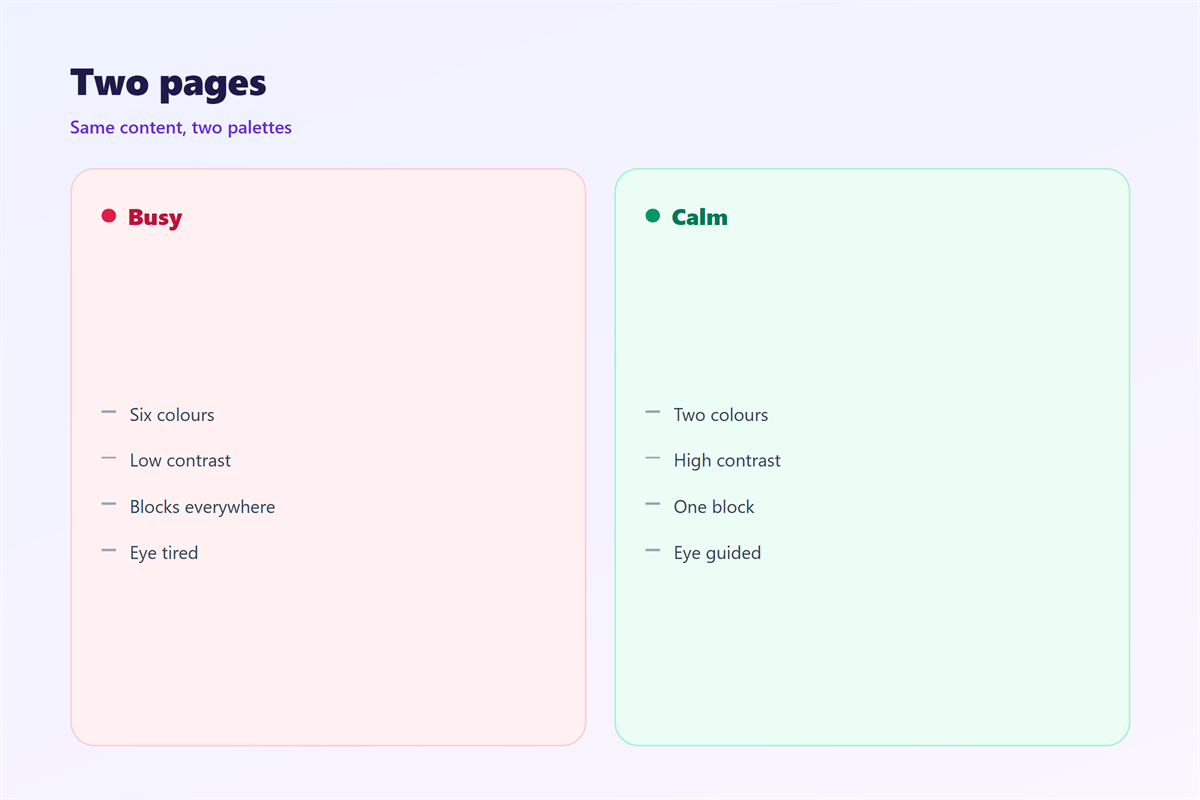
Used six times, it becomes noise.
Then no part stands out.
One block, one idea
Each block should carry a single thought.
Two ideas in one panel fight for the same space.
The reader picks one and skips the other.
When 邮件色块 helps
邮件色块 helps when a note has a clear turning point.
A quote after three paragraphs is a good case.
A price beside a product is another.
It helps a short tip stand apart from the body.
A pale panel keeps the tip visible without shouting.
It also helps a confirmation note.
The order number sits in its own block.
Readers find it in one glance.
It helps when the brand has a strong accent colour.
A small area is enough to carry that colour.
Keep the panel close to the idea it supports.
Pale fills age better
A light tint looks calm for years.
A bright fill looks dated within a season.
Save the strong colour for a thin line or a label.
When 邮件色块 hurts
邮件色块 hurts when it carries too much text.
A full paragraph in a panel feels boxed in.
It also hurts when the fill is too dark.
Light text on a dark block is hard on a phone.
Some readers see a smear at small sizes.
It hurts when blocks touch each other.
A busy 邮件色块 near another block doubles the noise.
Two panels side by side become one loud shape.
The gap between them is part of the design.
Then the reader loses the thread of the note.
Finally, it hurts when the colour has no job.
A random block teaches readers to ignore blocks.
Then the next important one goes unseen.
That is a real cost.
邮件色块 and contrast
Every label needs a contrast check.
Put the text and the fill into a checker.
Aim for a clear pass, not a near miss.
Small type needs more contrast than large type.
Thin fonts need more than bold ones.
Then check the button inside the block.
Two shapes with close colours can merge.
A thin border may be needed there.
Check the result on a phone, not a monitor.
Do not rely on colour alone
Some readers cannot separate red from green.
Add a word or an icon to carry the meaning.
Colour supports the message, never replaces it.
How to use 邮件色块 well
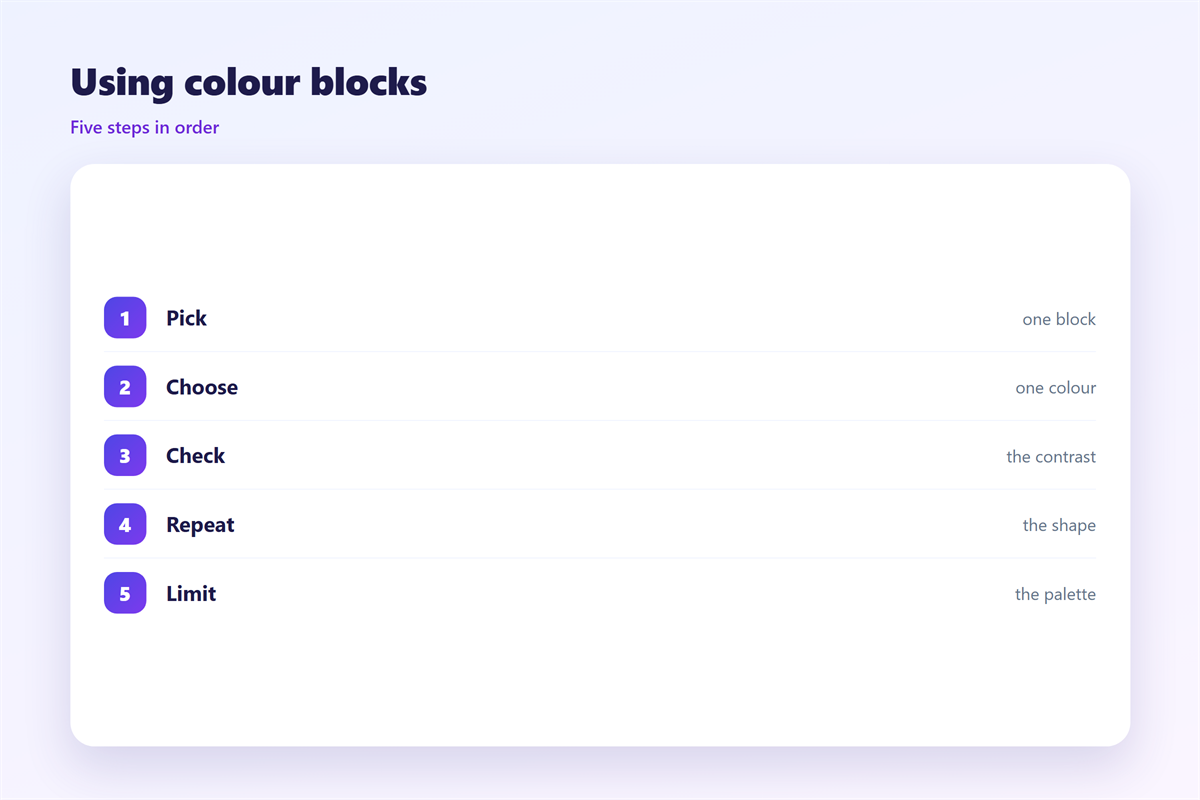
Choose the message before the colour.
Write the one line the block must carry.
Then pick a tint from the existing palette.
Keep the fill light enough for dark text.
Add padding of at least sixteen pixels.
Keep the block narrower than the full email width.
That small inset makes it read as a note.
Use one block per section at most.
Read the note once with the colour removed.
Then check the whole page in grey.
If the blocks still make sense, the layout works.
If they vanish, the design leans on colour too much.
邮件色块 on a phone
A phone narrows every block.
Padding that looked fine on desktop can crowd a label.
Keep the side padding generous.
Aim for twenty pixels on a small screen.
Let the text wrap naturally.
Do not force a single line.
A dark block also grows on a phone.
It can fill most of the screen.
That makes the note feel heavy.
Keep a light fill for long blocks on mobile.
A heavy 邮件色块 can push the button off screen.
Keeping 邮件色块 honest
A block should mark something true.
If the content is ordinary, leave it plain.
The palette side lives in 邮件配色.
Word emphasis sits in 邮件高亮.
Quiet breaks are covered in 邮件分隔线.
Wide strips appear in 邮件横幅.
Then write the fill values in the template notes.
Name the text colour that goes with each fill.
Review the pairs when the brand changes.
A team that limits 邮件色块 keeps attention.
FAQ
How many 邮件色块 should one email hold?
Two at most. One is often enough for a short note.
Should a colour block have rounded corners?
Only if the rest of the email uses them. Consistency matters more than the shape.
Can I use white text on a colour block?
Yes, when the fill is dark enough. Check the contrast before sending.
What about a block with an image inside?
Keep the image inside the padding. Do not let it touch the edge.
评论
还没有评论,来说两句吧。
评论功能已关闭。