 小影邮箱
小影邮箱邮件可读性怎么提?Readability That Lasts
Key Takeaways
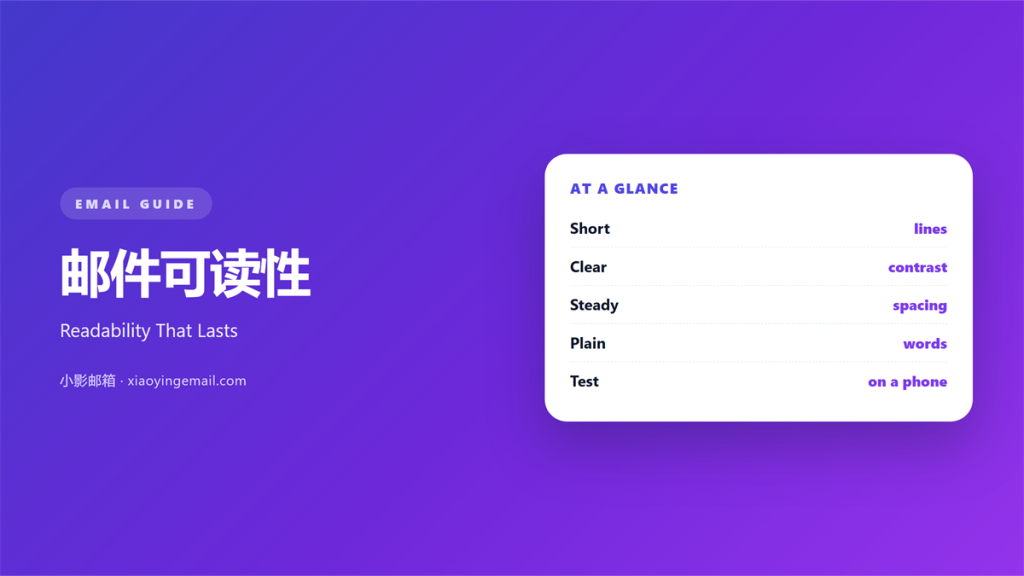
- 邮件可读性 is how easily a reader finishes the message.
- Short lines and plain words carry the most weight.
- Contrast matters more than colour choice.
- Each paragraph should hold one idea only.
- Test the finished mail on a phone in daylight.
What 邮件可读性 means
邮件可读性 is the effort a reader spends to understand a mail.
It covers the words, the spacing, and the contrast.
It is not the same as good writing alone.
A well written note can still be hard to read.
Small type or pale grey text will lose most readers.
Readability is measured by what happens on the screen.
The reader either finishes the mail or stops.
Every choice either helps that finish or delays it.
So treat readability as a design problem, not a grammar problem.
Why 邮件可读性 matters
Nobody is paid to read your mail.
The reader gives you a few seconds and nothing more.
If the first screen feels heavy, the rest is never seen.
Readability decides whether the offer is noticed.
It also decides whether the reply is written.
A clear mail gets answered faster.
That speed is worth real money in most teams.
Good 邮件可读性 also reduces misunderstanding.
A reader who understands the first time does not write back.
Fewer questions means a shorter thread.
Reading is work
Every line break lowers the effort a little.
Every long paragraph raises it.
The brain reads in short jumps, not in a straight line.
Give it small landing places and it keeps going.
When 邮件可读性 helps
邮件可读性 helps most when the mail carries a decision.
A request, a price, or a date must be found fast.
It helps when the reader is on a phone.
Small screens punish long lines and small type.
It helps again when the topic is unfamiliar.
Plain words do more work than technical ones.
And it helps when the mail is forwarded to a stranger.
The new reader has no context, so clarity must travel.
Long mail, short lines
A long mail is fine if the lines stay short.
Aim for fifty to seventy five characters per line.
Break a paragraph every two or three sentences.
Then add a subhead before each new topic.
The reader can then skip without losing the thread.
When 邮件可读性 hurts
邮件可读性 hurts when style is chosen over clarity.
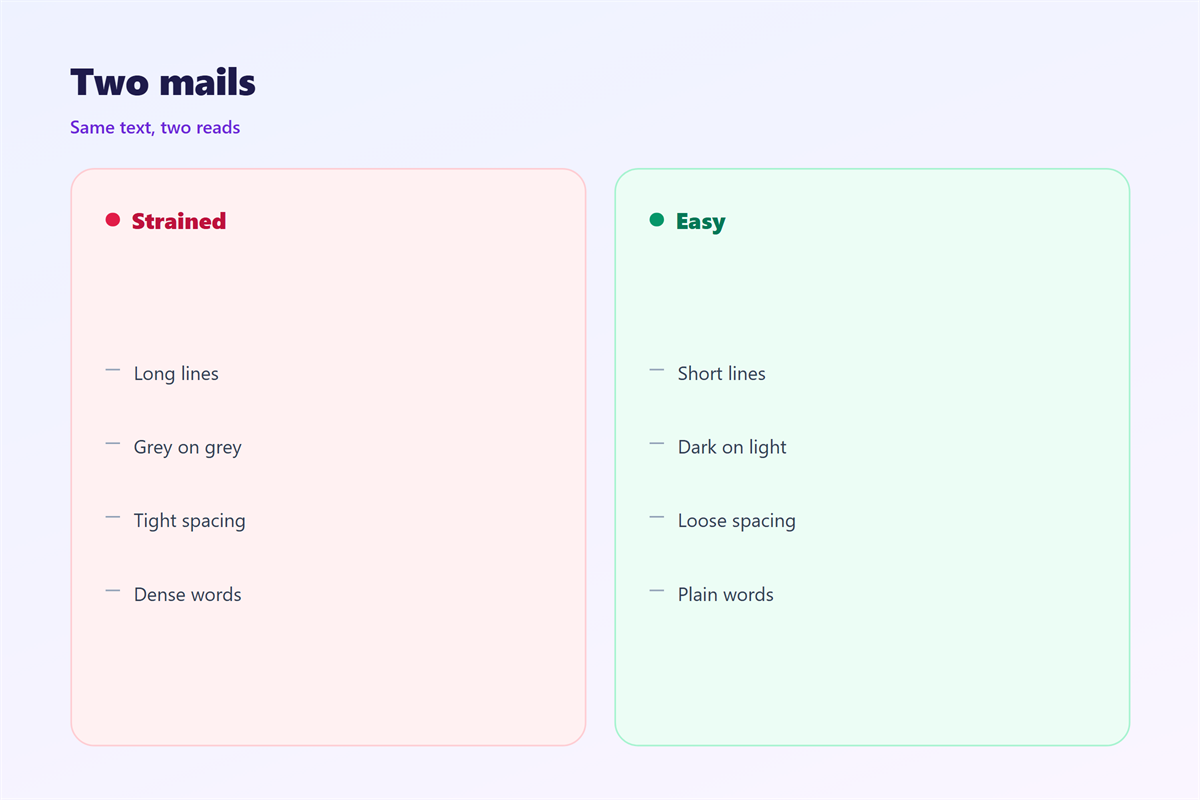
Light grey text on white looks elegant on a monitor.
On a phone in daylight it almost disappears.
It hurts when the font is small and thin.
Thin strokes fade at small sizes on cheap screens.
It hurts again when every sentence is centred.
The eye loses the left edge and starts to drift.
Justified text is worse, because the gaps grow uneven.
And it hurts when a whole mail is written in capitals.
Capitals slow reading because every word has the same shape.
Use bold for one phrase, not for a paragraph.
邮件可读性 and tired readers
Most mail is opened at the end of a working day.
Tired readers skim, and they skip anything that looks dense.
So build the mail for a low attention span.
Put the main point in the first two lines.
Keep the sentences short and the verbs active.
Cut any word the reader does not need.
The squint test
Step back from the screen and squint at the mail.
The shape of the text should look light, not solid.
If it looks like a grey block, add white space.
Then check that the headings stand out.
A reader should see the structure before reading a word.
How to use 邮件可读性 well
Start with one idea for the whole mail.
Write it in the first line, in plain words.
Then add the detail in short paragraphs.
Set the body text to sixteen pixels or more.
Set the line height to about one and a half.
Use a dark text colour on a light background.
Aim for a contrast ratio of at least four and a half.
Left align everything except short labels.
Keep the measure under seventy five characters.
Write for the ear
Read each sentence aloud before you keep it.
If you run out of breath, the sentence is too long.
If you stumble on a word, replace it.
Then remove one adjective from every paragraph.
The mail will sound like a person, not a brochure.
邮件可读性 on a phone
More than half of your readers open on a phone.
That screen is small, bright, and often held at arm’s length.
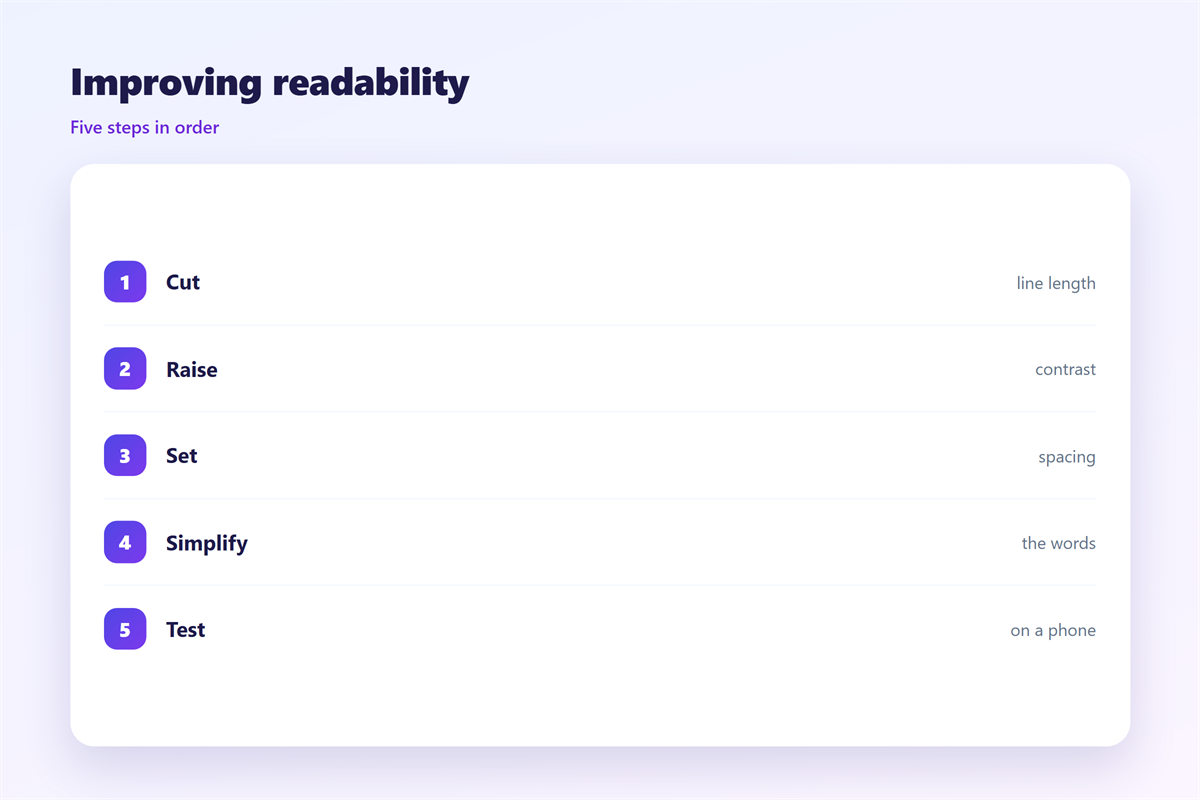
So test the mail at that size first.
Check that the body text does not need a zoom.
Check that no line wraps into a single word.
Check that buttons are wide enough to tap.
Then check the mail in dark mode.
Pale grey text can vanish on a dark background.
Finally, turn the brightness down and read again.
A good 邮件可读性 survives that test without changes.
If you have to squint, the reader will stop.
Keeping 邮件可读性 consistent
Consistency means the reader never has to adjust.
Set one body size, one line height, and one text colour.
The typeface itself is covered in 邮件字体.
The space between lines appears in 邮件行距.
The light and dark balance sits in 邮件对比度.
The size scale is explained in 邮件字号.
Write those values into the shared template.
Then every mail starts from a readable base.
邮件可读性 improves when nobody has to guess.
FAQ
What 邮件可读性 score should I aim for?
Aim for short sentences and few long words. A simple score above sixty is fine.
Is a fancy font ever acceptable?
Rarely. A display font can work in a headline. Keep the body plain.
How long should a paragraph be?
Two or three sentences. One idea per paragraph is the safer rule.
Does dark mode change the rules?
Yes. Test it. Invert the images and check the text contrast again.
References
- WebAIM: Contrast and accessibility guidance
- Nielsen Norman Group: Reading and legibility research
- Litmus: Email rendering and dark mode tests
评论
还没有评论,来说两句吧。
评论功能已关闭。