 小影邮箱
小影邮箱邮件首屏怎么设计?The First Screen
Key Takeaways
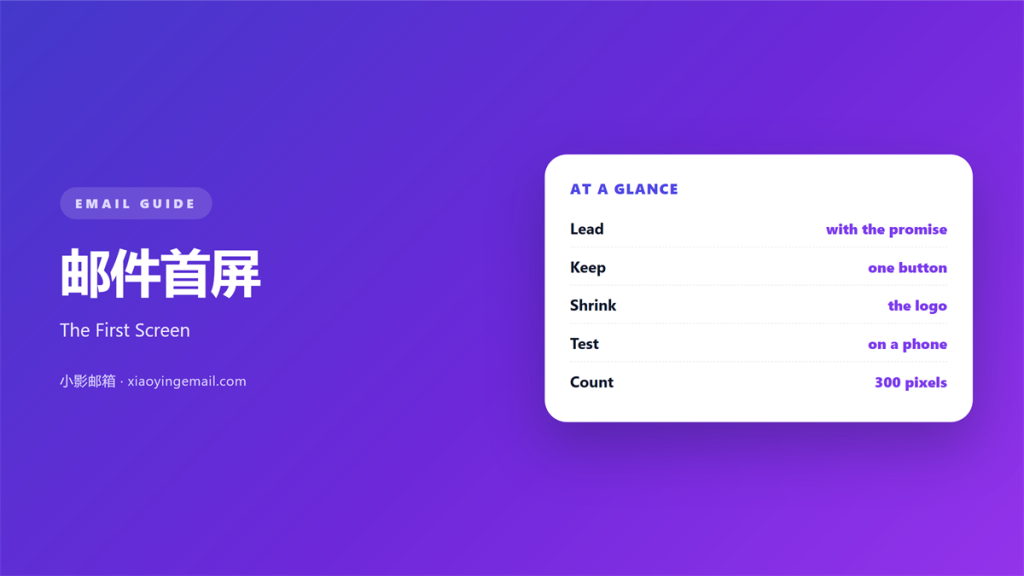
- 邮件首屏 is everything a reader sees before scrolling.
- A phone shows about 300 pixels of it.
- Lead with one promise and one button.
- Keep the logo small and the image light.
- Test the first screen before every send.
What 邮件首屏 means
邮件首屏 is the part of a mail visible without scrolling.
It starts under the subject line.
It ends where the screen cuts off.
On a phone, that space is roughly 300 pixels.
On a desktop, it is much taller.
Most readers meet the phone version first.
So the small screen sets the rules.
The block usually holds a logo, a headline, and a button.
Each one competes for the same few lines.
The headline should win that contest.
The logo supports it and never leads.
A good 邮件首屏 answers what and why in one look.
That number changes with the device and the font size.
Why 邮件首屏 matters
邮件首屏 matters because attention is decided there.
A reader gives a mail about three seconds.
The first screen earns the next scroll or fails.
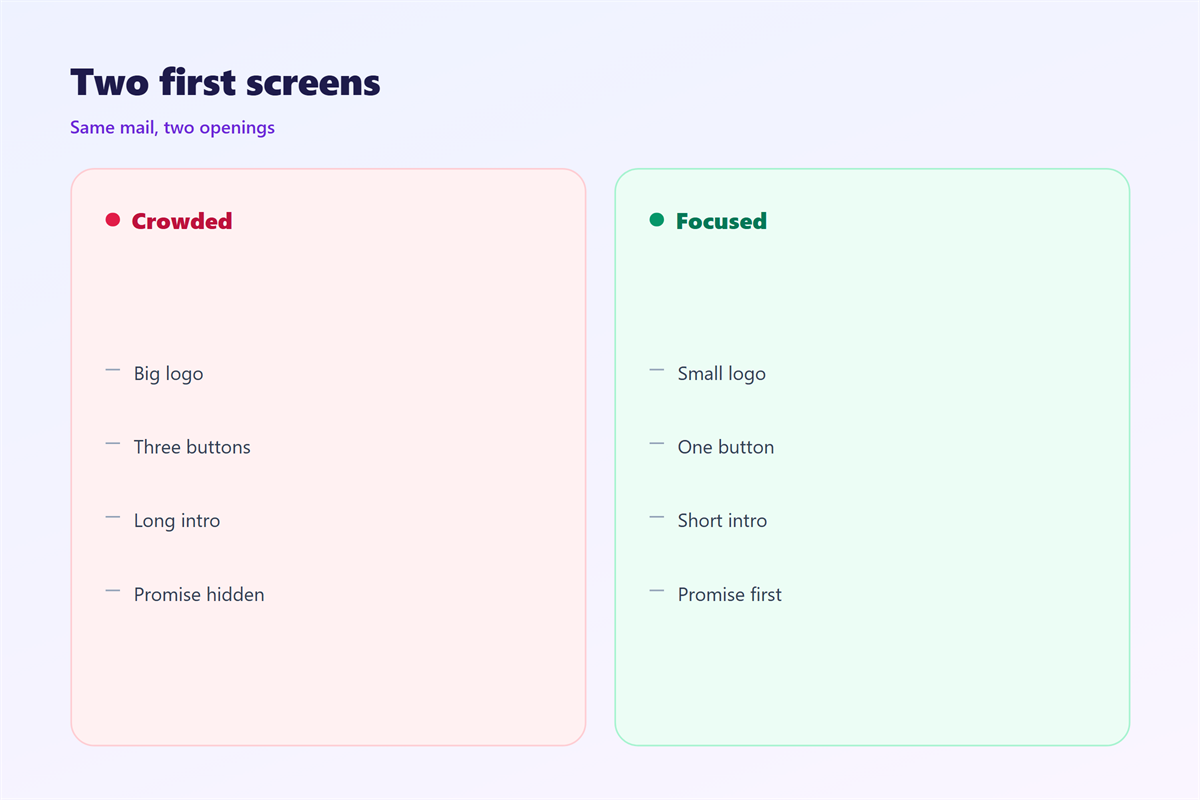
A cluttered top sends people away.
A clear promise keeps them reading.
The same space also sets the tone.
Dense text feels like work.
One sentence and one button feel easy.
That ease carries into the rest of the mail.
So the top deserves more care than the middle.
A slow first second rarely recovers later.
The fold is not fixed
Every device cuts the screen at a different point.
Design for the shortest one you expect.
Assume a small phone with large text settings.
Then the promise survives everywhere.
When 邮件首屏 helps
邮件首屏 helps in every mail with an action.
A launch note needs the offer at the top.
A renewal reminder needs the date at the top.
A digest needs the best item at the top.
It helps most when the reader is busy.
Busy readers scan and leave.
A strong top buys you one more line.
That line is often the click.
A short note also gains from a clean top.
When the top is not the offer
Some mails open with a person, not a product.
A note from a founder can start with a name.
Keep that opening under two lines.
Then return to the promise quickly.
When 邮件首屏 hurts
邮件首屏 hurts when the logo fills it.
A wide banner pushes the headline below the fold.
It hurts when the image carries the only message.
Blocked images leave an empty top.
It hurts when three buttons compete.
Two equal actions split the click.
It hurts when the headline is a slogan.
A slogan says nothing a reader can act on.
It hurts when small text sits at the top.
Twelve pixels is too small for a first line.
It hurts when the first line is a date stamp.
邮件首屏 and the headline
The headline carries the first screen.
Write it as one promise, not a category.
Six to ten words is a good target.
Name the reader’s gain in plain words.
Keep the brand out of the headline.
The logo already says who sent it.
Set the headline larger than the body.
Keep it dark on a light background.
Then give it room above and below.
Test the headline with five strangers.
One button, one action
A first screen needs a single clear action.
Write the button as a verb and a noun.
Keep the label under four words.
Place it right under the headline.
Then the eye travels in one line.
How to write 邮件首屏
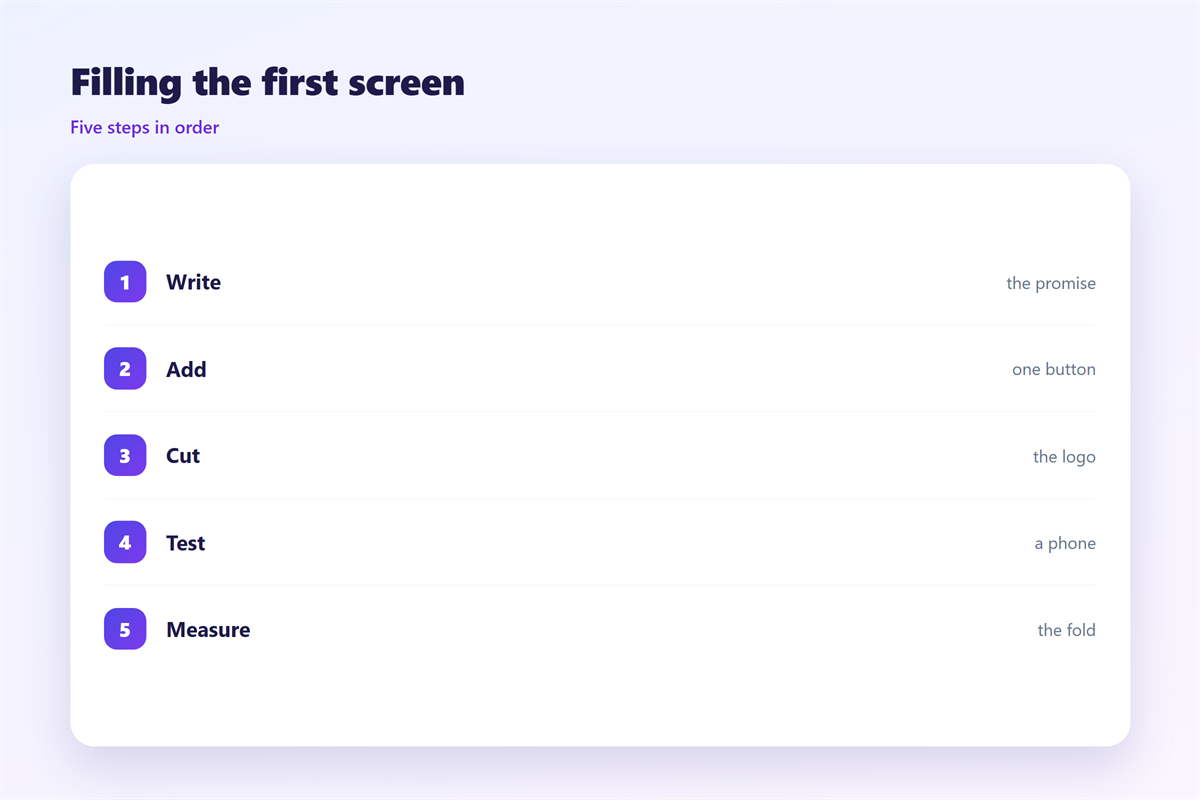
Write 邮件首屏 before you design anything.
Start with the one thing the reader must know.
Reduce it to a single sentence.
Then add the action that follows.
Cut every line that does not serve them.
Move the navigation below the first screen.
Keep the logo under 120 pixels wide.
Test the order on a phone, not a monitor.
Write the first screen last, once the offer is fixed.
Check it with the preview text
The preview text sits beside the subject.
It works as a second headline.
Never repeat the subject there.
Write one short line that adds a reason.
Then the inbox view and the open view agree.
邮件首屏 on a phone
邮件首屏 on a phone holds about 300 pixels.
That space fits a headline and little else.
Keep the logo on one line and small.
Skip the banner image if it costs a sentence.
Use a 16 pixel body size at the least.
Let the headline wrap to two lines at most.
Keep the button full width.
Leave twelve pixels above and below it.
Then check the cut on a small device.
If the button falls below, cut the intro.
Keep the header under one hundred pixels.
A light first image
A large image can push the text down.
Keep the first image under 60 kilobytes.
Write a real alt text for it.
Then blocked images still leave a message.
Keeping 邮件首屏 honest
Keeping 邮件首屏 honest means promising what the mail delivers.
A headline that oversells loses the click after it.
Keep the promise and the offer on one page.
Never hide a condition in the footer.
The header image is covered in 邮件封面.
The inbox line sits in 邮件预览文本.
The small screen rules live in 邮件移动端.
The column frame comes from 邮件排版.
Check the first screen against the final screen.
If they differ, fix the copy.
That match is what makes a mail feel fair.
Fairness brings the next open.
FAQ
How tall is a 邮件首屏 on a phone?
About 300 pixels in a standard inbox view.
Should the logo come first?
No. The headline comes first and the logo follows.
Can the first screen hold two buttons?
It can, but one button wins more clicks.
Does the navigation belong at the top?
Not on mobile. Move it below the first action.
评论
还没有评论,来说两句吧。
评论功能已关闭。