 小影邮箱
小影邮箱邮件占位符怎么设?Where Values Go
Key Takeaways
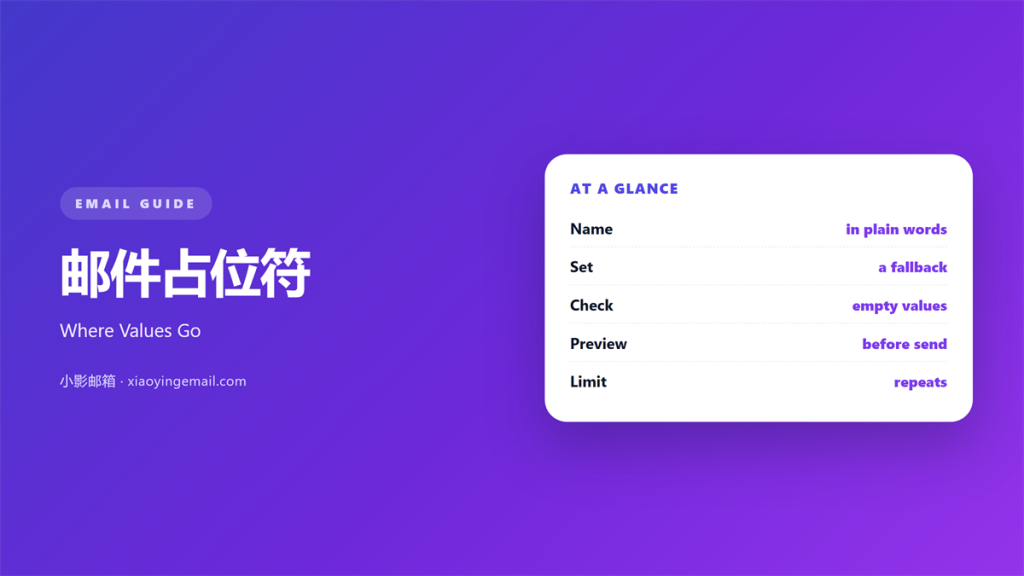
- 邮件占位符 marks the spot where a real value will land.
- Name each one in plain English, not in code.
- Give every placeholder a fallback default.
- Preview with real data before you send.
- Use one placeholder once or twice, never five times.
What 邮件占位符 means
邮件占位符 is a short token that stands in for a value.
It looks like a pair of braces around a name.
The sending system swaps it for the reader’s data.
Nothing else in the sentence changes.
The token is not text the reader should ever see.
It is a slot with a label on it.
The reader should never guess what the token holds.
The label must mean something to the person who edits the mail.
A readable label like first name is clear.
A coded label like fn1 is not.
A placeholder can hold a name, a date, a plan, or an amount.
It can also hold a whole sentence when the wording varies.
A good 邮件占位符 disappears on send.
Why 邮件占位符 matters
One template can serve thousands of readers.
That only works when the values arrive intact.
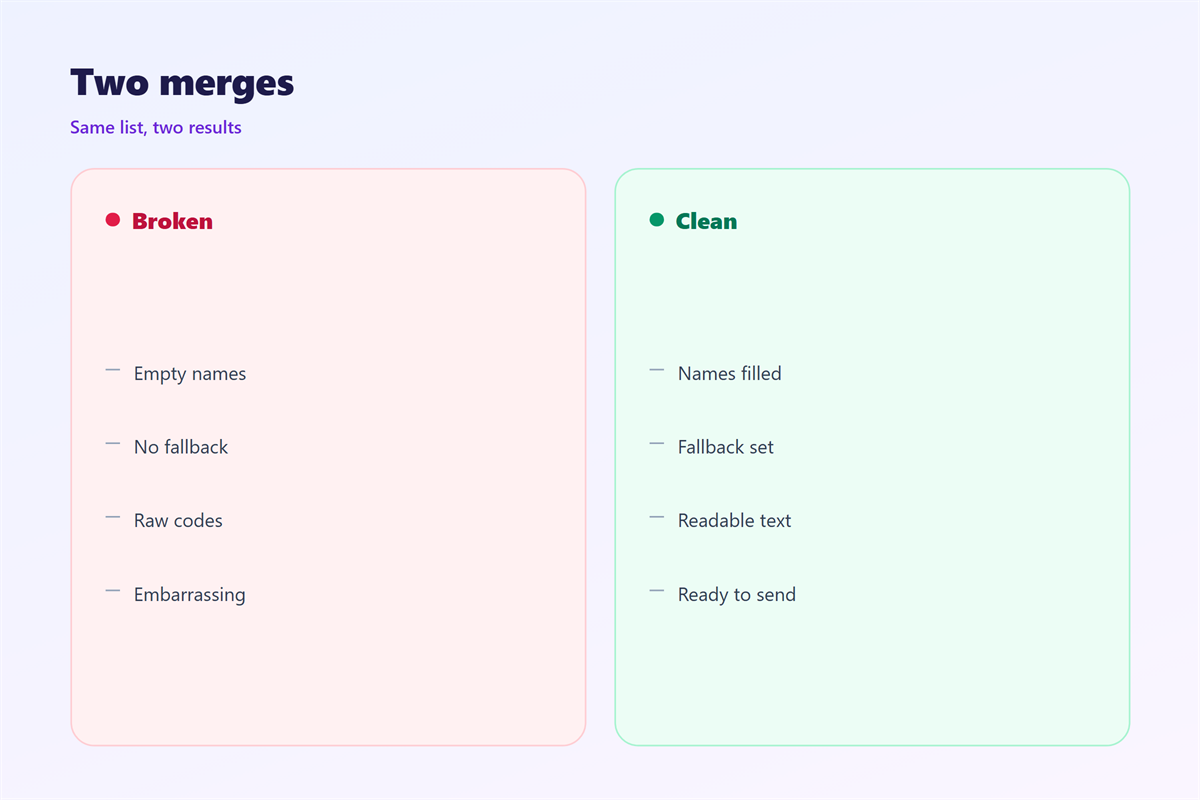
A broken token shows raw code to the reader.
They see braces where their name should be.
That single glitch undoes a careful design.
Placeholders also keep the copy consistent.
The same greeting appears in every mail of the batch.
Nothing is retyped by hand.
Hand typing is where typos enter.
A checked token removes that risk.
A single preview catches almost every failure.
Test with the worst record
Test with the shortest name in your list.
Then test with the longest one.
Test a record with an empty field.
That last test finds most failures.
When 邮件占位符 helps
A 邮件占位符 helps whenever one mail serves many readers.
A welcome note needs a name and a plan.
An invoice needs a number and an amount.
A reminder needs a date.
It helps when the same copy runs every week.
The words stay fixed while the data changes.
It helps when several people edit one template.
A named token is easier to hand over.
Keep the count low
Three to five tokens cover most mails.
Each extra token is another chance to break.
If you need ten, the mail is probably two mails.
Split it and keep each set small.
When 邮件占位符 hurts
邮件占位符 hurts when the token name is a code.
Only the developer knows what it means.
It hurts when the default value is blank.
A blank leaves a gap in the middle of a sentence.
A missing value then leaves the sentence unfinished.
It hurts when one token repeats six times.
The reader sees the same word again and again.
It also makes a personal note feel like a form letter.
It hurts when the token sits inside a link.
A missing value then breaks the whole URL.
It hurts when nobody previews the final send.
邮件占位符 and 邮件合并域
The two terms describe the same slot from two sides.
邮件合并域 is the older name from desktop mail merge.
邮件占位符 is the newer name from template builders.
Both point to a column of reader data.
The merge field carries the rule for the value.
The placeholder carries the position in the copy.
One decides what goes in, the other decides where.
Keeping that split clear prevents confusion.
Name the column and the token with the same word.
Fallbacks belong to the field
Set the default in the data layer, not in the sentence.
A word like there is a safe default for a missing name.
Your order works when a number is missing.
Then a failed lookup still reads as English.
Never let the raw token reach the reader.
How to write 邮件占位符
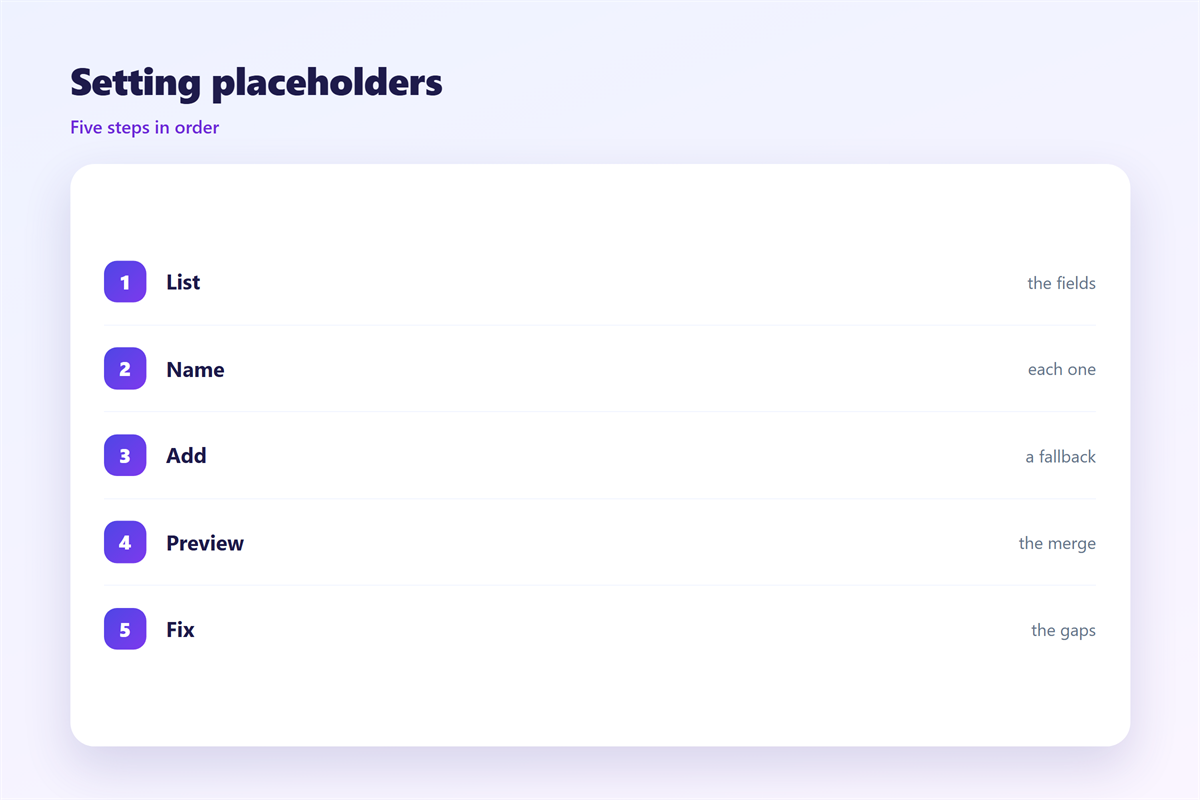
List the values the mail actually needs.
Cut any value that only decorates the copy.
Name each token in lower case with underscores.
Use the same name as the data column.
Write the sentence with the token in place.
Read it aloud with a real value substituted.
If it sounds odd, rewrite the sentence.
Then add the default for each token.
Preview with three records
Preview a complete record first.
Then preview one with missing fields.
Then preview the longest name you have.
Check the line breaks after each swap.
Check the subject line too.
Send the test to yourself and open it on a phone.
邮件占位符 on a phone
The 邮件占位符 can push the layout on a small screen.
A full name can wrap onto a second line.
That wrap may push the button down.
Test the longest name at 320 pixels.
Shorten the greeting if the wrap looks bad.
A short hello beats a full salutation on a phone.
Dates also run long in some formats.
Pick one short format and keep it.
Amounts need the currency symbol in the same place.
Long values can also break a button label.
Check the whole screen after each swap.
Keeping 邮件占位符 honest
A 邮件占位符 must never expose a private field.
Send only what the reader expects to see.
Preview every batch before it leaves.
The rules for safe fields sit in 邮件模板变量.
The merge logic sits in 邮件合并域.
The reusable copy sits in 邮件模板.
The data capture sits in 邮件表单.
Then log which tokens each template uses.
When a token is retired, remove it everywhere.
FAQ
How should I name a 邮件占位符?
Use lower case words joined by underscores. Match the data column.
What default should a name field have?
A neutral word like there. Never an empty string.
Can a placeholder hold a whole paragraph?
Yes, but keep it short. Long blocks break the layout.
How often can one token appear?
Twice at most. A third mention sounds mechanical.
评论
还没有评论,来说两句吧。
评论功能已关闭。