 小影邮箱
小影邮箱邮件合并域怎么用?Personal Fields Done Right
Key Takeaways
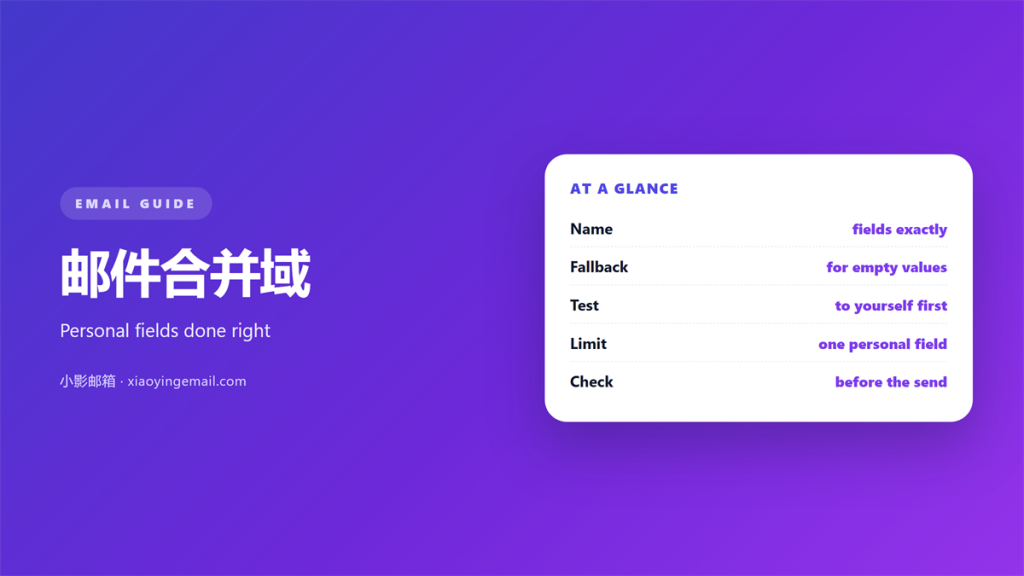
- A 邮件合并域 fills a placeholder with personal data.
- Map every field before you send anything.
- Always set a fallback for empty values.
- Test with a small list of real contacts first.
- Keep the fields few and the tone human.
What a 邮件合并域 does
A 邮件合并域 is a placeholder that holds one value.
It pulls data from a list. The name, the company or a city can change per message.
The field stays invisible in the final copy. The reader sees only the filled text.
One template plus one list becomes many personal messages. That is the whole idea.
A 邮件合并域 is not the same as a saved template. The template is the shape, the field is the fill.
When both work together, a bulk send still reads like a personal note.
Copy and paste cannot scale this way. One slip changes only one message.
The field also keeps spelling right. The name comes from the list, not your typing.
A merge also saves time on repeat sends. One click fills every message.
It reduces typing errors across a large list. Fewer typos mean fewer replies about mistakes.
Review the merged samples as a group. A second pair of eyes catches odd greetings.
That is what makes the tool worth learning.
Mapping fields before a 邮件合并域 run
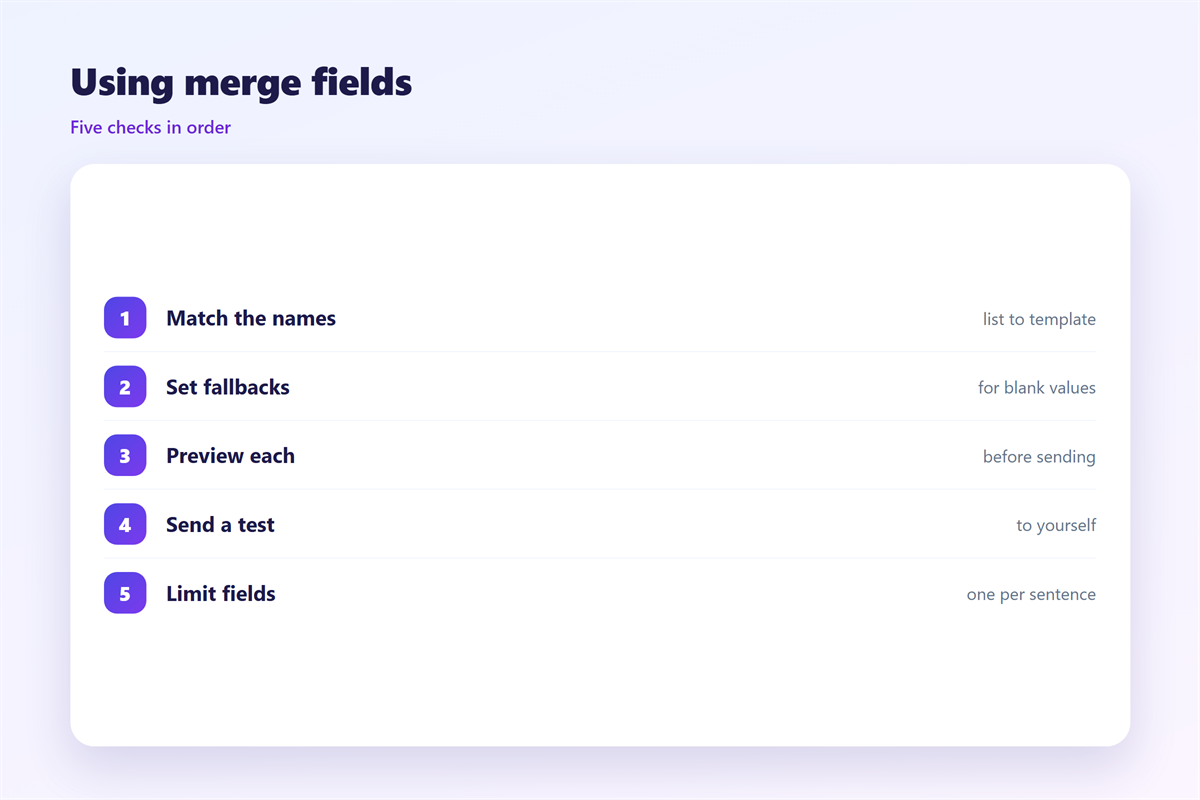
Mapping means matching each field to its column.
Open the list first. Check the column names are clear and consistent.
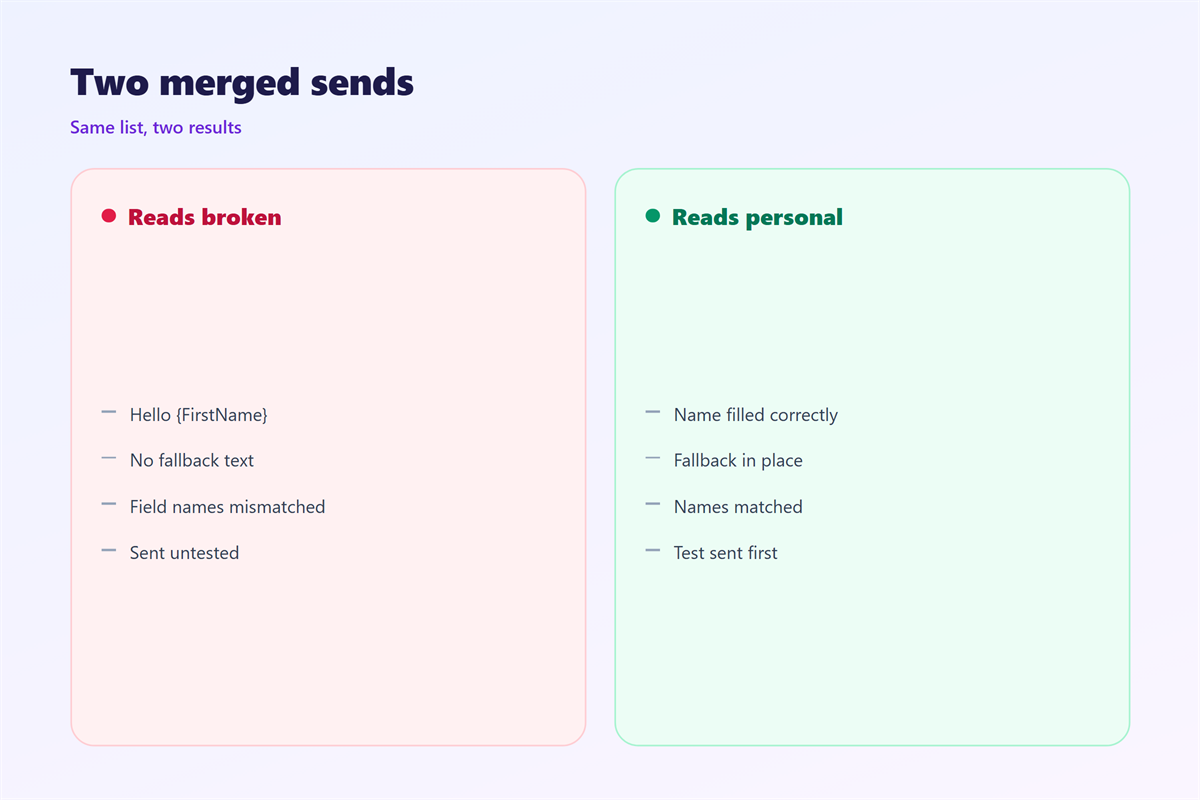
Watch for empty cells. A blank name turns into a broken greeting.
Set a fallback for each field. A plain greeting is safer than a raw placeholder.
Match the format too. Dates and numbers should look the same for every row.
Sort the list and remove blank rows. A tidy list merges cleanly.
Name each column in plain words. A clear label beats a cryptic one.
A careful 邮件合并域 check takes five minutes. It prevents a public mistake.
Keep the field names short and stable. A changed name can break an old template.
If two columns overlap, merge them first. Clean data beats clever formulas.
Never leave a raw field name in the body. That is the classic error.
Where 邮件合并域 go wrong
Three slips cause most of the damage.
The first is a missing value. The greeting reads “Hi,” with nothing after it.
The second is a doubled space. Extra room appears where the field was empty.
The third is a leaked column. A hidden test row reaches real contacts.
Each one is easy to spot in a test send. Do that test every single time.
Watch the salutation closely. A wrong title can offend a good contact.
Keep a copy of the exact list you used. It helps trace any odd result later.
Another slip is a field that does not fit the sentence. A company name can break the grammar.
Read one merged 邮件合并域 out loud. If it sounds odd, fix the wording.
Check the company field for stray symbols. A pasted logo can corrupt the line.
Watch for language rules in a name. Not every list uses a first and last name.
A clean merge looks effortless. That effort lives in the mapping step.
Testing your 邮件合并域
Send a test to a small list first.
Include a row with an empty value. That shows the fallback in action.
Check the subject line too. Fields there fail the same way.
Open one 邮件合并域 message on a phone. Formatting can shift on a small screen.
Then check the reply address. A wrong sender spoils an otherwise clean send.
Fix anything odd before the full run. One test row saves a thousand apologies.
One more 邮件合并域 test costs nothing and protects the whole list.
A test send also reveals formatting faults. Bold text can shift the layout.
Check a forwarded copy too. Some clients strip the formatting.
A short 邮件合并域 check keeps a bulk send personal.
Working with lists and templates
A clean list is half the work.
Remove duplicates before the run. Two copies mean two messages to one person.
Keep the columns you need and hide the rest. Fewer fields mean fewer errors.
Save the shape as a reusable form. The next send takes minutes.
Back up the list before a big send. A copy makes a mistake easy to reverse.
Keep the data tidy after the send. Delete the file if privacy rules require it.
A dry run on a real list builds confidence. Fix small faults before the big send.
Keep a short style note for greetings. Everyone then writes the same way.
If a field looks wrong, pause the send. A short delay beats a wide mistake.
Save a clean sample copy for next time. It becomes a safe starting point.
A tidy 邮件合并域 run hides the machinery behind the words.
Our notes on 邮件合并 cover the workflow. Using a person’s name well is treated in 邮件个性化. A reusable shape lives in 邮件模板, and the data set is explained in 邮件列表.
FAQ
What is a 邮件合并域?
It is a placeholder that holds one value from your list. The field changes per message.
Can I add a fallback value?
Yes, and you should. A fallback covers empty cells. It keeps the greeting readable.
Which fields should I use?
Only the few you need. Name, company and maybe a city. More fields mean more risk.
Does a 邮件合并域 work in the subject line?
Yes, most tools allow it. Test it first. An empty subject field looks careless.
References
- IETF RFC 5322: Internet Message Format
- Microsoft: Add or remove people from an email message
- Google: Add or remove recipients in Gmail
评论
还没有评论,来说两句吧。
评论功能已关闭。