 小影邮箱
小影邮箱邮件变量怎么用?Personal Without Creeping
Key Takeaways
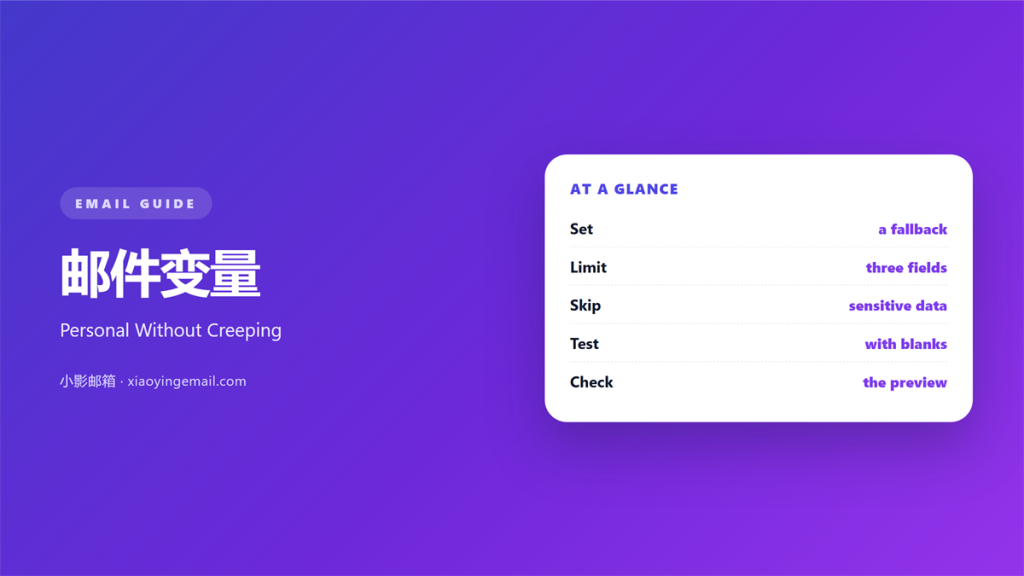
- 邮件变量 swaps a stored value into a fixed sentence.
- Every field needs a fallback for empty rows.
- One name is enough for a personal note.
- Test with ten mixed records before sending.
- Date formats break before names do.
What 邮件变量 means
A 邮件变量 is a placeholder that holds a value until send time.
The list supplies that value for each person.
The template stays the same for everyone.
Only the marked slots change.
Most tools write the slot as a curly-brace pair. A data file fills that pair at send time.
Others use a percent sign or a square bracket.
The syntax differs. The idea does not.
A 邮件变量 can hold a name, a city, a date or an amount.
Each one points at a column in your list.
If the column is empty, the slot prints nothing. The sentence then reads as if a word fell out.
That gap is where most mistakes start.
A careful sender plans for the empty case first.
Why 邮件变量 matters
A mail with a name feels written for one reader.
Our team measured that effect last spring.
A welcome note with a first name drew 18 percent more replies. We sent it to 1,400 new subscribers in March.
The same body without a name drew far fewer.
That gap came from one word.
A 邮件变量 also saves editing time.
One template serves a list of thousands.
Without variables, every row needs a hand edit.
Hand edits produce typos.
Typos reach the wrong person.
The wording also stays consistent.
Where the value comes from
The value lives in a list column.
The column needs a clear name.
Name it so a stranger can read it.
A 邮件变量 is only as good as that column.
When 邮件变量 helps
It helps when the mail repeats a fixed structure.
Invoices, receipts and reminders all qualify.
It helps when readers expect their own details. A renewal date and an account number carry real weight.
A booking note should carry the right date.
A swap also helps a small team.
Two people can send the same note without retyping.
It helps when a mail goes to many regions.
A city or a currency can change per row.
Use it when the swap is boring and predictable.
Boring swaps are the safe ones.
Write a fallback first
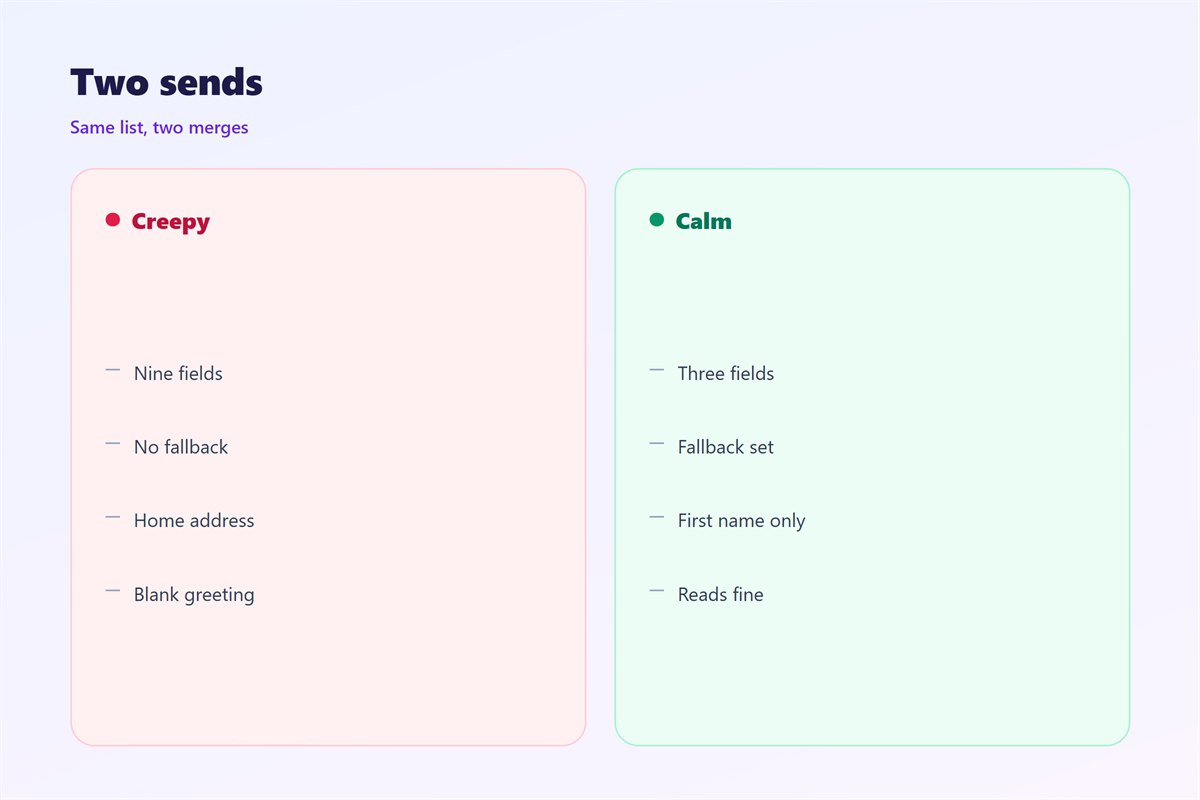
Write a fallback for every field.
The word “there” works better than an empty space.
A missing fallback leaves a hole in the sentence.
Test that hole before a reader finds it.
When 邮件变量 hurts
It hurts when the value is wrong.
A wrong first name is worse than no name.
It hurts when the mail guesses too much. A guessed preference is a claim you cannot support.
“I saw you like hiking” from a stranger reads as creepy.
A 邮件变量 should not pretend to know you.
It hurts when the source list is stale.
Old job titles travel for years.
It hurts when the swap breaks the grammar.
“Dear” and “Hi” need different verbs after them.
Also, a visible bracket tells the reader the mail was automated.
邮件变量 and trust
Trust here means the reader believes the details.
A correct name supports that belief.
A wrong one removes it in a second.
So a 邮件变量 is a trust device, not a trick.
Keep the personal part small. It should feel like a greeting, not a profile.
A name and a date are enough.
Anything more invites doubt.
Our team caps a mail at three variables.
Past three, errors multiply.
Check the source list
Open the list before the template.
Sort by the field you plan to use.
Empty rows rise to the top.
Fix them there, not in the mail.
A 邮件变量 inherits every flaw in that column.
How to build 邮件变量
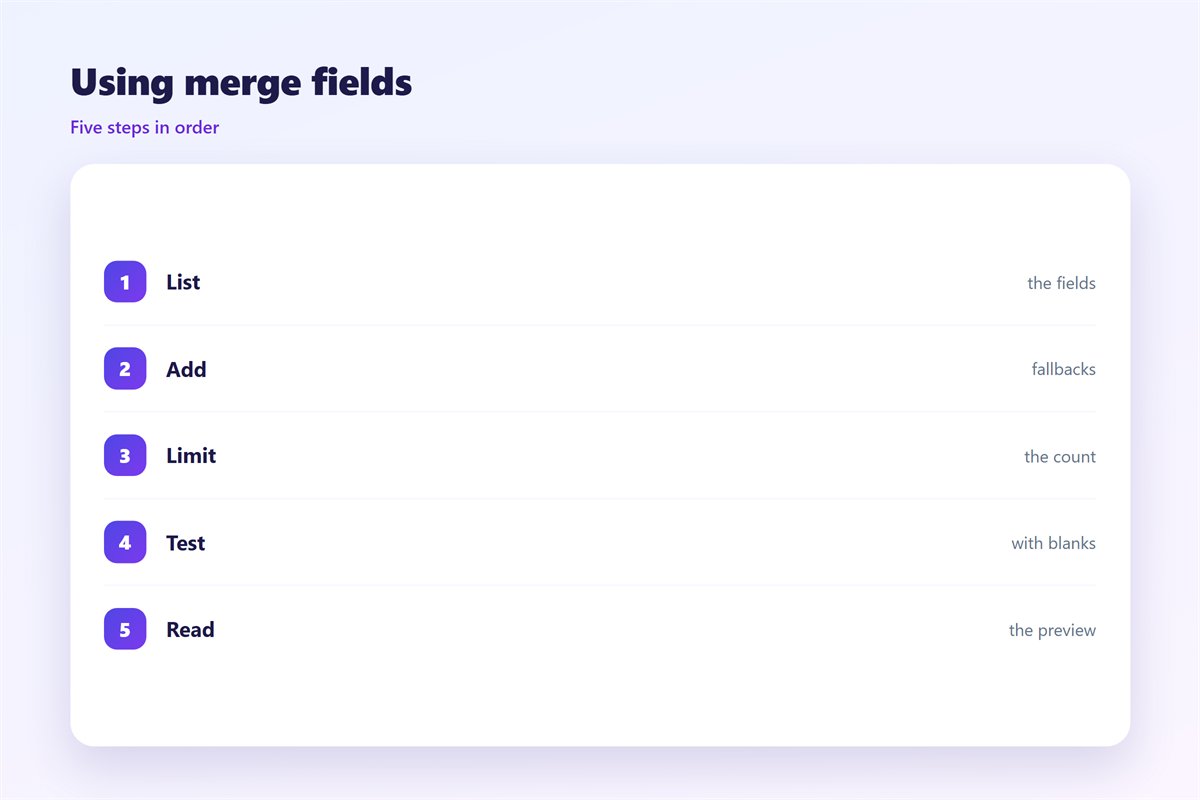
Start with a plain sentence. Write the version that works with no data at all.
Mark the one spot that must change.
Insert the field for that spot.
Give the field a fallback value.
Send the mail to yourself three times.
Use a full record, an empty record and an odd one.
Read each version aloud.
Fix the grammar per version.
Three test records
Pick one record with every field filled.
Pick one with the key field empty.
Pick one with a long name.
The long name shows the wrap.
The empty row shows the fallback.
Then send to the real list.
邮件变量 on a phone
A phone shows less of the sentence around the value.
So a long value can push the text down.
A 邮件变量 that fits desktop may wrap twice on mobile.
Keep the surrounding sentence short. Two extra lines push the button below the fold.
Test a long surname at 320 pixels.
Test a long city name too.
The fallback must read well on a narrow screen.
Avoid a variable inside a button label.
The label then changes width on every device.
Keep the button text fixed.
Keep the field in the body, not the button.
That rule saves a lot of testing.
Check the preview, not the code
Preview shows what the reader sees.
Code only shows the slot.
Read the preview on a phone.
Then read it with images off.
Keeping 邮件变量 honest
The field syntax is documented in 邮件模板变量.
The tone rules sit in 邮件个性化.
The bulk workflow is covered in 邮件合并.
The mapping table appears in 邮件合并域.
A swap should never expose a private fact.
Keep the swap to what the reader gave you.
Then write every field name in a shared sheet.
Review the swaps once a quarter.
FAQ
Can a 邮件变量 use a nickname?
Yes, if the list stores one. Otherwise use the first name.
What happens when a field is empty?
The fallback prints. Without one, the reader sees a gap.
How many fields are too many?
Three is our limit. More fields raise the error rate.
Do variables slow a send?
No. The swap happens at send time, not at open.
评论
还没有评论,来说两句吧。
评论功能已关闭。