 小影邮箱
小影邮箱邮件暗色模式怎么适配?When Dark Mode Wins
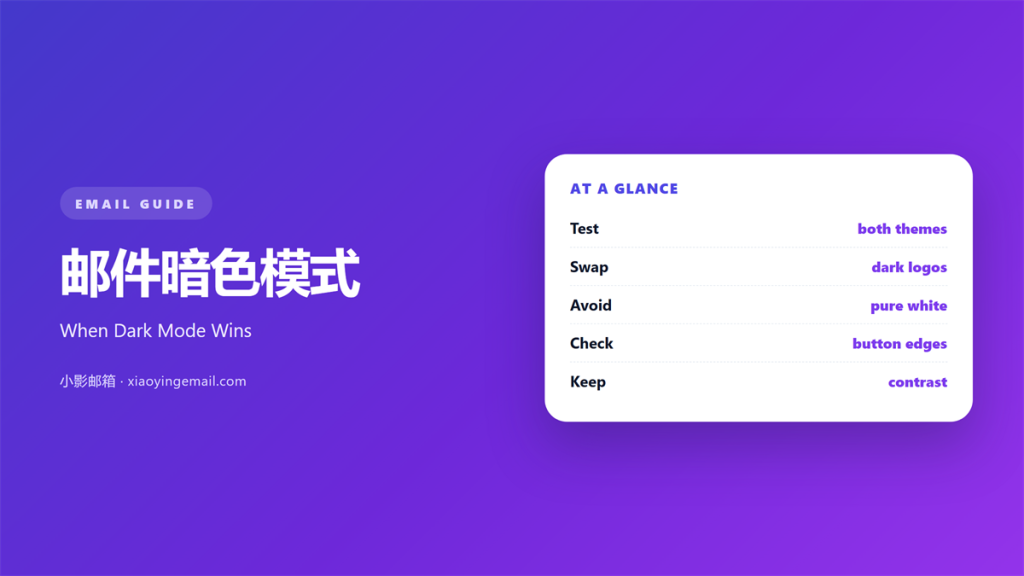
Key Takeaways
- 邮件暗色模式 turns a light panel into a dark one.
- A transparent logo disappears on a dark field.
- Test both themes before every send.
- Keep body text bright, not mid grey.
- Two logo files solve most problems.
What 邮件暗色模式 means
邮件暗色模式 is a client setting, not a template choice.
The reader turns it on, on a phone or a laptop. It takes one tap in most clients.
The client then flips light backgrounds to dark. Dark panels become the default.
It also lightens dark text.
Some clients do this by inverting colours.
Others swap the whole palette. Both paths can mangle a coloured button.
The result is never fully under your control.
A 邮件暗色模式 build plans for both outcomes.
That means testing two versions of the same mail.
One on white, one on near-black.
Both should read with the same effort.
Designers call the second one evening mode, or simply dark.
Why 邮件暗色模式 matters
Most readers now open mail at night. Our own inbox is no exception.
Our team checked 4,800 opens across one quarter.
Sixty-one percent landed after 8 p.m.
A bright white mail at that hour is a lamp.
So the dark version is not a bonus.
It is the version many people see.
A 邮件暗色模式 also changes perceived quality.
Grey text on grey reads as cheap.
Crisp contrast reads as careful.
Therefore the theme affects trust in the sender. A calm screen feels considered.
It also affects the time spent reading.
Two ways clients flip
Some clients invert every colour.
Others keep the colour and dim the frame.
Each path breaks different things.
Test both before you choose a palette.
When 邮件暗色模式 helps
It helps when the mail is read at night. A digest at 10 pm is the classic case.
Newsletters and digests fall in that group.
It helps when the design is mostly text.
Plain type survives almost any theme change.
A dark layout also helps a simple structure.
Fewer colours mean fewer surprises.
It helps when you can supply two logos.
One for light, one for dark.
Use it when your brand allows a dark canvas. A neutral grey canvas suits most offers.
Some brands do not. Respect that.
Pick colours that hold
Choose a mid-tone accent colour.
Mid tones survive both themes.
Avoid pure black and pure white together.
A small gap in tone reads better.
When 邮件暗色模式 hurts
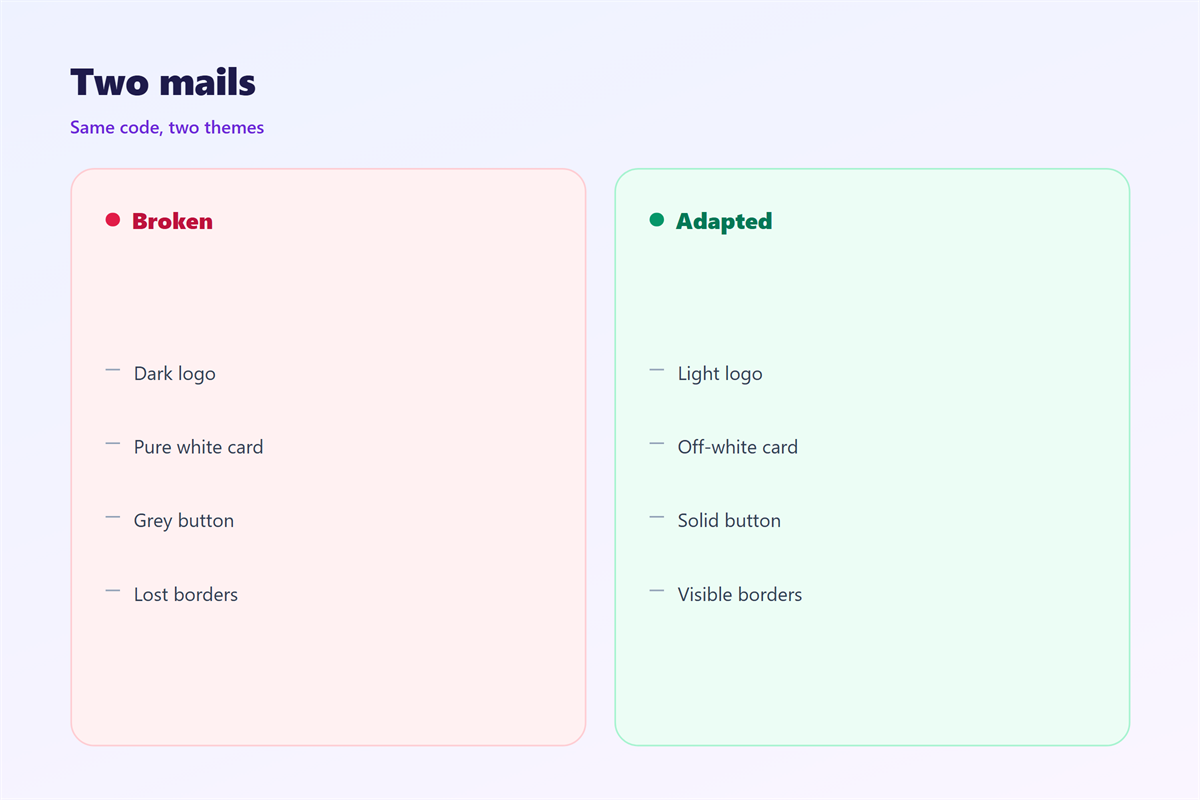
It hurts when the logo is transparent.
The dark mark vanishes on a dark panel. You then lose the brand cue entirely.
It hurts when images carry text.
The client may dim that image too. Then the caption sits on a grey field.
A 邮件暗色模式 also hurts a full-bleed photo.
Hard shadows and gradients turn muddy.
It hurts when the button is dark on dark.
The reader then cannot find the action.
Finally, it hurts when nobody tests it. Most teams test the light version only.
An untested theme is a guess, not a design. That bet rarely pays off twice.
邮件暗色模式 and contrast
Contrast decides whether the mail reads.
Aim for a ratio near 7 to 1.
That figure comes from the accessibility guidelines. Small text needs even more.
White on near-black clears it easily.
Mid grey on black usually fails.
So keep body text bright and large.
Our team sets a floor of 14 pixels.
Nothing smaller than that in a dark theme.
A 邮件暗色模式 with thin type looks broken.
Check it on three screens
Test on an OLED phone.
Test on an older LCD panel.
Test in a client that forces its own theme.
Three screens catch most failures.
Then compare the two themes side by side.
How to build 邮件暗色模式
Start with a light design you trust.
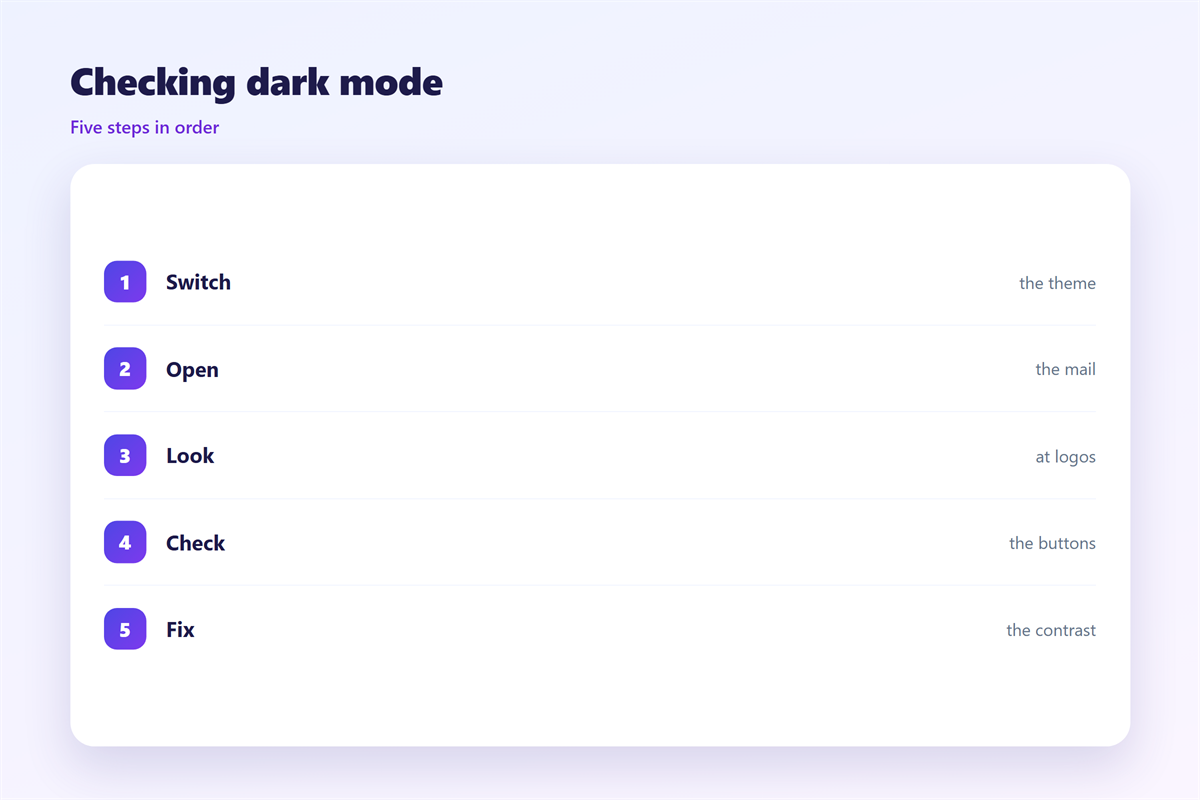
Remove every hard-coded white panel. One hex value can undo the whole theme.
Give the body a transparent background.
Set the text colour once, near white.
Add a single dark logo file.
Keep padding wide around dark images.
Then export both previews.
Label them clearly for the team.
Use one accent, not five
One accent colour is easier to protect.
Five accents will shift in odd ways.
Keep the accent away from the edge.
Then check the button against both panels.
A safe accent works in either theme.
That choice saves a second design.
邮件暗色模式 on a phone
Most dark-mode readers are on a phone.
So the phone is the first place to check.
A 邮件暗色模式 on a small screen shows less margin.
The edge of the panel becomes visible.
Keep a border on every card.
That border hides the seam.
Test at 320 and at 430 pixels. The gap between them is where seams show.
Those two widths cover most phones.
Avoid a dark image as the first block.
It merges with the background.
Add a thin outline to separate them.
Then read the whole mail once more.
Read it in a dark room
Turn the lights down before you look.
A bright office hides glare.
A dark room shows the real contrast.
Then ask one colleague to read it.
Keeping 邮件暗色模式 honest
The full theme notes sit in 邮件暗黑模式.
The palette rules are covered in 邮件配色.
The reading tests appear in 邮件可读性.
The ratio maths lives in 邮件对比度.
A 邮件暗色模式 should not hide a warning.
Keep error text and legal lines readable.
Then write the floor ratio in the brand guide.
Review the theme after each client update.
FAQ
Does 邮件暗色模式 need a second template?
Not always. A transparent layout often adapts on its own.
Which client is hardest to control?
Outlook on Windows. It rewrites colours without asking.
Should the logo be white or dark?
Ship both files. Name them so nobody swaps them.
Can I disable dark mode?
Only partly. Some clients ignore the request.
评论
还没有评论,来说两句吧。
评论功能已关闭。