 小影邮箱
小影邮箱邮件热图怎么看?Where Clicks Really Land
Key Takeaways
- 邮件热图 shows where clicks land and where they stop.
- Read the cold zones before the hot ones.
- A warm strip at the top is normal.
- One image can eat a whole block of attention.
- Move the ask, then look again.
What 邮件热图 means
邮件热图 is a picture of click activity over a mail.
Warm colours mark the places people tap.
Cool colours mark the places they ignore.
The map is built from real clicks, not opinions.
Each dot stands for a link or an image.
Some tools add scroll depth to the same view.
Then you see where reading stops.
The data is anonymous. No name sits behind a dot.
A map does not tell you why someone clicked.
邮件热图 only shows where attention landed.
The reason needs a second step.
Ask a few readers what they saw.
Why 邮件热图 matters
Design reviews argue about taste.
A map ends the argument with a count.
邮件热图 shows the gap between intent and result.
You meant the button to be seen.
The map shows it was not.
Our team compared two sends last spring.
The second moved one link above an image.
Clicks on that link doubled.
Nothing else in the mail changed. The layout change did the work.
A map also protects a good layout.
If the numbers hold, taste can wait. This keeps redesigns honest.
One map, one question
Write the question before you open the tool.
“Did the button get seen” is a good one.
A map with no question invites guesses.
Guesses refill the old argument.
When 邮件热图 helps
It helps when a mail looks fine but underperforms. The open rate looks healthy and the clicks do not.
The map finds the quiet reason.
邮件热图 also helps a long newsletter.
Sections compete for the same thumb.
It helps when an image sits near a link.
The image may be taking the taps.
Use it after a template change.
The old map gives you a baseline.
It helps when two teams share one send.
A shared map settles ownership fast.
Mobile first, always
More than half of opens happen on a phone.
Read the phone map before the desktop one.
The desktop view flatters a weak layout.
The phone view tells the truth.
When 邮件热图 hurts
It hurts when the sample is tiny.
Forty clicks cannot rank two links.
It hurts when the map mixes two campaigns.
The average hides both results. Neither send gets a fair reading.
邮件热图 hurts when it is read as a reason.
A warm spot shows a tap, not a motive. Ask a reader why before you rewrite.
It hurts when only the hot zone is studied.
The cold zone holds the missed chance.
It hurts when the map replaces a test.
A map describes one send, not the next. Treat it as one week’s sample.
邮件热图 and attention
Attention moves down a mail in steps.
It stops at images, headings and buttons.
邮件热图 records where that attention spent itself.
A warm band at the top is expected.
The eye lands there before anything else.
The useful signal sits further down.
Look for the first cold band. It is the edge of the reader’s patience.
That is where reading stopped.
Move the ask above it.
Images take the taps
A product photo invites a tap.
That tap often goes nowhere.
Then the reader leaves without the offer.
Link the image or shrink it.
Either way, count the lost clicks.
How to build 邮件热图
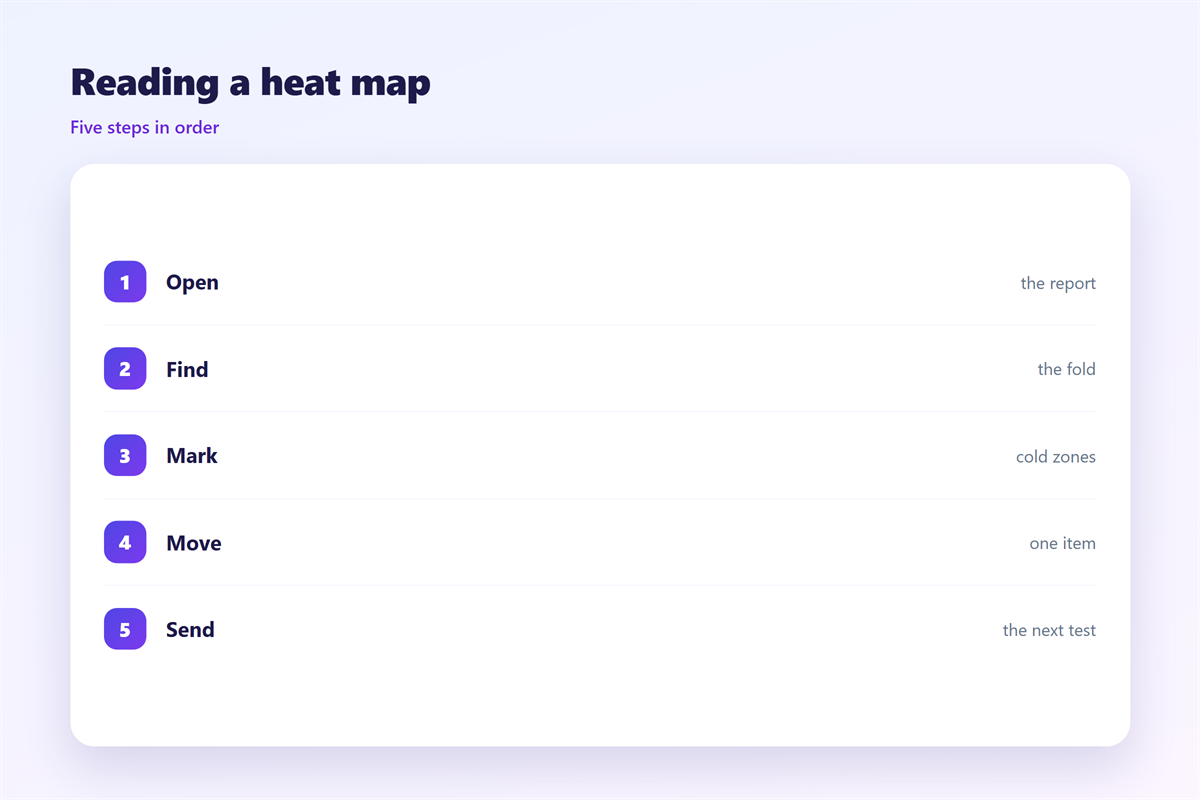
Pick one mail with enough clicks. A weak sample wastes a review.
Wait until the campaign closes.
Open the map in the reporting tool.
Set the view to phone width.
Hide the links you already trust.
Mark the zones that stayed cold.
Write one sentence about each cold zone. Short notes beat a long report.
Then choose a single change.
Test the change
Change one element, not three.
Keep the subject line the same.
Send the new version to a similar list.
Compare the two maps side by side.
If the cold zone moves, the change worked.
If not, revert and try again.
邮件热图 on a phone
A phone map is narrow and tall. Tap zones look larger than they are.
The hot spots cluster near the thumb.
邮件热图 on a phone often shows one warm line.
That line is the first link.
Everything below it stays cool.
This is not a design failure.
It is a reach problem.
Our own map showed 71 percent of taps in the first screen.
So we moved the offer up.
The next map spread wider.
Keep the button inside the first scroll.
Then read the map again.
One thumb, one path
A thumb covers a wide area.
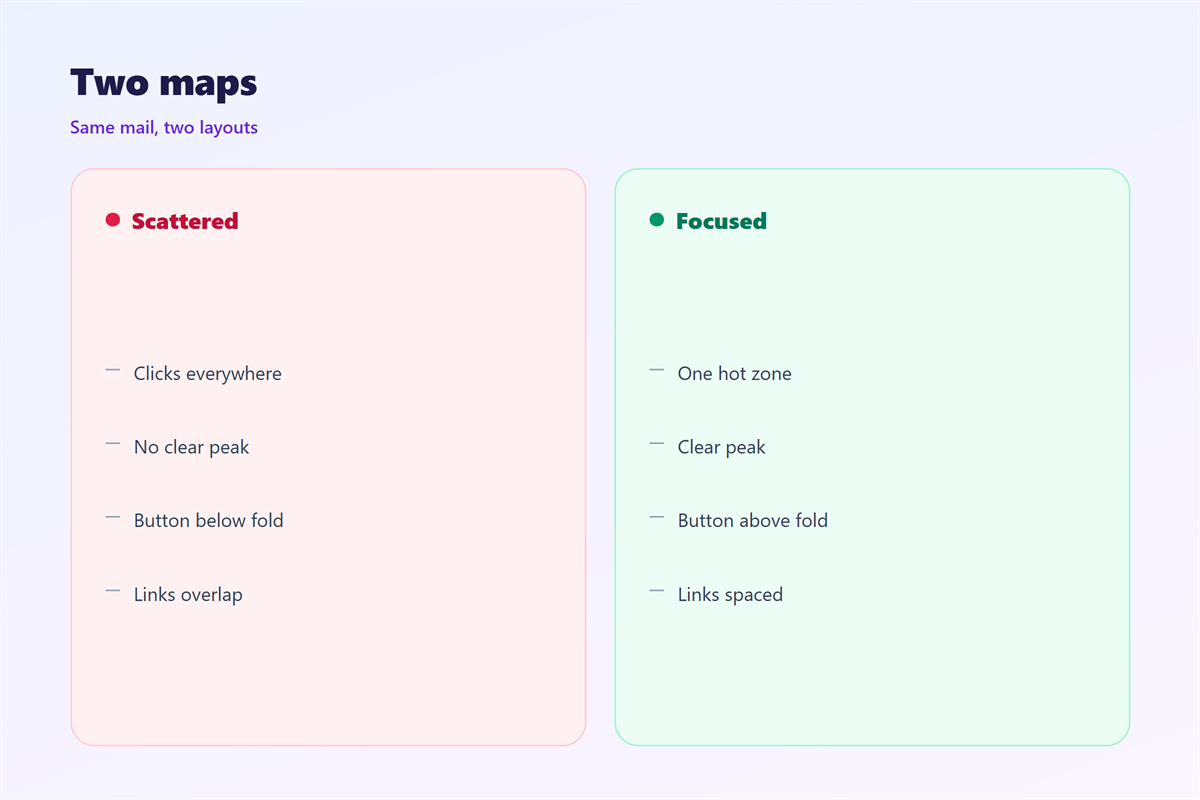
Two links close together get one tap.
Leave space between them.
The map will show which one won.
Keeping 邮件热图 honest
A map is evidence, not a verdict.
Never show one without the sample size.
The click numbers sit in 邮件点击率.
The collection method is covered in 邮件追踪.
The element you move is usually a 邮件按钮.
The end result is measured as 邮件转化率.
Then keep old maps for a year. They show whether a pattern is stable.
A baseline is worth more than a screenshot. It answers the next argument.
FAQ
Is 邮件热图 the same as a website click map?
Similar. Mail maps count taps on links and images in one send.
How many clicks do I need?
A few hundred for a broad pattern. Fewer only for a rough look.
Can I compare two different mails?
Only with care. Same list, same offer and same season.
Why is my footer so warm?
Unsubscribe and social links sit there. Those taps are normal.
评论
还没有评论,来说两句吧。
评论功能已关闭。