 小影邮箱
小影邮箱邮件公告怎么写?Announcements That Get Read
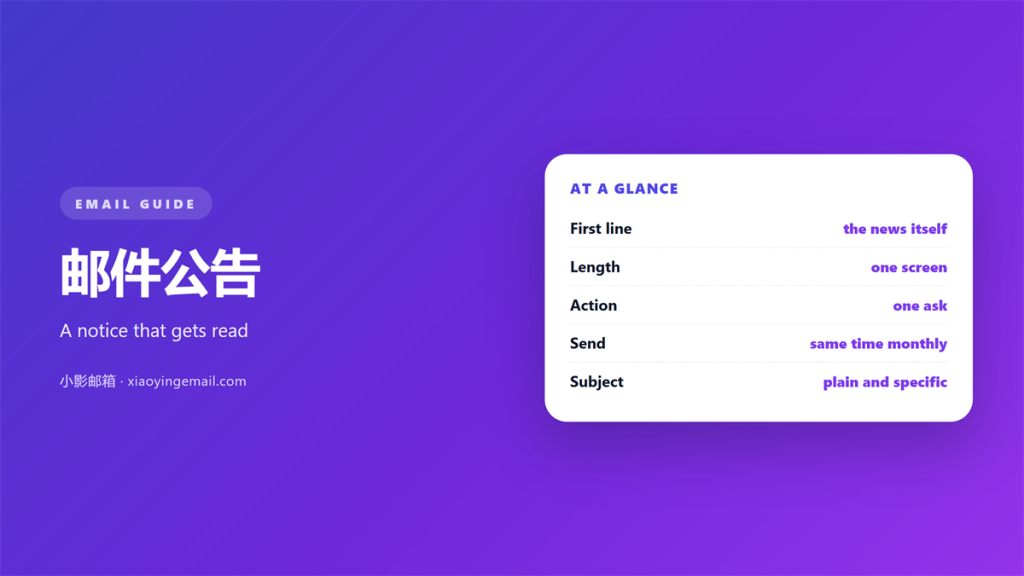
Key Takeaways
- A 邮件公告 competes with everything else in the inbox.
- Lead with the news, not the preamble.
- One message, one decision, one clear action.
- Plain formatting survives better than heavy design.
- Repeat a notice only when the stakes are high.
What makes a 邮件公告 readable
A 邮件公告 has one job. It tells readers something changed and what to do about it.
Most announcements bury that job under context. Readers give you a few seconds at most.
So the news belongs in the subject line. Say what changed in the fewest words you can.
Pick words your reader already uses. Familiar terms land faster than jargon.
Keep the whole message in one language. Switching confuses a mixed audience.
The first line repeats the news. No greeting paragraph, and no throat-clearing.
A 邮件公告 is not a newsletter. It should read in one pass, not three.
Write for the reader who skims. If the key line is missing, the skimmer misses everything.
Front-load the change. Details can wait until after the reader knows why it matters.
Keep the tone plain and steady. Alarm words make routine news feel like a crisis.
One clear subject beats a clever one. A 邮件公告 that confuses the inbox gets ignored.
Write for a reader who has ten seconds. That reader is the real audience.
Put the most important sentence first. Readers who stop early still get the point.
Skip jokes that could be misread. Tone is hard to judge in a short message.
Structuring a 邮件公告
Structure carries the message when attention is short. Use it deliberately.
Open with the change in a single sentence. Then add the reason in one more.
Keep the whole notice under one screen. Anything longer should become a document.
Read it once as a stranger would. You will spot the gaps quickly.
Add a short list of what changes for the reader. Three bullets usually cover it.
State the deadline or the start date. A 邮件公告 without a date feels incomplete.
End with the action you expect. A link, a reply, or simply a mental note.
Keep paragraphs to two lines. White space is what makes a 邮件公告 scannable.
Use one heading at most. More headings turn a notice into a document.
If the news is small, say so. Labeling it small reduces anxiety and builds trust.
Number the steps if there are several. Numbers help readers track their place.
Bold the one line that matters most. Too many bold lines cancel each other out.
Put the deadline near the action. Readers find it when they decide.
Keep the closing to one line. A long farewell dilutes the message.
Getting a 邮件公告 opened
The subject line decides whether the message is read. Treat it as the headline.
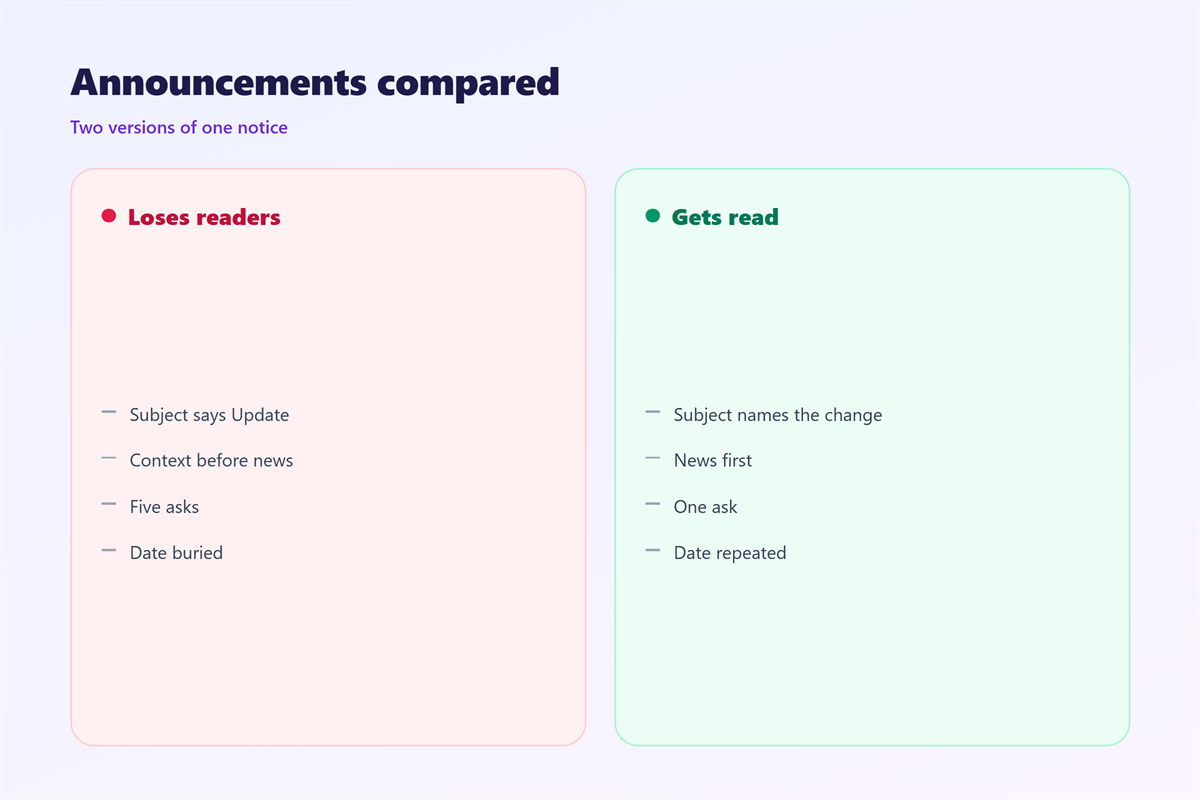
Name the change and the date. “New login policy from Monday” beats “Important update”.
Keep it under about fifty characters. Long subjects get cut on phones.
Avoid all caps and exclamation marks. Both raise spam suspicion and lower trust.
A 邮件公告 from a known sender clears filters more easily. Warm the list first.
Send from a monitored address. Readers reply to announcements more than you expect.
Never fake urgency to win a click. The trust you lose costs more.
One announcement, one send. Splitting the same news across days causes confusion.
If the news is urgent, say it once. If it is not, do not pretend it is.
Send at a sensible hour. A notice at midnight reads as an afterthought.
Keep the from-name consistent. Readers trust a sender they recognise.
Write the subject in the same language as the body. Mixed languages confuse readers.
After you send the 邮件公告
Delivery is only the halfway point. Watch how readers respond.
Track opens and clicks if your tool allows it. Low opens mean a weak subject line.
Collect the questions that come back. They show where the 邮件公告 was unclear.
Note who needs to act and when. A quick list keeps people accountable.
Answer once where everyone can see. A short follow-up can clear the confusion.
Do not resend the same 邮件公告 to everyone. Target only the people who missed it.
Note the date you sent it. A log helps you avoid repeating the same notice.
Check bounces and unsubscribes too. A spike often means the tone or the volume was wrong.
Archive the final version. Next quarter you will reuse a good notice.
Check how the notice looks on a phone. Most readers open mail on a small screen.
Schedule a follow-up if the change is important. A reminder beats good intentions.
Why some 邮件公告 fail
Three mistakes sink most announcements.
The first is burying the news. A reader who misses the point unsubscribes.
The second is too much design. Heavy images break on some mail clients.
The third is over-sending. Repeated notices train readers to ignore you.
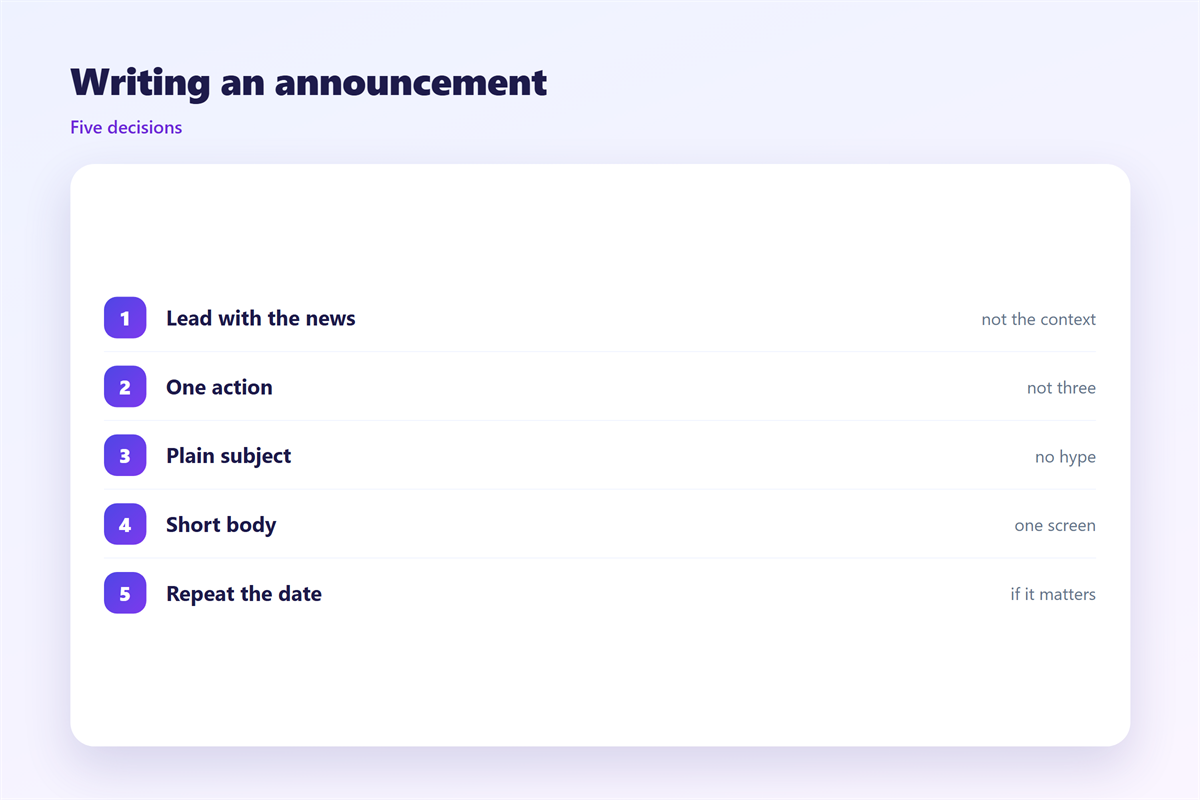
Fix these and a notice earns its place in the inbox.
A fourth mistake is a missing owner. Every notice needs someone to answer questions.
Small wording fixes often matter more than big rewrites. Start with the subject.
Keep a short record of what changed. It saves arguments later.
Sending to a large group safely is covered under 邮件群发. Reuse is handled in 邮件模板, and visual design sits in 邮件排版. The unsubscribe routine lives under 邮件订阅.
FAQ
How short should a 邮件公告 be?
Short enough to read in one pass. A few short paragraphs usually do the job.
Should I use images in an announcement?
Use them sparingly. Text carries the news, and images only support it.
How often can I send announcements?
Only when something real changes. Frequent notices train people to ignore you.
What if readers ask the same question?
That means the notice was unclear. Fix the wording in the next 邮件公告.
References
- IETF RFC 5322: Internet Message Format
- IETF RFC 8058: Signaling One-Click Functionality for Unsubscribe
- Google Workspace: Email sender guidelines
评论
还没有评论,来说两句吧。
评论功能已关闭。