 小影邮箱
小影邮箱邮件发送域名怎么设?Domain Setup Basics
Key Takeaways
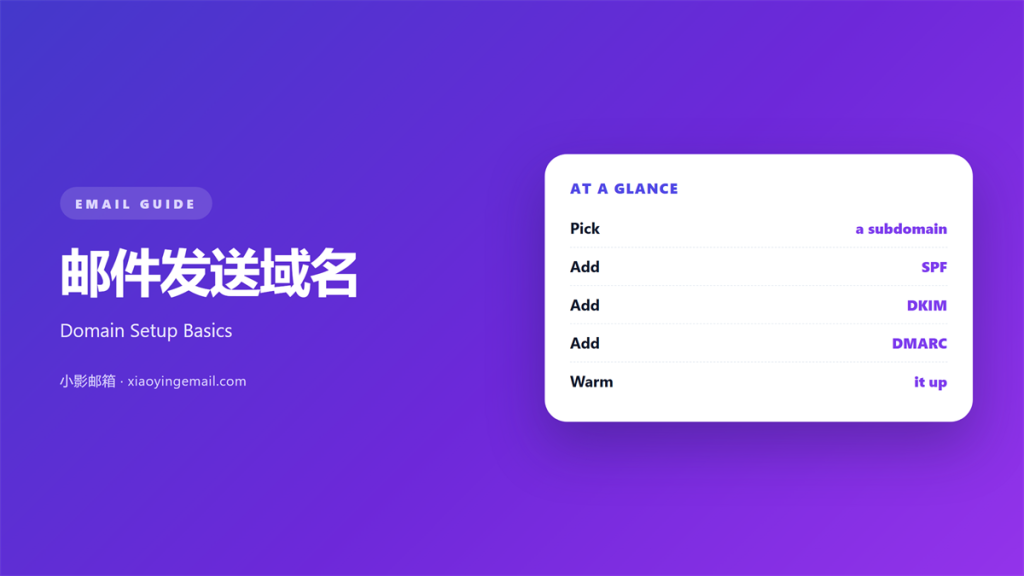
- 邮件发送域名 is the address your mail is sent from.
- Authenticate it with SPF, DKIM, and DMARC.
- Warm the domain up before the first big send.
- Keep one stream per domain or subdomain.
- Watch bounces and complaints from day one.
What 邮件发送域名 means
邮件发送域名 is the domain that appears in your sender address.
It may be your main brand or a separate subdomain.
The mailbox provider reads it to judge your mail.
That judgement follows every message you send.
So the domain is a reputation asset, not a detail.
A new domain starts with no history at all.
That is why early volume must stay low.
It is also why one bad campaign can leave a mark.
Treat the domain like a bank account.
Every good send builds credit. Every complaint spends it.
Small, steady deposits beat one large gamble.
Why 邮件发送域名 matters
Mailbox providers filter by domain reputation.
They look at the domain before they read the content.
Good 邮件发送域名 practice keeps that score healthy.
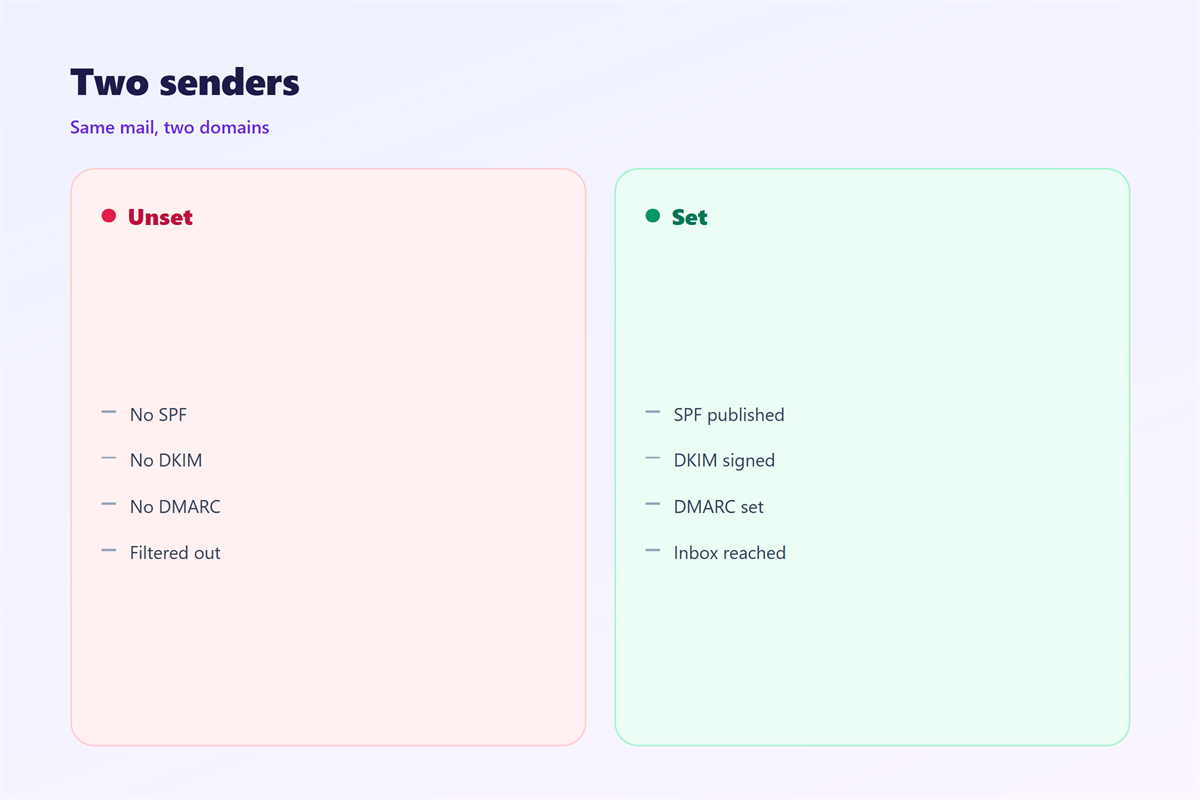
A weak setup lands in the spam folder.
The same message from a trusted domain reaches the inbox.
That gap decides whether a campaign works.
It also protects the main brand from harm.
A separate domain can absorb a risky campaign.
Then the main address keeps its standing.
That split is common for teams with high volume.
What authentication proves
Authentication shows the mail really came from you.
It also shows the message was not changed on the way.
Providers reward mail that passes both checks.
Most filtering rules assume they will see them.
Without them, even honest mail looks suspicious.
When 邮件发送域名 planning helps
邮件发送域名 planning helps before any launch.
Buy and configure the domain while volume is zero.
It also helps when you add a new product line.
A fresh subdomain keeps the streams apart.
And it helps after a reputation drop.
A new domain can restart recovery faster than an old one.
The setup order
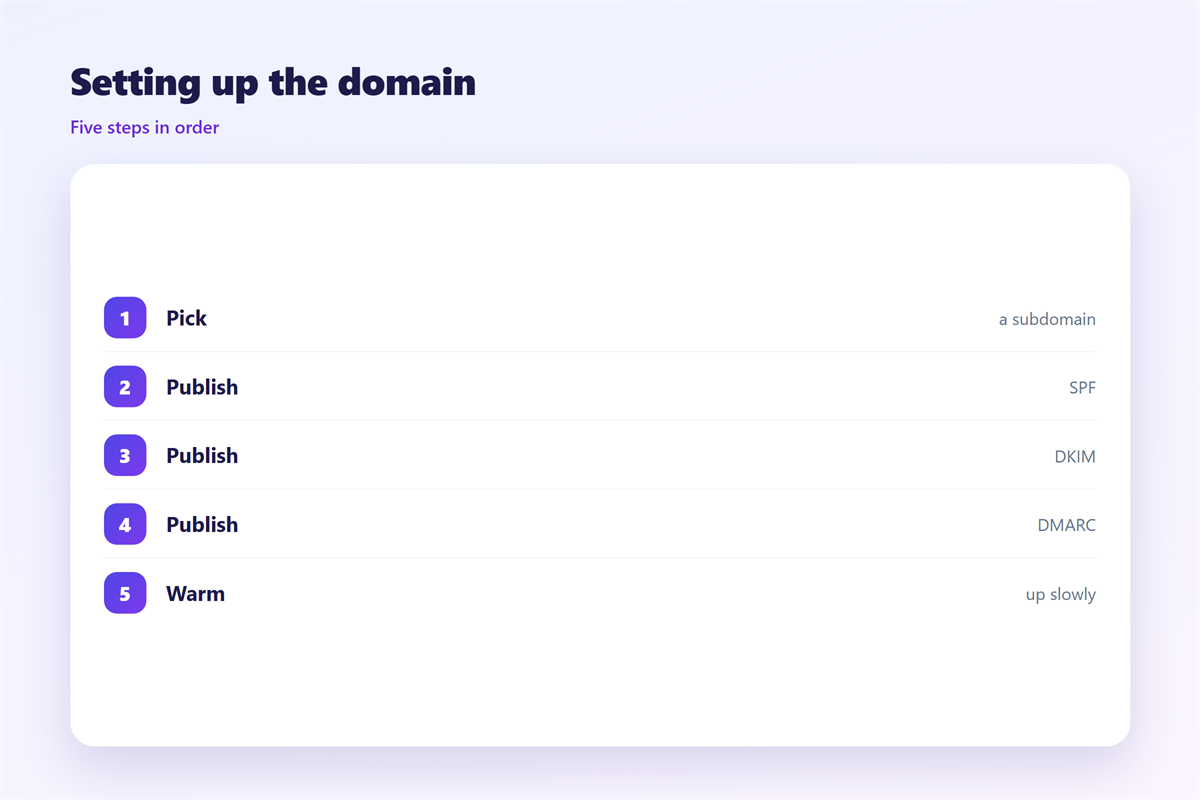
First, pick the domain and add it to the mail tool.
Second, publish the DNS records.
Third, send a test to a few inboxes.
Fourth, check the headers for a pass.
Only then start the warm-up.
When 邮件发送域名 work hurts
邮件发送域名 work hurts when it is rushed.
A large send on day one looks like a spam burst.
It also hurts when several tools share one address.
Each tool adds volume and noise to the same score.
And it hurts when records are half configured.
A broken record is worse than a missing one.
Specialist tools often show a partial pass.
Half a pass still fails the real test.
Fix every record before the next campaign.
邮件发送域名 and DNS
A clean 邮件发送域名 setup starts with the DNS zone.
Four records do most of the work.
The first is the SPF record, listed in the zone.
The second is the DKIM key under a named selector.
The third is DMARC, which sets policy and reporting.
The fourth is the MX record for replies.
Each one must match the tool that sends the mail.
Keep the SPF list short and clean.
Too many include entries break the limit.
Remove old tools as soon as they stop sending.
Reading a failed test
Open the full header of a test message.
Look for the authentication results line.
It names each check and its result.
Fix one failure at a time, then resend.
A passing test is the only proof that counts.
How to use 邮件发送域名 well
Choose a domain you control and can verify.
Add the sending records before you plan a campaign.
Keep the main site separate from bulk mail when possible.
Warm the domain with small groups first.
Increase volume by a steady amount each day.
Watch bounces, complaints, and open rates.
Pause the ramp when a number moves the wrong way.
Document every change and the date.
A short log makes the next review much easier.
Good 邮件发送域名 work is slow on purpose.
The first month
Week one should stay small and friendly.
Week two can double the volume.
Week three adds the next segment.
Week four reaches normal size if the numbers hold.
Stop the ramp when complaints rise above the line.
邮件发送域名 after launch
Setup is not a one-time task.
The records age, the tools change, and the team moves on.
Check the authentication report every month.
Remove tools that no longer send.
Keep the DMARC policy at monitoring until reports are clean.
Then move it to a stricter setting.
A yearly review catches most quiet failures.
A monthly check catches a broken record before a campaign does.
When a third party sends for you
Ask for their exact sending domain.
Add their records to your own zone.
Test one message from their tool.
Then confirm the reply path still works.
Keeping 邮件发送域名 consistent
Name an owner for the domain and its records.
Keep a short list of who may send from it.
Related guides cover 邮件SPF, 邮件DKIM, 邮件DMARC, and 邮件认证.
Review the list when a tool is added or dropped.
Store the records in one shared document.
Then test the setup after any DNS change.
A clear owner keeps 邮件发送域名 safe over time.
FAQ
Do I need a separate 邮件发送域名?
Not always. Use one when bulk mail could harm the main brand. A subdomain is often enough.
How long does warm-up take?
Usually two to four weeks. It depends on volume and audience quality. Slow ramps are safer than fast ones.
Can I skip DMARC?
No. Start with a monitoring policy and read the reports. Then tighten the policy when the data is clean.
What if my mail still goes to spam?
Check authentication first. Then check content, volume, and list quality. Fix the first cause before the next send.
评论
还没有评论,来说两句吧。
评论功能已关闭。