 小影邮箱
小影邮箱邮件发送日志怎么看?Reading the Server Trail
Key Takeaways
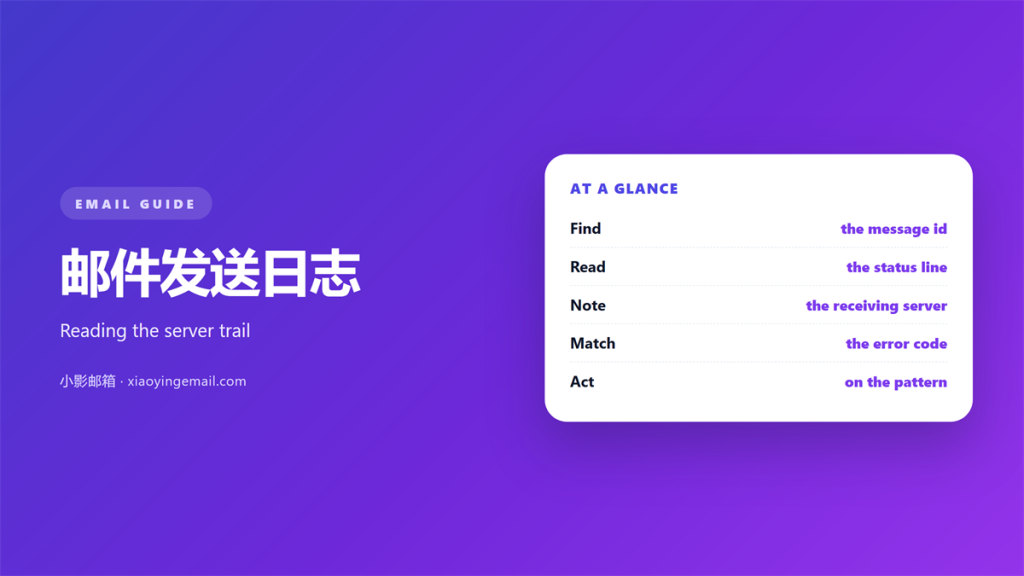
- 邮件发送日志 shows what happened to each message.
- Read it from the bottom up to follow one send.
- Timestamps and queue ids link the whole trail.
- A code in the log explains most delivery failures.
- Keep the log long enough for a real dispute.
What 邮件发送日志 records
邮件发送日志 is the server side record of every send attempt.
It notes when a message left, and to which host.
The remote reply is stored line by line as well.
So the log answers three questions at once.
Did we send it? Did they accept it? What did they say?
邮件发送日志 is not the inbox. It is the road the mail traveled.
That difference matters during an argument about delivery.
A reader can see facts here. Guesses do not survive the page.
The log often lives in a separate tool from the inbox.
Admins read it, not ordinary users.
That is why support quotes it during a complaint.
Learn where your provider hides the page.
Every accepted message leaves a short trail behind it.
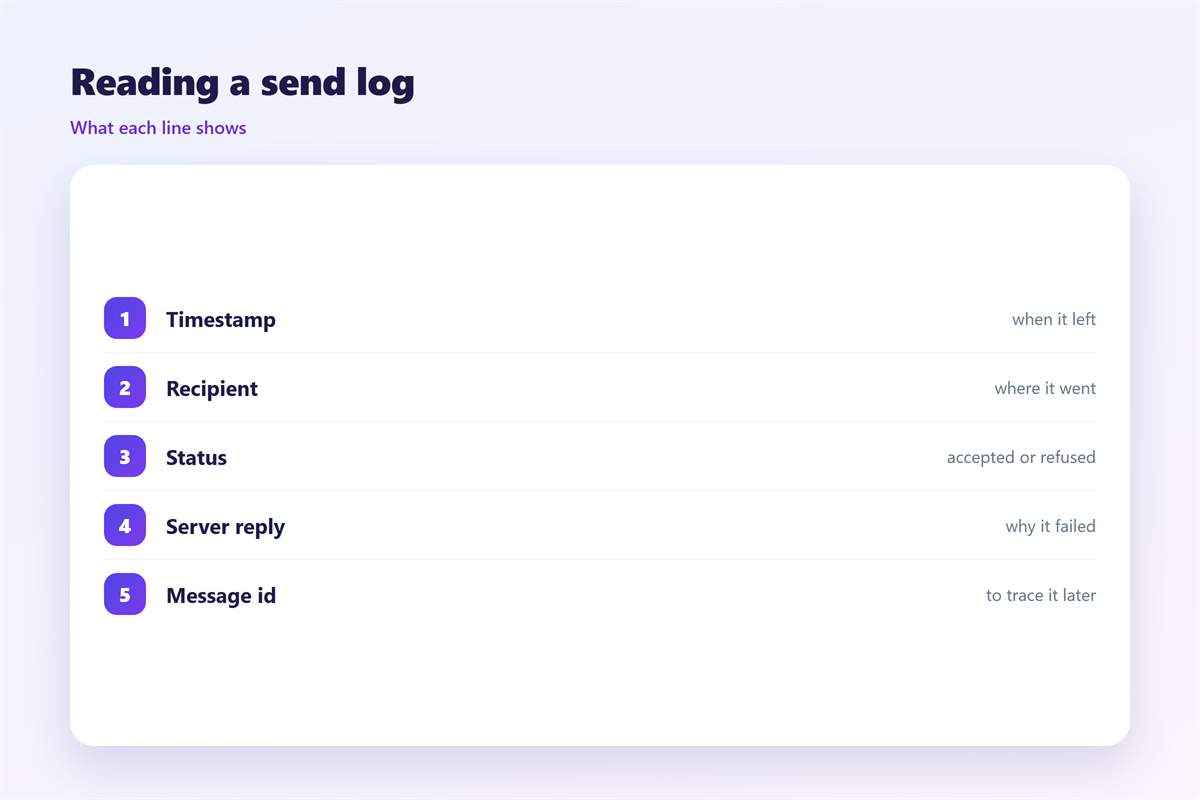
The trail includes the sender, the recipient and the reply.
Some systems also record the subject for quick search.
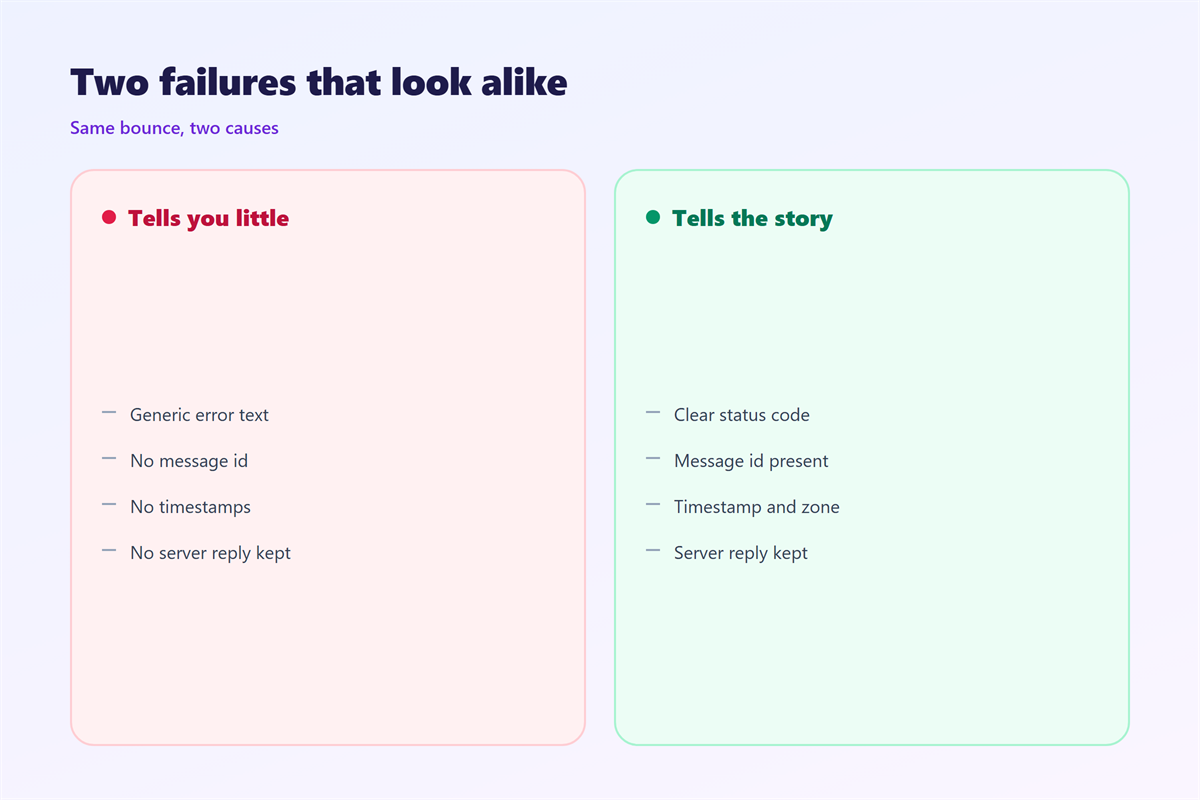
Others keep the message id only, for privacy.
Reading 邮件发送日志 line by line
Start at the timestamp. It anchors the whole event.
The queue id ties the message to later lines.
The from and to fields name the parties.
A code such as 250 means the remote server accepted it.
A code such as 550 means it refused the message.
The text after the code explains the reason.
邮箱发送日志 rarely lies, but it is terse.
Read the exact wording before you draw a conclusion.
Also note the size of the message and the number of recipients.
A sudden size jump can trip a filter.
The relay field names each server along the path.
One weak relay can slow the whole journey.
A 250 code means success. A 4xx code means a temporary fault.
A 5xx code means a permanent refusal.
Numbers matter more than the friendly text beside them.
Record the code in the ticket for the next reader.
Where 邮件发送日志 confuse people
The first trap is a queue delay. The send happened later than expected.
The second is a retry. One message can appear several times.
The third is a remote bounce. Our server did nothing wrong.
The fourth is a spam foldering. Delivery succeeded but trust did not.
Each case needs a different fix. Read the code first.
邮件发送日志 rewards patience and punishes panic.
A single line can save hours of blind guessing.
Time zones also mislead. Servers stamp in their own clock.
Convert the time before you compare two logs.
A message that looks late may simply be labeled elsewhere.
Retries can make one send look like five.
Match the queue id before you count the lines.
A duplicate is often a healthy retry, not a bug.
Using 邮件发送日志 to fix delivery
Find the failing line and copy the code.
Match the code to a known meaning. Then read the message text.
A hard bounce means stop retrying. Clean the address instead.
A soft bounce means try again later. The mailbox may be full.
邮件发送日志 also shows which link or image triggered a block.
Fix the cause, then send a fresh test.
Keep the old log beside the new one. Compare the codes.
That comparison proves whether your fix worked.
Change one thing at a time, then watch the next send.
Many small edits at once hide the real cause.
A careful log reader changes a cause, not a symptom.
Whitelisting a sender can clear a false block.
Removing a bad address raises the whole list quality.
Warming a new domain takes steady, patient volume.
Testing and keeping 邮件发送日志
Send a test to a mailbox you control.
Open the log and follow the whole path.
Check the 邮件发送日志 entry for the code you expect.
Confirm the timestamp matches the moment you pressed send.
Then decide how long to keep the records.
A short window hides slow problems. Keep at least a month.
邮件发送日志 helps only when it still exists.
Save the important lines before the system rolls them off.
Export the log to a file you can search.
Plain text beats a screenshot you cannot read later.
Name the export with the date and the issue.
That habit turns a messy history into a clear record.
A simple table keeps the checks honest.
List the date, the recipient and the final code.
After a week, the pattern becomes obvious.
Then you fix the system, not a single message.
A small habit pays off when a client complains.
The log then answers for you, calmly and at once.
Working with related records
The send log is one record among many. Pair it with the others.
Our notes on 邮件日志 name the lines that matter. Formal review is explained under 邮件审计. Placement trends live under 邮件投递率, and server replies are decoded in 邮件错误代码.
One log line rarely tells the whole story.
邮件发送日志 grows more useful when read with the others.
FAQ
Where do I find 邮件发送日志?
Look in your mail server or sending platform tools. Most providers keep a delivery log in the admin panel. Search for the message or the recipient address.
How long are 邮件发送日志 kept?
It varies by provider. Some keep days and some keep years. Export the lines you need for any dispute.
What does code 250 mean?
The remote server accepted the message. It is the normal success reply. A later bounce can still fail, so watch the next lines.
Can 邮件发送日志 prove I sent mail?
It shows the attempt and the reply. Treat it as a strong clue, not a legal seal. Store it with other records for the full picture.
评论
还没有评论,来说两句吧。
评论功能已关闭。