 小影邮箱
小影邮箱邮件回复地址怎么设?Where Replies Land
Key Takeaways
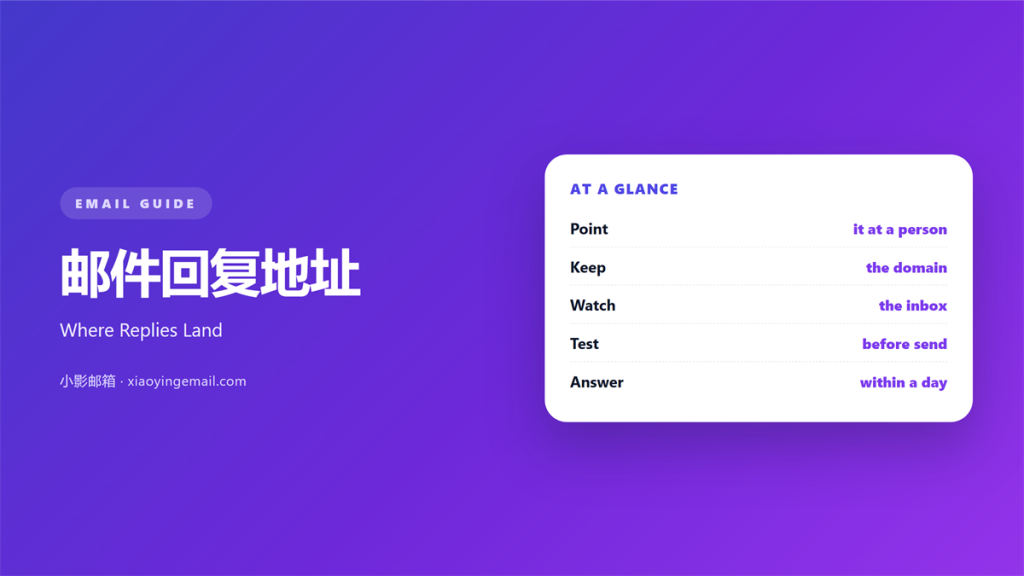
- 邮件回复地址 sends answers to a mailbox you choose.
- Bulk mail should route replies to a support inbox.
- A real person must read that inbox every day.
- Keep the reply domain the same as the sending domain.
- Send a test and answer it before the campaign.
What 邮件回复地址 means
邮件回复地址 is a header that tells the client where answers go.
It can differ from the address the mail came from.
The reader sees it only after pressing reply.
Most clients fill the field without asking.
That makes the setting invisible and easy to forget.
A 邮件回复地址 can point to a person or a queue.
Campaigns usually point it at a shared inbox.
Transactional mail often points it at support.
Personal mail rarely needs the field at all.
The value must be one address, not a list.
Some systems accept several, but readers see only one.
Keep it simple and choose a single mailbox.
Why 邮件回复地址 matters
A campaign sent from a no-reply address still gets answers.
People reply to the mail in front of them.
A 邮件回复地址 catches those answers.
Without it, a real question lands in a dead box.
The reader assumes nobody cares.
The reply also carries useful signal.
Objections, address changes, and billing questions arrive this way.
Each one is cheaper to handle now than later.
A monitored reply address also protects the domain.
Complaints that reach a person rarely become reports.
The inbox behind the field
The field is only as good as its reader.
Assign one owner for each reply address.
Set a first response target of one working day.
Then publish that target in the mail footer.
When 邮件回复地址 helps
It helps when the from address cannot receive mail.
A 邮件回复地址 solves that in one line.
It helps when a campaign runs from a marketing tool.
The replies then land in the support queue.
It also helps when several people share the work.
A queue can be rotated without changing the mail.
It helps when you track responses by topic.
One inbox per topic keeps the counts clean.
Bulk sends need it most
A newsletter can reach a hundred thousand people.
Even a small reply rate becomes a full inbox.
Route those replies before the send, not after.
Then tell the support team what to expect.
When 邮件回复地址 hurts
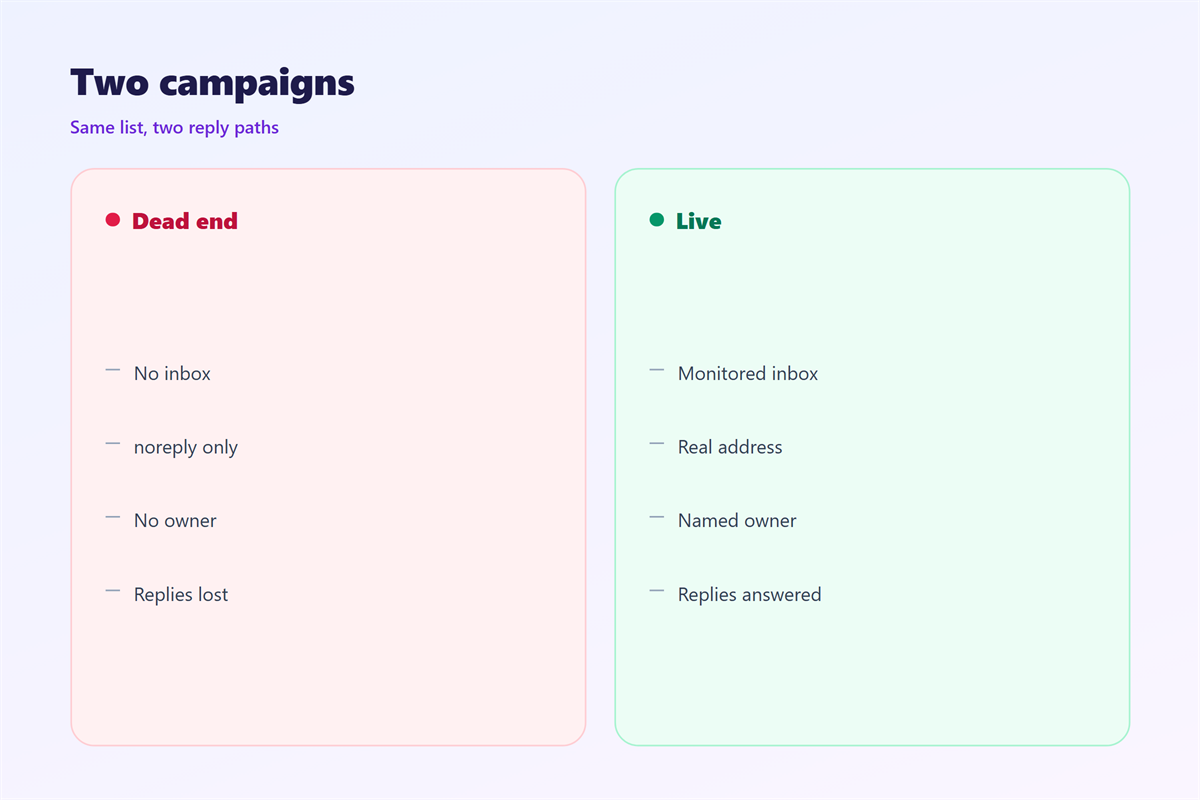
A 邮件回复地址 hurts when nobody owns the inbox.
Replies pile up and the reader waits a week.
It hurts when the address does not exist.
A bounce after a reply is worse than silence.
It hurts when the domain does not match the sender.
Filters treat that gap as a spoofing signal.
It also hurts when the field points to a personal box.
One person’s holiday becomes a backlog.
It hurts when the address changes with every campaign.
Readers who saved the old one write into nothing.
邮件回复地址 and the support inbox
A 邮件回复地址 should point at a real queue.
The queue needs a name that staff recognise.
Then the mail can name the same address in the footer.
That match tells the reader where they are writing.
Keep the queue separate from the personal inbox.
A shared box survives holidays and resignations.
Add a tag for each campaign in the subject.
Then the team can sort replies in one view.
Report the reply volume next to the open rate.
Staff the queue before the send
Check the rota for the week of the campaign.
Add a second reader for the first two days.
Then write a short answer for the top questions.
Test one reply from an outside address.
A five-minute test saves a week of silence.
How to set 邮件回复地址
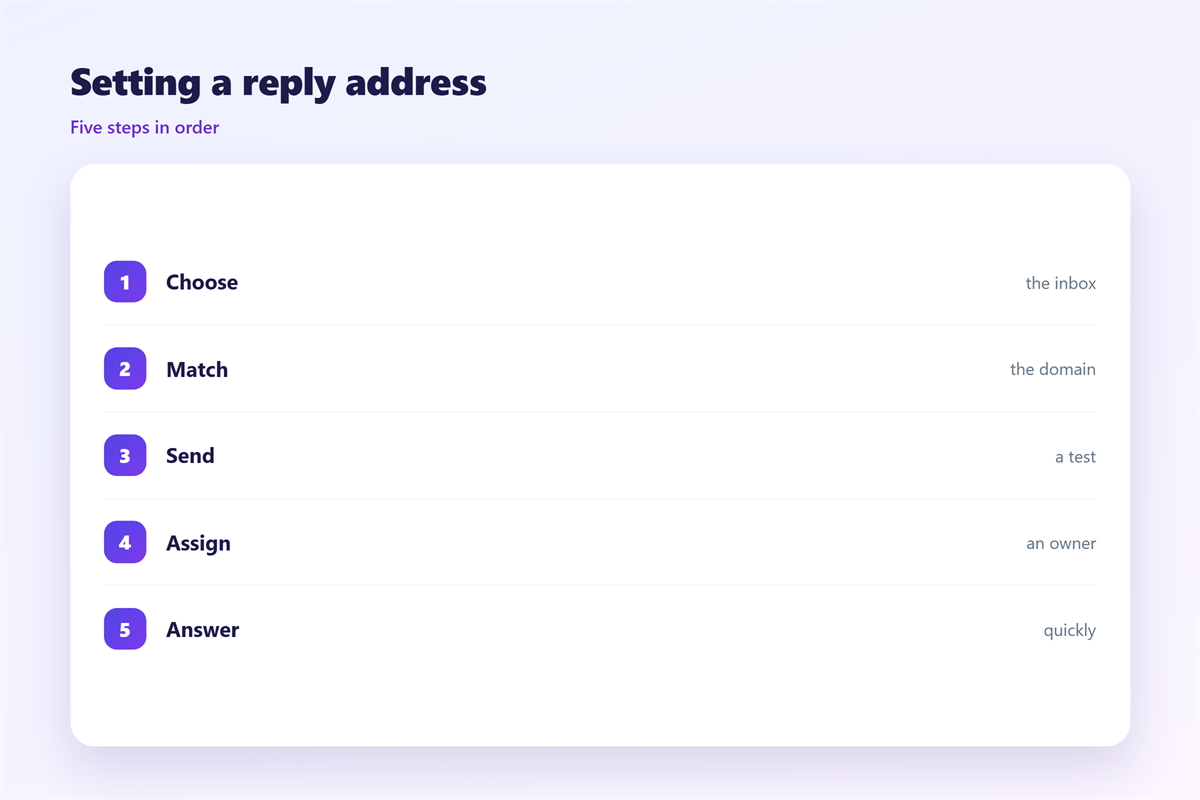
Set the 邮件回复地址 before you build the campaign.
Choose a mailbox that someone opens daily.
Keep the domain the same as the from address.
Then add the same address to the footer text.
Route billing questions to a separate queue if you can.
Write the display name for that mailbox as well.
Then send the campaign to your own address first.
Press reply and confirm where the message lands.
Test with two accounts
Use one internal and one outside mailbox.
Check the reply on a phone client too.
Then answer from the queue and time the response.
Note the delay and fix the slowest step.
Repeat the test after any platform change.
Keep the test on the campaign checklist.
邮件回复地址 on a phone
Replies are often written on a phone in a queue.
The client fills the reply field from the header.
A wrong value is hard to see on a small screen.
Readers rarely check the recipient before sending.
Keep the address short enough to read.
Long addresses wrap and look suspicious.
Then check the reply path in a phone client.
One test on each platform is enough.
The footer address should be tappable.
A tap that opens a blank mail wastes the reply.
Keeping 邮件回复地址 honest
Never point replies at an address you do not read.
Tell readers who will answer and when.
Replies often turn into threads, as in 邮件回复.
A queued reply can sit in the 邮件发件箱 for a while.
Turn on an alert for that queue in 邮件通知.
Watch the queue for 邮件退信 after each send.
Then keep one page that lists every reply address.
Review it when staff change teams.
A monitor that nobody checks is a broken promise.
Write the owner’s name next to the address.
FAQ
Should the reply address differ from the sender?
Yes for campaigns. Route replies to a monitored support inbox.
Must the domains match?
They should. A mismatch looks like spoofing to many filters.
How many addresses can we use?
One per queue. Readers only ever see a single address.
What if the mailbox is full?
Fix it before the send. A full box bounces every reply.
评论
还没有评论,来说两句吧。
评论功能已关闭。