 小影邮箱
小影邮箱邮件批量转发怎么做?Moving Many Messages
Key Takeaways
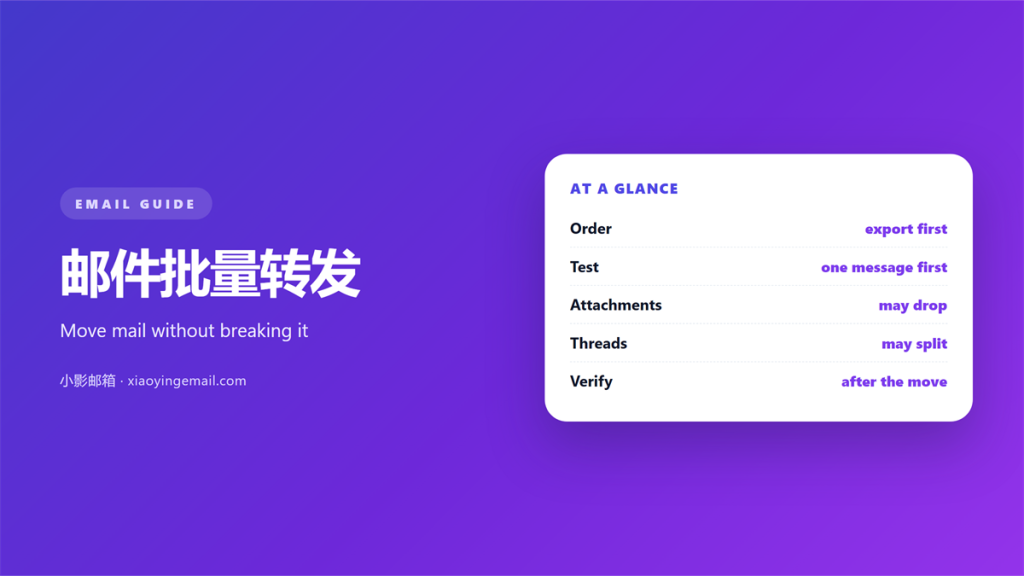
- 邮件批量转发 sends many stored messages, one copy at a time.
- Every forwarded copy starts a brand new conversation.
- Attachments grow in transit and can hit size limits.
- A filter handles new mail; a manual pass clears old mail.
- Test one message before you forward a whole folder.
What 邮件批量转发 really does
邮件批量转发 means sending many stored messages to a new address. It looks like a single action. In practice it is a long series of small ones.
A mail client cannot forward a folder as a folder. It opens one message, copies the body, and sends a fresh copy. That copy is a brand new email.
So the original stays where it is. The new address receives duplicates. Nothing moves or deletes unless you do it yourself.
This differs from three close neighbours. Forwarding creates a new message. Moving keeps the same message in a new folder. Redirecting resends the original almost unchanged.
People mix these up all the time. They ask for a 邮件批量转发 and expect the mailbox to empty. Then they are surprised when nothing leaves the old account.
Keep the goal clear before you start. Are you copying mail for a colleague? Are you migrating to a new provider? The answer changes the method.
A copy for a colleague can tolerate some mess. A migration must preserve every header. The second job is far stricter.
One more point matters. A 邮件批量转发 sends copies, not originals. The old mailbox keeps every message.
Think of a 邮件批量转发 as a copy job, not a move. You are duplicating, not relocating. That framing avoids most surprises.
Why sessions break during 邮件批量转发
Threads are held together by hidden headers. Message-ID gives each message a name. References and In-Reply-To point back to earlier messages.
A forward throws most of that away. The client builds a new message with a new Message-ID. It usually drops the old References line.
So a 邮件批量转发 rarely keeps a conversation in one piece. Each copy becomes its own small island.
The result is a broken thread. Your copy looks like a fresh topic. The reply history stays behind in the old mailbox.
Adding Fwd to the subject does not fix this. The subject line is only a hint. Receivers thread on the headers first.
Some clients offer a redirect or resend mode. That keeps the original headers intact. Use it when history matters more than a visible note.
Decide which you need before you begin. Copying is easy. Rebuilding a thread later is not.
Attachments and limits in 邮件批量转发
Attachments add their own risks. Each file is encoded again for transport. Base64 encoding makes a file roughly a third larger.
One file may fit inside limits. A folder of them will not. Servers reject the whole message once it passes the cap.
Watch the total size, not just one file. A single large attachment can sink an otherwise small batch.
Size is the first thing to check in a 邮件批量转发. Add the files up before you send anything.
Links are often safer than copies. Share a cloud file instead of the bytes. The message stays small and travels further.
Strip what you do not need. A signature image on every copy wastes space. Old newsletters rarely need forwarding at all.
Check the sending pattern too. Some providers block bulk resends that look automated. A slow, small batch looks more human.
Speed is the enemy here. Sending two hundred copies at once invites a block. Sending twenty at a time usually passes.
Drop the files that nobody needs. A lean 邮件批量转发 clears the size check.
Keep the source folder for now. A second 邮件批量转发 may be needed later. Delete nothing until the new mailbox looks right.
A safe order for 邮件批量转发
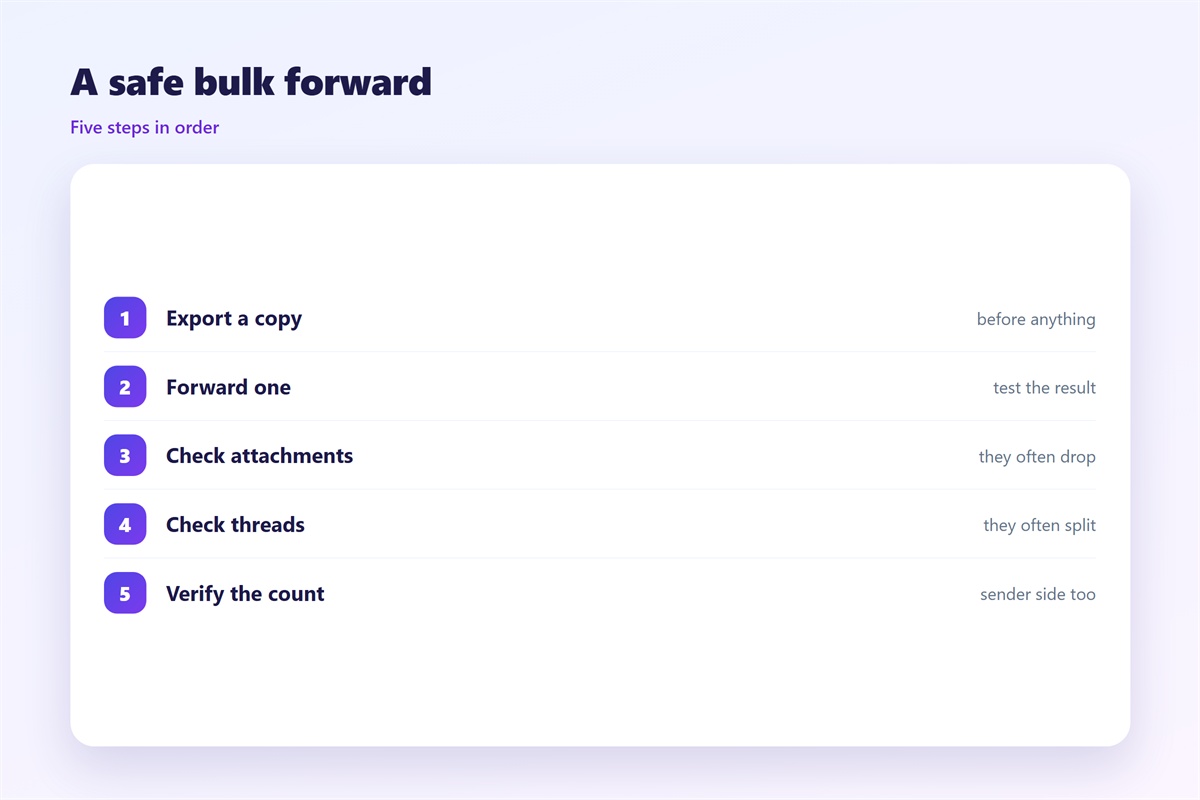
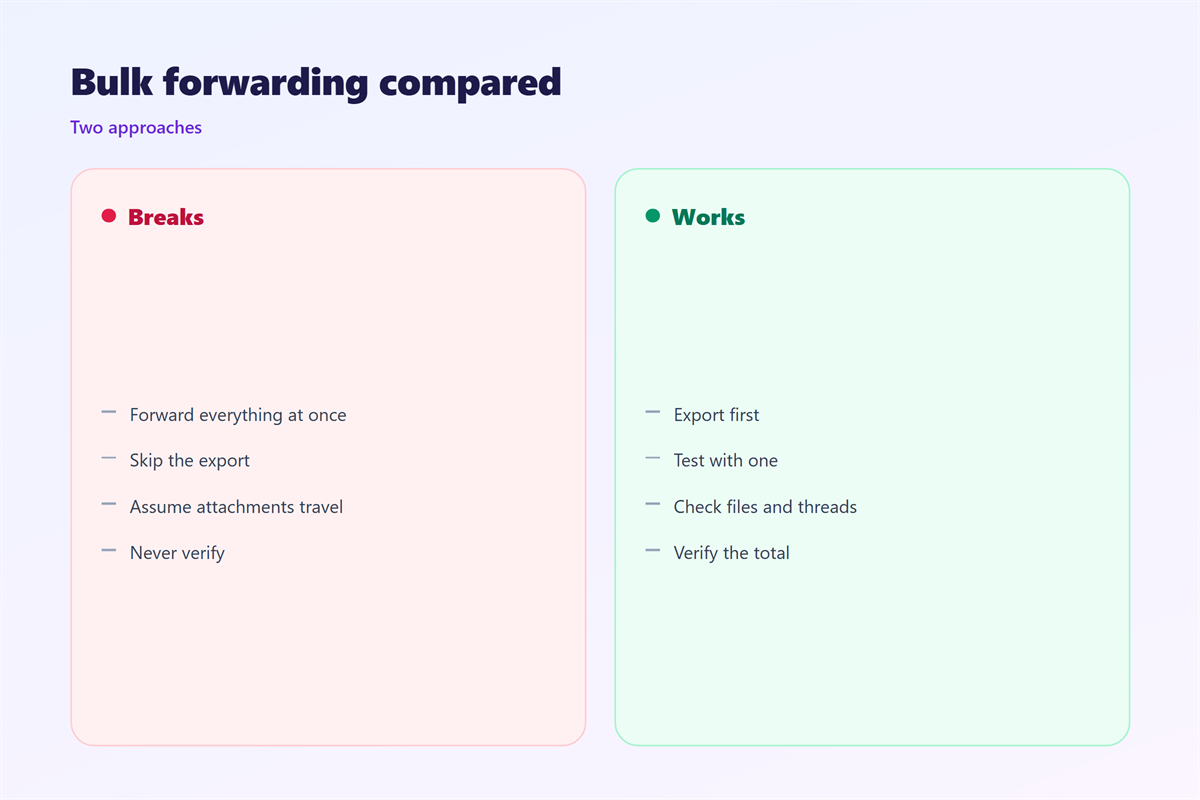
Start with a single message. Send it to yourself first. Open the copy and read every header.
Then pick a date range. A narrow window keeps the batch small. You can always repeat the pass next week.
Filter before you forward. Move the candidates into one temporary folder. This makes the set easy to review.
Send in small groups. Twenty messages per batch is a safe start. Pause between batches to watch for errors.
Record what you sent. A short log saves confusion later. Note the folder, the date range and the count.
A 邮件批量转发 should stay small and slow. That single rule prevents most bounces and blocks.
Two routes cover most cases. A live filter forwards new mail as it arrives. A manual pass clears what already sits in the box.
A live filter is the cleaner option. Learn to build one through 邮件转发 rules. Keep the rule narrow, or it will copy mail you meant to leave.
Old mail is a different job. A tidy 邮件归档 plan tells you what to keep. If you prefer to move data out, follow the steps for 邮件导出. The full picture sits in 邮件规则.
FAQ
Does 邮件批量转发 keep the original sender?
No. The copy is sent from your own address. The original sender appears only inside the quoted body.
Can I forward a whole folder in one click?
Rarely. Most clients require a selection first. Some tools automate the loop, but each message still sends alone.
What breaks a thread during a 邮件批量转发?
New headers. The copy gets a new Message-ID and loses its References line. Receivers then treat it as a new topic.
How large can one attachment be?
It depends on the provider. Many cap a message near twenty-five megabytes. The copy grows during encoding, so plan lower.
评论
还没有评论,来说两句吧。
评论功能已关闭。