 小影邮箱
小影邮箱邮件投票怎么做?Settle a Decision Fast
Key Takeaways
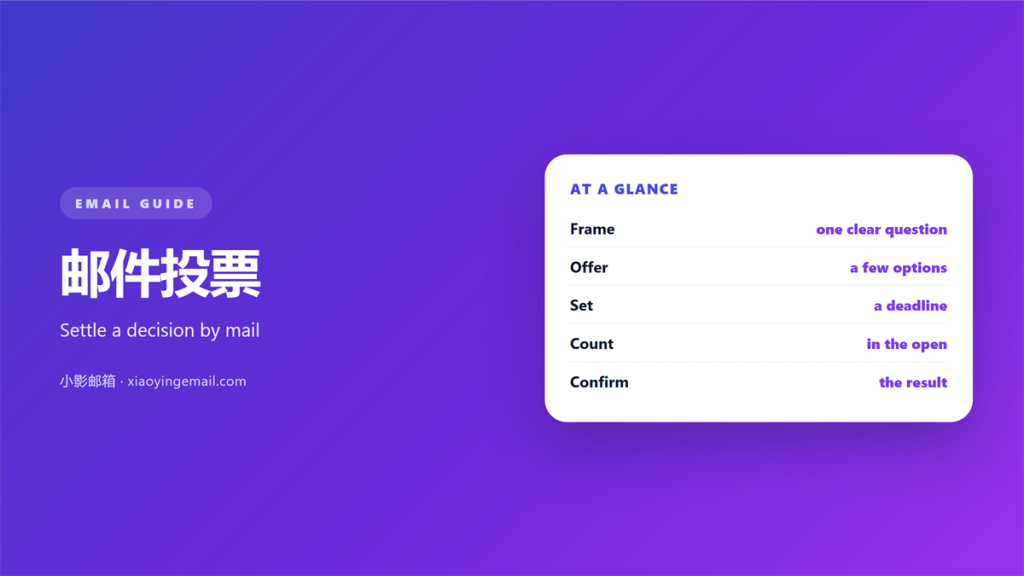
- 邮件投票 settles a small choice in one email.
- Ask exactly one question, with clear options.
- Set a deadline and a quorum up front.
- Count every reply in a single thread.
- Confirm the result and store the record.
What 邮件投票 means
邮件投票 is a decision made by email instead of a room.
Voters reply with their choice. One person counts the replies and states the result.
It fits small, plain questions. A date or a budget is a good example.
A 邮件投票 is not a survey. A survey measures opinion; a vote decides.
That difference matters. A survey has no winner, so it never closes.
Keep the question narrow. A wide question brings many answers and no result.
A clear 邮件投票 ends the debate. A vague one moves it to the next meeting.
Email also leaves a trail. A quick chat message disappears into the scroll.
A vote in writing is easier to review later. Anyone can check the count.
Small teams feel this most. They cannot spare a full meeting for one choice.
A short vote also suits remote teams. Nobody has to join a call.
A clear question is half the work. The rest is simply counting.
Why 邮件投票 matters
Some calls waste an hour on a five-minute choice. A quick 邮件投票 saves that hour.
Decisions made in a hurry often get reopened. A short written vote prevents that.
People trust a process they can see. An open count feels fairer than a nod.
It also records who agreed, not just the final count.
How 邮件投票 settle small questions
A written vote gives everyone an equal say. Quiet people count as much as loud ones.
The result stays visible. Nobody can claim the decision came from nowhere.
Keep the record fair
Every reply carries a time stamp. The order does not decide who wins.
A stored 邮件投票 also protects the group later. It shows the choice was open.
How to write a 邮件投票 request
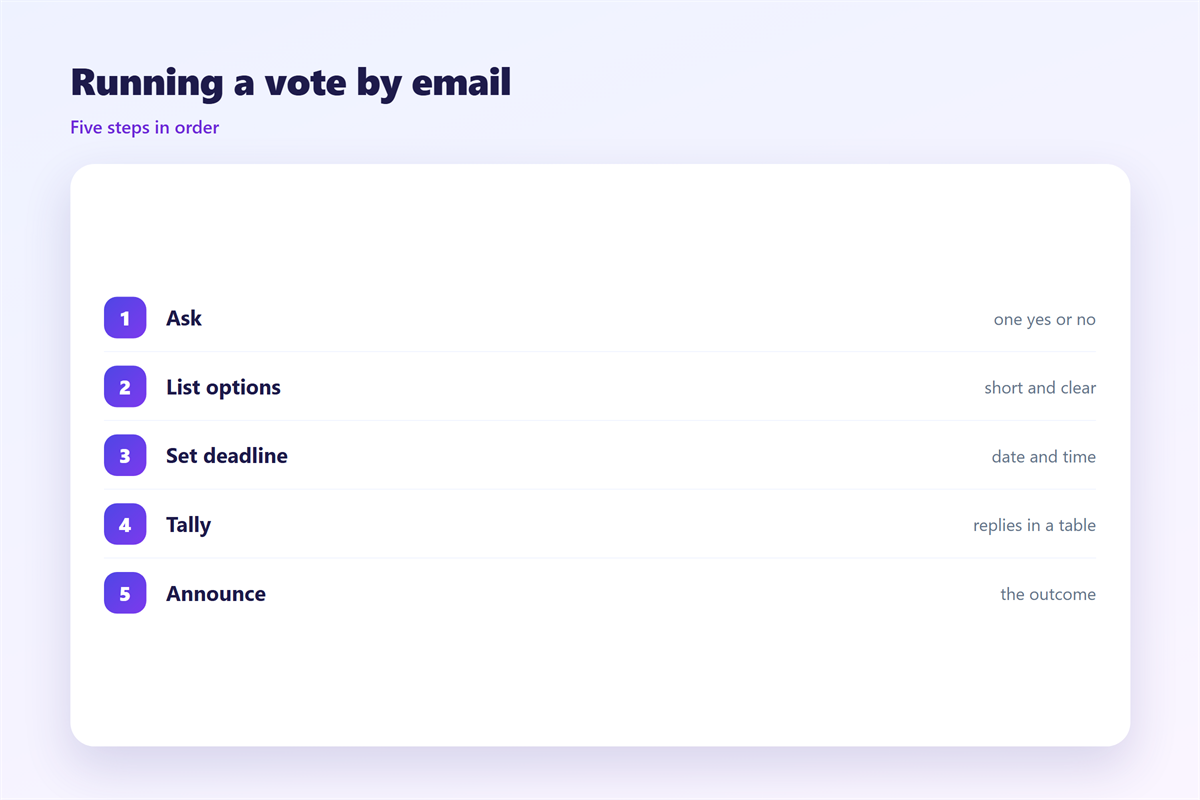
Put the question in the subject line. A reader should know the topic at once.
Offer two or three options. More choices split the group and slow the count.
State the deadline and the quorum. “Five replies by Friday” is easy to follow.
Send the 邮件投票 to the whole group at once. Use one list, not several.
Ask every voter to reply to all. That keeps each choice in one thread.
Number the options. “Option 2” is shorter than a whole sentence.
Say what happens if nobody reaches quorum. Silence needs a default rule.
Define a tie rule before you start. A coin flip is fine if all agree.
Keep the whole request short. A single screen is plenty for most votes.
Keep each option to a few words. Long options invite long arguments.
A single clear question beats three linked ones. Split them into separate votes.
State the result format up front. Say how you will announce the winner.
Leave out background that voters already know. The question is the point.
Decide who breaks a tie before you need to. Surprises cause delay.
Where to run a 邮件投票
A 邮件投票 lives in a thread, not a chat. Email keeps a clean record.
The best 邮件投票 runs where people already read. That lowers the miss rate.
Use a shared group address so the list stays stable. A fixed list keeps the vote honest.
Keep the count inside one conversation. A split thread can hide some replies.
Watch for a reply-all slip. A private ballot can leak by one wrong click.
Close the thread when the count ends. A quiet vote is easier to trust.
Some groups prefer a quick form instead of email. Choose one channel and stay there.
Mixing email and chat splits the record. Pick the tool that keeps the tally whole.
A fixed list also stops outsiders from skewing the result.
Common mistakes
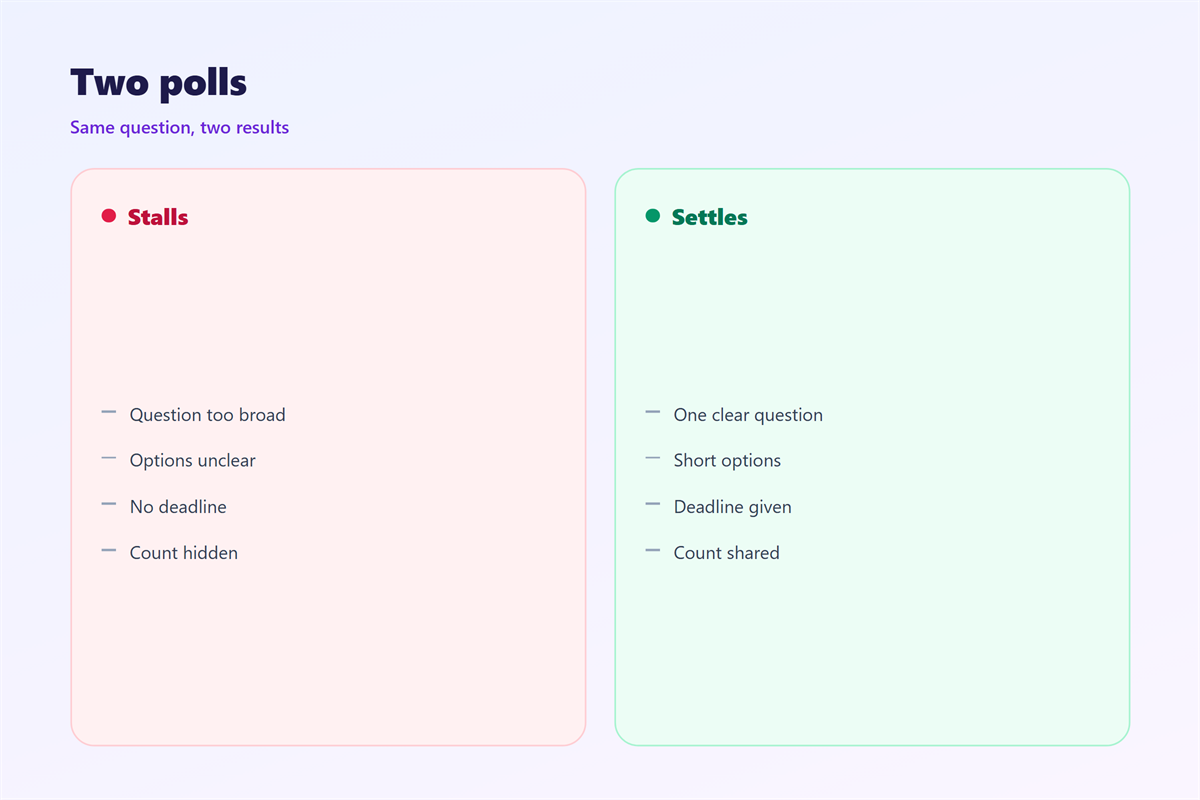
The first 邮件投票 mistake is a vague question. People cannot answer what they cannot parse.
The second is a missing deadline. An open vote never closes.
The third is counting in private. Show the tally so people trust the number.
A rushed count also invites disputes. Wait for the deadline you set.
Do not add new options mid-vote. That restarts the choice for everyone.
Avoid a hidden agenda. A 邮件投票 should read the same to every voter.
Do not let the loudest voice set the options. Invite ideas before the vote starts.
Never announce a result before the deadline. Late replies still count.
Sending and counting replies
Sending the ballot is quick. A clear subject helps people file it.
Send one reminder only. A second chase starts to feel like pressure.
Count replies as they arrive. Keep a simple tally beside the thread.
Announce the result to everyone. Even the losing side should hear first.
Keep the subject line the same for the whole vote. Replies then group together.
A short reminder near the deadline helps. It is not the same as nagging.
Run the vote with the right tools. Set up the list with 邮件群组, keep every reply in one 邮件会话, and mind who you copy in a 邮件回复. When the count ends, send a short 邮件确认 to close the loop.
Then archive the result. A vote nobody can find gets rerun later.
FAQ
Who counts 邮件投票 results?
Usually the person who called the vote. On a group list, agree this in advance.
How long should a vote stay open?
Two or three working days suits most teams. A complex choice may need a week.
Can people abstain?
Yes, and an abstention still counts toward quorum. Record it in its own column.
What if the result is a tie?
Use the tie rule you stated at the start. A quick rerun is a fine second vote.
References
- Google: Reply to a message in Gmail
- Atlassian: Taking effective meeting notes
- IETF RFC 5322: Internet Message Format
评论
还没有评论,来说两句吧。
评论功能已关闭。