 小影邮箱
小影邮箱邮件数字签名是什么?Proof of the Sender
Key Takeaways
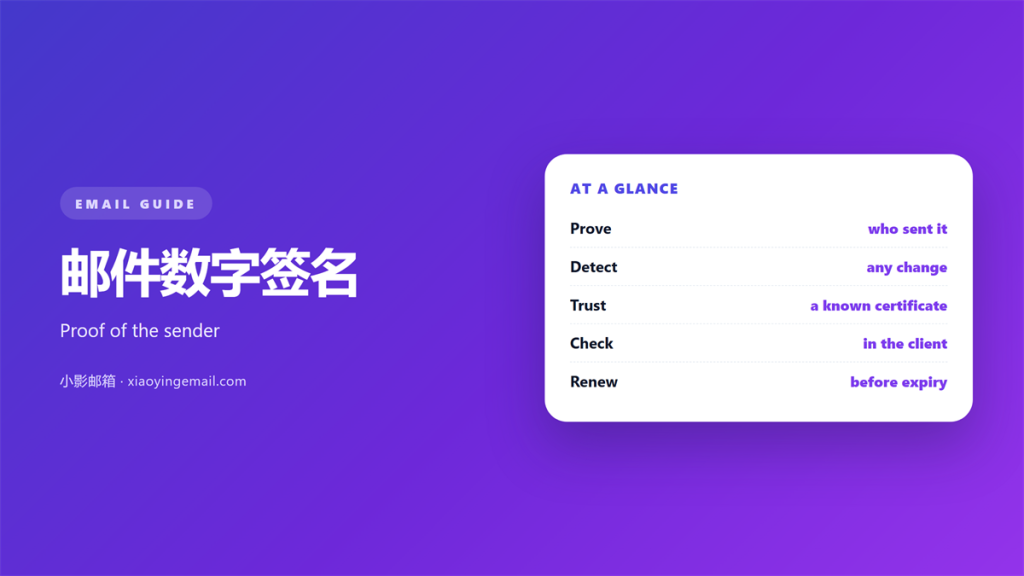
- 邮件数字签名 proves who sent a message.
- It also shows the body was not changed.
- It is not the same as a typed name at the bottom.
- A certificate supplies the key that signs the mail.
- Most clients show a small badge when the check passes.
What 邮件数字签名 means
邮件数字签名 is a cryptographic mark attached to a message.
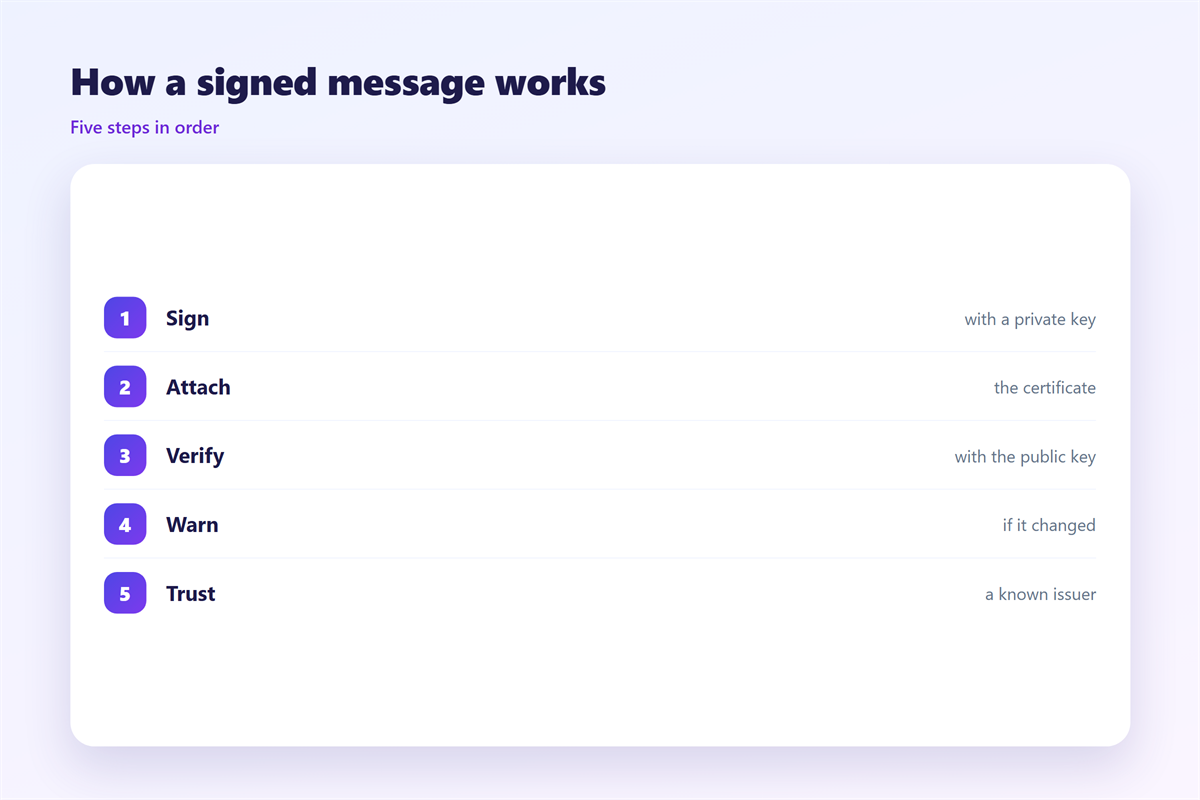
The sender signs with a private key. The reader checks it with a public key.
The mark proves two things. Who sent it, and that the text is unchanged.
It is not a picture of a handwritten name. That is only an image.
Anyone can copy a typed signature. A digital one breaks if the text changes.
The two ideas share a word and little else. Keep them apart.
A valid 邮件数字签名 travels with the message the whole way.
Consider a wax seal on a letter. The seal proves the letter was not opened.
A digital signature works in a similar way. It seals the message with maths.
The seal is not the same as the address on the envelope. Keep the roles clear.
A signed message can still be a bad message. The seal only proves the source.
Verify the sender’s identity before you trust the content.
Why 邮件数字签名 matters
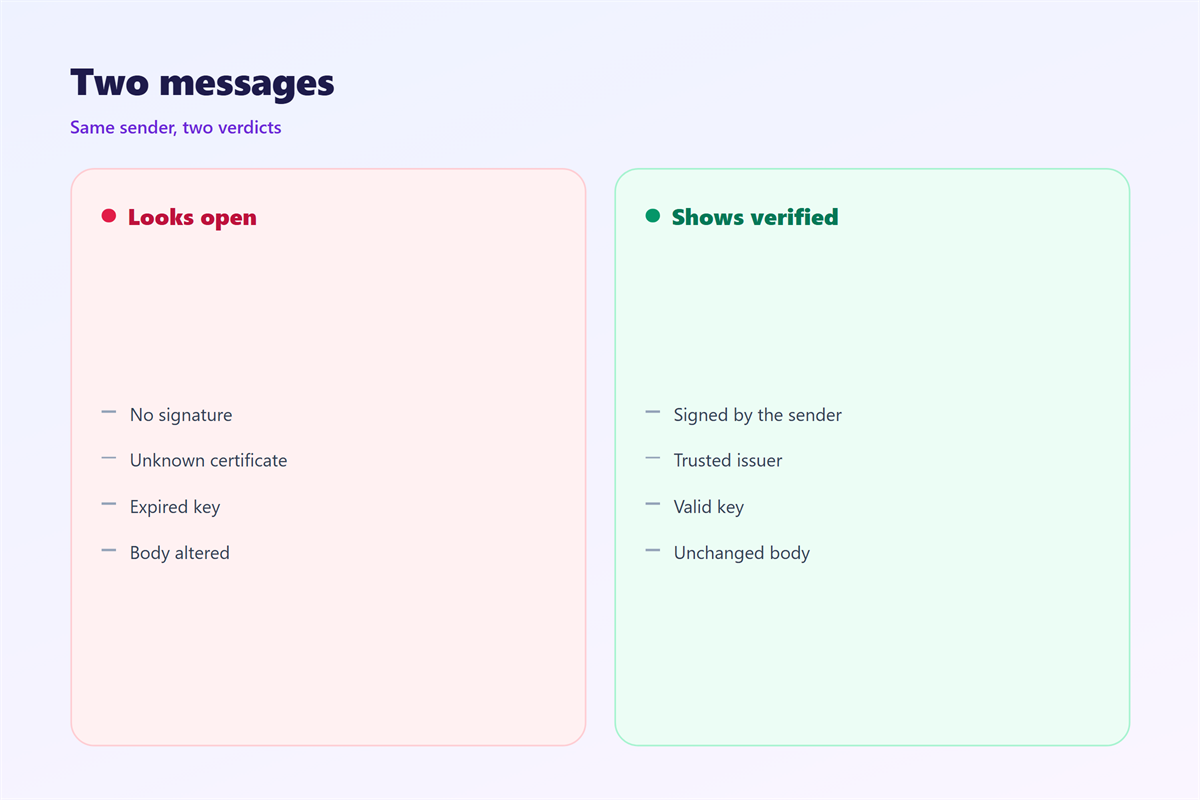
An unsigned message proves nothing about its sender. The name field is easy to fake.
Phishing relies on a fake sender name. A signature removes that doubt.
Teams in law and finance rely on this proof. It settles disputes quickly.
Regulated industries need this proof on file. Auditors often ask for it.
It also protects the sender’s name. A fake can damage a good reputation.
How 邮件数字签名 builds trust
A reader can verify the sender without a phone call. The check takes one click.
That is the core value of 邮件数字签名 in daily work.
Tampering becomes visible
Change one character and the check fails. That alerts the reader at once.
This is why signed mail suits contracts, invoices and legal notices.
How to send a 邮件数字签名
Sending a 邮件数字签名 takes a few setup steps, not much money.
First you need a certificate from a trusted issuer. This is the key pair.
Install the certificate in your mail client. Outlook and Thunderbird both support it.
Turn on signing for one message, or for all of them. Your choice.
Add signing per message if you only protect sensitive mail.
Write the message as usual, then send. The client signs it on the way out.
Ask a colleague to check the first signed message. A quick test saves confusion.
Renew the 邮件数字签名 certificate before it expires. An expired key looks broken.
Your issuer may be a company or an internal team. Either can work well.
Keep the private key on a device you control. A smart card adds another lock.
Set an expiry reminder in your calendar. Renewal takes only a few minutes.
Test the setup on your own address first. Send, then check the badge.
Some clients need an add-on for signing. Install it before you need it.
Where to see a 邮件数字签名
Clients hide the badge in different places. Learn your own layout.
In Outlook, look near the sender name for a ribbon badge. Click it for details.
The badge opens the certificate. It lists the issuer and the expiry date.
Open the full message source to see the raw signature block.
The 邮件数字签名 block can look cryptic at first. A small label explains it well.
Gmail on the web shows a small check icon. Other clients vary a lot.
If the badge is missing, the message may be unsigned. Treat it with care.
Each client words the badge differently. Learn the signs in your own app.
A grey or question badge often means the check failed. Read it carefully.
Mobile apps show less detail than desktop. Verify on a computer if unsure.
Store the certificate safely on your machine or a smart card.
Common mistakes
The first 邮件数字签名 mistake is mixing it up with a typed sign-off.
The second is a lapsed certificate. Old keys fail the check silently.
The third is signing but never verifying. The reader must check the badge.
Another 邮件数字签名 mistake is a shared private key. It should stay secret.
Do not assume every client shows the same icon. The wording differs too.
Do not sign a message you have not read. A signature locks the content.
Do not sign mail from a shared mailbox by hand. It needs its own setup.
Do not ignore a warning pop-up. It usually means the check failed.
Related pieces of the puzzle
Signing is only one part of 邮件数字签名 practice in a team.
Put the pieces together. Get a 邮件证书 for signing, learn how 邮件加密 hides the body, and follow 邮件认证 rules so spoofers fail. When something looks wrong, read the raw 邮件头 for the truth.
Each layer answers a different question. Together they make a message hard to fake.
Start with signing, then add the others as time allows. A partial stack still helps.
None of these layers is perfect alone. Together they cover most risks.
Ask your team which standard you follow. A shared rule avoids confusion.
Start small and add layers as you learn. Confidence grows with practice.
FAQ
Is 邮件数字签名 the same as encryption?
No. A signature proves the sender and the content. Encryption hides the text.
Do I need a paying certificate?
For public mail, yes, from a trusted issuer. Internal mail may use a private one.
What does the reader actually see?
Usually a small badge or check mark. Clicking it shows the certificate details.
What if the check fails?
Treat the message as suspect. Confirm the sender by another channel first.
评论
还没有评论,来说两句吧。
评论功能已关闭。