 小影邮箱
小影邮箱邮件测试怎么做?Send Before You Send
Key Takeaways
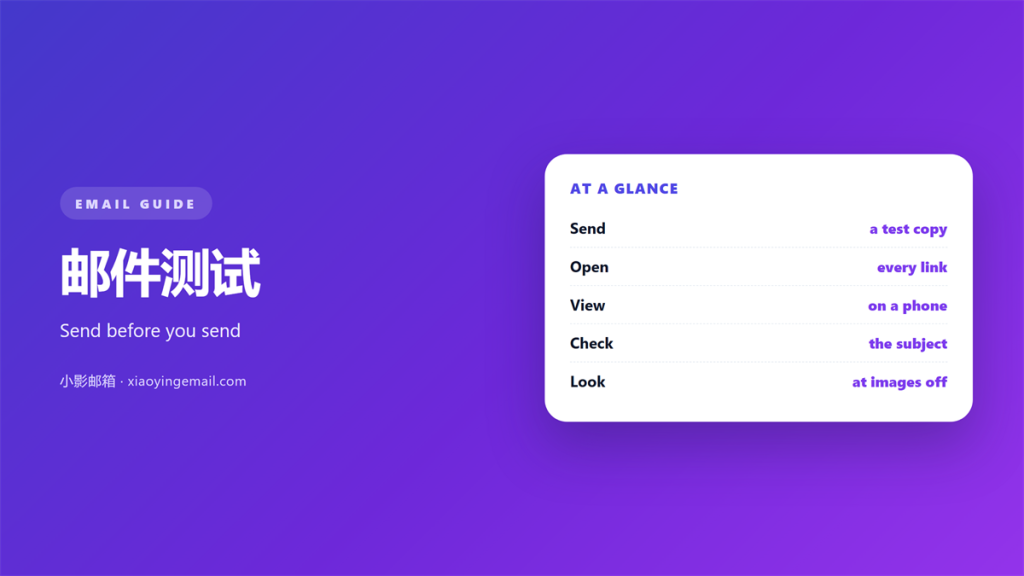
- 邮件测试 sends a draft to yourself before the real list.
- Check every link, image and subject line first.
- Open the message on a phone and on a desktop.
- Run one small test on the subject line.
- Fix the errors, then send with confidence.
What 邮件测试 means
邮件测试 is the check you run before a message goes out.
It is a dry run with no risk to your reputation.
You send the draft to a small group or just yourself.
Then you open it the way a real reader would.
Most senders skip this step. That is where mistakes slip through.
A link breaks. An image fails to load. A name is wrong.
Each of these is easy to catch and hard to forgive.
邮件测试 turns a guess into a known result.
The habit is small. The payoff is a cleaner inbox for everyone.
Think of it as a seat belt, not a detour.
It takes two minutes and saves a lot of regret.
Once the habit forms, you will wonder how you ever sent without it.
A simple routine protects the message and the reader alike.
Why 邮件测试 matters
Once a message is sent, you cannot call it back.
A broken link wastes the reader’s click and your effort.
A wrong name can damage a hard-won relationship.
These errors look careless even when they are not.
Readers only see the result, not the intent behind it.
A quick 邮件测试 catches most of them in minutes.
The cost of skipping
Skipping the check costs more than it saves.
You may need a correction email, which few people enjoy reading.
Worse, you may lose a sale you never knew was close.
The confidence gain
When you test, you send without holding your breath.
That calm shows in the wording itself.
A tested message tends to be a tighter message too.
Testing also slows you down just enough to notice small errors.
That short pause is where quiet quality lives.
How to run a 邮件测试
Keep the routine short so you will repeat it.
Four steps cover almost every message you send.
A calm 邮件测试 is quick, but it is also thorough.
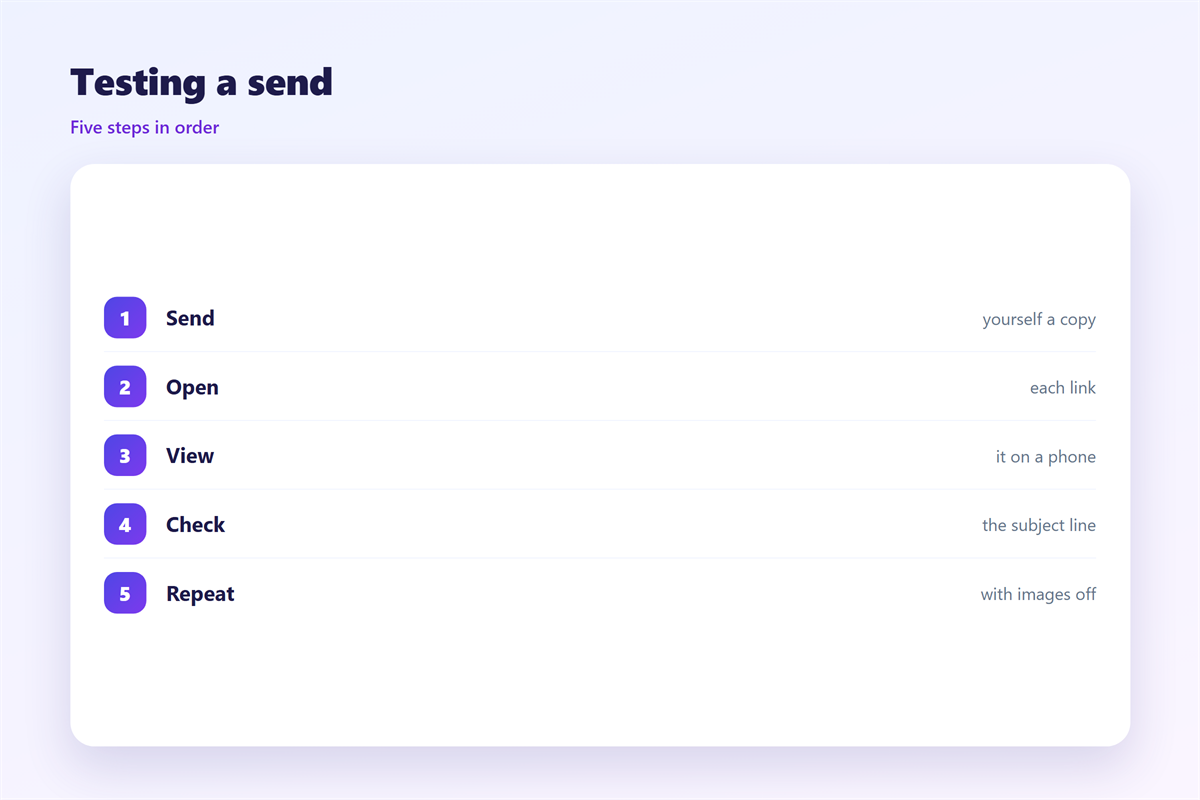
Send it to yourself
Start with your own inbox. It is the fastest check.
Read the subject line as it appears in the list.
Does it still make sense next to ten other emails?
Open it twice
Open the message on a phone and on a desktop.
Layout often breaks on the smaller screen.
Check that buttons are easy to tap with a thumb.
Click every link
Click each link and confirm the page loads.
A single broken link can undo a good message.
Also check that the link text describes where it goes.
Broken links are the most common complaint from readers.
A careful click through each one takes only a moment.
What to check in a 邮件测试
Not every detail needs the same attention.
Focus on the parts a reader meets first.
Each 邮件测试 should end with one clean, unhurried read.
The subject line
The subject decides whether the email is opened.
Keep it short enough to survive a narrow phone screen.
Front-load the useful words so they are never cut off.
The first line
The preview text should extend the subject, not repeat it.
Together they form the first impression of your message.
Write them as one thought split across two lines.
The body and close
Check the greeting, the ask and the sign-off.
Make sure the single call to action is obvious.
Then confirm that nothing important got cut in the edit.
Read the whole message once without stopping.
If you have to re-read a line, rewrite it.
Tools and habits for 邮件测试
A few simple habits beat an expensive tool.
Keep a private list of test addresses for each audience.
Send a copy to two or three real inboxes you can open.
That mix shows how different providers render the message.
A steady 邮件测试 habit pays for itself over a year.
Save a short checklist you run every time.
A short list stops you from skipping a step under pressure.
Review the checklist once a quarter and trim what no longer helps.
Add a new step only when a real mistake teaches you one.
A short list you trust beats a long list you ignore.
Sending and improving 邮件测试
A mailbox to mailbox check is the first habit to build. The method is covered in 邮件收发测试.
Two subject lines can settle a hard choice. The approach is set out in 邮件AB测试.
The line under the subject does real work. See 邮件预览文本 for the details.
Most readers open on a phone first. The rules are gathered in 邮件移动端.
Run one test before each important send.
Then note what you fixed and what you missed.
Over time, your 邮件测试 catches more in less time.
FAQ
How often should I run a 邮件测试?
Before every important send. For routine notes, once a week is enough.
Can I test on a phone only?
No. Check a desktop too. Layout problems hide on small screens.
Do I need paid tools for 邮件测试?
No. A few real inboxes cover most messages well.
What is the most common failure?
A broken link. It is also the easiest to catch in advance.
Set aside a few minutes before every important send.
Your future self will thank you for the habit.
Testing is a small courtesy to every reader.
It costs very little and prevents a lot.
评论
还没有评论,来说两句吧。
评论功能已关闭。