 小影邮箱
小影邮箱邮件稍后处理怎么用?Snooze Without Forgetting
Key Takeaways
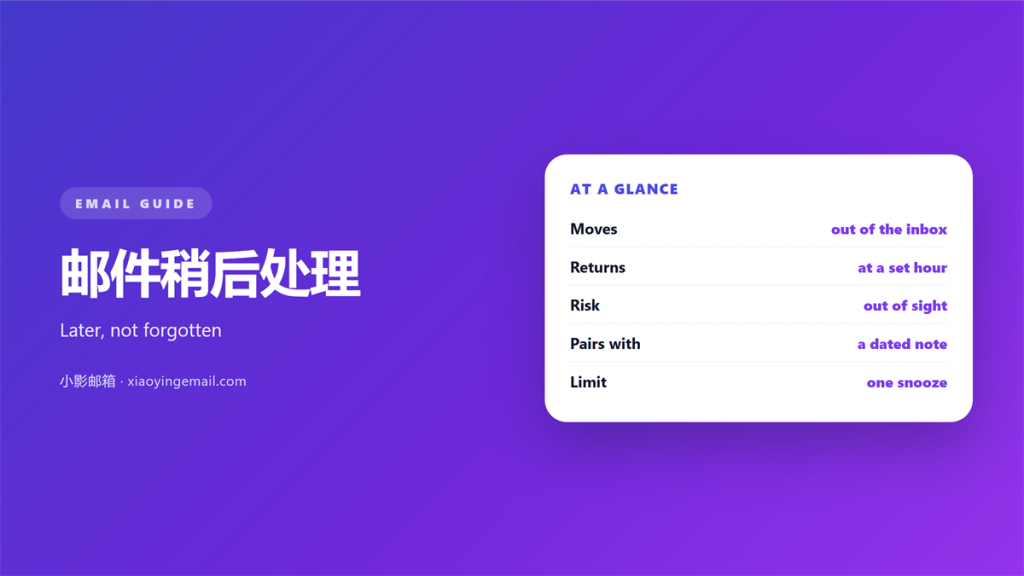
- 邮件稍后处理 hides a message for a set time.
- It returns the message to the top of the inbox.
- The promise moves, but the work stays.
- A snooze is a reminder, not a plan.
- Pick a time you can actually act.
What 邮件稍后处理 actually does
邮件稍后处理 pulls a message out of the inbox. It holds the message for a chosen time. Then it puts the message back at the top.
The message comes back marked unread. It looks like new mail, though it is old. Nothing is deleted, and nothing is edited.
This is useful for mail you cannot answer yet. A bill due next week can wait. A reply that needs data can also wait.
The feature is not a filing system. A good 邮件稍后处理 moves the promise to a later hour. The work itself does not move.
Snooze is not the same as mark as unread. Marking keeps the message in the inbox. A snooze removes it from view. The difference matters when you scan the list.
Two clients handle the return in different ways. Some show a banner on return. Some only bump the thread to the top. Read the banner before you act.
Why 邮件稍后处理 fails
A snooze is a promise with no owner. You hide the message, but you keep the task. Nothing has been decided yet.
邮件稍后处理 returns on a clock, not on a fact. The clock may fire before the data arrives. You then deal with the same message twice.
The return time is often wrong. You pick a time that looks calm. That time may be a meeting, a commute, or a bad morning.
Mail also piles up behind the snooze. Five messages can return in one hour. Then the inbox looks worse than before.
A second failure is trust. If one return fails, you stop believing the tool. You then check the Snoozed folder by hand.
Some clients hide the count too. That makes 邮件稍后处理 feel like magic. It also makes a lost message easy.
Volume is the deeper problem. A single snooze is harmless. Fifty snoozes in a week become a second inbox. That pile has no order and no owner.
The tool itself is neutral. A careless user will snooze and forget. A careful user will snooze and return. The setting is rarely the cause.
How to set 邮件稍后处理
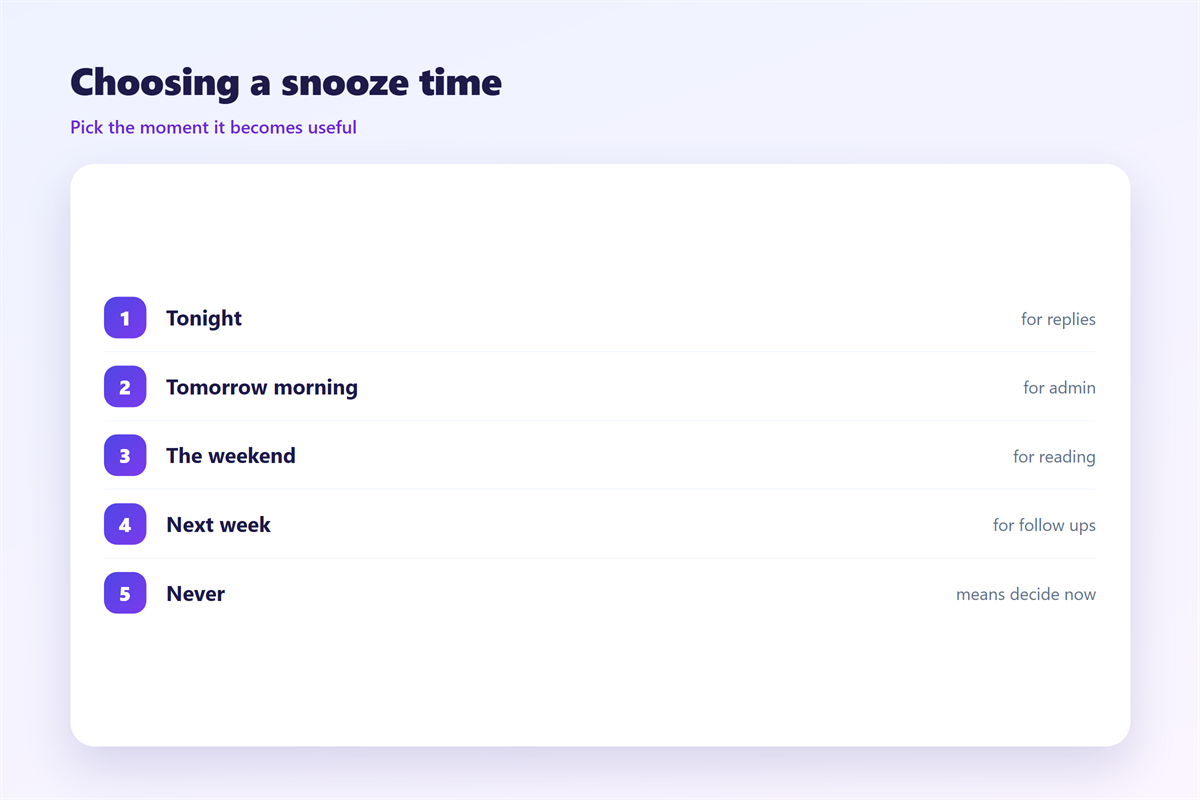
Choose the time by the task, not by the clock. Ask when you can act. Then set the return time to that moment.
Write the reason in the message if you can. A short note to yourself saves time. It also tells future you what to do.
A bill should return on the day you pay it. A quote should return when you have the numbers. A meeting note should return before the next meeting.
Keep the number of snoozed items small. Ten open snoozes are ten hidden tasks. Review that list once a day.
Many clients let you snooze in bulk. That is fast, but it hides the reason. Snooze one message at a time when the reason matters.
邮件稍后处理 works best with a real window. Set a default time that fits your day. A morning slot is better than midnight.
Night snoozes return while you sleep. That is a bad time to act. Move the default to a working hour instead.
Where 邮件稍后处理 breaks down
It breaks on a shared mailbox. If two people snooze the same thread, both may act. One of them repeats the work.
It breaks across devices. A snooze set on a phone may not follow you. The desktop client can show the message again.
It breaks on a packed calendar. If the return time is a busy hour, the mail sinks. You then snooze it a second time.
It breaks on the first read. If you snooze without reading, you forget the context. The message returns as a stranger.
The habit matters more than the tool. A short daily review of 邮件稍后处理 beats a perfect schedule.
Offline use is another edge case. A snooze set on the train may not sync. The server keeps the true time, so trust the server copy.
Testing your 邮件稍后处理
Give a new routine a week. Then check three things. No real deadline was missed. No message returned twice. Nothing stayed hidden.
Count the snoozes you used and did not need. Each one is a task you dodged. Fix the time instead of the tool.
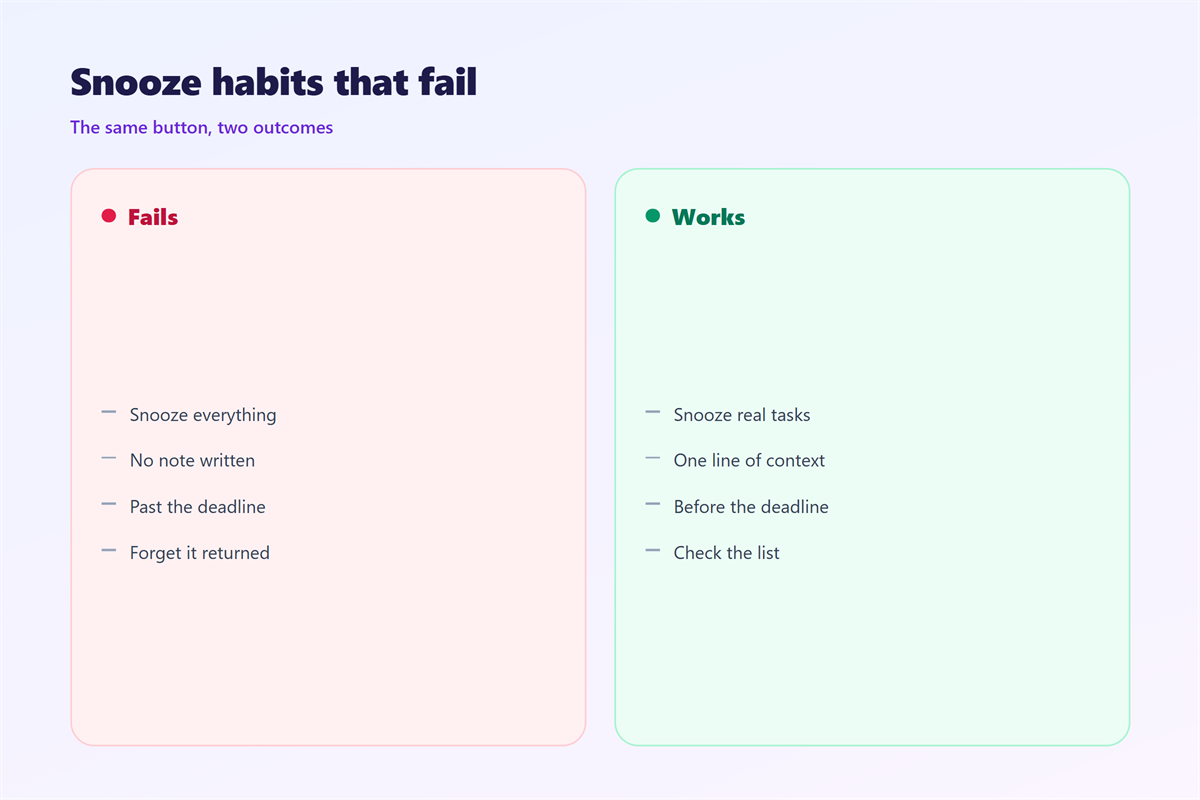
A morning review is the real fix. Open the Snoozed list with your coffee. Then decide each item once.
A weekly look is enough for low volume. Count the returns you ignored. Two or three ignored returns mean the times are wrong.
Pair the review with a fixed place to work. The open items in 邮件待办 are a good home. A snooze is close to a 邮件提醒, and it also touches 邮件优先级. If the message is a note you never sent, see 邮件草稿.
FAQ
What happens to a snoozed message?
It leaves the inbox and waits in a Snoozed folder. At the set time it returns to the top. It comes back unread, as if it just arrived. Search with the Snoozed label to find it fast.
Does 邮件稍后处理 hide a message forever?
No. The message is never deleted or archived. You can open the Snoozed folder and pull it back early.
Should I snooze or archive?
Archive removes the message from the inbox for good. A snooze brings it back later. Use a snooze when the timing matters. A busy thread is easier to snooze than to hunt later.
Can 邮件稍后处理 replace a to-do list?
Only partly. A snooze is tied to one message, not to a task. Keep the real plan in a list, and let 邮件稍后处理 trigger the review.
评论
还没有评论,来说两句吧。
评论功能已关闭。