 小影邮箱
小影邮箱邮件群发单显是什么?One Mail, Many Copies
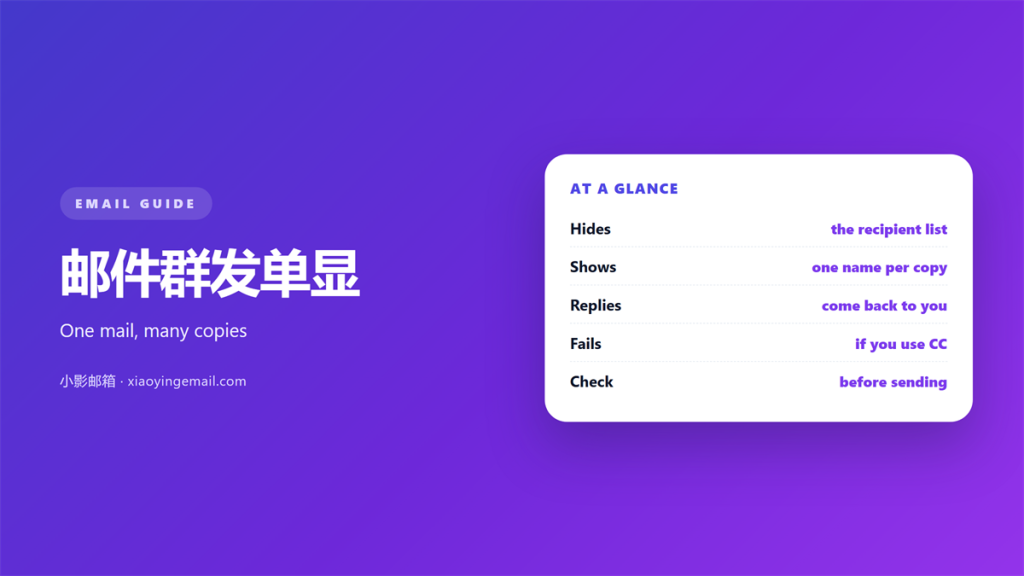
Key Takeaways
- 邮件群发单显 sends each person a private copy.
- No recipient can see the other addresses.
- It differs from bcc in how replies arrive.
- Use it for notices, not for open discussion.
- Test one address before you send to many.
What 邮件群发单显 actually is
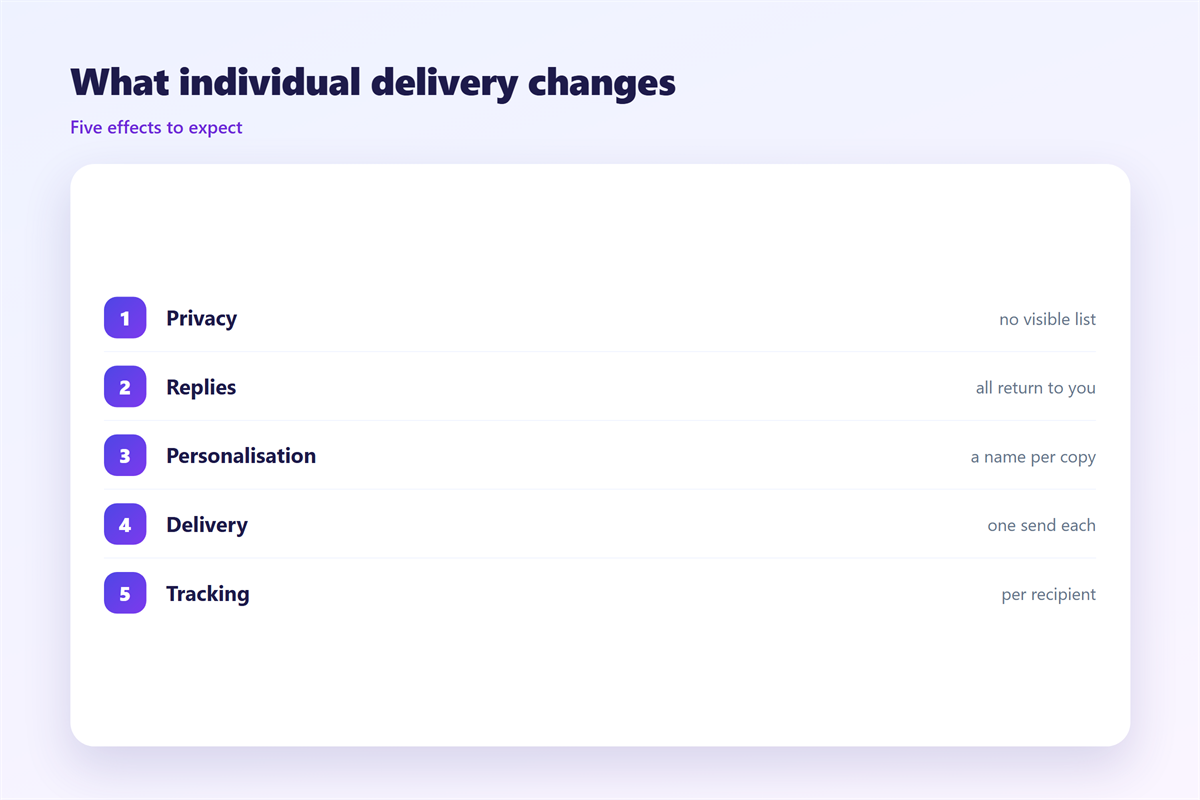
邮件群发单显 is one message delivered as many private copies. Each person sees only their own name in the To field.
Your mail tool builds a separate message for every address. It sends them one by one, not as a single list.
To the reader it looks personal. To you it is one send with many invisible copies.
The list stays hidden on purpose. A supplier should not learn your other suppliers. A class should not see every parent’s address.
This is the main reason people choose it. Privacy is the whole point.
It also changes how the message behaves. Each copy stands alone. A reply goes back to you, not to the group.
Some tools call this a mail merge. Others call it a personalised send. The idea is the same in both cases. One body, many separate deliveries.
The mechanics stay hidden on purpose. Most readers never think about it.
邮件群发单显 compared with cc and bcc
These three look similar and behave very differently.
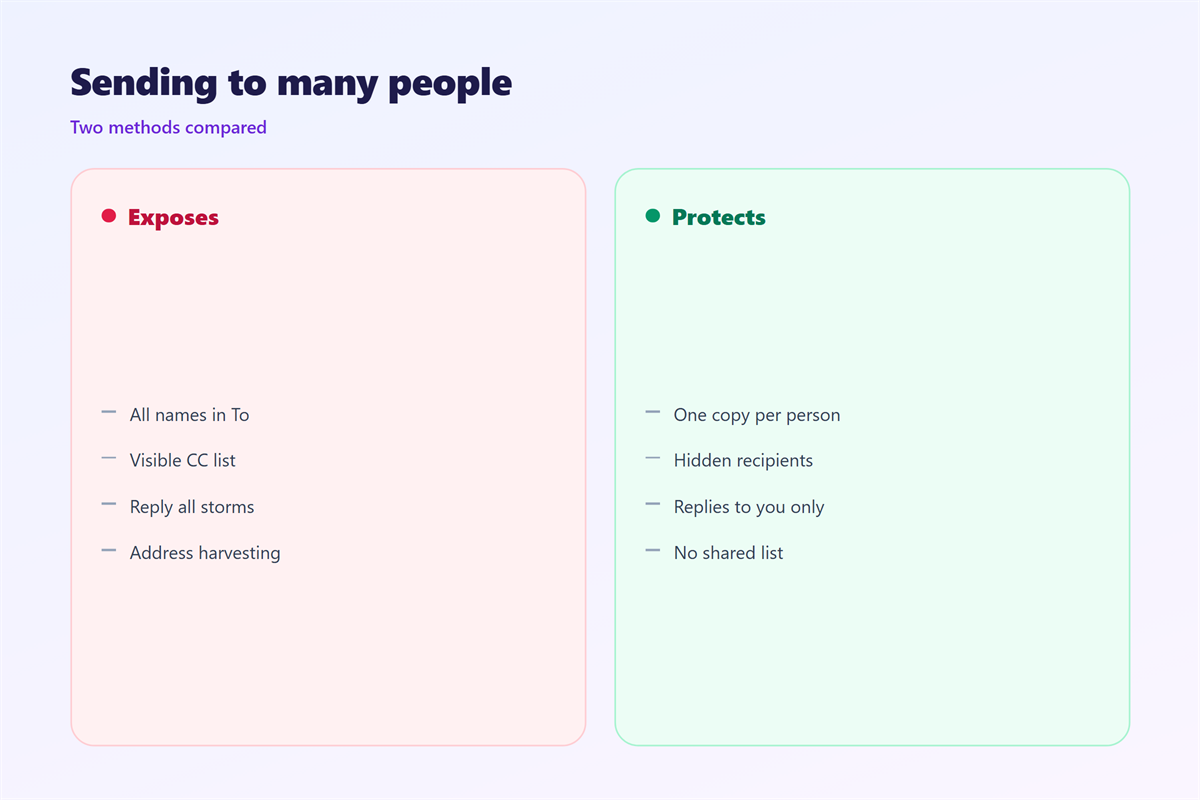
A normal cc shows every address to everyone. It is fine for a small team that already knows each other.
A bcc hides the list from the visible recipients. But a single reply can still reach the sender in bulk.
A 邮件群发单显 goes further. Nobody sees anybody. Each copy is addressed to one person only.
The reply path is the real difference. With cc, reply all can reach the whole group. With a private copy, only you receive the answer.
That is a gift and a trap. You keep the reply, but you also carry the load. Forty answers land in your inbox.
Switching between these modes is easy. Knowing which one fits is the hard part. A 邮件群发单显 answers a specific need.
When 邮件群发单显 works best
It suits one-way messages. Announcements, notices and invitations fit well.
It suits mixed audiences. When groups should not see each other, a private copy keeps the peace.
It suits sensitive contact lists. A patient list or a client list should never be exposed.
A plain 邮件群发单显 is also easy to personalise. You can greet each person by name without extra work.
It suits small lists best. A few hundred copies are fine. Tens of thousands need a real sending service.
It fits any message with no discussion. If nobody needs to reply to all, the private copy wins.
A 邮件群发单显 handles a survey well. Each answer stays private. Nobody sees how others replied.
A short reminder works well here too. Because each copy is separate, timing feels personal. That lifts the chance of a reply.
Mistakes with 邮件群发单显
The first mistake is pretending it is anonymous. The sender still knows the whole list. You are simply not showing it.
The second is using it for a discussion. A thread needs shared context. Private copies break that context apart.
The third is ignoring rate limits. Hundreds of separate sends look like bulk mail. Some providers will slow or block them.
Watch the wording too. A personal greeting is fine. A fake personal greeting is easy to spot and hard to forgive.
Keep the subject honest. It should match the body for every reader. One copy must fit the whole list.
Another mistake is a missing unsubscribe. A notice sent often should offer a way out. That is a legal point in many places.
Test the rendering before you send. A 邮件群发单显 looks different in each client. Plain text travels best.
Do not reuse an old list without cleaning it. Addresses change and people leave. A stale 邮件群发单显 wastes your effort.
Then check the reply plan. Decide where answers should go. Say it in the message so nobody guesses.
A clean 邮件群发单显 routine
Start with a test. Send the message to yourself first. Read it as a recipient would. Keep the note short and plain.
Then check the list. Remove duplicates and old addresses. A hard bounce still costs you a little trust.
Send in small groups. Split a large list into blocks of fifty. Pause between blocks to watch for errors.
Log what you sent. A short note saves confusion later. Record the date, the subject and the count.
Keep a copy of the list you used. Later you will want to know who received it. A saved list also speeds the next send.
Name the send clearly in your notes. A date and a subject are enough. Future you will thank present you.
Read up on the close cousins before you choose. The case for 邮件密送 is narrower than most people think. General 邮件群发 has its own safety rules. A shared 邮件列表 is better for group talk. And plain 邮件抄送 still has its place.
FAQ
Is 邮件群发单显 the same as bcc?
No. Bcc hides the list from recipients. A private copy also changes the reply path for each person.
Can recipients reply to each other?
No. Each copy is addressed to one person. A reply returns to you alone.
Does 邮件群发单显 hide my address?
No. You remain the sender. Only the other recipients stay invisible.
How many recipients are safe?
It depends on your provider. A few hundred is usually fine. Larger lists need a dedicated sending service.
评论
还没有评论,来说两句吧。
评论功能已关闭。