 小影邮箱
小影邮箱邮件角标怎么加?Small Marks That Signal
Key Takeaways
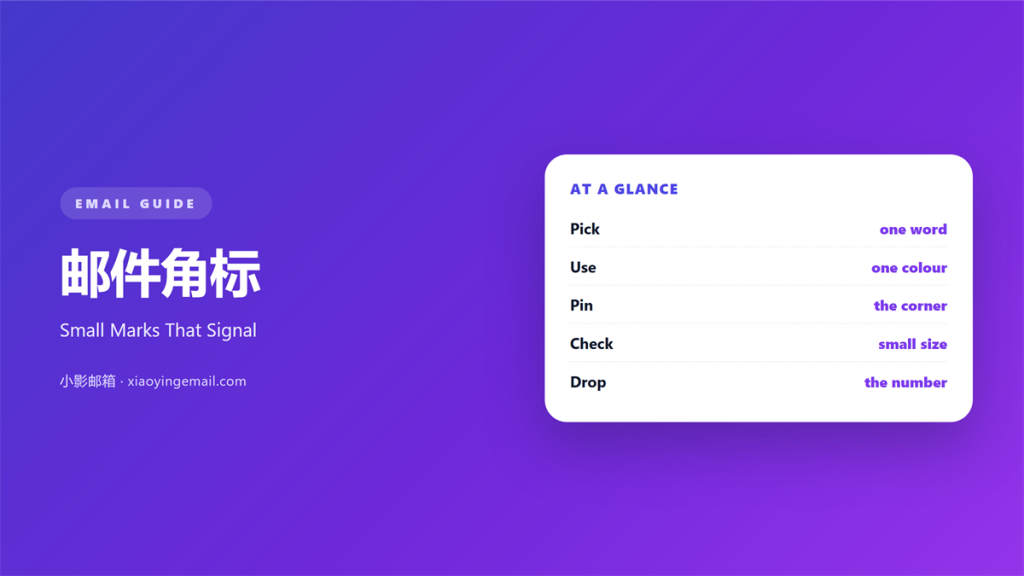
- 邮件角标 works best when it carries two or three words.
- One colour, one corner, one badge per block.
- Keep the badge quieter than the main headline.
- Ten pixels is the smallest size worth using.
- A badge that repeats the headline wastes space.
What 邮件角标 means
邮件角标 is a tiny label pinned to the corner of a block.
It usually says NEW, SALE, or a short deadline.
The words stay short on purpose.
Two words is a good target, three is the limit.
It sits on a product image, a header, or a card.
Its size is small compared with the headline.
Yet it still has to be readable at arm’s length.
A badge is a marker, not a message.
It flags something the reader should notice first.
That flag works only if the rest stays calm.
Most 邮件角标 are built from text inside a coloured box.
No image is required, so it renders almost everywhere.
A good one looks like a sticker, not a paragraph.
Why 邮件角标 matters
A reader scans a mail in a few seconds.
Scanning rewards whatever stands out first.
A corner badge claims that first glance cheaply.
It costs a few words and a single colour.
Used well, it tells the reader where to start.
Used badly, it argues with the headline.
The badge should answer one question only.
Is this new, cheap, or ending soon?
That answer shapes how the rest is read.
A mail without any marker reads as routine.
One badge, one claim
Two badges on one block cancel each other.
The eye cannot rank two equal flags.
Pick the strongest claim and drop the other.
Then the corner stays quiet and useful.
When 邮件角标 helps
邮件角标 helps when the news is genuinely new.
A launch earns a NEW tag for about a week.
It helps when a price drops for a short time.
A SALE badge gives the reader a reason to look now.
It helps when a block would otherwise look plain.
A bare image gains structure from one label.
It also helps in a grid of several products.
One badge can mark the item you want chosen.
Where a badge belongs
Put it in the top corner of the image.
Left or right works, as long as you stay consistent.
Keep the same corner across a campaign.
Readers learn the position and stop hunting.
When 邮件角标 hurts
邮件角标 hurts when every block carries one.
If all items are new, none of them is.
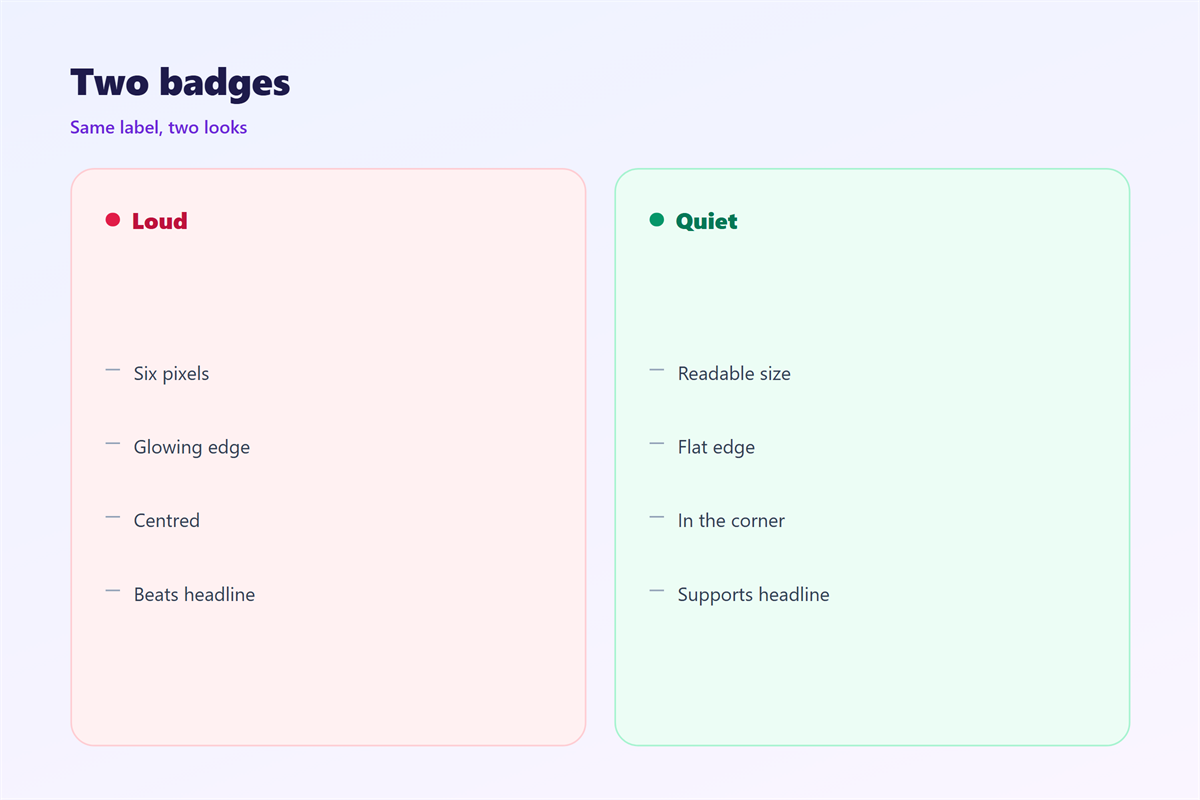
It hurts when the badge shouts louder than the title.
A bright badge over a small headline reverses the order.
It hurts when the label runs to six words.
Long badges turn into body copy in a box.
A badge hurts when it uses three colours at once.
The eye reads that as noise, not as a signal.
It also hurts when the text sits under eight pixels.
An unreadable badge is just a coloured square.
Finally, avoid badges that promise nothing specific.
邮件角标 and visual hierarchy
Hierarchy decides what the eye meets first.
A 邮件角标 is the smallest element in that order.
So it should rarely take the first position.
The headline earns that place by naming the offer.
The badge only adds a condition to it.
Think of the badge as a note in the margin.
It qualifies the headline without replacing it.
That is why a badge should never repeat the title.
A SALE badge above a “Sale” headline says nothing.
Size, then colour, then position
Size sets the reading order more than colour does.
Keep the badge clearly smaller than the headline.
Then let colour separate it from the background.
One accent colour is enough for a whole mail.
Position comes last and does the least work.
How to write 邮件角标
Start with the single fact you want flagged.
Write it as one word if you can.
Then cut anything the reader already knows.
“Limited time” costs three words and says little.
“Ends Friday” says more in two.
Use capitals only for very short labels.
All caps at small sizes loses letter shape.
Sentence case reads better for two-word badges.
Build it so it survives
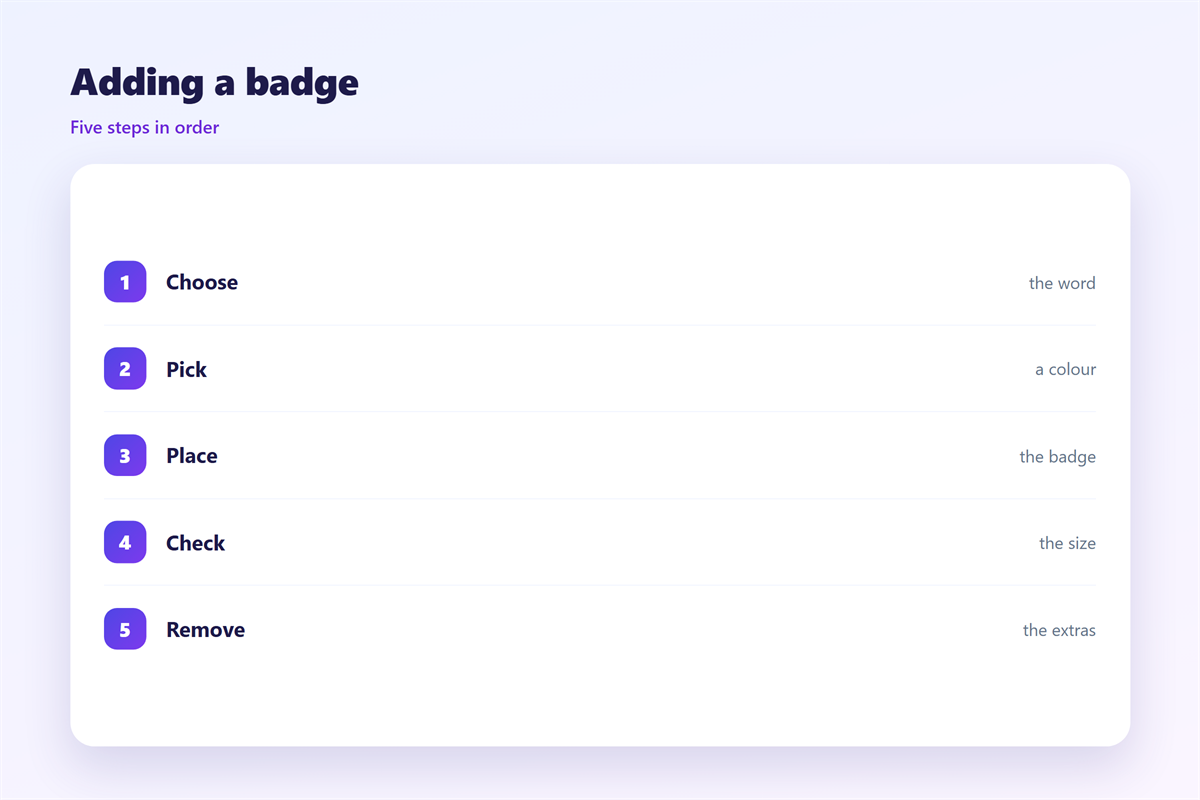
Set the badge inside a padded table cell.
Use a solid background, not a gradient or shadow.
Keep the label on one line at 320 pixels wide.
Test the contrast ratio before you send.
Dark text on a light tint is the safest pairing.
Then check the mail with images turned off.
邮件角标 on a phone
A phone shows the mail at about 360 pixels wide.
A 邮件角标 built for desktop can cover half the image.
Scale the badge with the layout, not against it.
Keep the label at ten pixels or larger.
Below that, the letters blur into a smudge.
Shorter words survive small screens far better.
NEW fits. “Just launched” does not.
Move the badge inside the image on narrow screens.
A badge hanging outside the frame gets clipped.
Check the tap target if the badge is also a link.
Forty pixels is a sensible minimum height for that.
Keeping 邮件角标 honest
A badge is a small promise, so keep it true.
Never tag an old product as new.
Never put a permanent price under a SALE label.
Readers learn to ignore badges that lie.
The wider system of small signs sits in 邮件图标.
Flags and their routines appear in 邮件标记.
Careful emphasis is covered in 邮件高亮.
The final action belongs to 邮件按钮.
Keep one badge style across every send.
Same corner, same size, same colour.
Then a single badge is enough to signal a change.
Consistency turns a small label into a habit.
FAQ
How many 邮件角标 can one mail hold?
Two is plenty. More than that and the corners compete.
Should the badge use the brand colour?
Only if it still contrasts. Test it on a light background.
Can a badge hold a date?
Yes, if the date is short. “Ends 3 May” works well.
What size should the badge text be?
Ten to twelve pixels. Anything smaller fails on a phone.
评论
还没有评论,来说两句吧。
评论功能已关闭。