 小影邮箱
小影邮箱邮件提示框怎么用?One Note That Stops
Key Takeaways
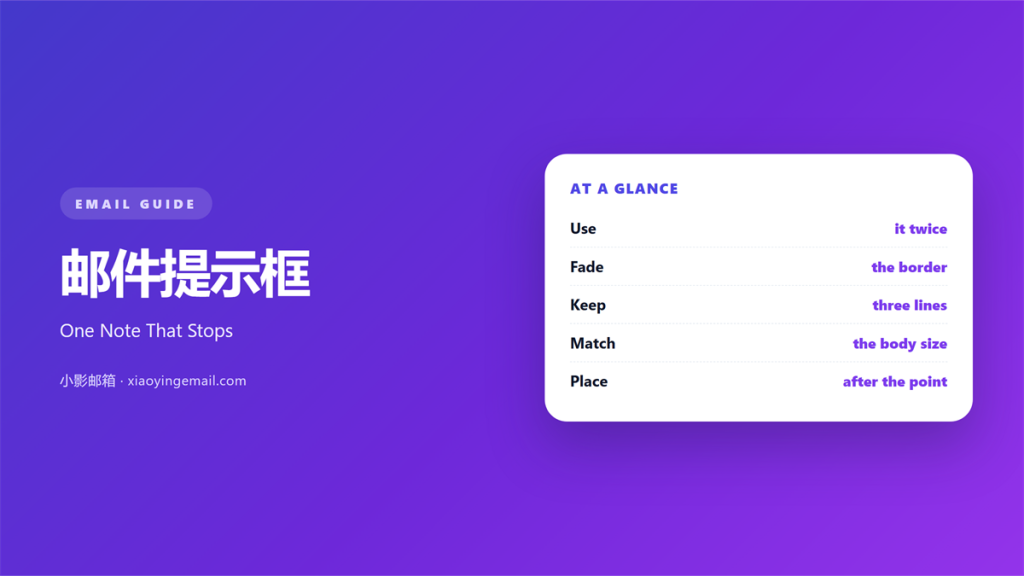
- 邮件提示框 holds one short note inside a marked block.
- Two boxes per mail is the practical maximum.
- Use a pale border, not a heavy frame.
- Keep the text to three lines or fewer.
- Match the body font size exactly.
What 邮件提示框 means
邮件提示框 is a short block set apart from the main text.
It carries a reminder, a warning, or a side note.
The box draws the eye without stopping the read.
Most versions use a light background or a left bar.
Some use only a thin border and white space.
The shape matters less than the separation.
Inside, the wording stays plain and short.
Three lines is the usual ceiling.
A 邮件提示框 holding a full paragraph has stopped being a box.
It has become a second article.
Set the text at the same size as the body copy.
Then the box reads as part of the letter.
Slightly bolder text is fine, larger text is not.
Why 邮件提示框 matters
Readers skim first, then return to what matters.
A marked block gives them a place to return to.
It also protects the flow of the main argument.
Warnings, deadlines, and exceptions can sit outside it.
The body then keeps one steady line of thought.
That separation helps both speed and memory.
A reader who skips the box still reads the offer.
A reader who reads only the box still learns the rule.
Both paths work because the box stands alone.
A plain paragraph cannot do that.
One box, one job
A box should hold a single note.
Mix a warning with a discount and neither lands.
Write the note first, then decide the box.
If the note is short, no box is needed.
When 邮件提示框 helps
邮件提示框 helps when a rule has an exception.
It helps when a deadline sits outside the main offer.
It helps when a refund detail needs weight.
It also helps in a long mail with several sections.
One 邮件提示框 breaks the wall of text nicely.
Use it when the same note keeps arriving in support tickets.
That repetition means readers keep missing it.
A box answers the question before it is asked.
Where to place it
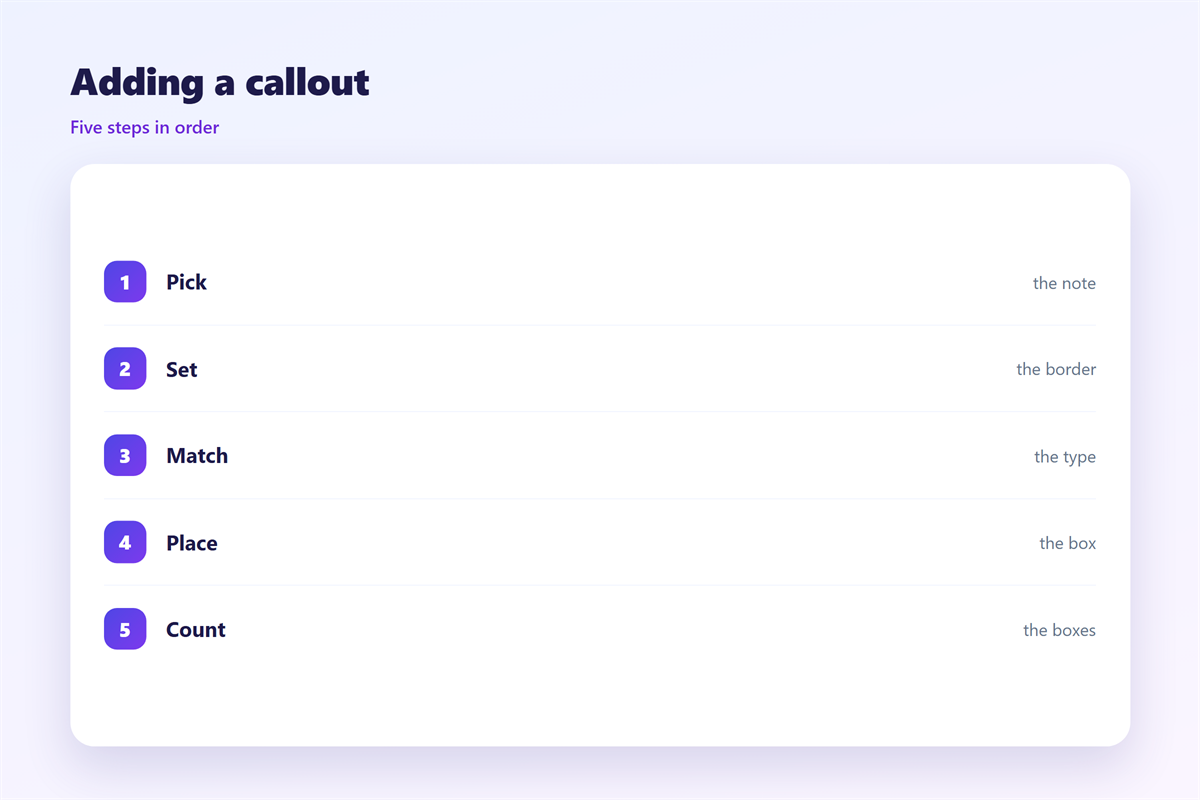
Place the box just after the claim it qualifies.
Do not stack it at the very top.
A box before the offer has nothing to attach to.
Keep one blank line above and below.
When 邮件提示框 hurts
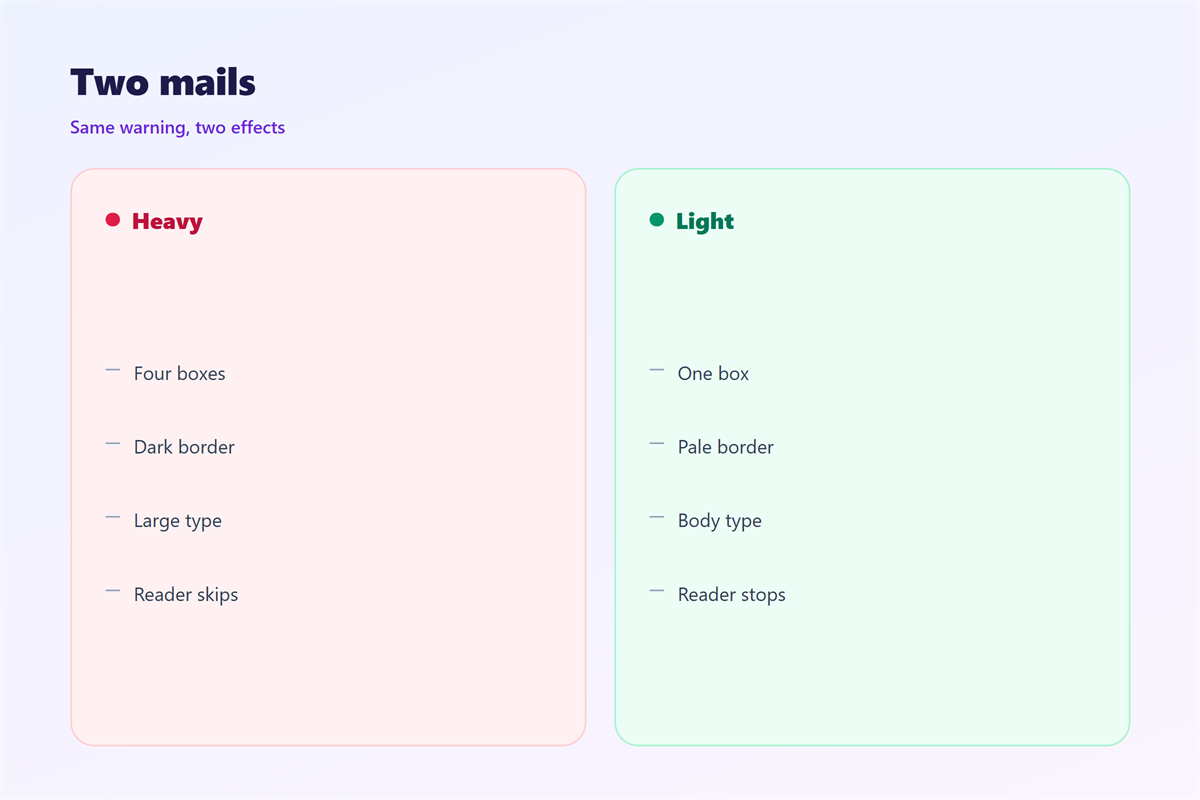
邮件提示框 hurts when the page holds five of them.
When everything is marked, nothing is.
It hurts when the border is darker than the headline.
A heavy frame pulls the eye away from the offer.
It hurts when the box holds a full paragraph.
Readers then skip it, and the note is lost.
It hurts when the font size grows inside the box.
That breaks the rhythm of the page.
A 邮件提示框 also hurts when it repeats the body text.
Repetition in a frame looks like a mistake.
Finally, avoid red for ordinary notes.
邮件提示框 and quoted replies
A quoted reply and a callout box look similar.
Both indent the text and mark it as secondary.
The difference is purpose, not shape.
A quote repeats what someone else wrote.
A callout adds what the sender wants noticed.
Confusing the two makes a thread hard to follow.
Quoted text grows with every round.
A callout should stay the same size.
So keep the two styles visibly different.
Faint borders, clear meaning
Use a border one shade darker than the background.
That is enough to define the edge.
Add a two-pixel bar on the left for weight.
Pick one accent colour for all notes.
Reserve red for genuine warnings only.
How to write 邮件提示框
Write the note before you design the box.
Keep it under forty words if you can.
Lead with the condition, not the greeting.
“Orders placed after Friday ship in May” is a whole note.
Then stop. The box needs no closing line.
Use plain words and no exclamation marks.
One idea per box, one box per idea.
Check that the note still makes sense alone.
Markup that survives
Build the box from a table cell with padding.
Set the background to a very light tint.
Keep the border at one pixel and low contrast.
Do not rely on shadows or rounded corners.
Outlook ignores most of those anyway.
Test the width at 320 pixels before sending.
邮件提示框 on a phone
A phone stretches the box to almost the full width.
Padding that looked generous on desktop now eats the line.
Reduce the inner padding to twelve pixels.
Keep the left bar at two or three pixels.
A thick bar steals space from every line.
Check that three lines on desktop stay three lines.
Often they become five, which is too many.
Cut words rather than shrinking the font.
Fourteen pixels is the floor for body text.
Place the box after a short paragraph, not a long one.
Otherwise the reader scrolls straight past it.
Keeping 邮件提示框 honest
A box is a promise that the note matters.
A box that hides a fee is worse than no box.
Keep warnings in the same place every time.
Small side notes belong in 邮件备注.
Quoted material belongs to 邮件引用.
Word-level emphasis sits in 邮件高亮.
Section breaks are covered in 邮件分隔线.
Then keep one box style for the whole year.
Same tint, same border, same padding.
Readers learn the shape and stop re-reading it.
That is the quiet goal of every good box.
FAQ
How many 邮件提示框 fit in one mail?
Two at most. One is enough for a short note.
Should the box have a title?
Only if it names the kind of note, like “Delivery”.
Can the box hold a link?
Yes, one. Two links turn the note into a menu.
What colour should the border be?
Grey or a pale tint of your accent colour.
评论
还没有评论,来说两句吧。
评论功能已关闭。