 小影邮箱
小影邮箱邮件附件命名怎么做?Files People Can Find
Key Takeaways
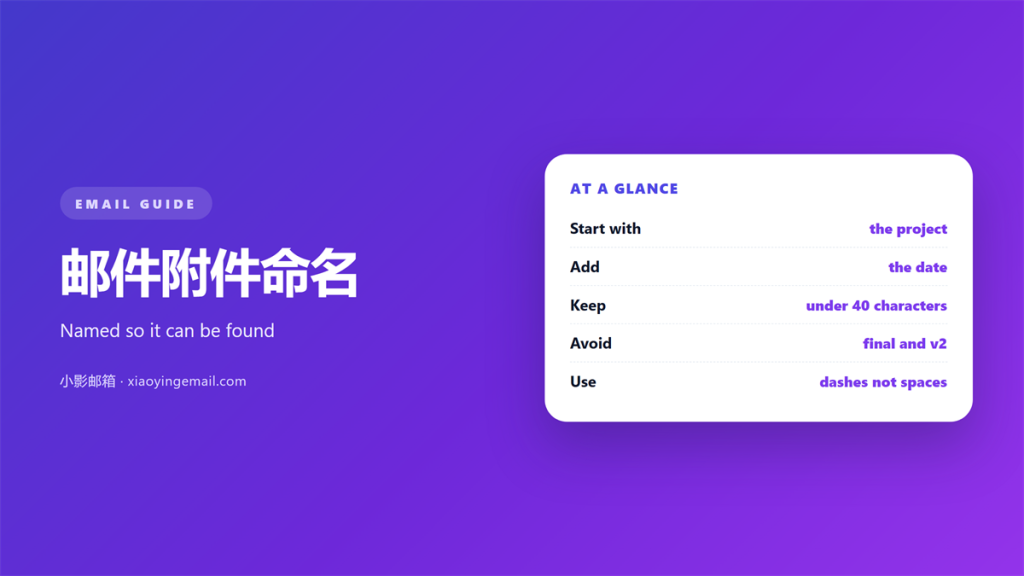
- 邮件附件命名 tells the reader what the file is.
- A good name works before the file is opened.
- Dates belong at the front in one format.
- Spaces and symbols cause trouble on some systems.
- A shared pattern saves everyone time.
Why 邮件附件命名 decides who finds the file
邮件附件命名 is the last thing most people touch. It is also the first thing the reader sees.
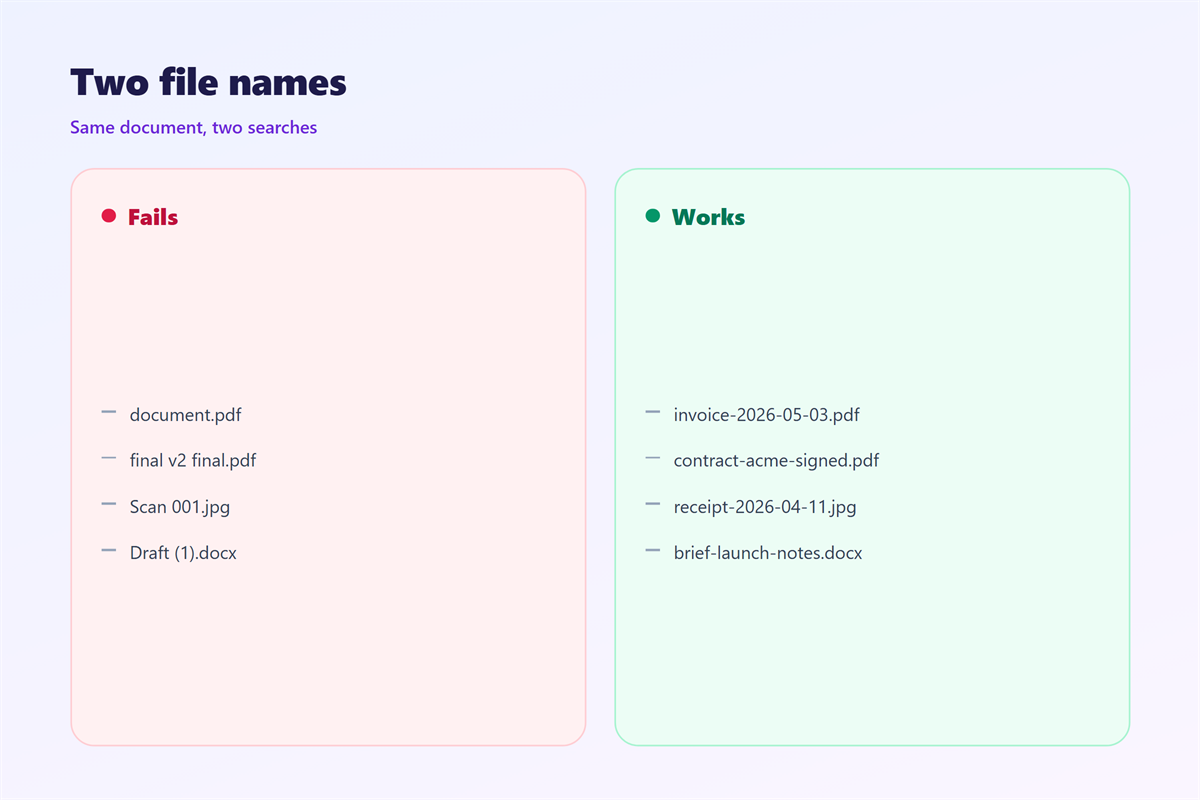
A file called final.pdf says nothing. A file with a project name and a date says everything.
The name travels further than the message. Downloads lose the email around them.
Weeks later, the name is all that remains in a folder.
Good 邮件附件命名 is a form of respect for the reader’s time.
It also protects you. A clear name is easier to find when you need it again.
Every search starts with good 邮件附件命名, not with a better search box.
The wrong 邮件附件命名 wastes a whole reply.
This guide offers a pattern that works on every common system.
A short rule beats a clever name that only you understand.
A name is a short message about the file inside.
A consistent name builds trust over time.
A good name answers what, when and which version.
That question never needs a follow up email.
Small habits compound across a whole team.
The reader decides in a second whether to open it.
Give them a reason to trust the file before the download.
Readers judge the file by its name first.
A vague name invites a vague reply.
A pattern that survives downloads
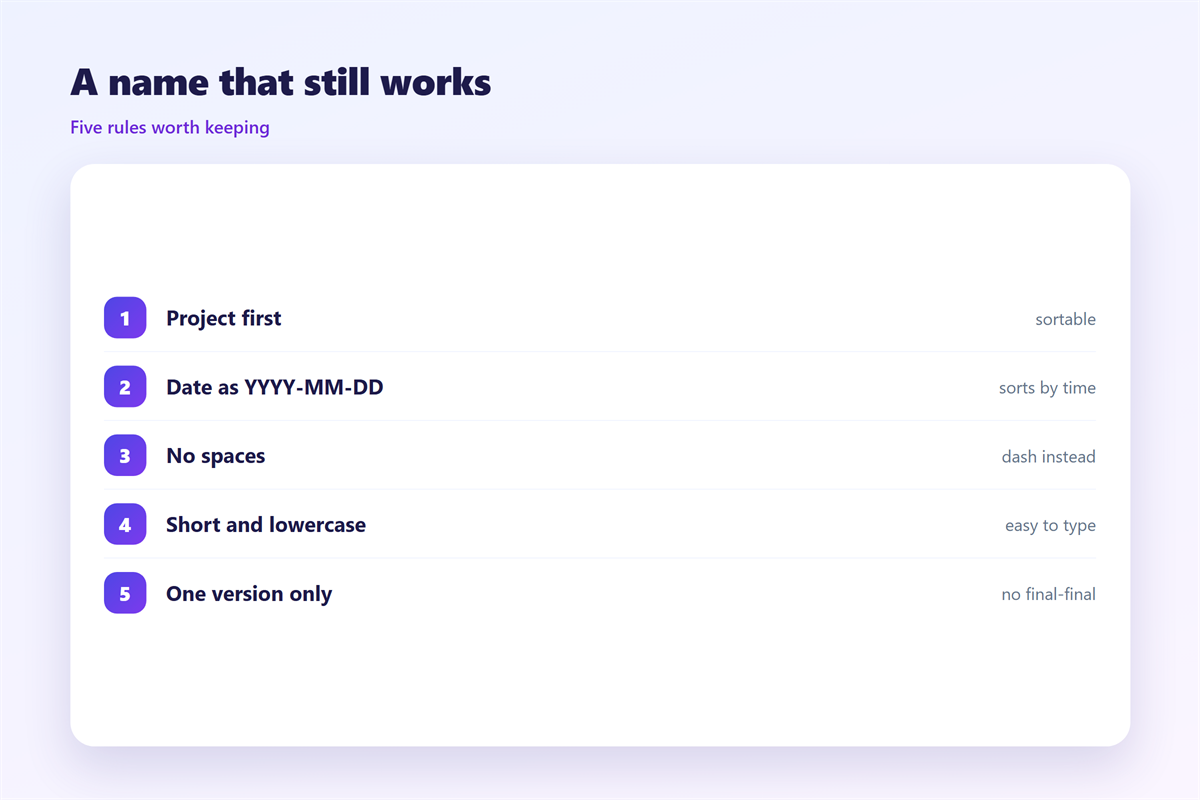
Start with the subject or project. Then add the document type.
Add a date next. Then add a version when it matters.
Separate each part with a hyphen or an underscore. Pick one and stay with it.
A name like project-plan-2026-03-01.pdf explains itself.
Keep the whole name short. Twenty to forty characters is plenty.
A clear 邮件附件命名 needs no explanation later.
Choose one style of 邮件附件命名 and keep it across projects.
Safe handling of files is covered under 邮件附件.
The same pattern works for folders and for cloud storage.
Order the parts the same way every time.
Readers learn the pattern after the second file.
Lowercase letters avoid confusion on strict systems.
Keep the extension visible at the end of the name.
Avoid mixing two styles in one folder.
A single style is easier to remember.
A saved example prevents small mistakes.
Characters and lengths that break
Some characters cause trouble across systems.
Spaces sometimes become %20 in a link. Slashes are worse.
Colons and question marks are illegal on some systems.
Emoji and accents may survive, but they can garble on older tools.
The simplest fix is a short set of letters, digits, hyphens and underscores.
Very long names get cut off. The end is where the version often sits.
Keep the important part at the front so trimming cannot hide it.
Bad 邮件附件命名 survives for years inside an archive.
A tidy name is also safer when a filter scans the file.
Some systems still limit names to a short length.
Encoded characters can double the visible length of a name.
A plain name moves between systems without surprises.
Rename files before you attach them, not after.
Test a name on another device if you are unsure.
A name that survives a backup is a name that works.
邮件附件命名 for versions and dates
Versions lose meaning without a rule.
Final, final2 and final-new tells the reader nothing.
Use a date in one fixed format. Year first sorts correctly everywhere.
A leading zero keeps months in order. So does a leading zero on days.
If you must use a version number, keep it short and consistent.
Good 邮件附件命名 removes the “which one is newest” question.
邮件附件命名 with a date sorts itself without any extra tool.
Longer storage is discussed in 邮件归档.
Put the date before the version, not after it.
The date and the version should never swap places.
A reader should not have to open a file to date it.
Numbers sort better than words like latest and newest.
Sort by name to see the newest version at the top.
A year first format makes that work.
Keeping 邮件附件命名 consistent in a team
Rules only work when everyone follows them.
Write the pattern down in one short line.
Put it where files are shared, not in a private note.
Give an example with the rule. Examples beat explanations.
One rule for 邮件附件命名 beats ten opinions.
A shared 邮件附件命名 habit makes every search faster.
To find a file later, see 邮件搜索.
Moving files out of a mailbox is described in 邮件导出.
Add the rule to templates so it appears automatically.
Review a sample of names once a month.
Fix drift early, before it spreads across the team.
New team members pick up the habit quickly.
Update the rule when the project changes.
Consistency beats cleverness in every shared folder.
FAQ
How long should a file name be?
Short enough to read at a glance. Aim for under forty characters. Long names are often cut off.
Should 邮件附件命名 use dates?
Yes when order matters. Use one format, year first, and never switch. Consistency is the whole point.
Are spaces allowed in file names?
Technically yes. In practice a hyphen avoids broken links and clipped text. It is simply safer.
What about 邮件附件命名 in other languages?
Foreign letters usually work. Plain letters are safer when the reader is unknown. When in doubt, keep it simple.
References
- IETF RFC 6266: Use of the Content-Disposition Header.
- IETF RFC 2183: Communicating Presentation Information.
- IETF RFC 2045: MIME Part One.
评论
还没有评论,来说两句吧。
评论功能已关闭。