 小影邮箱
小影邮箱邮件首字下沉怎么排?A Larger First Letter
Key Takeaways
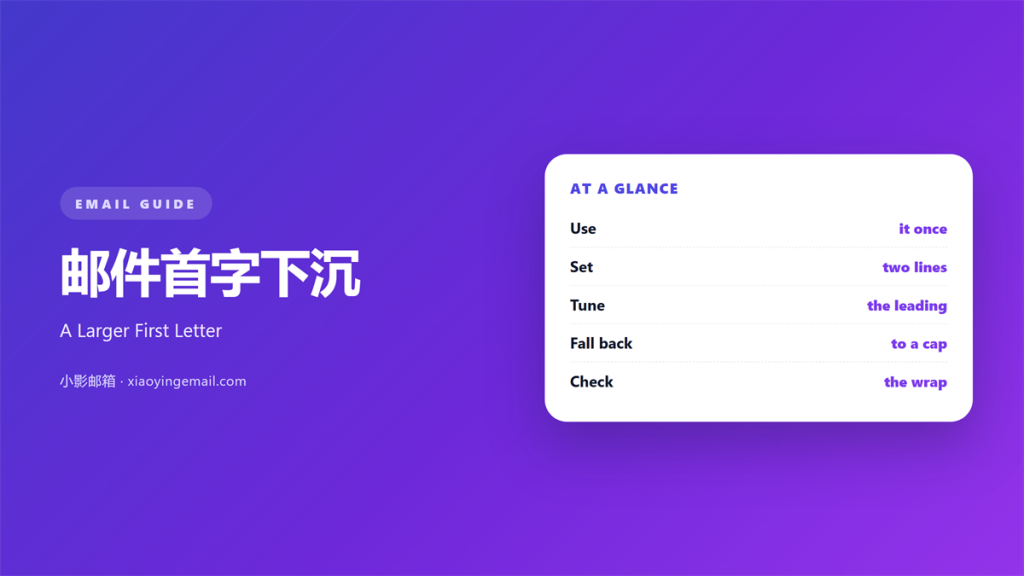
- 邮件首字下沉 sets the first letter larger than the rest.
- One drop cap per mail, always in the first paragraph.
- The line height must grow with the letter.
- Fall back to a normal capital when support fails.
- On a phone, keep it modest or skip it.
What 邮件首字下沉 means
邮件首字下沉 is the enlarged first letter of a paragraph.
It borrows the look of a printed magazine page.
The letter usually spans two or three lines.
The rest of the sentence wraps beside it.
That wrap is what makes it a drop cap.
A large letter on its own line is just a heading.
The effect belongs in the first paragraph of the body.
Anywhere else it looks like an accident.
Most mail clients support the float used to build it.
A few do not, and there the letter sits alone.
So the fallback has to look acceptable too.
Plain text is always the base case.
Why 邮件首字下沉 matters
A long mail looks like work before it is read.
A drop cap gives the opening a visible edge.
It signals where the letter begins.
That helps a reader who skims the top of the page.
It also sets a tone. Magazine pages feel considered.
That tone suits a note from a person, not a bot.
The cost is tiny, one letter and a few lines of markup.
The gain is a clear starting point.
Most design choices in mail cost far more.
A drop cap also separates one send from the next.
The first paragraph earns it
Only the opening paragraph deserves the effect.
Its first sentence should already carry the point.
If the opening is weak, the letter makes it obvious.
So write the sentence before you style it.
When 邮件首字下沉 helps
邮件首字下沉 helps in a personal letter.
It helps in a newsletter with a long opening.
It fits a story-driven mail with one voice.
It also fits a welcome message to a new reader.
Use it when the first paragraph is short.
Three lines of text is the ideal length.
It works less well in a product announcement.
Those mails want speed, not atmosphere.
Where it looks right
The letter belongs at the left edge of the column.
Keep it aligned with the body text, not the margin.
Give it a little space on the right side.
Otherwise the first words crowd the letter.
When 邮件首字下沉 hurts
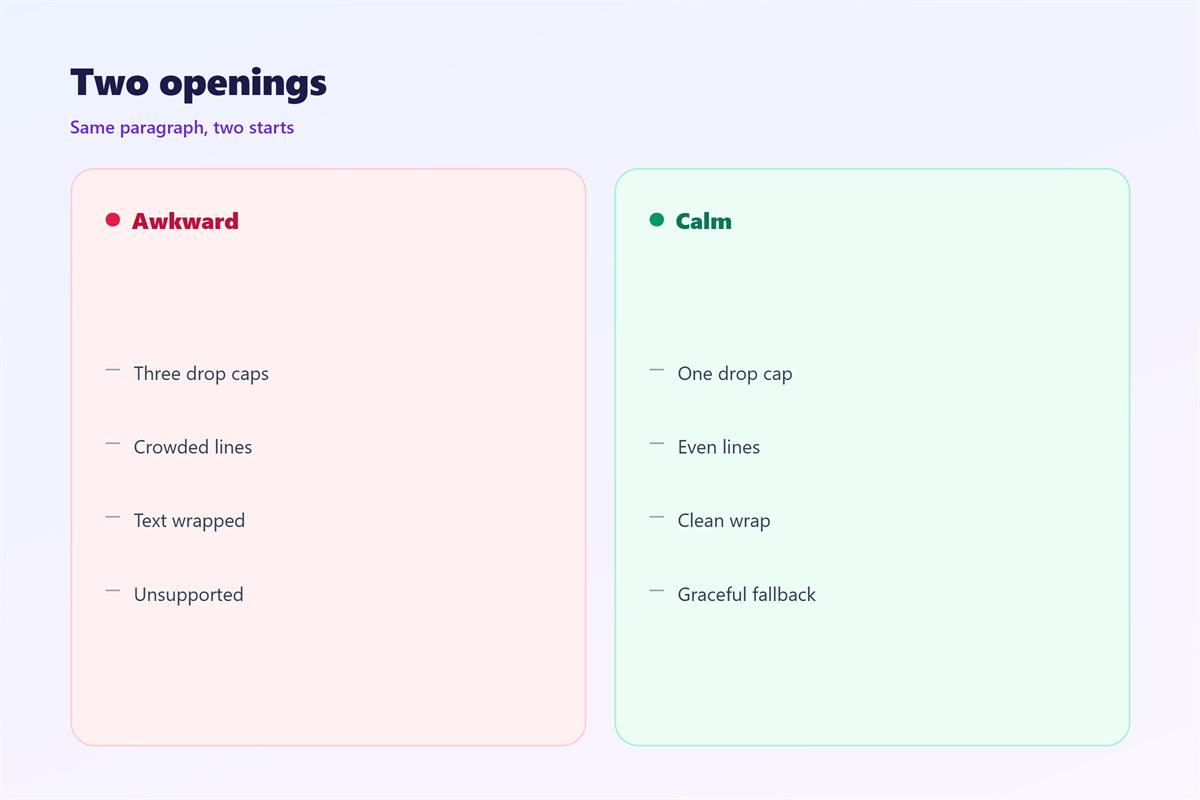
邮件首字下沉 hurts when two paragraphs use it.
The second letter looks like a copied mistake.
It hurts when the letter is a capital W or M.
Those shapes are wide and push the first line away.
It hurts when the letter is a digit or a quote mark.
Numbers lose their shape at large sizes.
It hurts when the line height stays fixed.
Then the following lines collide with the letter.
It also hurts when the font is a light weight.
A thin letter disappears against white space.
Finally, skip it in the plain-text version of the mail.
邮件首字下沉 and the opening line
A drop cap changes how the first line breaks.
The first line loses room for words.
So the opening sentence should be short.
A long sentence wraps badly beside a large letter.
Test the break with your own copy.
Change one word and the wrap can shift.
Keep the sentence under twelve words.
Then the second line starts cleanly.
That single rule prevents most broken layouts.
Line height follows the letter
Set the paragraph line height to at least 1.6.
The letter itself needs a matching line box.
Most versions size the letter near three lines.
Adjust the top margin until the baseline sits level.
Small differences here are very visible.
How to build 邮件首字下沉
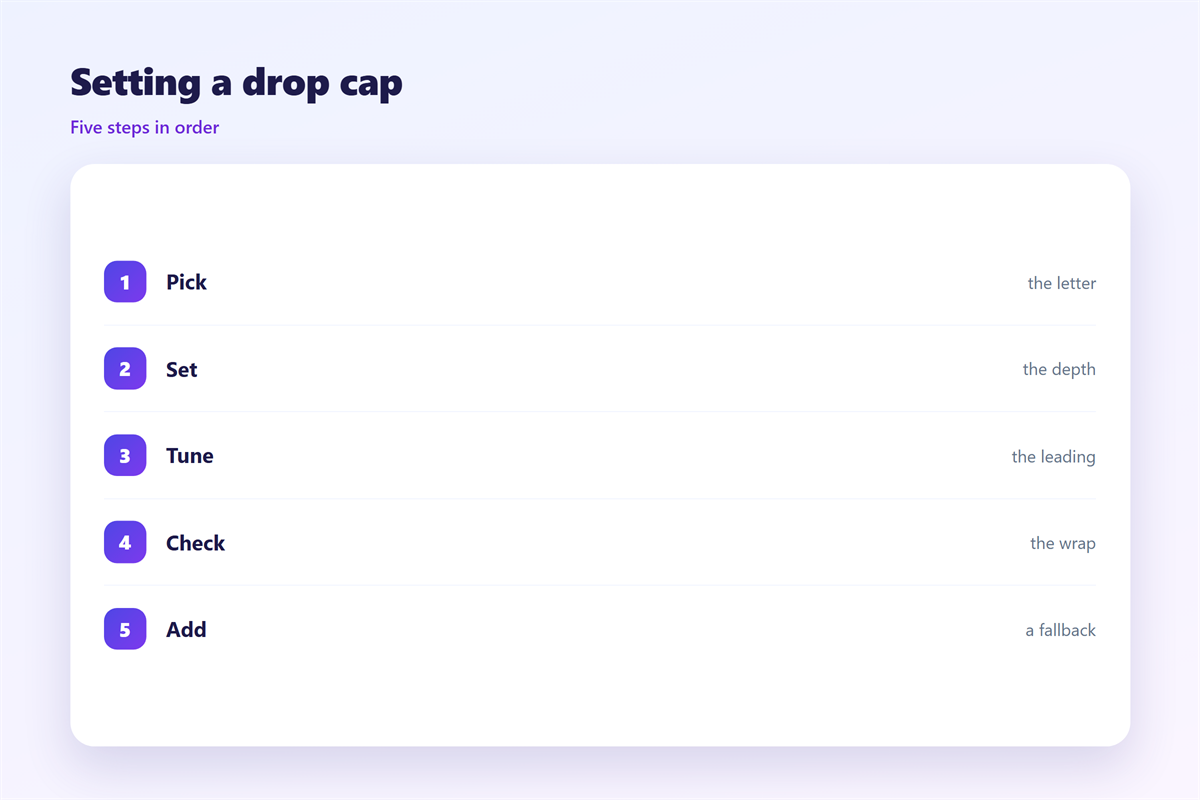
Build the 邮件首字下沉 with a floated span.
Wrap only the first letter.
Set the float to the left and add a small margin.
Size the letter to about three body lines.
Keep the font family the same as the body.
A different face turns the letter into a logo.
Then test in the clients your list actually uses.
Fallbacks matter more than the effect itself.
A fallback that still reads
Some clients drop the float and keep the letter.
Set a modest size so that case still looks fine.
Use a class that a media query can override.
On narrow screens, reduce the letter to two lines.
Never place the letter inside an image.
Images fail, and the text is lost with them.
邮件首字下沉 on a phone
A phone column is only about forty characters wide.
A three-line letter takes a large share of that.
Two lines is usually the better size.
Check that the first word still fits.
If the wrap breaks a short word, cut the size.
Some readers use large system fonts.
Then the drop cap scales up and can dominate.
Set a maximum size in pixels to cap it.
Test with the largest text setting you can.
A letter that fills the screen is not a design win.
Keeping 邮件首字下沉 honest
邮件首字下沉 is style, so it must not cost the reader.
Keep the letter as real text, never as an image.
A screen reader then reads the word correctly.
Font choice is covered in 邮件字体.
Column behaviour sits in 邮件排版.
Block structure appears in 邮件段落.
Weight and size belong to 邮件字重.
Keep one treatment across a whole series.
Same size, same margin, same colour.
A reader then recognises the letter before reading it.
That recognition is the whole return on the effort.
FAQ
Does 邮件首字下沉 work in Outlook?
Sometimes. Outlook desktop often drops the float and keeps the letter.
Can I use a different font for the letter?
You can, but it reads as a logo. Keep the body face.
Should the letter be bold?
Usually yes. A regular weight looks thin at that size.
What if the first word is very long?
Rewrite the sentence. Short openers avoid the problem.
评论
还没有评论,来说两句吧。
评论功能已关闭。