 小影邮箱
小影邮箱邮箱异地登录是怎么回事?When the Location Looks Wrong
Key Takeaways
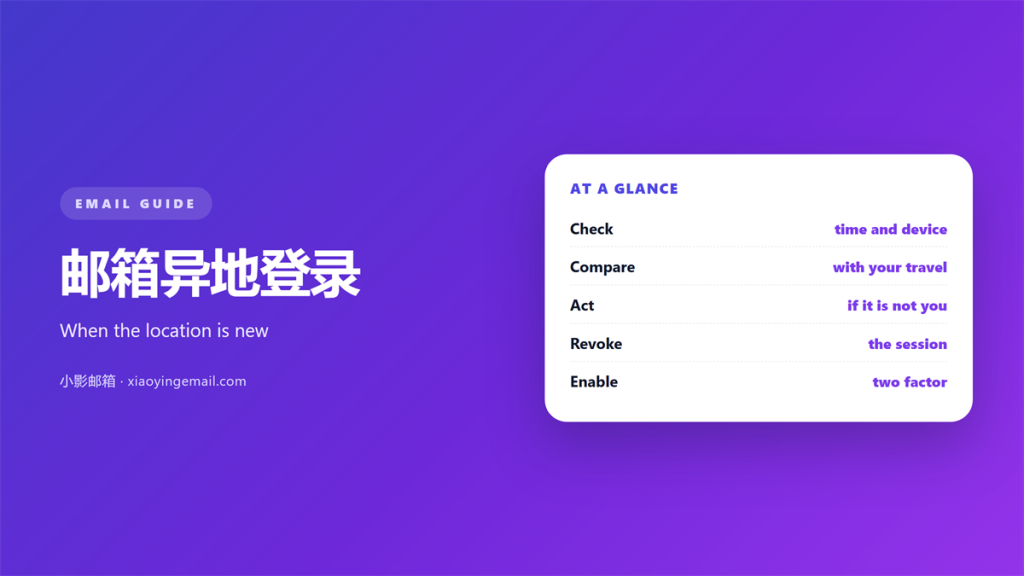
- A 邮箱异地登录 alert is a warning, not proof.
- Real travel often looks like a strange login.
- Check the login history before you panic.
- Change the password if the login is unknown.
- Turn on two step checks today.
What 邮箱异地登录 means
邮箱异地登录 is a sign in from an unusual place.
The provider notes the city, the device and the time.
If the place looks wrong, it raises a small flag.
Sometimes the flag is a false alarm.
Sometimes it points to a real break in.
The message itself does not tell you which one.
So you have to check a little more.
A quick review tells the two apart.
Never ignore the alert and never assume the worst.
Treat it as a prompt to look closer.
A 邮箱异地登录 warning often arrives by email.
邮箱异地登录 alerts are designed to make you pause.
Use that pause well.
The city on the alert is only a hint.
It is not proof of anything on its own.
So gather a little evidence first.
The alert names a time and a place.
Both help you date your own activity.
Compare them with your calendar.
Real travel or a 邮箱异地登录 scare
Many normal events cause a 邮箱异地登录 notice.
A holiday, a work trip or a new phone can trigger one.
A virtual private network hides your real city.
Mobile data can route you through another region.
A mail app on a new device signs in from afar.
All of these are harmless in most cases.
A genuine 邮箱异地登录 looks different from a trip.
A real break in leaves other signs behind.
New forwarding rules appear without your help.
Sent mail fills with messages you never wrote.
Contacts receive strange requests from your address.
So read the whole picture, not just the city name.
The context decides whether you should worry.
A calm mind reads the clues better.
Write down what you find before you act.
A short note keeps your facts straight.
Then you can describe the event clearly.
Checking 邮箱异地登录 alerts
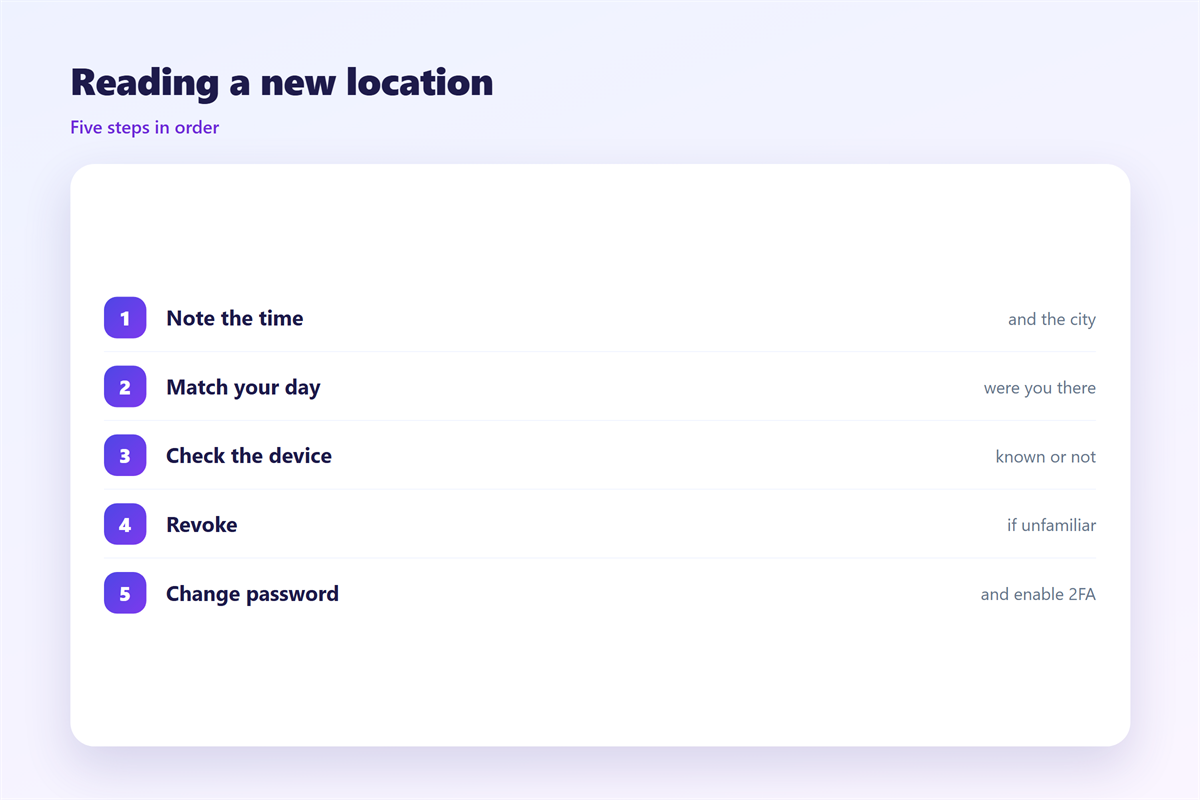
Open the security page of your account.
Find the recent activity or login history list.
Read each entry and compare it with your memory.
Note the device, the browser and the time.
Ask one simple question for each row.
Was I there, and was that me?
If both answers are yes, the alert is safe.
If either answer is no, act at once.
Act on any 邮箱异地登录 you cannot explain.
Sign out of sessions you do not recognise.
Then change the password to something new.
Review the 邮箱异地登录 list once a month.
A regular look makes the odd entry obvious.
Keep a note of the places you often use.
Then a new city stands out at a glance.
Take a screenshot of anything odd.
It helps if you must contact support.
Securing the account after a scare
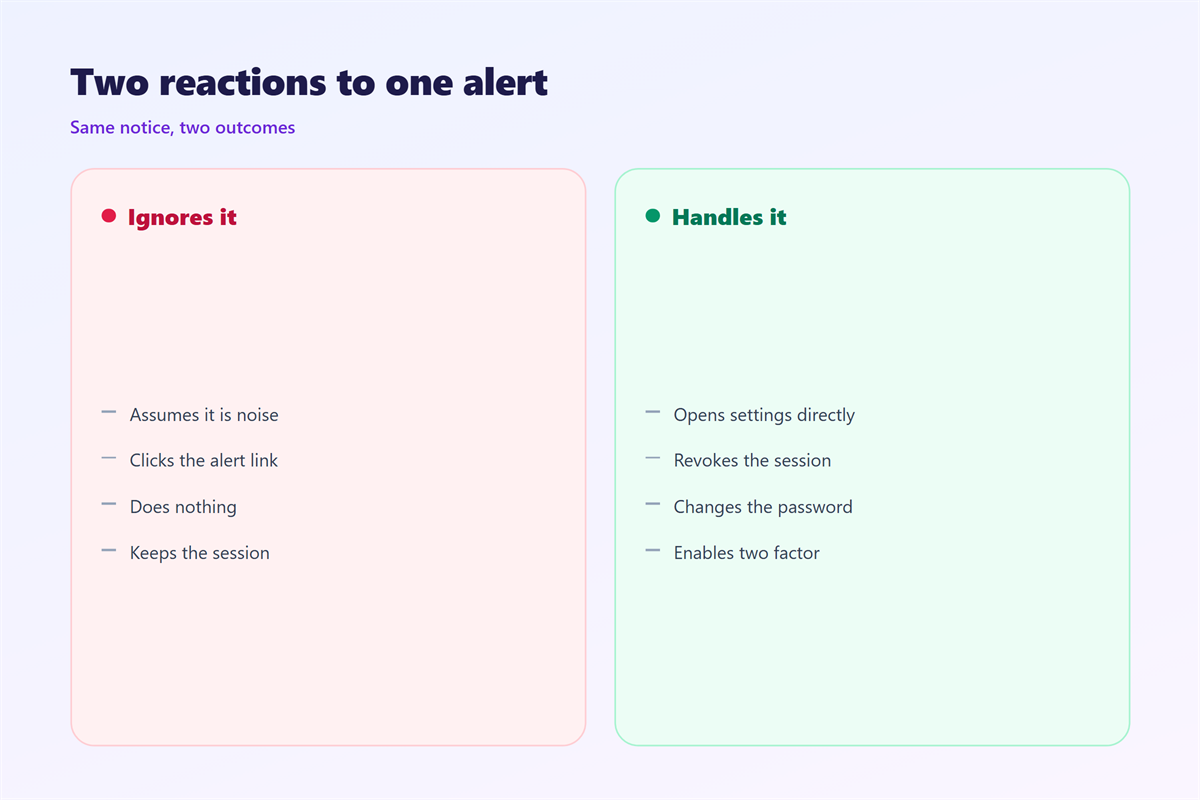
Change the password first, then the recovery details.
Turn on two step verification right away.
Remove any device you do not own.
Check the forwarding and filter rules.
Delete the ones you did not create.
Tell your contacts if strange mail went out.
A short warning saves them from a fake request.
After a 邮箱异地登录, lock the account down.
Then watch the login list for a few days.
A second alert means you must dig deeper.
Consider a password manager at this point.
It creates long passwords you never reuse.
Good 邮箱安全 habits stop most repeat attacks.
They also make the next 邮箱异地登录 easier to read.
Write down the date of the change.
A short log helps in any later review.
Reducing false alarms
Many alerts come from your own habits.
A travel router can look like a foreign login.
A new browser can also raise a flag.
Clearing cookies on a phone changes the fingerprint.
So tell the provider when you move.
Register trusted devices where the app allows.
That cuts the noise and keeps real alerts visible.
A quiet list is easier to trust.
Fewer false alarms mean faster reactions.
So tune the alerts once and forget them.
Update the provider when your number changes.
An old number slows every recovery.
Staying calm after 邮箱异地登录
A scare can push people into fast mistakes.
They delete mail or wipe a device in haste.
That often destroys useful evidence.
So pause before you act.
Write down what you see first.
Then follow the steps in order.
A calm response protects your data.
It also keeps your contacts safe.
Speed matters, but order matters more.
Team habits that reduce risk
A shared account needs extra care.
Keep the recovery phone current for everyone.
Remove access when a person leaves the team.
Share the 邮箱异地登录 policy with the team.
Hold a short review after any incident.
Note what worked and what did not.
A yearly drill keeps skills sharp.
Our notes on 邮箱登录异常 explain the warning signs. The full defence playbook sits under 邮箱安全. Each past session is treated in 邮箱登录记录, and blocked access sits under 邮箱锁定.
FAQ
Is 邮箱异地登录 always an attack?
No. Travel and new devices cause most alerts. Check the history before you worry.
Should I change my password right away?
Only if the login looks wrong. If it is unknown, change it at once.
How do I stop future alerts?
You cannot stop them all. Turn on two step checks to reduce the risk.
What if I cannot sign in now?
Use the recovery route and reset the password. Then review the login list.
评论
还没有评论,来说两句吧。
评论功能已关闭。