 小影邮箱
小影邮箱事务性邮件是什么?Fast, Plain and Separate
Key Takeaways
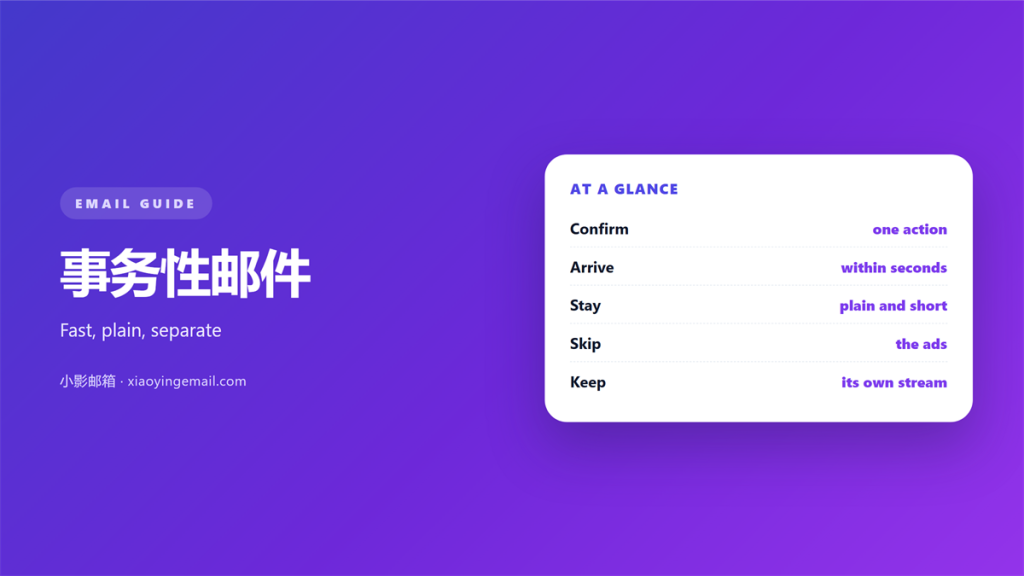
- 事务性邮件 confirms an action a person just took.
- Send it fast, before doubt sets in.
- Keep the layout plain and text first.
- Separate it from ads and newsletters.
- Track delivery so nothing is lost.
What 事务性邮件 means
事务性邮件 is a message that responds to something a person did.
A receipt, a password reset or a shipping notice all fit.
The reader just clicked, bought or signed up. The mail confirms it worked.
This kind of mail is expected. It is not a surprise promotion.
The purpose is simple. Tell the person the action succeeded.
A good 事务性邮件 arrives in seconds, not hours.
It stays small and clear. One action, one confirmation.
The reader almost never opted in for a treat. They asked for a fact.
It is triggered by the user, not by a marketing calendar.
That is the key difference from a newsletter.
Common examples include order confirmations and login codes.
A confirmation should arrive while the user still watches.
That instant feedback builds confidence in the product.
A quiet 事务性邮件 never asks for a reply.
The reader opens it expecting a result, not a story.
That expectation shapes the design.
Each message maps to one event in the system.
A missing event means a missing email.
Why 事务性邮件 must be fast
Speed is the whole point of this mail.
A password reset that takes ten minutes blocks the reader.
Speed builds trust
A quick reply feels reliable.
Delay makes people click the button again and again.
Each extra click adds a support ticket.
Every minute of delay adds doubt.
Doubt pushes a user to click the button again.
A slow receipt causes worry
A missing receipt makes a buyer nervous.
Some will call support. Others will cancel the order.
Fast 事务性邮件 prevents most of that support work.
A steady queue keeps every send on time.
A fast system feels modern and stable.
A slow system looks broken even when it works.
Users trust a service that answers at once.
Log the time from click to inbox.
A target of a few seconds keeps the team sharp.
Speed is a feature users notice.
How 事务性邮件 differs from marketing
Marketing mail asks for attention. Transaction mail answers a request.
The first wants a click. The second confirms a fact.
Mixing the two confuses the reader.
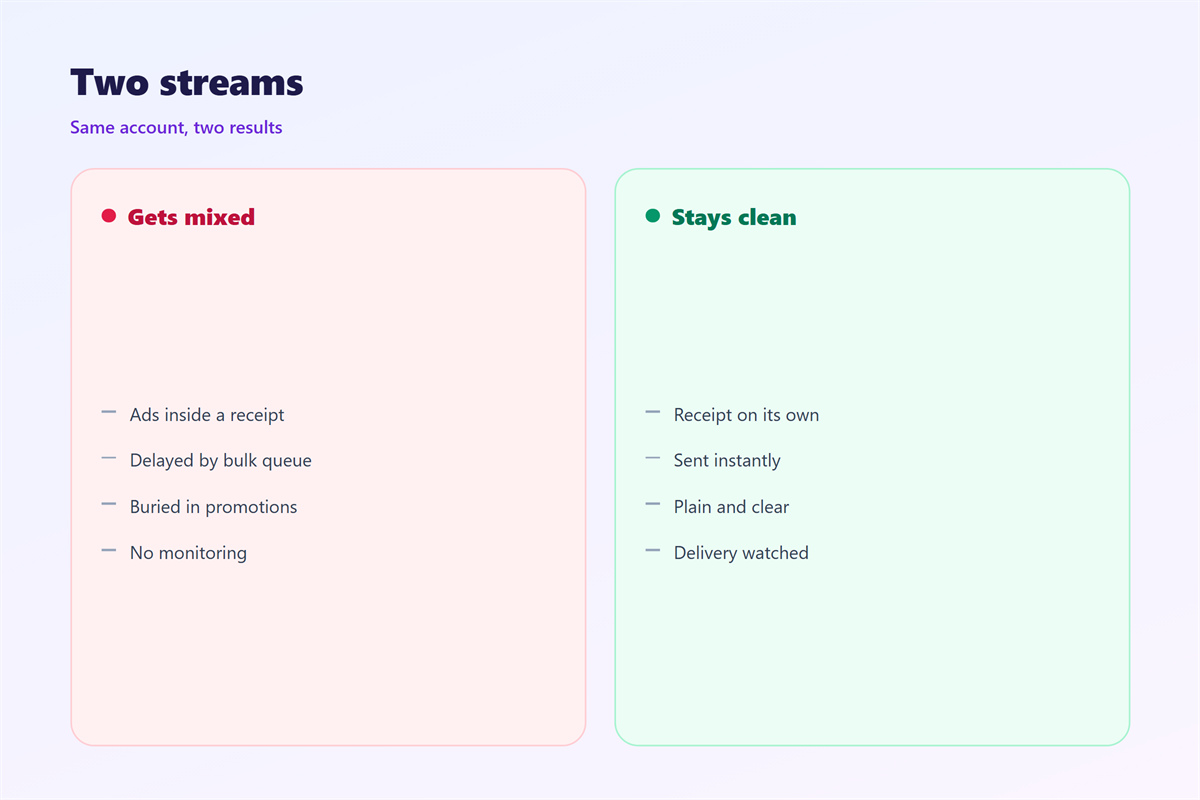
A receipt with a big sale banner looks like an ad.
Keep the streams apart. Send offers from a different address.
That split also protects your delivery reputation.
Unsolicited offers get marked as spam far more often.
A clean stream keeps the important mail landing in the inbox.
One stream informs, the other persuades.
Blur the line and the reader stops trusting both.
Keep the sending addresses clearly different.
A clean 事务性邮件 also avoids the promotions tab.
Keep a clear line between the two teams.
Tools often send both from the same platform.
A purchase receipt should never carry a discount code.
Keep the streams apart at the domain level.
How to keep 事务性邮件 plain
Use simple HTML and clear text.
Load fast on a phone. Many readers open mail on the move.
Put the key fact at the top. Say what happened in the first line.
Avoid large images. They slow the message and may not load.
Use one clear button. Label it with a verb.
Add a plain text version. Some clients block HTML.
A tidy 事务性邮件 also includes a real from name.
Test the message in several email clients.
Check it on a small phone screen.
A plain 事务性邮件 loads in a blink.
Skip fancy fonts and heavy backgrounds.
Keep the from address stable and familiar.
A single column reads well on any screen.
Use a font size that suits older readers too.
Write the message before you design it.
The words matter more than the colors.
Keep line length short for easy reading.
Plain text often reads better than rich HTML.
Keep the layout boring and the facts sharp.
A dull receipt is a good receipt.
Our notes on 邮件推送, 邮件队列, 邮件投递率 and 自动回复 explain the plumbing behind this mail.
Common mistakes in 事务性邮件
The first mistake is slow sending. Queue delays annoy users fast.
The second is stuffing in ads. It turns a receipt into spam.
The third is a broken link. Test every button before launch.
Another 事务性邮件 error is a vague subject. Say what the message is.
Do not share one address for every stream. Separate sending builds trust.
Avoid heavy images that hide the main fact.
Watch the bounce list. Clean it so mail keeps arriving.
A missing confirmation pushes users to ask a human instead.
A slow 事务性邮件 teaches users to refresh and worry.
Log every send so problems are easy to trace.
A simple record helps you spot a broken template.
A clear 事务性邮件 saves a dozen support emails.
Check the reply address on every template.
Keep a small set of tested templates.
Review the flow after any product change.
A wrong amount in a receipt causes instant worry.
Pull figures straight from the system, never by hand.
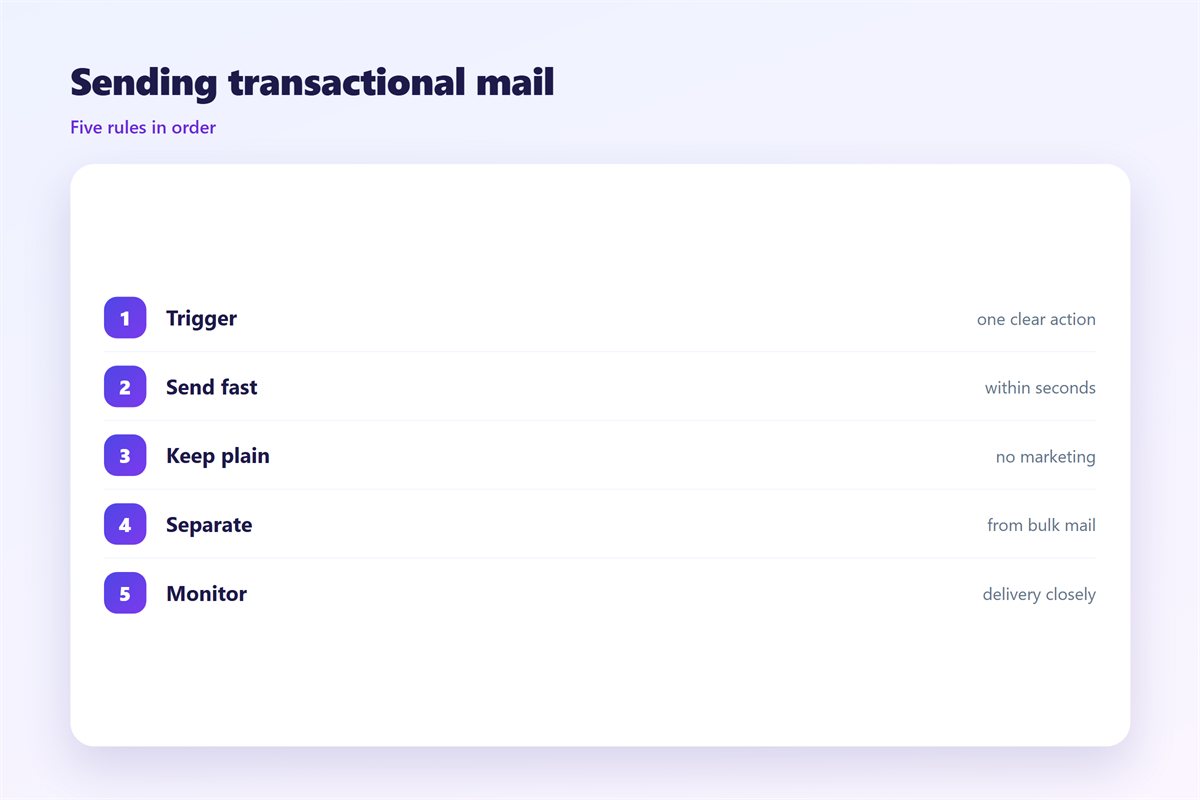
A simple 事务性邮件 beats a decorated one every time.
FAQ
Can 事务性邮件 carry a small offer?
A tiny line is sometimes fine. A large banner is not.
How fast must it be?
Seconds for resets and receipts. Minutes at the very most.
Should I use a separate domain?
A subdomain is often enough. It keeps the streams apart.
What if the message bounces?
Show an error in the app. Let the user fix the address.
评论
还没有评论,来说两句吧。
评论功能已关闭。