 小影邮箱
小影邮箱邮件简报怎么写?Updates People Actually Read
Key Takeaways
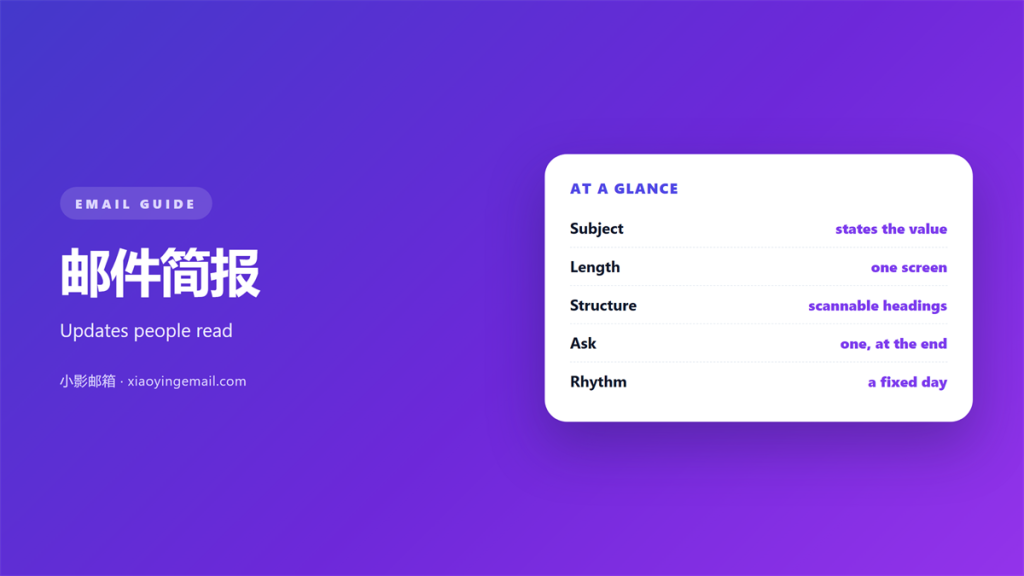
- A good 邮件简报 answers one question at a glance.
- Lead with the news, not with background.
- Keep each issue to one screen of text.
- Give every item a clear owner and a date.
- Ask for one action, not a list of five.
What 邮件简报 is for
邮件简报 is a short update that people actually read.
It keeps a team informed without calling a meeting. One note replaces five separate threads.
The goal is not to show everything. The goal is to highlight what changed.
A busy reader scans a 邮件简报 in thirty seconds. If the point is buried, it is lost.
Think of it as a headline, not a report. The detail can live elsewhere.
Good 邮件简报 respect the reader’s time. They stay short on purpose.
A briefing is not a newsletter. It is a working note for people who know the project.
Skip the greeting and the small talk. A short header saves everyone time.
Write as if the reader has twenty seconds. That single rule shapes every line.
That respect is what makes people open the next one.
A briefing also creates a record. Readers can check it later without asking you.
That record keeps a team aligned. Fewer people repeat the same question.
Choosing the length of a 邮件简报
Length decides whether the note gets read.
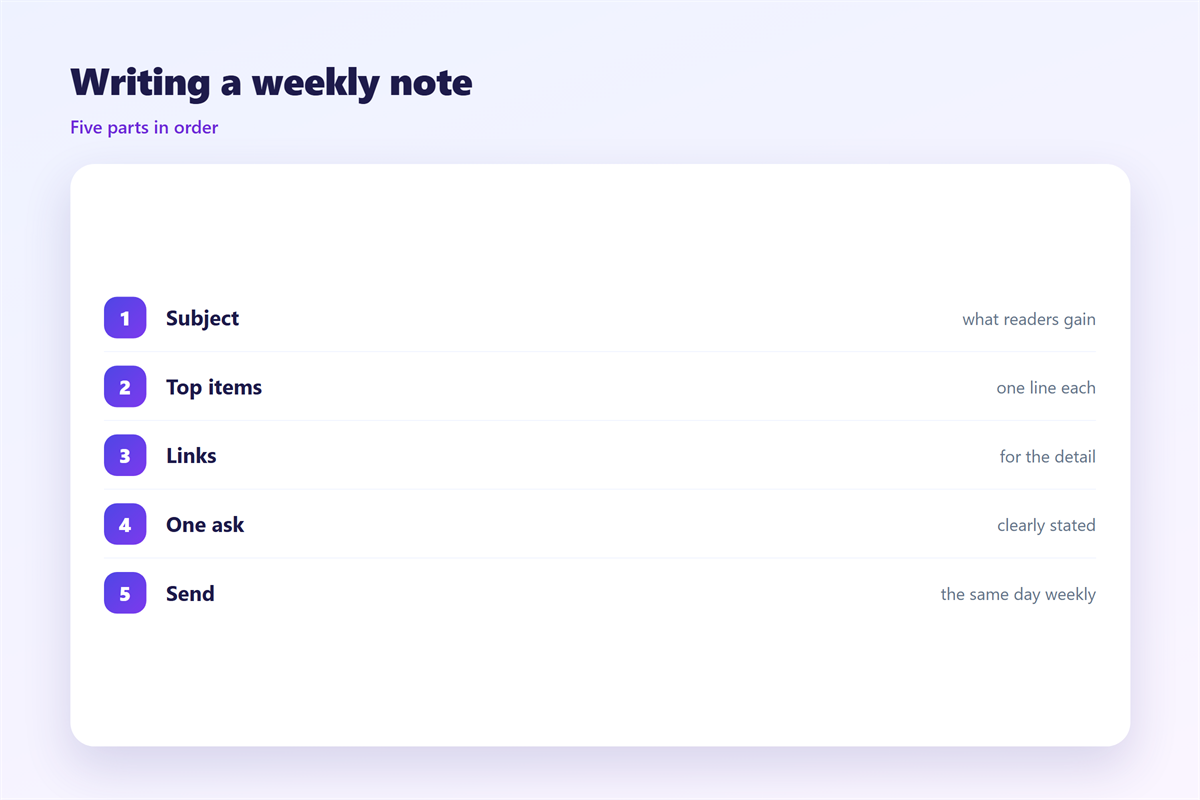
Keep a routine 邮件简报 to one screen. Three to six short items is plenty.
If you have more, split it. Send the rest in a second note.
Each item should be one sentence or two. Front load the fact that matters.
Use plain words. Long words slow a reader down.
Numbers help. A clear date beats a vague phrase like somewhat delayed.
One idea per line is the safest rule. It keeps the note easy to skim.
Cut adjectives that add nothing. A number says more than a fuzzy word.
Group related items under one short heading. It helps a reader skip what is not theirs.
A short 邮件简报 also gets answered. A long one gets saved and forgotten.
A short opening line sets the tone. One sentence is enough.
Where 邮件简报 go wrong
Four habits spoil a good update.
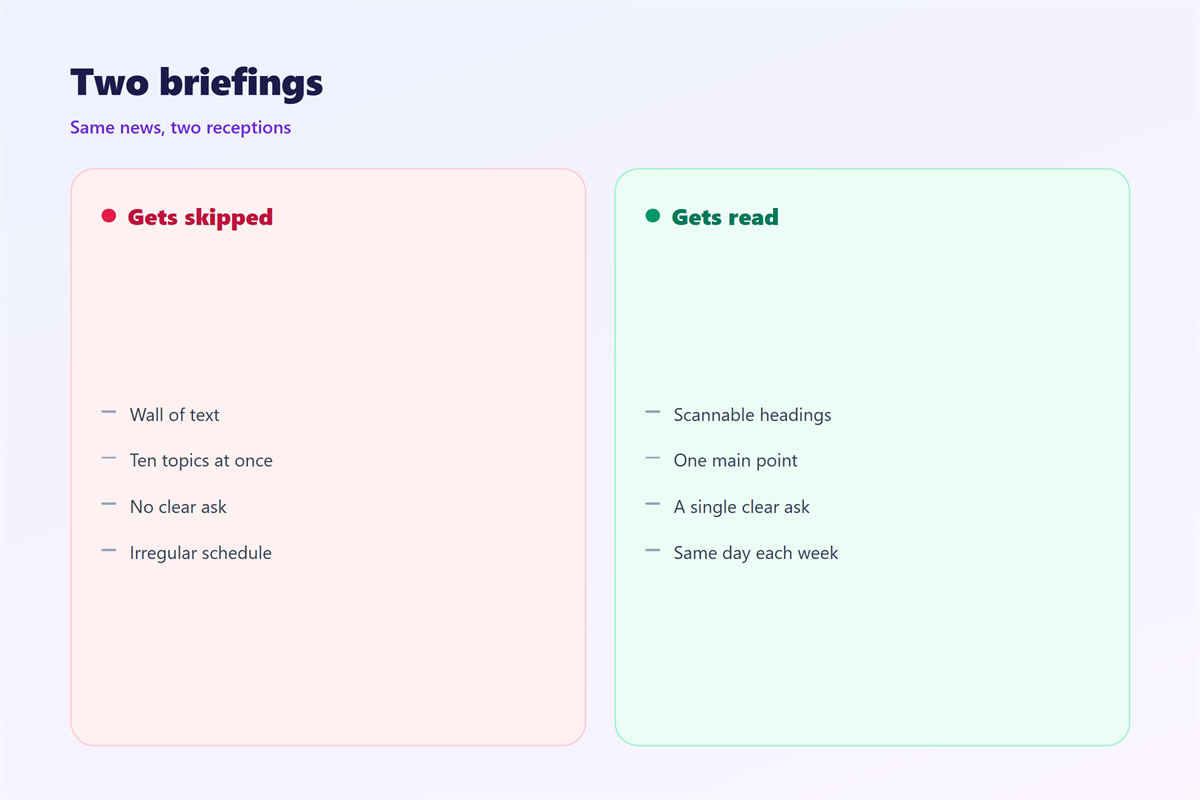
The first is a wall of text. It hides the news in the middle.
The second is a missing date. Items without dates float forever.
The third is too many asks. Five requests usually mean none get done.
The fourth is the same news twice. Repeating an old item wastes attention.
Fix each with one move. Add a heading, a date, a single ask and a fresh cut.
A busy update can also hide the good news. Report wins as clearly as risks.
Keep the tone flat and even. Calm words are easier to trust.
Keep personal opinions out of the note. Facts help more than guesses.
If a decision is pending, say so clearly. Do not bury it.
A careless 邮件简报 trains people to skip it. Once they skip, the channel is dead.
So trim before you send. A shorter note earns a faster reply.
Testing your 邮件简报
Test the note before it goes out.
Read the first two lines alone. Do they carry the main news?
Then count the asks. If there is more than one, cut the rest.
Send the 邮件简报 to yourself. Check it on a phone screen.
If you must scroll, it is too long. Trim one item.
Ask a colleague to name the top item. If they cannot, rewrite the lead.
Keep a copy of each issue. The history shows what you already told the team.
A test on your own phone catches most layout faults. Do it before every issue.
Leave the reader with one clear next step.
A quick read aloud catches clumsy lines. Your ear hears what your eye misses.
Ask for feedback once in a while. Readers often know what to cut.
A short 邮件简报 check keeps the update readable.
Working with templates and layout
A saved template saves time and keeps a steady shape.
Use the same header each week. Readers learn where to look.
Layout matters too. Short lines and clear labels are easy to scan.
Bold the few words that carry the news. Do not bold a whole paragraph.
Keep the subject line plain and specific. It decides whether the note is opened.
A steady 邮件简报 is easier to trust.
Store the template where the team can find it. A hidden file helps nobody.
Review the shape each quarter. Teams change and so do their needs.
Keep one owner for the template. A shared file drifts without care.
Ask readers what they skip. Their answer shows what to remove.
Start each issue with the single most important line. The rest can wait below.
Our notes on 邮件公告 cover a formal notice. Status notes sit under 邮件汇报. A reusable form is shown in 邮件模板, and the visual shape is treated in 邮件排版.
FAQ
What belongs in a 邮件简报?
What changed, who owns it and when it lands. Add a link for detail. Leave the background out.
How long should it be?
One screen. Three to six items. If it takes scrolling, it is too long.
How often should I send one?
A fixed rhythm works best. Weekly suits most teams. A surprise note is easy to miss.
Can a 邮件简报 carry links?
Yes, but keep them few. One link per item is enough. Let the note stand on its own.
References
- IETF RFC 5322: Internet Message Format
- Microsoft: Add or remove people from an email message
- Google: Add or remove recipients in Gmail
评论
还没有评论,来说两句吧。
评论功能已关闭。