 小影邮箱
小影邮箱邮件整理怎么做?Sorting Mail Without Stress
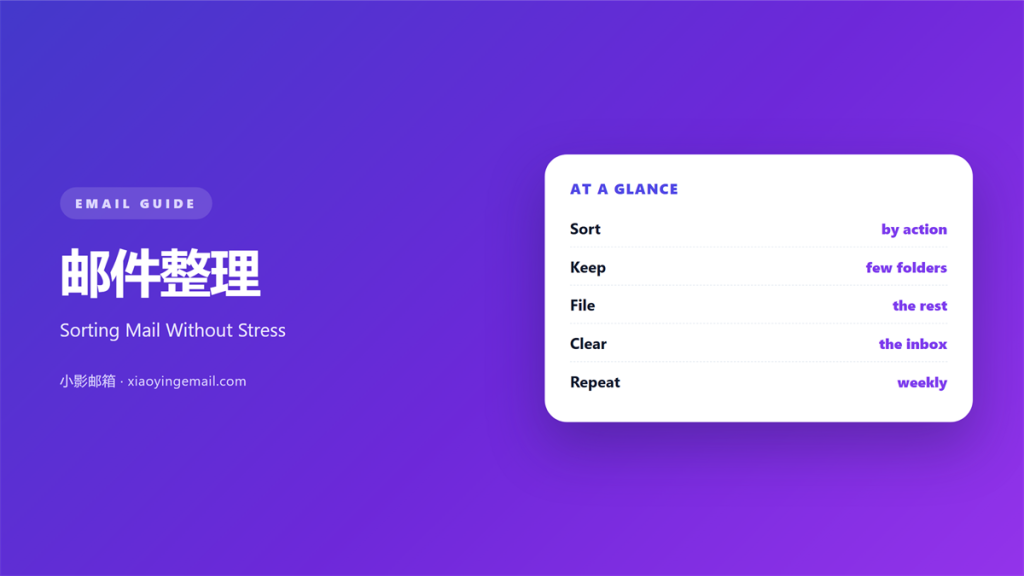
Key Takeaways
- 邮件整理 keeps a mailbox easy to use.
- Group mail by project, not by sender.
- Clear the inbox on a set day.
- Archive what you may need later.
- Delete what you will never open.
What 邮件整理 means
邮件整理 is the habit of ordering your mail.
It covers sorting, filing, and clearing.
It is not a single tool.
It is a set of small rules.
Each rule moves a message to the right place.
Some mail needs action now.
Some can wait a day.
Some can be read once and dropped.
The goal is a mailbox you can trust.
You know where each message sits.
You know what still needs a reply.
That calm comes from a simple system.
It does not need new software.
A few folders and a routine are enough.
Start small and add rules over time.
The system should fit your work.
Then it will last.
Why 邮件整理 matters
A messy inbox costs time every day.
You scroll and search for one message.
Good 邮件整理 ends that search.
It turns a pile into a place.
You find a message in seconds.
You trust that nothing is lost.
That trust lowers your stress.
It also helps your team.
You can forward the right file fast.
So order is a real skill.
A clear mailbox also shrinks the daily load.
You answer more and scroll less.
A tidy inbox also calms the mind.
You stop dreading the unread count.
That alone is worth the effort.
Fewer decisions, less fatigue
Every unfiled message is a small decision.
Hundreds of them drain your focus.
A clear rule removes the decision.
Then the mind stays fresh.
When 邮件整理 helps
It helps when the inbox hits triple digits.
It helps before a long holiday.
It helps when you change roles.
Each case brings a flood of mail.
邮件整理 turns that flood into a list.
It also helps a shared mailbox.
A team can agree on the same folders.
Then handovers take minutes.
It helps at the end of a project.
You can archive the whole thread at once.
It helps when a reply is overdue.
A tidy list shows what is late.
It helps before a big launch.
A clean list keeps the team aligned.
So sort before the busy week starts.
The two-minute rule
If a message takes under two minutes, answer it.
If it takes longer, file it.
Then return to it later.
When 邮件整理 hurts
Too much 邮件整理 wastes time too.
Some people sort for hours.
They build folders they never open.
That is tidiness without a purpose.
So keep the system light.
A handful of folders beats fifty.
Also avoid over-labeling a message.
One clear label is enough.
Then move on to the real work.
A perfect system can become its own job.
So stop when the inbox is workable.
Aim for useful, not perfect.
Perfect systems break under pressure.
A simple one survives a busy day.
邮件整理 and folders
Folders give each topic a home.
Name them by project or client.
Keep the names short and plain.
A nested mess is hard to browse.
So limit the depth to two levels.
Labels work like folders in many tools.
A message can carry more than one.
Use that for cross-topic mail.
Then search stays fast.
Think about the words you will search.
Then name the folder that way.
Rename folders when the work changes.
An old folder is worse than none.
How to use 邮件整理 well
Start by clearing the inbox once.
Open each message and decide fast.
Reply, file, archive, or delete.
Do not read everything twice.
Good 邮件整理 starts with one clear pass.
Then set a rule for new mail.
Let common senders skip the inbox.
Send newsletters straight to a folder.
Then the inbox holds only real work.
Keep the top of the list for actions.
Everything else can move down.
Do the same on every device.
A shared setup avoids confusion.
Then the rules work everywhere.
Sort in one pass
Sort the whole inbox in one sitting.
Do not stop to answer every note.
Flag the ones that need a reply.
Then return after the sort.
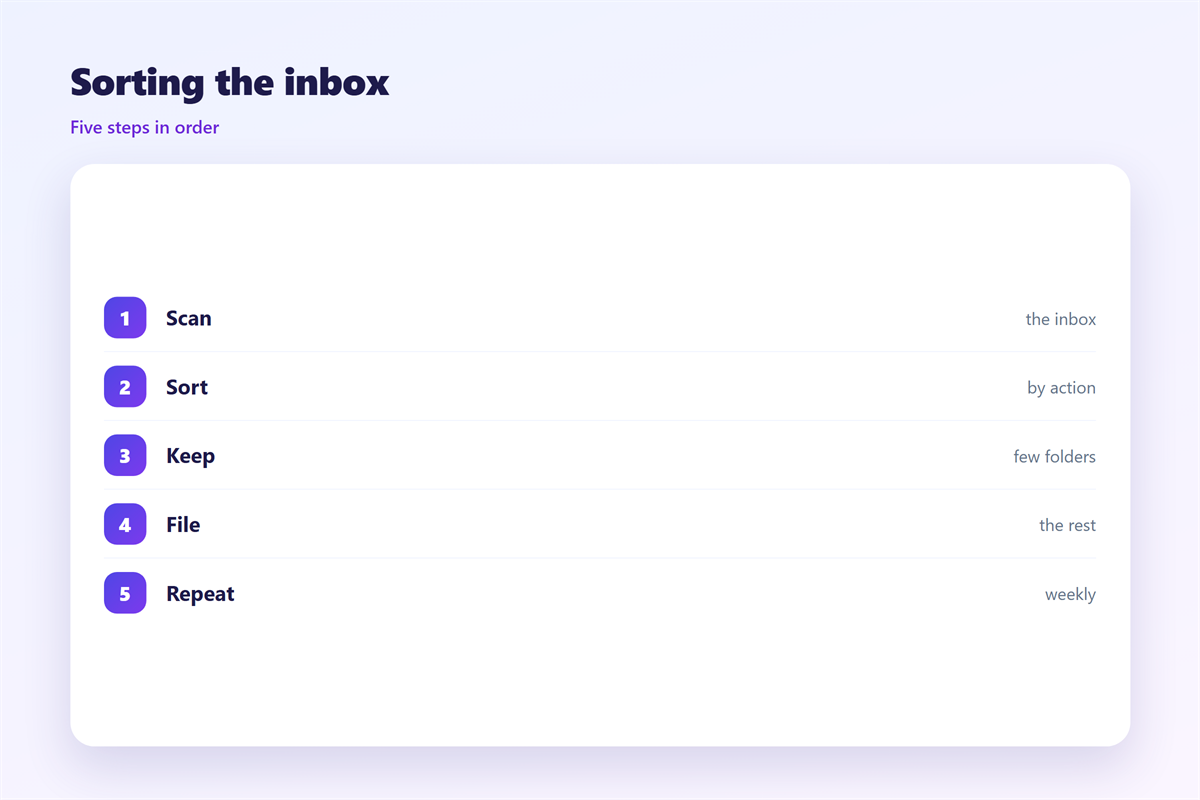
邮件整理 on a weekly routine
Pick one day for a short review.
Thirty minutes is often enough.
Clear the inbox to zero.
File the messages you kept.
Delete the ones you no longer need.
A weekly 邮件整理 keeps the pile small.
Write the day in your calendar.
Treat it like any meeting.
Then the habit becomes automatic.
Skip it once and the pile returns.
So protect the time slot.
Keep the session short and focused.
Do not open old threads again.
Then close the laptop when done.
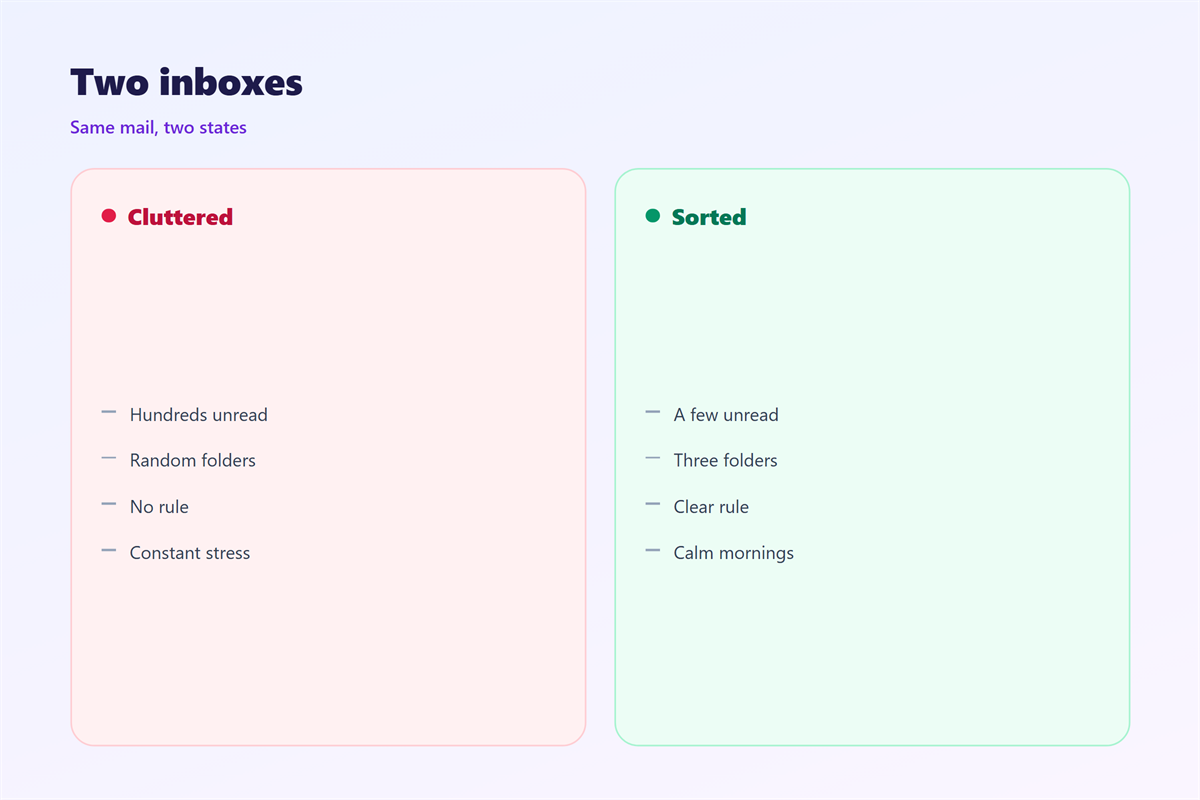
Keeping 邮件整理 consistent
Consistency keeps the system alive.
The wider habits are covered in 邮件收件箱, 邮件文件夹, 邮件归档, and 邮件标签页.
Name folders the same way across the team.
Then anyone can find any file.
A shared 邮件整理 rule saves many questions.
Review the folder list twice a year.
Merge the ones that overlap.
Then delete the empty ones.
That keeps the system clean.
A short rule sheet helps new hires.
Then the whole team stays in step.
FAQ
How many folders should I keep?
As few as possible. Ten clear folders beat fifty vague ones.
Should I aim for an empty inbox?
Yes, or close to it. A small inbox is easier to trust.
Are labels better than folders?
It depends. Labels suit mail that fits several topics at once.
How often should I sort?
Once a week is enough. Pick a fixed day and keep it.
References
- W3C WAI: Page structure and content
- Litmus: Email rendering guides
- Nielsen Norman Group: Writing for the web
评论
还没有评论,来说两句吧。
评论功能已关闭。