 小影邮箱
小影邮箱邮件朗读怎么用?Listen Instead of Read
Key Takeaways
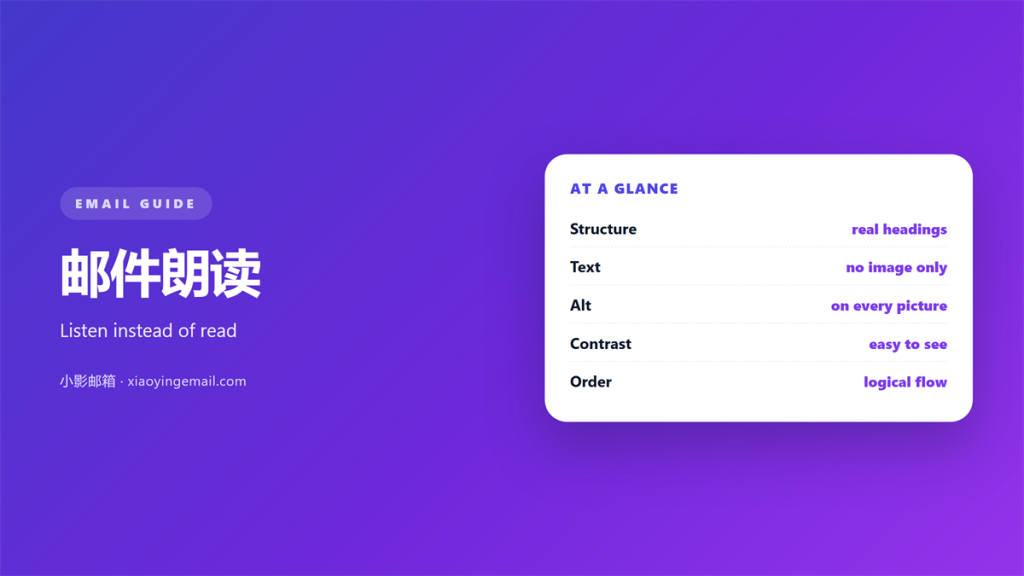
- 邮件朗读 turns a written message into spoken words.
- A clear 邮件朗读 starts with clean text.
- Short sentences sound better when read aloud.
- Alt text becomes the voice of every image.
- A clean design helps every listener.
What 邮件朗读 really is
邮件朗读 turns a written message into spoken words.
A screen reader or a voice assistant does the work.
The reader listens instead of looking at the screen.
This helps people who cannot see well or who are driving.
It also helps anyone who is simply tired of reading.
邮件朗读 is not a single product you can buy.
It is a set of tools that already sit in most devices.
The quality depends on the text you send.
Clean words sound clear. Messy words sound like noise.
So writing for the ear is now part of writing well.
Some people read faster than they listen. Others listen faster than they read.
The choice now belongs to the reader, not the writer. Design for both ways.
A message that sounds odd is a message worth fixing. The ear catches what the eye forgives.
A message that works for the eye can still fail the ear. Test both before you send.
Making 邮件朗读 work at the reader’s end
Most phones and computers carry a reader already.
A screen reader
It reads the screen in order, line by line.
The speed and voice are set by the user.
Good structure helps the reader skip around.
A voice assistant
A smart speaker can read your mail aloud.
It usually reads only the first part.
So the opening line must carry the point.
The listener may never hear the end.
A calm 邮件朗读 setup suits the listener.
That single fact changes how you write.
The reader controls the speed and the pauses. Your job is to make that easy.
A clear heading tells the reader what comes next. That single cue saves a lot of time.
Skip anything that only makes sense on a screen. The spoken version must stand alone.
Common 邮件朗读 problems
Some messages sound far worse than they look.
Long links
A raw link is read out letter by letter.
That noise can swallow a whole sentence.
Use a short phrase that describes the link.
Tables
A table read aloud loses its shape at once.
The listener hears numbers with no clear label.
Turn a table into short spoken lines.
Keep one idea in each sentence.
Skip decorative text that adds nothing when spoken.
A little care removes most 邮件朗读 problems.
Punctuation changes the sound of a sentence. A missing comma can confuse the reader badly.
Very long words also slow the voice down. Plain words keep a steady rhythm.
Emoji and symbols may be read as odd phrases. Spell out the meaning in plain text.
Keep every list item short and parallel. The rhythm then helps the listener follow.
Writing mail that 邮件朗读 handles well
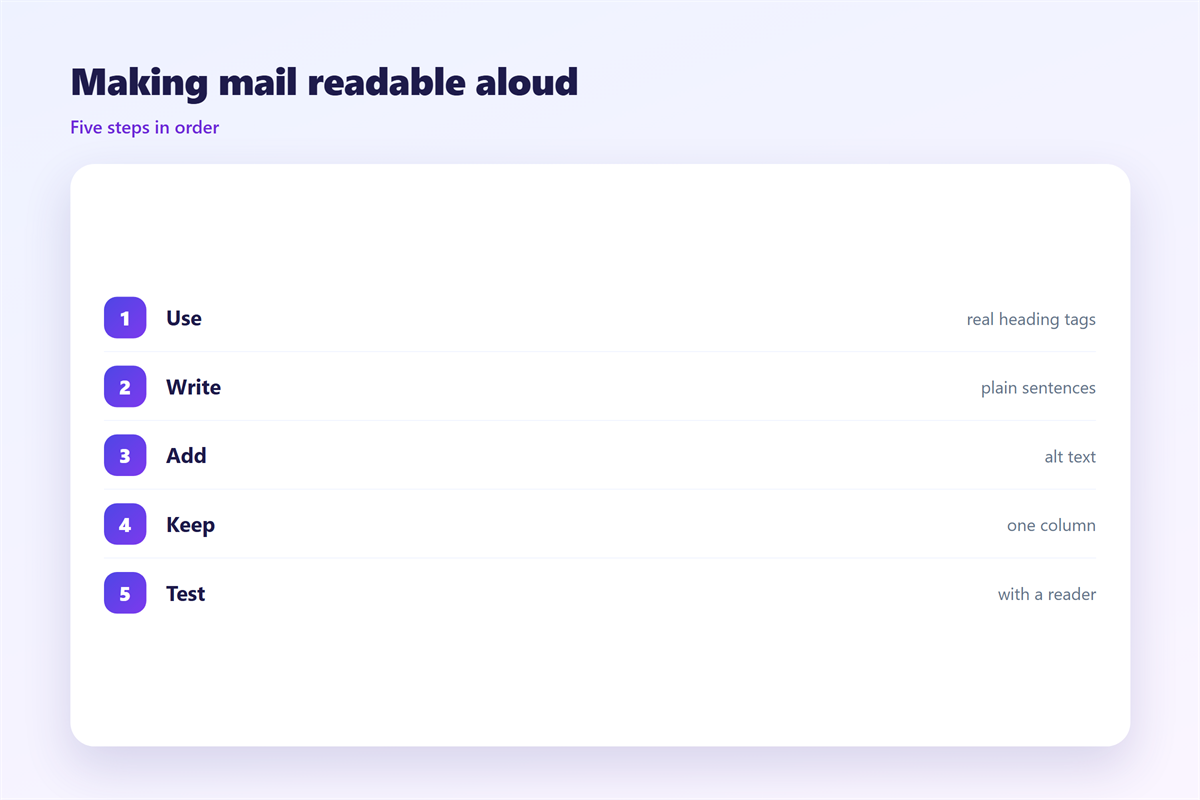
Short sentences sound clear when read aloud.
One idea in each line is easier to follow.
Write out a number instead of a symbol.
The reader will then say the right word.
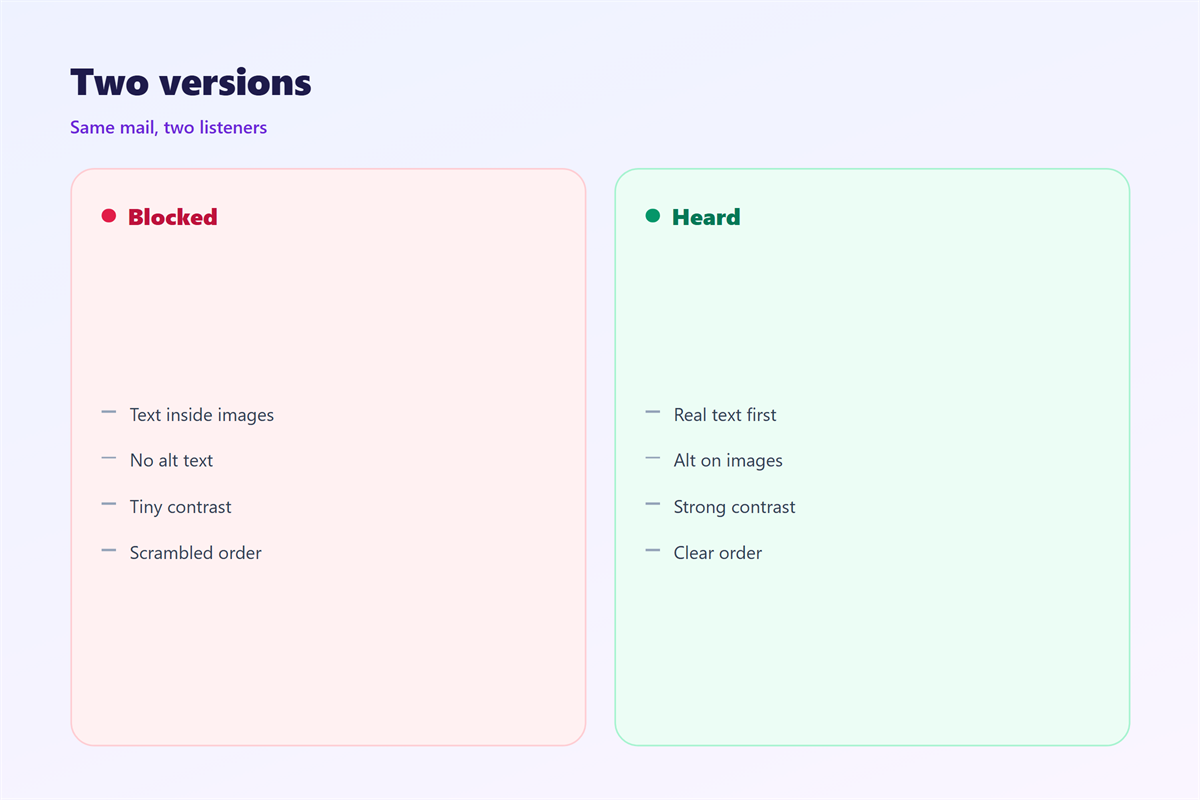
Add a real description to every image.
That text becomes the voice for the picture.
Avoid relying on colour alone to make a point.
A colour blind listener will miss the meaning.
Keep the layout simple and the order logical.
Headings help the listener jump to what matters.
A tested 邮件朗读 draft is worth the extra minute.
Read your draft aloud before you send it. You will hear the clumsy parts at once.
Keep the greeting short and the name correct. A wrong name sounds worse when spoken.
Put the most important line near the top. A listener may never reach the bottom.
Keeping 邮件朗读 useful over time
Listening habits change as tools improve.
Check that your message survives a reader. The wider rules are in 邮件可访问性.
See how the layout looks line by line. The view is described in 邮件阅读窗格.
Pick a type that stays clear at large sizes. The safe choices are in 邮件字体.
Remember that most listening happens on a phone. The rules are set out in 邮件移动端.
Then keep the text short and the meaning plain.
A good 邮件朗读 starts with a good draft.
Test the message with your own reader turned on. The result reveals what others will hear.
Ask a colleague to listen without seeing it. Their ear will catch what your eye missed.
Who benefits from 邮件朗读
The benefits reach far beyond one group.
People with low vision listen every day.
Busy commuters listen while they travel.
Anyone with tired eyes listens at night.
A clear message serves all of them at once.
You do not need a special version for each.
One clean design helps every listener equally.
That is the quiet promise of 邮件朗读.
Write for the ear and the eye together.
A helpful design also serves the writer. Clear text is easier to write and to edit.
Good habits here improve every message you send. The care carries over to other work.
Write as if someone may listen at any time. That habit costs nothing and helps a lot.
FAQ
Does 邮件朗读 need special software?
No. Most devices already include a reader or a voice assistant.
Does it change how I should write?
Yes. Shorter sentences and clear order help the spoken version.
Are images a problem for listeners?
Only if they lack alt text. A short description fixes most of it.
Can I test how my mail sounds?
Yes. Turn on your own reader and listen to the message once.
References
- W3C WAI: Web Content Accessibility Guidelines
- M3AAWG: Messaging best practices
- Litmus: Email design research
评论
还没有评论,来说两句吧。
评论功能已关闭。