 小影邮箱
小影邮箱邮件阅读顺序怎么看?The Order They Hear
Key Takeaways
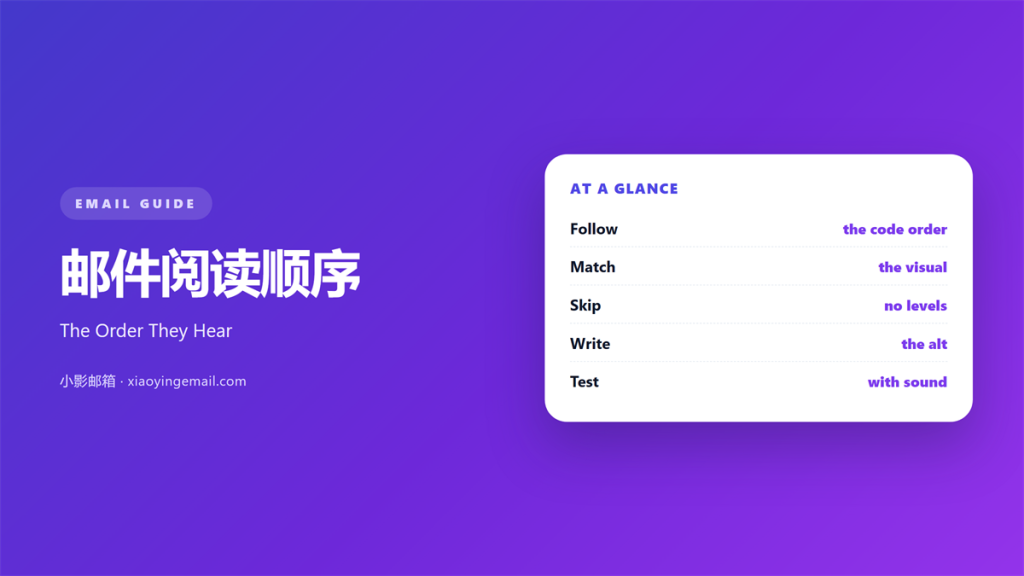
- 邮件阅读顺序 is the order in which a listener hears the content.
- Visual order and code order must match.
- Two-column layouts often break that match.
- Headings must step down, never skip a level.
- Alt text sits exactly where the image sits.
What 邮件阅读顺序 means
邮件阅读顺序 is the sequence in which content gets announced.
A screen reader follows the code, not the layout.
It reads from the start of the document to the end.
The 邮件阅读顺序 is fixed by the markup you write.
Most designers build the page by eye instead.
They move blocks until the picture looks right.
Then the code order drifts away from the visual order.
For sighted readers nothing seems wrong.
For a listener, the mail becomes a jumble.
So the rule is simple to state and hard to keep.
Code order and visual order should be the same.
Everything else follows from that.
Why 邮件阅读顺序 matters
A listener cannot glance back at a heading.
They hear each item once, in sequence.
If the price arrives before the product, it means little.
If a caption arrives before its image, it confuses.
Order carries meaning in a way that layout hides.
A good 邮件阅读顺序 also helps sighted readers.
Keyboard users tab through the same sequence.
Search engines read the text in that order too.
One correct structure serves all three groups.
That is a rare bargain in email work.
One column, one path
Single-column layouts keep order simple.
They also survive narrow screens without help.
Most modern mails should start there.
Add columns only when the content demands them.
When 邮件阅读顺序 helps
邮件阅读顺序 matters most in a long mail.
The longer the mail, the more the order carries.
It matters in any mail with a price.
Readers need the product before the number.
It matters when images carry the main claim.
Then the alt text must arrive at the right moment.
It also matters in a mail built from a template.
Templates tend to fix the order for every send.
Where it shows up
Check the order before you check the design.
Turn off images and read the mail as text.
That view shows the sequence plainly.
Then listen to it with a screen reader.
When 邮件阅读顺序 hurts
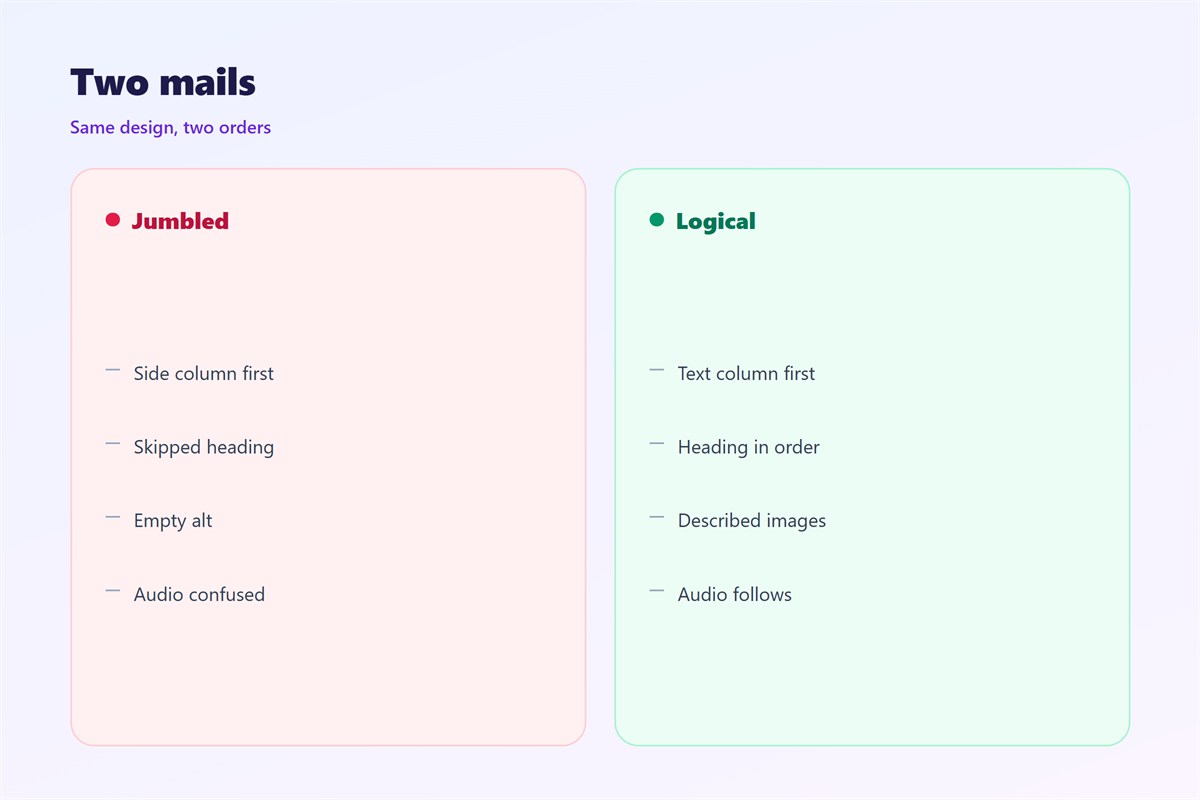
邮件阅读顺序 breaks in a two-column block.
The code often lists the whole left column first.
Then the right column follows in one lump.
A listener hears the sidebar before the main text.
It breaks when headings skip a level.
Jumping from h2 to h4 loses the structure.
It breaks when a button sits before its explanation.
The listener meets an action with no reason.
It also breaks when alt text is empty on a real image.
The listener misses the point entirely.
Finally, it breaks when decorative images carry long descriptions.
Those descriptions push the real content further back.
A short empty alt keeps the flow clean.
邮件阅读顺序 and the two-column layout
Two columns are the usual source of trouble.
The eye reads across, then down.
The code reads down the first column, then the second.
Those two paths rarely agree.
On a phone the columns stack anyway.
So the phone view often matches the code.
That makes the desktop the odd one out.
Build the stacked version first and the order follows.
Then add columns only where they earn their place.
Headings set the map
Headings give a listener a map of the mail.
Start at h2 and step down to h3.
Never use a heading just to make text bold.
A skipped level reads as a missing section.
Four headings are enough for most mails.
How to build 邮件阅读顺序
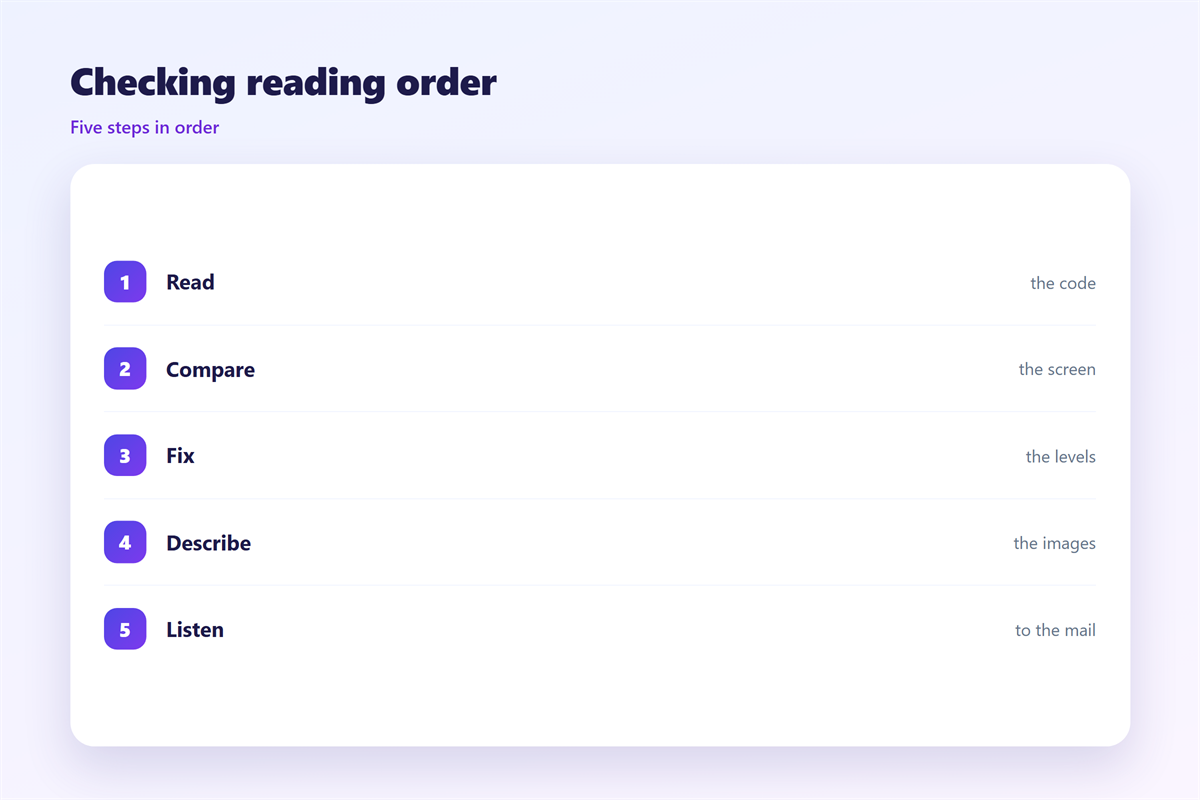
Write the mail as plain text before you style it.
Read it aloud from top to bottom.
If the sequence sounds wrong, fix the copy first.
Then mark the headings in order.
Give every meaningful image a short alt sentence.
Leave decorative images with an empty alt.
Build the table structure to match the reading path.
Test with images off and sound on.
Alt text in the flow
Alt text is read where the image sits.
So place the image next to the claim it supports.
Describe what the image adds, not what it shows.
Keep it under twelve words where you can.
Skip “image of” at the start.
Then the listener hears one clean sentence.
邮件阅读顺序 on a phone
A phone stacks every column into one line.
That usually improves the 邮件阅读顺序.
But it can also reorder content you meant side by side.
Check what lands first after the stack.
Often a sidebar slides above the main text.
Fix that by moving it in the code.
Keep the first screen to one heading and one paragraph.
A listener should know the topic in ten seconds.
Test with the phone set to the largest font.
Then test again with a screen reader running.
Keeping 邮件阅读顺序 honest
邮件阅读顺序 is invisible, so it is easy to fake.
A design can look fine and read in the wrong order.
Test with a listener, not with your eyes.
The wider rules sit in 邮件可访问性.
Audio versions are covered in 邮件朗读.
Narrow screens appear in 邮件移动端.
The overall frame belongs to 邮件结构.
Then keep one order across the whole series.
Same sections, same sequence, same headings.
A reader who learns the first mail reads the next faster.
That consistency is worth more than any single layout.
FAQ
Why does 邮件阅读顺序 matter if few people listen?
Because the same structure fixes keyboard use and search.
Can CSS change the reading order?
It can change the look. Screen readers still follow the code.
Should a logo come first?
Usually yes. Then a heading, then the opening line.
How many headings does a mail need?
Two or three. More than five starts to feel like a report.
References
- Litmus: Email design and rendering guides.
- Nielsen Norman Group: Reading order and accessibility.
- Campaign Monitor: Email marketing resources.
评论
还没有评论,来说两句吧。
评论功能已关闭。