 小影邮箱
小影邮箱邮件离线访问怎么用?Reading Without a Signal
Key Takeaways
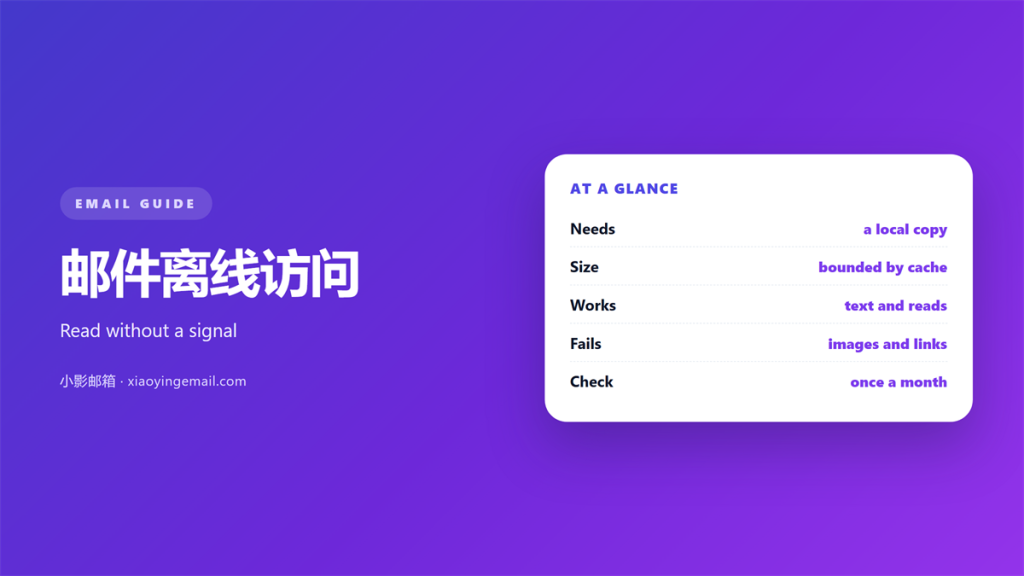
- 邮件离线访问 needs a local copy of the mail.
- The browser is almost always online only.
- A desktop client caches what it downloads.
- The sync window decides how far back you can read.
- Test offline mode before a real trip.
What 邮件离线访问 requires
邮件离线访问 means reading mail without a network. The message must already sit on your device. If it does not, the app shows an empty screen.
That local copy is called a cache. The client stores the message in a file on disk. Search and open then work without a signal.
A web browser rarely keeps this copy. Close the tab and the cache may vanish. A desktop app keeps it on purpose.
So the first choice is the app, not the setting. A real 邮件离线访问 starts with a client that stores mail. Everything else follows from that.
The second choice is how much to store. That single number decides what you can read on a plane.
Two numbers control the copy. One is the sync window. The other is the attachment rule.
How the cache and the sync window work
A client fetches a header for every message. The header holds the sender, subject, and date. The body comes later, in full.
The sync window sets a time range. A three month window keeps recent mail. Older mail stays on the server only.
Set the 邮件离线访问 window with care. A wide window fills the disk fast. A narrow one leaves gaps.
Attachments follow a similar rule. Many clients download them on demand. Others keep every file from day one.
Disk use grows with the window. A large 邮件离线访问 copy can take many gigabytes. That trade is always yours to make.
The client refreshes the copy over time. A server event may push a change down. The local file then updates to match.
Some clients ask per folder. Others apply one rule to all. Check each folder in the sidebar.
A full mirror keeps everything. A partial mirror saves space. Most people want something between the two.
How to set up 邮件离线访问
Add the account to a desktop client first. Let the first sync finish fully. Watch the status line until it stops.
Then set the sync window. Pick a range that covers your common work. Six months suits most people.
Turn on full message download. A header only copy is weak offline. You want the body and the files.
Open a few folders before you travel. Open the inbox, the sent items, and key search results. That warms the cache.
Test 邮件离线访问 with the network off. Disconnect and open three messages. If they open, the setup works.
Close other heavy apps during the first sync. A busy disk slows the download. The sync may then take hours.
Mark the folders you care about. Unchecked folders stay light. Checked folders keep their mail.
Recheck the 邮件离线访问 window after an update. A new version can reset it. Then the local mail shrinks without a warning.
The first sync is the slow one. Later syncs move much less. Plan the first run for a quiet night.
Where 邮件离线访问 breaks down
It breaks on a half finished sync. A partial copy looks complete but is not. You find the gap at the worst time.
It breaks on a shared device. A work laptop may wipe its cache at logout. The offline copy disappears with the session.
It breaks with weak search. Search only finds what is local. A message outside the window stays invisible.
It breaks when you write offline. Outgoing mail waits in the outbox. It sends only when the link returns.
A good 邮件离线访问 plan has a backup. A local copy is not a backup by itself. Keep a second copy somewhere else.
Watch the 邮件离线访问 cache size over time. A sudden drop means a reset. Check the settings right away.
Testing your 邮件离线访问
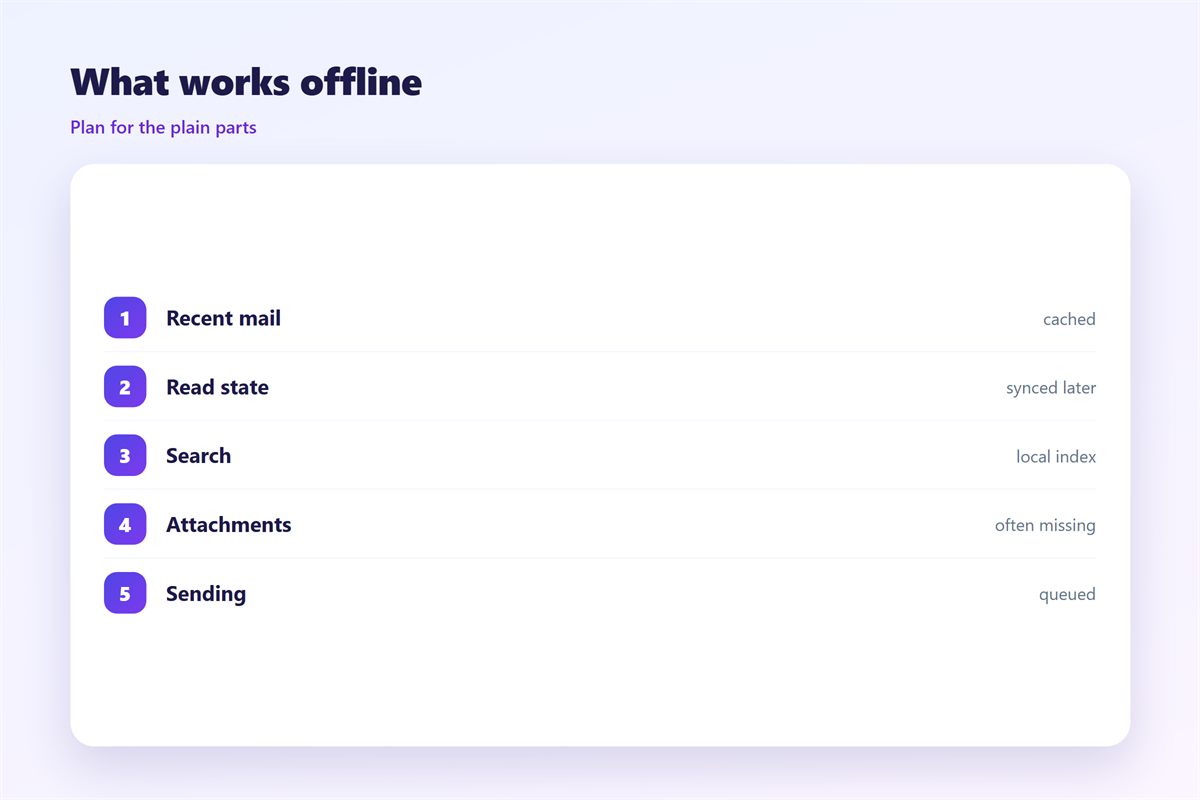
Pick a quiet hour and go offline. Try to read your last twenty messages. Note every one that fails.
Try a search with a name and a word. See if the result comes back fast. A slow search means a thin cache.
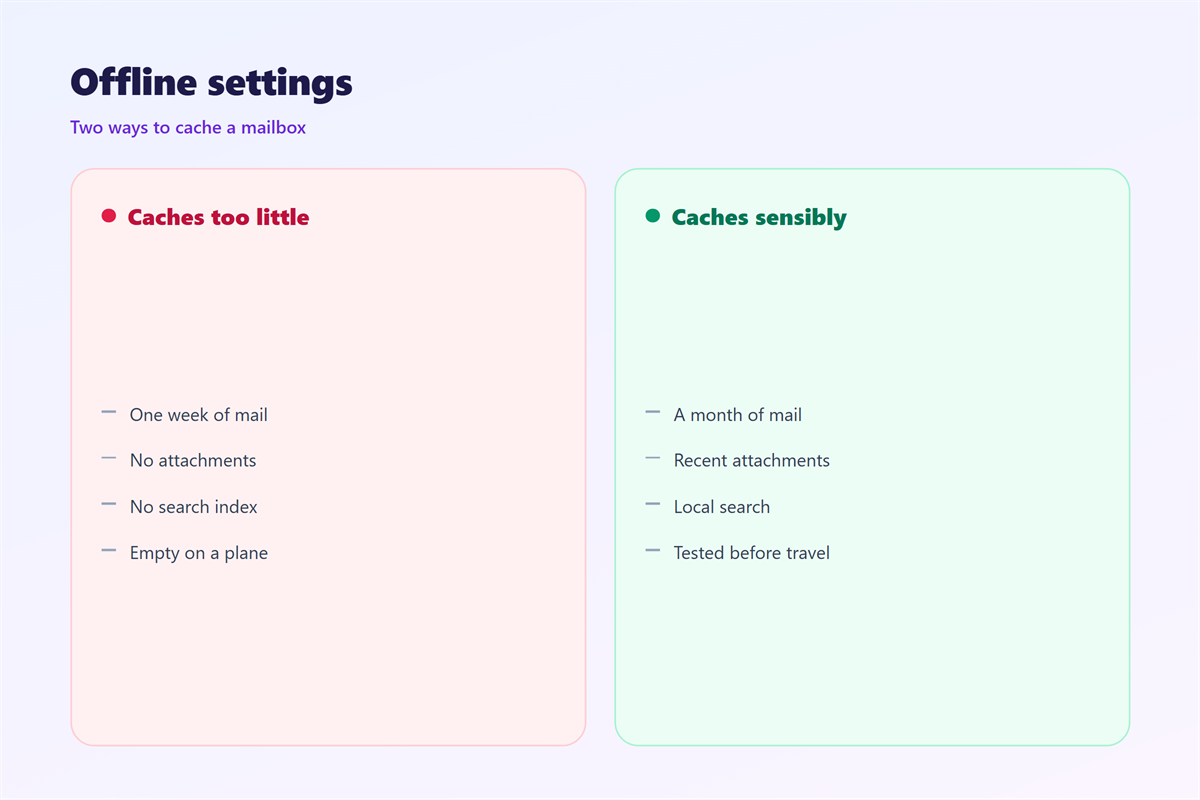
Repeat the test on your phone. Mobile apps often cache less than desktops. The gap surprises people on trips.
The test takes ten minutes. It saves a wasted trip.
A calm inbox offline is a real comfort. A missing message is a real cost. Balance the two on purpose. Check the setting once a season.
The cache is built on 邮件同步. The choice of app is covered in 邮件客户端. A local copy is not a safe copy, so read about 邮件备份. Fast local lookup also depends on 邮件搜索.
FAQ
Can I use 邮件离线访问 in a browser?
Only in a limited way. A web app may cache the last page. It rarely keeps a full mailbox for offline use. A few apps add a limited offline mode.
How far back does 邮件离线访问 go?
It follows your sync window. A one month window keeps one month. All mail covers everything, but uses the most disk. Anything older than the window needs the network.
Why is a message missing offline?
It sits outside the sync window. Or the first sync never finished. Open the message while online to pull it down. That pull caches it for the next trip.
Does 邮件离线访问 work on a phone?
Yes, within limits. Mobile apps cache less mail by default. They also clear the cache under disk pressure. Clearing app data also clears the offline mail.
评论
还没有评论,来说两句吧。
评论功能已关闭。