 小影邮箱
小影邮箱邮件打印怎么设置?Paper Copies That Stay Useful
Key Takeaways
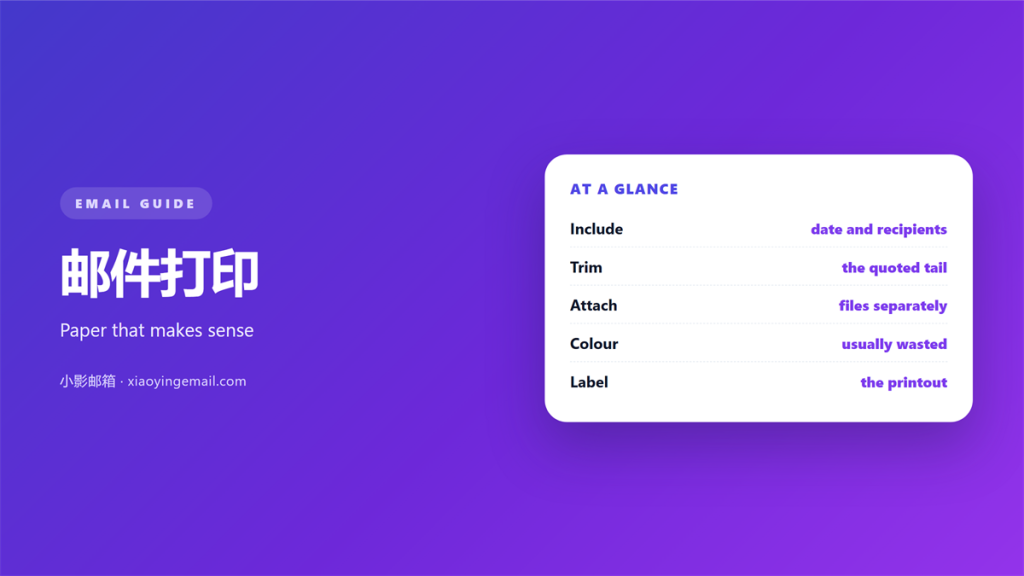
- 邮件打印 loses the parts a screen keeps.
- Headers, links and threads behave badly on paper.
- Set the page before you set the printer.
- Two pages beat a printout nobody reads.
- Keep the digital copy as the real record.
Why 邮件打印 goes wrong
邮件打印 copies a layout built for a screen. Paper has no scroll bar and no click. Whatever the page cut is simply gone.
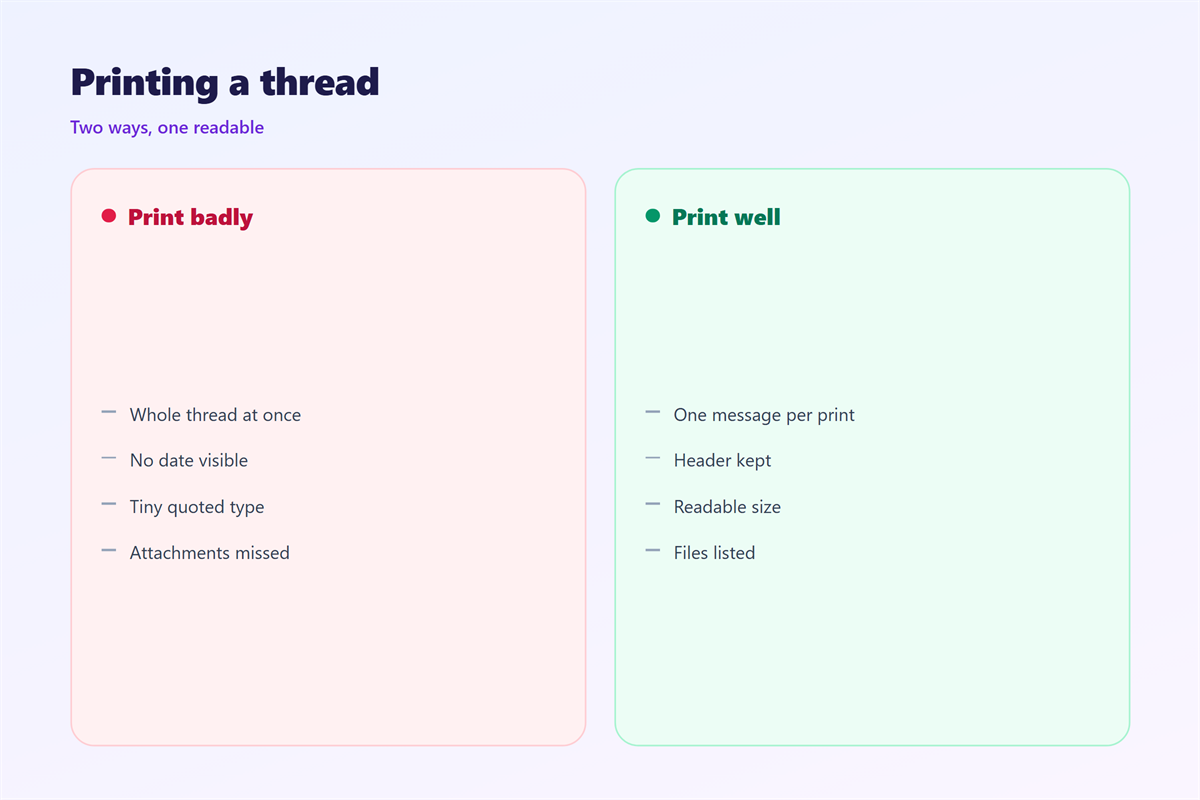
A long thread is the first victim. Clients collapse quoted text on screen. A printout may expand every reply at once.
Links are the second victim. A blue word on screen is a live link. On paper it is a short phrase with no address.
Headers are the third victim. Full headers can run for pages. They help a technician and confuse everyone else.
So 邮件打印 needs a decision first. Ask what the paper is for. Then choose the parts that serve that job.
A 邮件打印 job can hide the thread order. Replies may print oldest first. That reverses the story you want to tell.
Color carries meaning or it does not. A red flag on screen may print as grey. Never rely on color alone.
Preparing a message for 邮件打印
Start with the browser or an app print view. Both offer a cleaner layout. Avoid the raw source when you can.
Turn off the quoted history. Keep only the newest reply. The thread stays readable and short.
Check the attachment list. A file name is not the file. Print the files you need as separate pages.
Print the full header only when it matters. A dispute or a delivery problem may need it. Everyday mail does not.
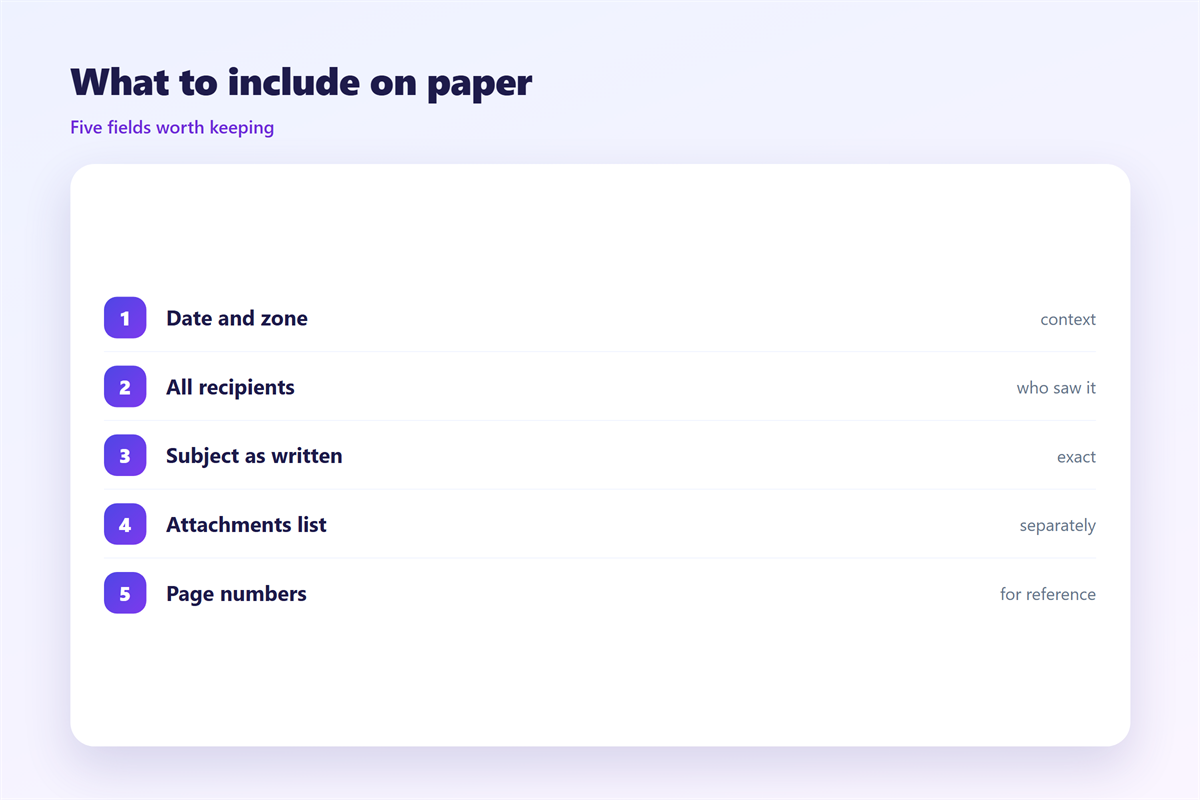
A tidy 邮件打印 shows the date, the sender, and the subject block. It also shows the recipients. That small block saves confusion later.
Choose the parts by purpose. A receipt needs the amount and the date. A contract note needs the full thread.
Set the paper size before you start. A wrong size shifts every margin. Small shifts can push text off the page.
Keep the subject line in the output. It tells the reader what the page is. A page without it is hard to file.
Settings that help 邮件打印
Use a narrow margin for wide tables. Use a wider one for plain text. The default is rarely the best choice.
Turn off background colors and images. A grey banner wastes ink. It also makes the text harder to read.
Scale to fit only when the loss is small. A shrunk page can drop to an unreadable size. Two clean pages beat one cramped one.
Choose grayscale for a work document. Color is useful only when it carries meaning. Most 邮件打印 does not need it.
Save a preset once you find good values. The next print then takes one click. That removes the guesswork for good.
Preview the 邮件打印 job before you print. Most clients show a preview pane. It catches the worst faults for free.
Duplex saves paper and space. It also makes two sided reading harder. Use it only for reference copies.
Where 邮件打印 breaks down
It breaks on folded lines. A plain text message wraps to your window. The print may wrap in a different place.
It breaks on long tables. A wide table runs off the page. Columns then vanish without a warning.
It breaks on images. A chart may print too light or too dark. The numbers behind it never appear.
It breaks on attachments. A printed sheet points to a file. The file itself is still somewhere else.
Email is not a document format. A message is a record, not a report. When the layout matters, export a proper file instead.
It breaks on signatures and logos. A large image may split across pages. A 邮件打印 then flows around the break.
Watch the footer of a page. The sender and page number should appear there. A missing footer breaks the paper trail.
Testing your 邮件打印
Print one page and read it away from the screen. Mark every place you lose meaning. Then change one setting and print again.
Try a short mail and a long thread. The two expose different faults. Fix both before you rely on paper.
Print in the mode you will use most. Draft mode is fine for a quick check. Switch to normal for the final copy.
Keep the digital copy as the source of truth. The paper is a view, not the record. That rule settles most disputes.
File the 邮件打印 copy somewhere fixed. A loose sheet is easy to lose. A folder keeps it findable.
The layout starts with 邮件格式. A file made for paper is covered in 邮件导出. Long term storage belongs with 邮件归档, and the files you print sit in 邮件附件.
FAQ
How do I print a full email with headers?
Open the message and find the print or view options. Choose the full header view first. Then print from that window. The option is usually under a menu, not on the toolbar.
Why does 邮件打印 cut off the right side?
The content is wider than the page. Reduce the scale or pick landscape. A wide table often needs landscape. Landscape alone often solves it.
Can I print an attachment in the same job?
Usually not. The attachment is a separate file. Open it and print it on its own. A PDF attachment prints best the way it looks.
Should I print a long thread?
Rarely. Print the newest reply and the key quote. A 邮件打印 of forty replies helps nobody. Pick the pages that matter and stop there.
评论
还没有评论,来说两句吧。
评论功能已关闭。