 小影邮箱
小影邮箱邮件同步是怎么回事?Read States, Folders and Duplicates
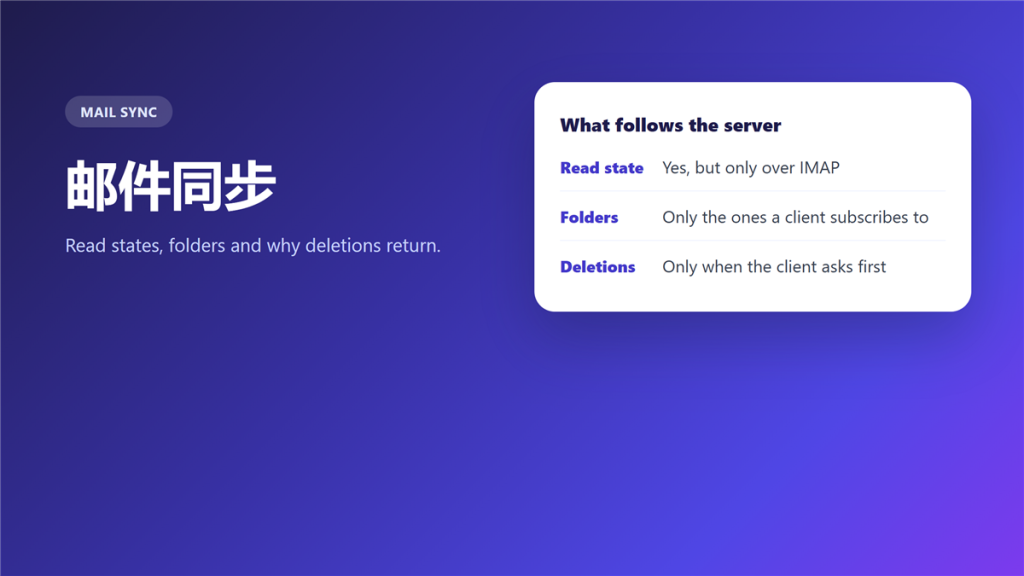
What 邮件同步 actually copies
邮件同步 is not one mechanism, and it does not copy everything. It carries the events a protocol was designed to carry, and it leaves the rest on whichever device created it.
A manager read a report on her phone during a commute and found it unread again on the office desktop. Nothing had failed. The account was set to download mail rather than to 邮件同步, and the two devices had been keeping separate mailboxes for a year.
Key Takeaways
- 邮件同步 depends on the protocol, not on the app.
- Read state follows the server only over IMAP.
- Folders sync only if the client subscribes to them.
- Deletions can come back when the client works offline.
- Drafts often stay on the device that wrote them.
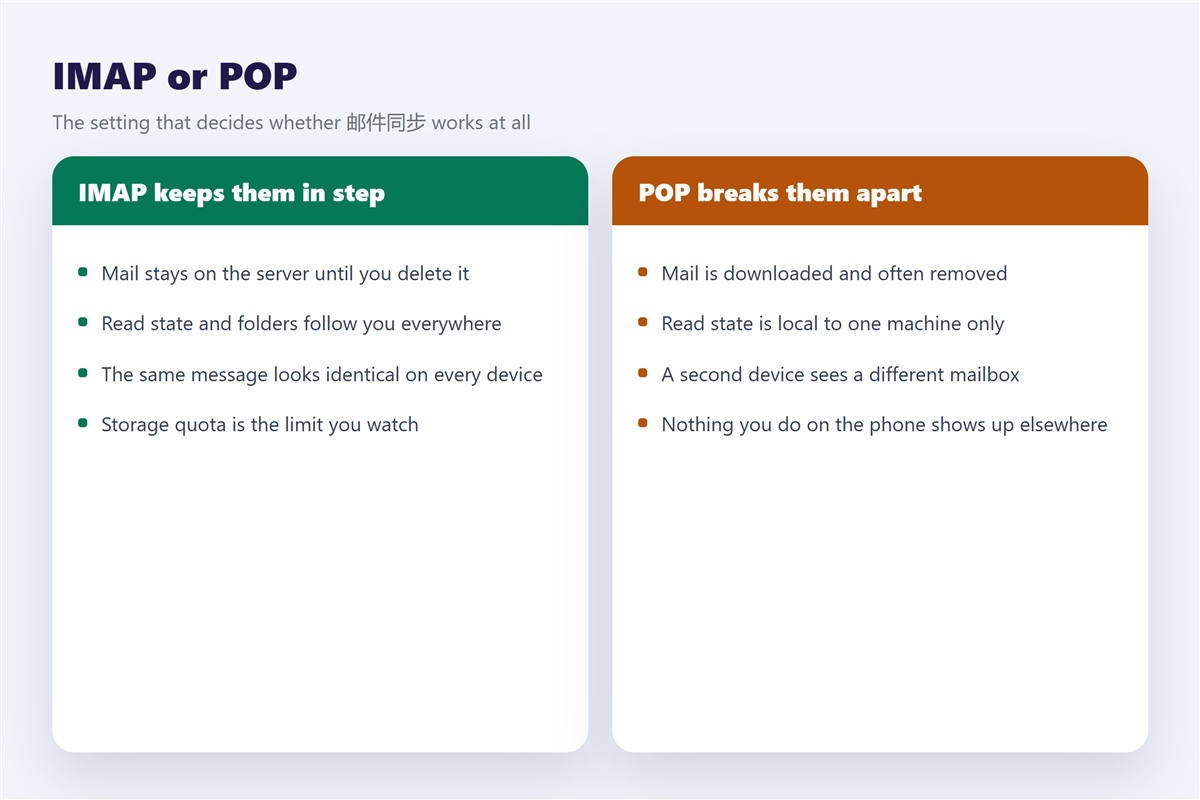
- POP creates separate mailboxes while pretending to be one.
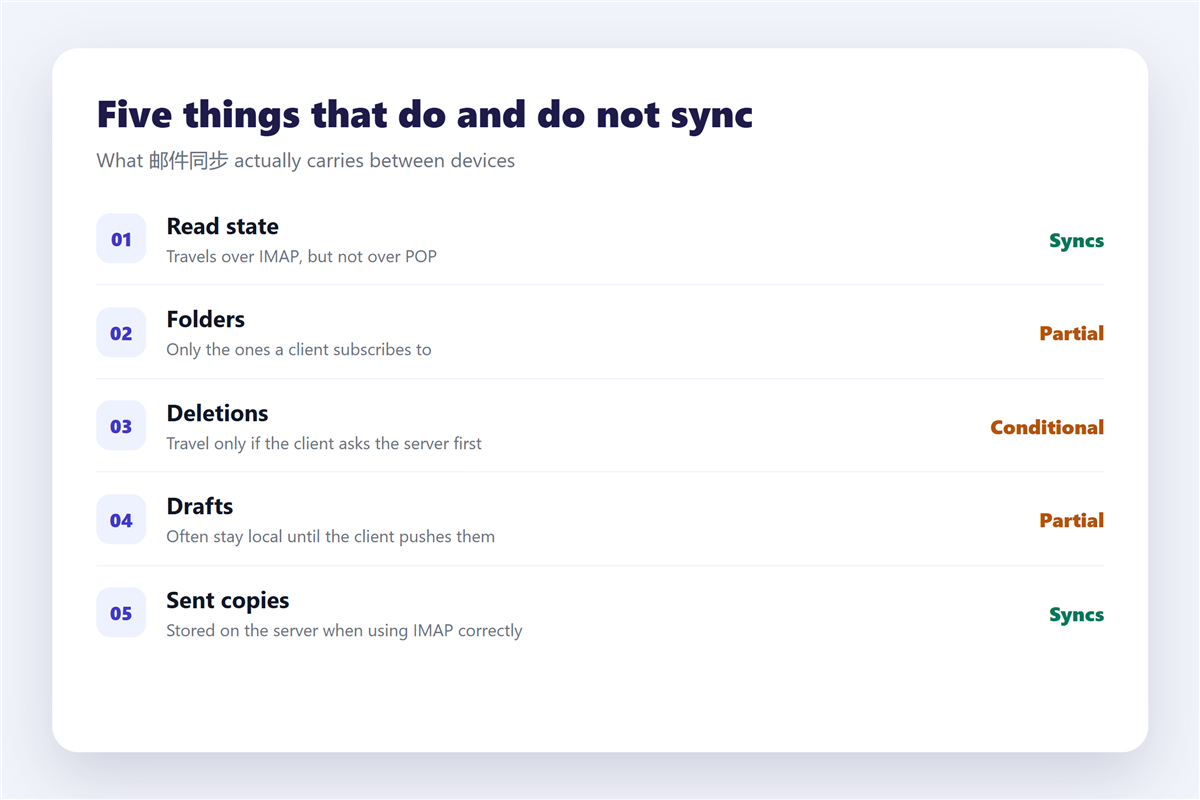
Five things and whether they sync
- Read and unread state, over IMAP.
- Folder structure, for the folders a client subscribes to.
- Deletions, if the client tells the server rather than hiding the message.
- Drafts, which usually stay local until the client pushes them.
- Sent copies, which belong on the server when the client is set up properly.
The third item explains the most common complaint of all, which is mail that reappears after being deleted. Because a client can hide a message without informing the server, the next sync simply restores it. When duplicates appear instead of reappearing messages, the cause is different again and is described in 邮件重复.
Why 邮件同步 breaks on a new device
Setting up a second device is where synchronisation is usually lost, and the setting is easy to miss.
The protocol choice
A new client may default to a download protocol rather than to IMAP. Consequently everything it receives afterwards is invisible to your phone, and the two mailboxes drift apart silently. The port and protocol settings are listed in 邮件客户端.
The folder subscription
Some clients add only the inbox by default and leave other folders unsubscribed. Notably, an unsubscribed folder is not synchronised at all, and it looks empty rather than broken.
The local deletion setting
A client that keeps deleted mail locally will restore it on the next connection. In addition, this setting is often described in wording that never mentions synchronisation at all.
邮件同步 and mail that arrives late
Synchronisation also governs how quickly a message appears, and that is a different question from delivery.
A message can reach the server within seconds and still take an hour to appear on your screen, because a client polling on a fifteen minute cycle will always look slow. Therefore, if timing matters, prefer a client that keeps a persistent connection. When a message is delayed in transit rather than in the client, the causes are covered in 邮件延迟.
Fixing 邮件同步 that has already drifted
- Check the protocol on every device and set each one to IMAP.
- Subscribe to every folder you expect to see.
- Turn off any option that keeps deleted mail on the device.
- Let one device finish a full sync before judging the result.
The fourth step takes patience on a large mailbox. Moreover, a mailbox that is re downloading can take an hour to settle, and interrupting it produces exactly the duplicates you were trying to avoid. Mail that has genuinely gone is a separate matter, and the retention window is explained in 邮箱回收站. If the archive is near its ceiling, sync problems turn into storage problems, and the steps for that are in 邮箱容量.
Frequently asked questions
Why does 邮件同步 not work between my devices?
Almost always because one of them is downloading mail rather than using IMAP.
Does 邮件同步 copy everything?
No. Read state, folders and sent copies travel, while local settings and most drafts do not.
Can 邮件同步 be turned on later?
Yes, by switching a device from POP to IMAP. Expect some duplication during the changeover.
Does 邮件同步 use more storage?
It uses the server quota rather than your disk, so a large archive hits the mailbox limit first.
References
- Wikipedia: Internet Message Access Protocol
- Wikipedia: Post Office Protocol
- RFC 3501: IMAP version 4rev1
评论
还没有评论,来说两句吧。以下为本文的引用通告: